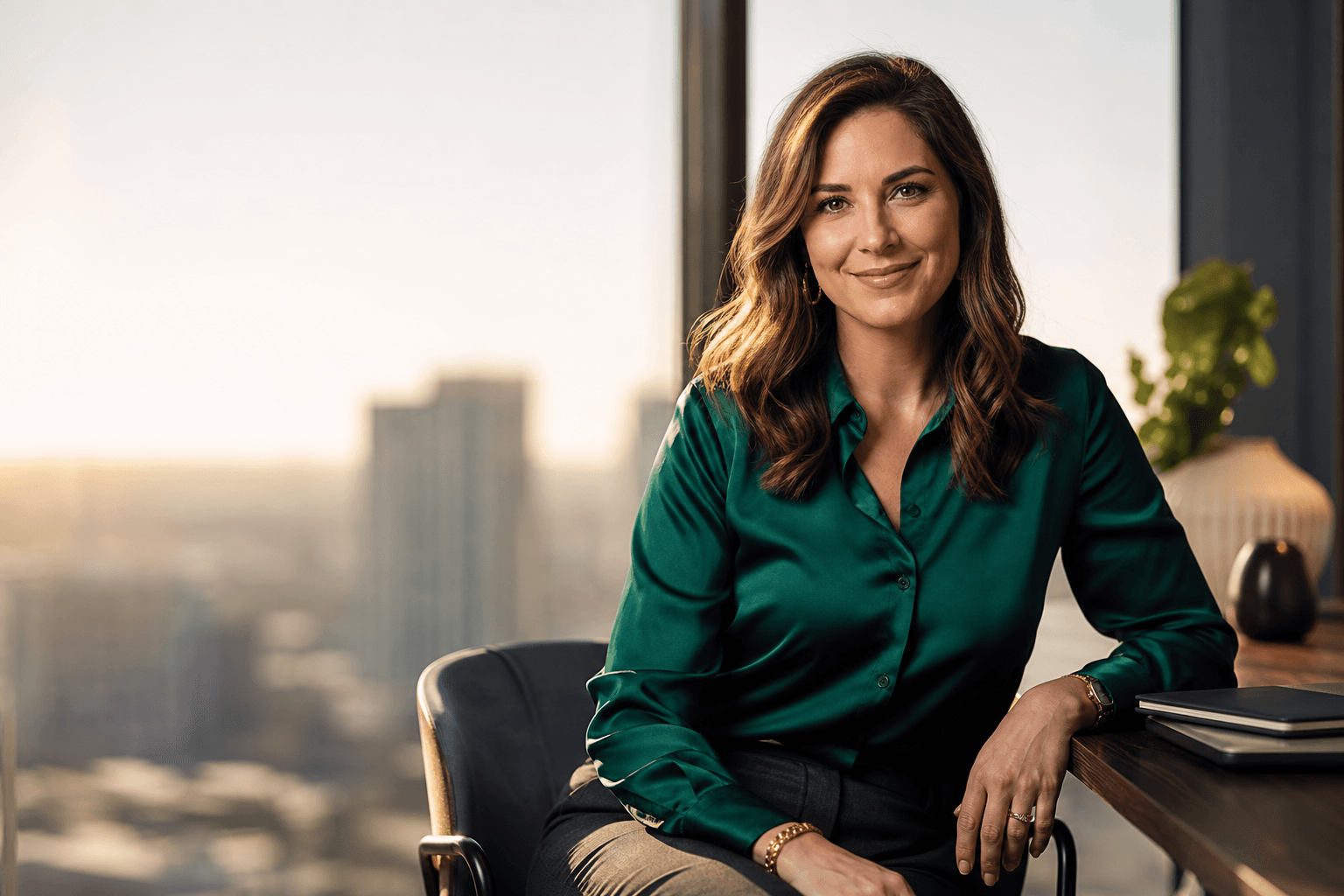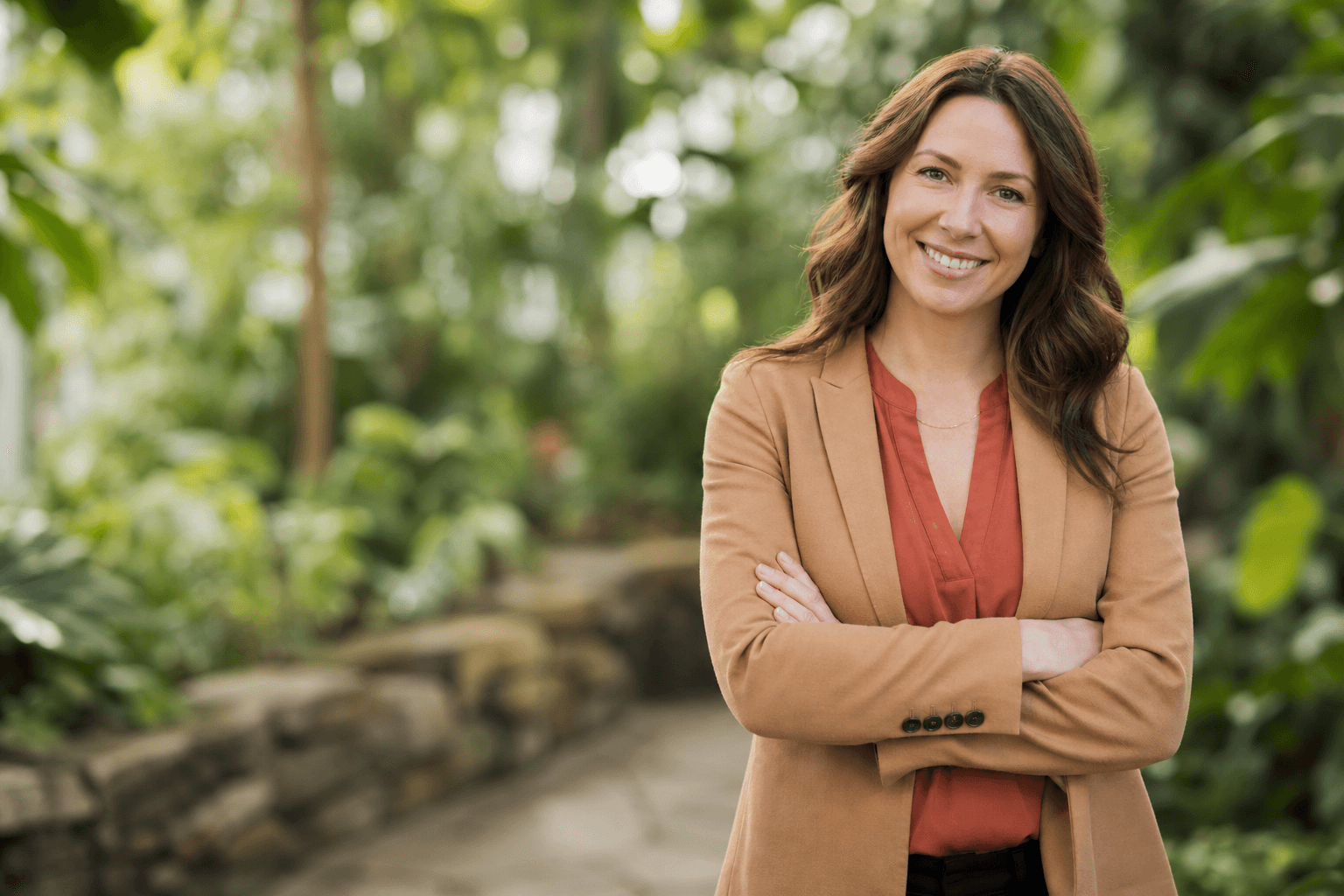
A professional headshot women search usually starts with a simple question: how do you look polished, confident, and like yourself in one image? Whether your photo is for LinkedIn, a resume, a company bio, a speaking page, or a business profile, the goal is not to look overly staged. The goal is to create a professional profile picture that feels credible, current, and aligned with where you want your career or brand to go.
For many women, planning a headshot can feel more complicated than expected. Clothing, hair, makeup, expression, background, and posture all affect the final impression. AI headshots add another option: instead of booking a traditional photoshoot, you can create polished AI professional photos from the images you already have. This guide explains how to prepare, what choices matter most, and how QuickAI Headshots can help you build a professional image with less friction.
Professional Headshot Women: What It Should Communicate
A strong professional headshot for women should communicate competence, approachability, and personal style without distracting from the person in the image. It is not only about looking formal. A lawyer, product manager, coach, designer, consultant, professor, and real estate agent may all need different versions of professional.
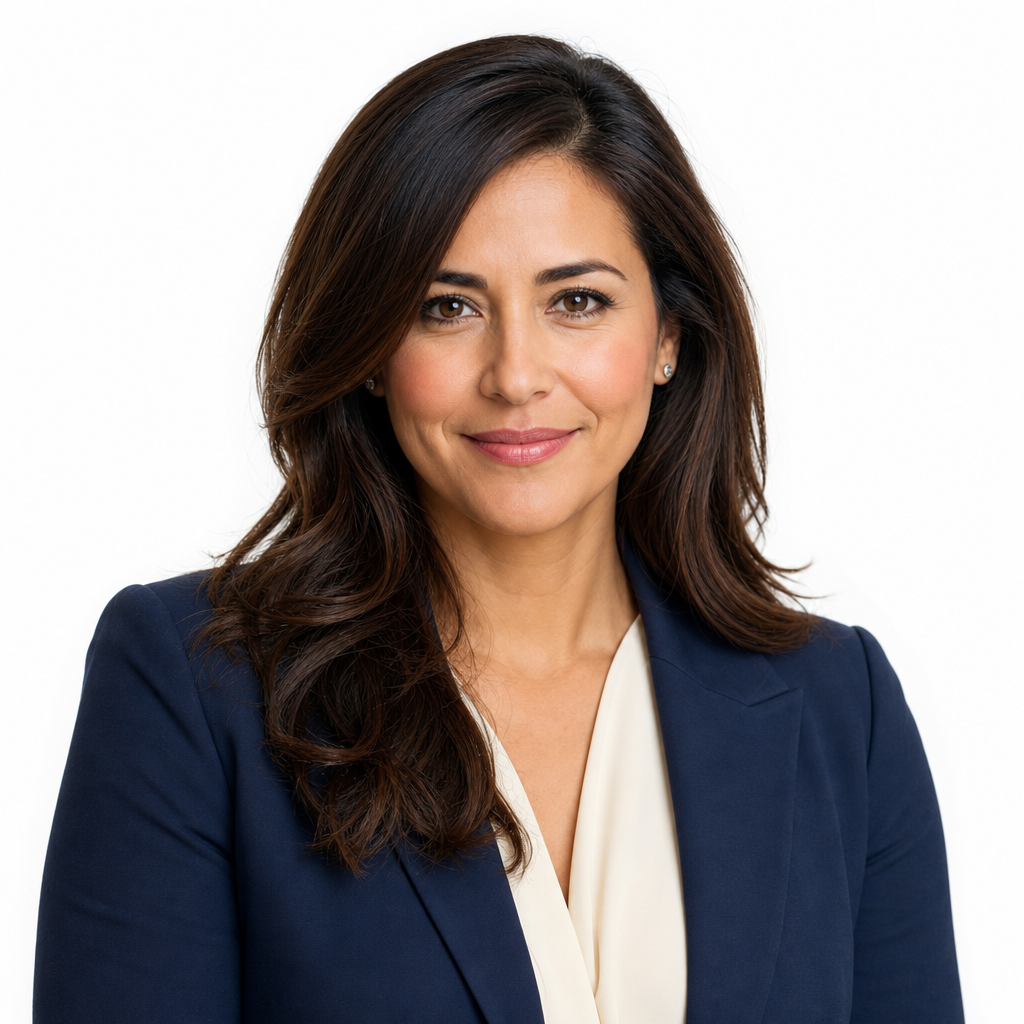
The best headshot feels intentional. Your face should be clear, your expression should match your role, and your wardrobe should support your message. For LinkedIn headshots, a clean background and direct eye contact often work well. For personal branding photo use, a slightly warmer expression, modern setting, or softer color palette may feel more authentic. For corporate headshots, consistency and simplicity usually matter most, especially if the image appears beside teammates on a company website.
A typical headshot is framed from the shoulders or chest upward, with the face as the focal point. It may be photographed in a studio, office, outdoor shade, or generated with a professional headshot generator. What matters is that the image looks realistic, current, and suitable for the platform where it will appear.
Set Clear Goals for Your Headshot Session
Before thinking about outfits or poses, decide what your headshot needs to achieve. A headshot for an executive bio may require a different tone than one for a creative portfolio or a speaker profile. Ask yourself where the image will be used first: LinkedIn, a resume, an email avatar, a company directory, a website, a business card, or press materials.
Then define the impression you want to leave. Do you want to appear authoritative, warm, innovative, calm, energetic, refined, or approachable? These words help guide the style of the image. If you are using QuickAI Headshots, choosing a direction in advance makes it easier to evaluate the results and select images that match your professional goals.
Clear goals also help you avoid mixed signals. A casual selfie-style image might work for a personal social account but feel underprepared on a consulting website. A very formal corporate headshot may feel too stiff for a wellness coach. Your headshot should support the next step you want someone to take, whether that is reading your bio, connecting with you, inviting you to speak, or trusting your expertise.
Tailoring Your Female Headshot
Tailoring your female headshot means making choices that fit your industry, seniority, personality, and audience. There is no single correct version of a professional headshot women should follow. The right image for a founder may be more relaxed and brand-forward, while the right image for a finance executive may be more structured and traditional.
Start with your environment. A neutral studio background is versatile and timeless. A modern office setting can suggest leadership and collaboration. A softer background can work well for coaches, educators, therapists, and creative professionals. If you use AI headshots, choose styles that look believable for your work life rather than selecting the most dramatic option.
Next, consider posture and expression. A slight angle toward the camera can be flattering, while direct eye contact creates connection. A soft smile often reads as approachable; a more neutral expression can feel serious and executive. The key is to look like someone a colleague, client, recruiter, or audience member would recognize in real life.
What should I wear for my headshot session?
Choose clothing that feels professional, comfortable, and consistent with your role. Structured pieces such as blazers, tailored jackets, blouses, fine knits, and simple dresses often photograph well because they create clean lines around the face. Wear clothing that fits properly at the shoulders and neckline, and avoid anything that requires constant adjusting. If you are unsure, bring or upload options with different levels of formality so you can compare polished business headshots with more relaxed personal branding images.
How Should I Style My Hair?
Style your hair in a way that looks like your best everyday professional self, not like a completely different person. Smooth flyaways, avoid heavy styling products that create shine, and choose a shape that keeps your face visible. If you normally wear your hair curly, natural, short, long, tied back, or covered, keep that identity present. The goal is recognition and confidence, especially when your headshot appears beside your name on LinkedIn, resumes, websites, and business profiles.
What colors should I wear?
Color is one of the easiest ways to improve a professional headshot because it changes how the eye moves through the image. The best colors are usually the ones that support your skin tone, contrast gently with the background, and align with the message you want to send. Navy, charcoal, ivory, cream, forest green, burgundy, teal, camel, and soft blue are common choices because they feel professional without overpowering the face.
If your industry is conservative, deeper neutrals and classic combinations often work well: navy with cream, charcoal with white, black with ivory, or camel with a dark top. If your personal brand is warmer or more creative, consider muted jewel tones, soft pastels, or earthy shades. Very bright neon colors can reflect onto the skin and distract from your expression. Tiny patterns, high-contrast stripes, and overly shiny fabrics can also compete with the face, especially in a tightly cropped professional profile picture.
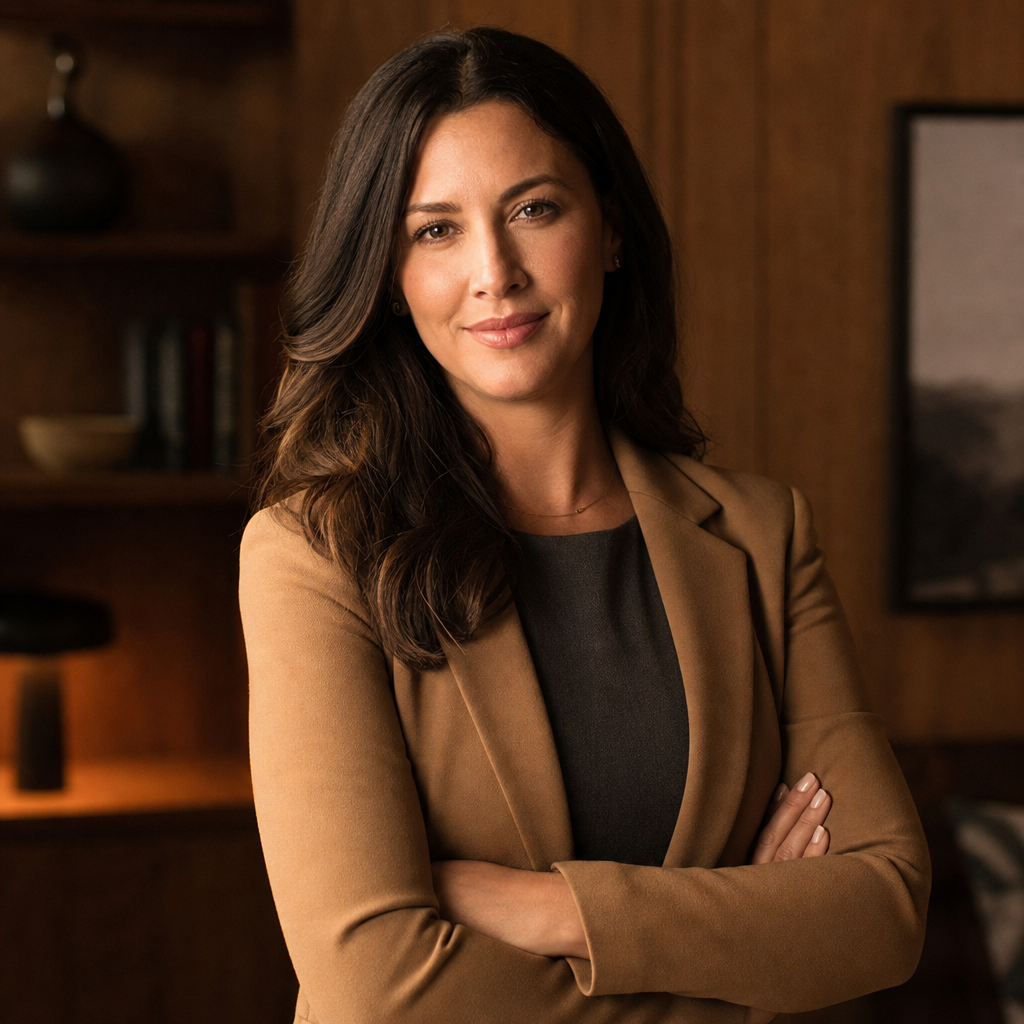
Think about the background before choosing color. A white or grey studio background can handle darker clothing beautifully. A warm office background may pair well with blues, creams, and charcoal. A botanical or outdoor-inspired setting can complement beige, green, navy, and warm neutrals. If you use an AI headshot generator, uploading source photos with simple, flattering wardrobe colors can help the final images look more professional and realistic.
Also consider your platform. LinkedIn headshots tend to benefit from clear contrast and simple styling because the image appears small in feeds and search results. A website bio or speaker page can handle a more expressive color choice because viewers may see the image larger. When in doubt, choose a color that makes your face the focus and reflects the tone of your work.
Makeup, Grooming, and Facial Expression
Makeup for headshots and portraits should usually enhance, not transform. A natural, polished look tends to photograph better than heavy trends that may date the image quickly. Even skin tone, defined brows, soft eye definition, and a lip color close to your natural palette can help your features read clearly on camera. If you do not wear makeup, grooming and skin preparation still matter: hydrate, rest when possible, and reduce shine with simple blotting or powder if needed.
Facial expression is your key to making an immediate impression. A forced smile can feel tense, while a completely blank expression may seem distant. Try small variations: relaxed smile, confident half-smile, warmer smile, and calm neutral. For AI headshots, source photos with natural expressions can influence how authentic the final professional headshots feel.
Glasses, jewelry, and accessories should support the image rather than dominate it. Clean lenses, avoid glare when possible, and choose earrings or necklaces that do not pull attention away from your eyes. The strongest headshots usually feel refined but not overworked.
Practical Checklist for Better Headshots
Use this checklist before a traditional shoot or before preparing images for QuickAI Headshots. Small choices can make a meaningful difference in the final result, especially when your headshot needs to work across multiple professional platforms.
- Choose two to four wardrobe options. Include one classic business look and one slightly more personal option.
- Check fit and neckline. Make sure collars, lapels, and shoulders sit cleanly when cropped close.
- Keep backgrounds simple. Busy rooms, visible clutter, and harsh shadows can reduce professionalism.
- Use natural expressions. Take or select photos where your eyes look engaged and your face is relaxed.
- Avoid over-editing. Skin should look like skin, and the image should still look like you.
- Match the platform. A company bio, LinkedIn profile, resume, and personal website may need slightly different crops or tones.
If you are creating AI headshots, use clear, well-lit source photos from different angles. Avoid sunglasses, extreme filters, group photos, and images where your face is partially hidden. Better inputs can help produce a more polished and believable result.
Common Mistakes to Avoid
The most common mistake is using a casual photo in a professional setting. A cropped vacation picture or car selfie may be convenient, but it can send the wrong signal when someone is evaluating your credibility. Another mistake is choosing an outfit that looks good in person but becomes distracting in a small online profile photo.
Poor lighting is also a frequent issue. Harsh overhead light can create shadows under the eyes, while dim light can make an image look blurry or dated. Distracting backgrounds, heavy filters, excessive smoothing, and mismatched crops can all weaken the impression. For professional headshots, realism matters. You want to look polished, but still recognizable.
Finally, avoid copying someone else’s style too closely. Inspiration is helpful, but your headshot should be built around your work, audience, and personal brand. A strong image feels specific to you, not like a template.
Showcase Your Personal Brand Across Platforms
Your headshot is often the most repeated image in your professional presence. It may appear on LinkedIn, your resume, your email profile, a company website, event pages, online directories, proposals, and social profiles. Consistency helps people recognize you, but that does not mean every platform needs the exact same crop.
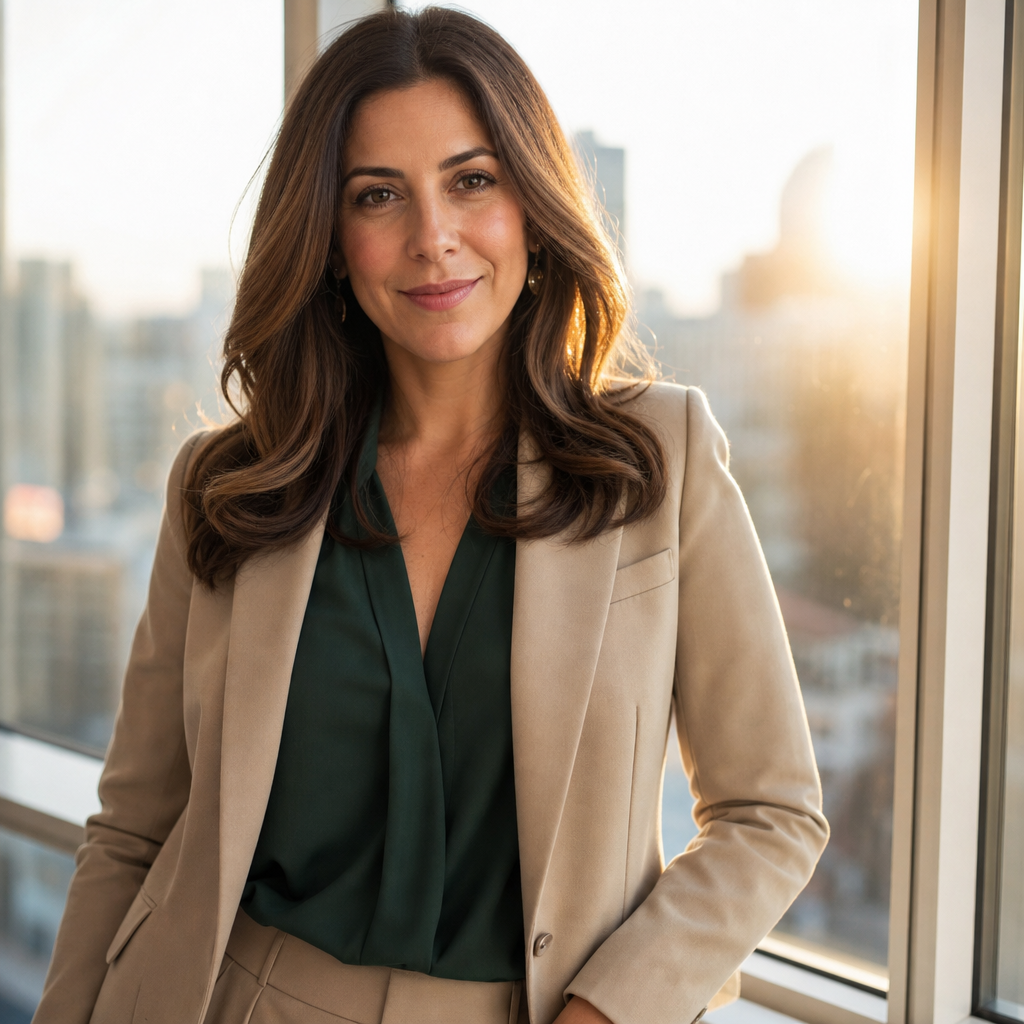
For LinkedIn, choose a clear head-and-shoulders crop with your face large enough to read at small size. For a resume or CV, use a clean and conservative version only if headshots are appropriate in your region and industry. For a website or speaker bio, you may choose a warmer personal branding photo with more personality. For internal business profiles, match the tone of the organization while still looking like yourself.
This is where AI professional photos can be useful. QuickAI Headshots can help you create several professional-looking options without booking a studio session, making it easier to select different images for different contexts. You might use a formal corporate headshot for a board bio, a friendly image for LinkedIn, and a more brand-focused portrait for your website.
Create Professional AI Headshots with QuickAI Headshots
If you want a polished headshot but do not want to coordinate a photographer, studio time, wardrobe changes, and travel, QuickAI Headshots offers a convenient alternative. QuickAIHeadshots.com is designed for people who need professional headshots for LinkedIn, resumes, websites, business profiles, and personal branding, but prefer a faster and simpler process.
QuickAI Headshots is especially helpful when you need multiple looks. Instead of relying on one image, you can review options with different backgrounds, wardrobe styles, and professional tones. That variety can help you choose the image that best matches your goals. It is also useful if your current headshot is outdated, too casual, poorly lit, or inconsistent with your current role.
AI headshots are not about pretending to be someone else. The best results should look realistic, professional, and aligned with your actual appearance. Use them thoughtfully: choose images that feel credible, avoid overly stylized results, and select a final headshot that you would be comfortable using in a real business context.
Conclusion: Build a Headshot That Works for You
A professional headshot women guide should not push one rigid formula. The strongest headshot is the one that supports your goals, fits your industry, reflects your personal brand, and helps people recognize you with confidence. Clothing, color, hair, makeup, expression, background, and platform all work together to shape the final impression.
If you want professional-looking headshots without booking a traditional photoshoot, QuickAI Headshots can help you create polished options for the places your image matters most. Start with clear goals, choose a style that feels authentic, and use your headshot consistently across the professional profiles that represent you.