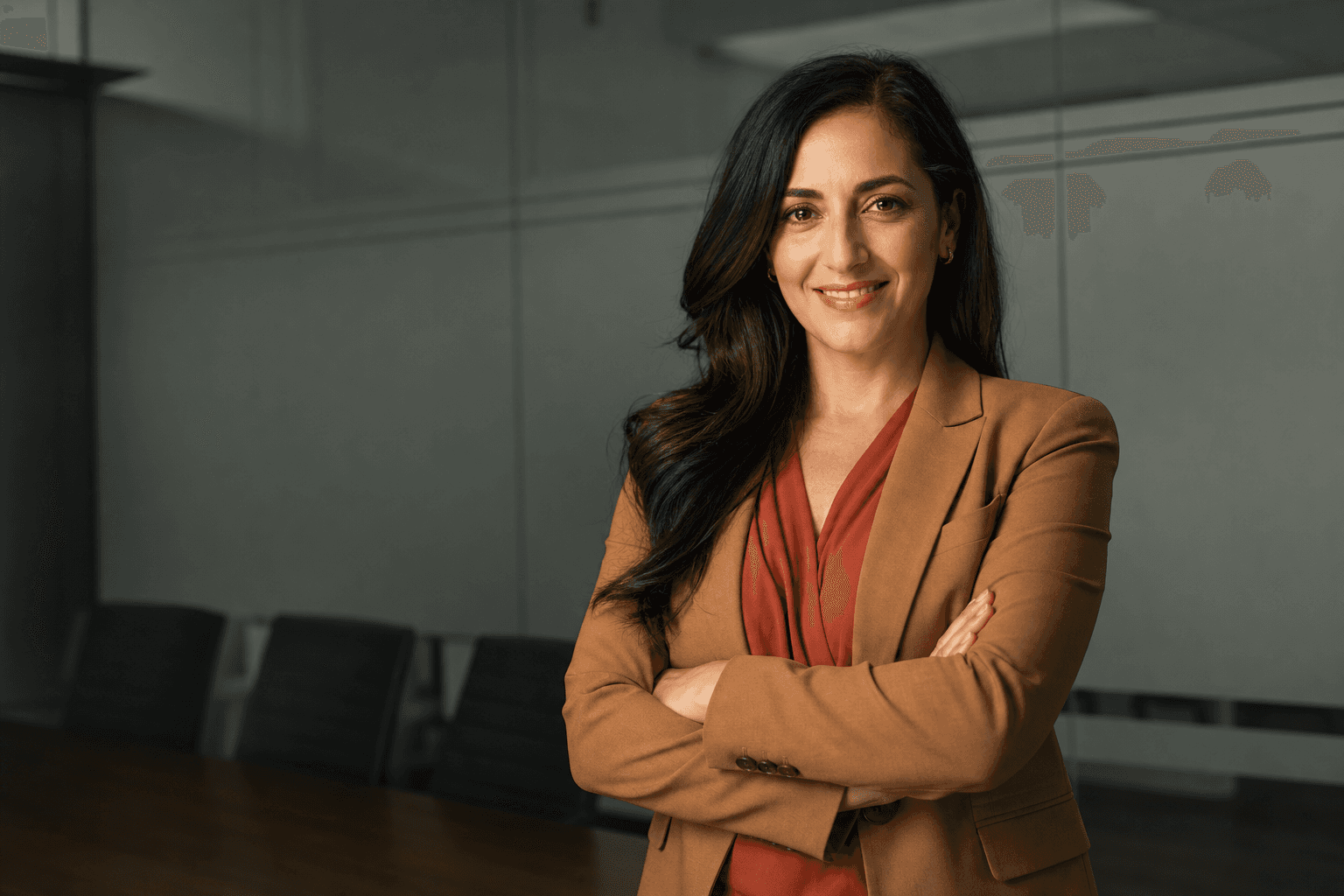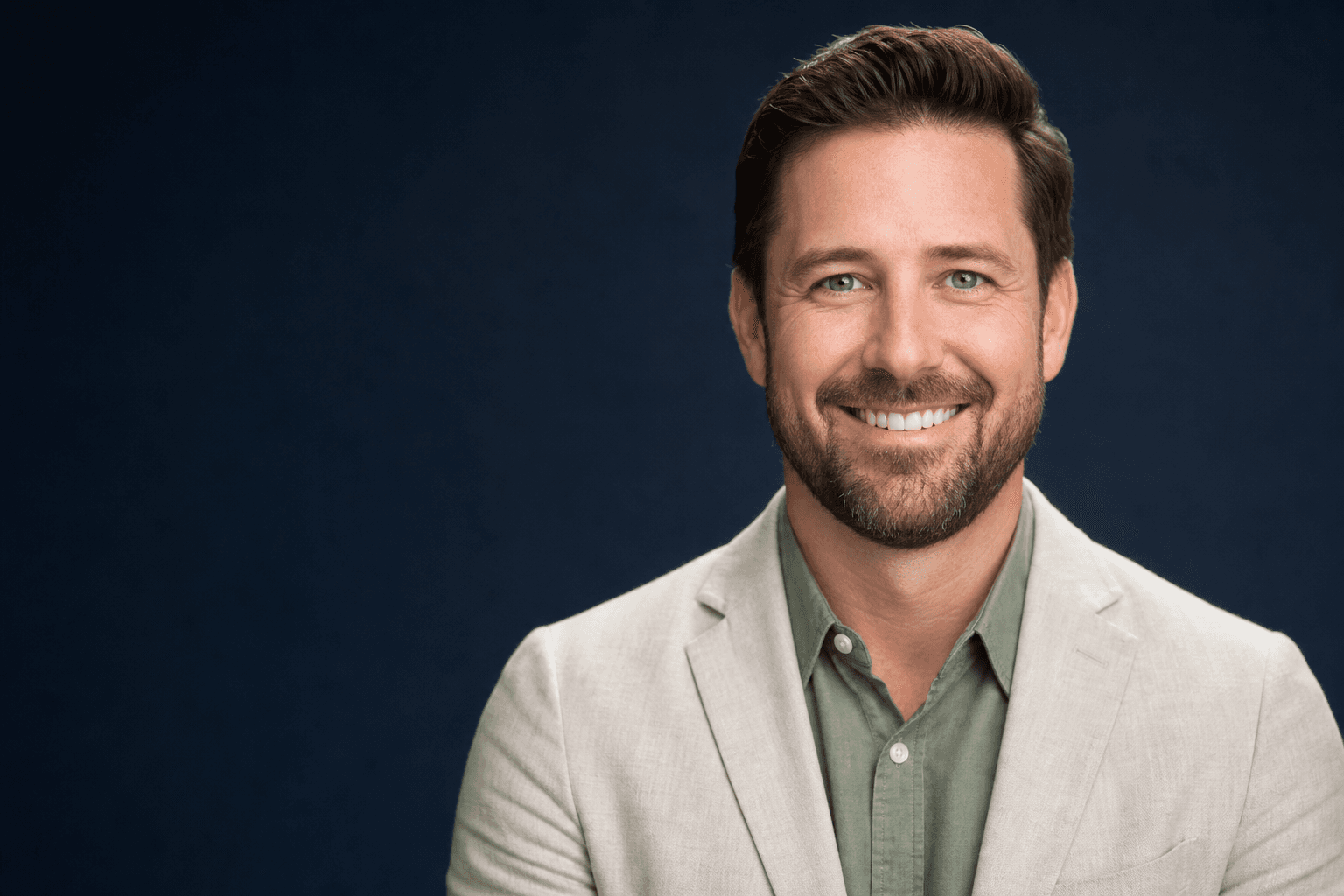
If you are comparing sample professional headshots before updating your LinkedIn profile, company bio, speaker page or CV, you have probably noticed a clear pattern: the best images look polished, natural and consistent without feeling stiff. Traditionally, getting that result meant booking a photographer, finding a studio, arranging hair and wardrobe, travelling to the shoot, waiting for edits and hoping you liked the final selection. Today, AI-generated headshots offer a smarter alternative. With QuickAI Headshots, professionals can create high-quality business portraits from everyday photos, often faster and more affordably than a traditional photoshoot.
This does not mean settling for a generic image. The best AI professional headshots are built around the same principles as strong photography: flattering light, appropriate styling, confident expression, a clean background and a clear sense of purpose. The difference is that platforms such as QuickAI Headshots make those results accessible without the logistics of a studio session. Whether you need executive headshot examples, modern corporate headshots, team profile images or a professional profile photo for a job search, AI can now produce options that look credible, current and on-brand.
Why sample professional headshots matter before you choose a style
Looking at sample professional headshots is useful because it helps you define what “professional” should mean for your role. A solicitor, designer, founder, consultant, therapist and sales director may all need a polished portrait, but the tone can vary significantly. Some headshots should communicate authority and precision; others should feel warm, creative, approachable or energetic. By reviewing different professional headshot examples, you can identify the wardrobe, background, lighting and expression that best match your goals.
For example, a crisp white or soft grey studio-style background can be ideal for a CV, corporate directory or board profile. A warm office-style background may suit a consultant, recruiter or finance professional. A softly blurred city backdrop can suggest momentum and seniority, while a natural greenery-inspired background can feel approachable for coaches, wellness professionals and people-focused roles. QuickAIHeadshots.com helps turn these choices into practical headshot options, so you are not limited to a single pose or one studio setting.
Traditional photoshoots often provide a handful of usable images from one appointment. AI-generated headshots can give you variety: different outfits, angles, expressions and backgrounds, all from the same starting set of uploaded images. That variety is especially helpful when you need one image for LinkedIn, another for a company page, and a slightly different look for speaking engagements, podcast appearances or press mentions.
AI-generated headshots versus traditional photoshoots
A traditional photoshoot still has its place, especially for large brand campaigns, editorial portraits or highly specific creative direction. However, most professionals do not need a half-day studio booking to refresh a profile picture. They need a reliable, flattering, realistic headshot that fits modern digital channels. That is where AI headshot generators have become a genuinely practical solution.
The biggest advantage is convenience. You do not need to coordinate diaries, travel to a studio or feel self-conscious in front of a camera. You can upload suitable photos to QuickAI Headshots from home, then receive a gallery of polished images. For busy founders, remote teams, freelancers and jobseekers, the time saved is often just as valuable as the money saved.
Cost is another major factor. A professional photographer may charge for the session, retouching, extra image licences, studio hire and additional edits. AI-generated business headshots generally provide a larger range of options at a much lower price point. That makes it easier to update images regularly, maintain consistency across a team and test different visual styles without committing to another photoshoot.
There is also the question of control. During a traditional shoot, you may only see the results after the moment has passed. With AI, you can explore multiple looks and choose what feels most like you. Need a more formal executive portrait? A friendly LinkedIn headshot? A contemporary professional image for a portfolio? QuickAIHeadshots.com gives you more routes to a strong final result.
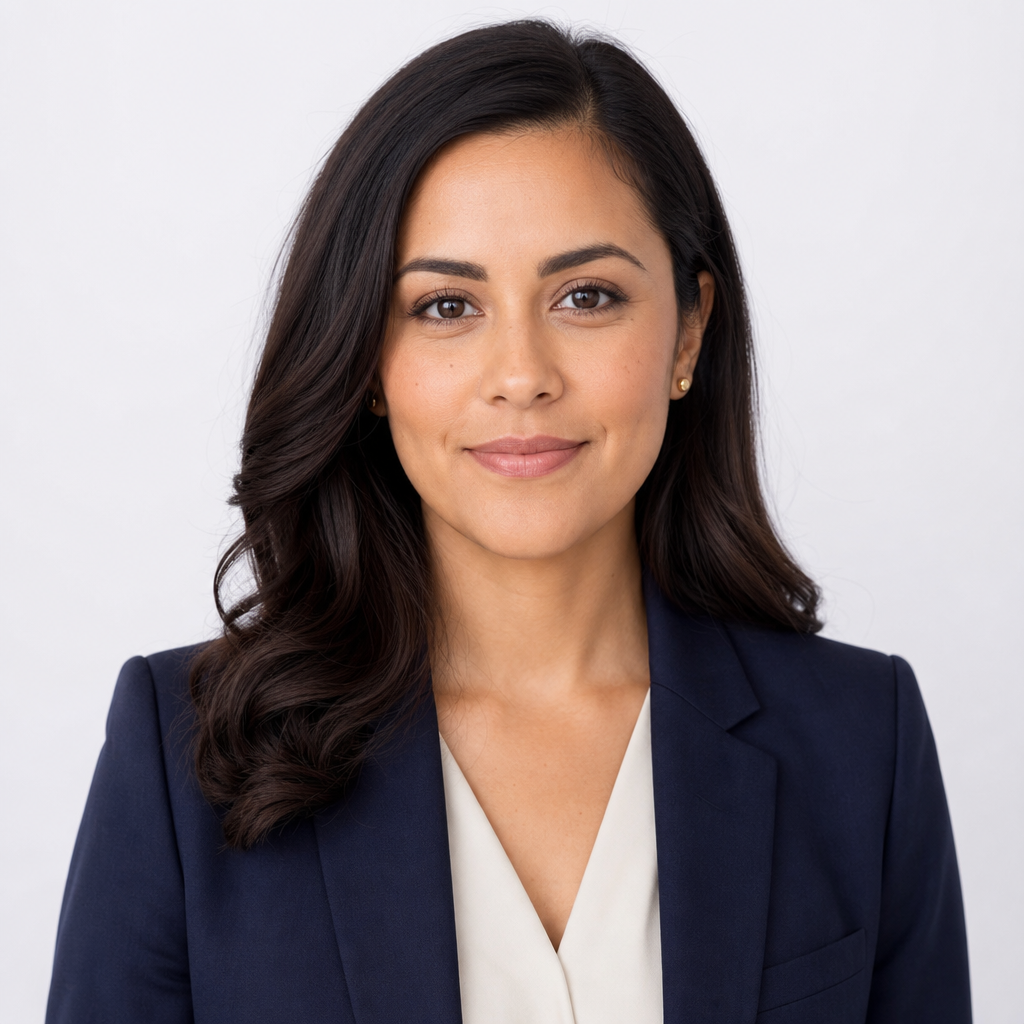
When choosing a clean, corporate look, focus on simplicity: structured clothing, a neutral colour palette and a calm expression. Navy, cream, charcoal and soft blue are reliable wardrobe choices because they read well in thumbnails and rarely distract from the face. For sample professional headshots intended for LinkedIn, an internal staff page or a CV, a straight-on head-and-shoulders composition with a plain background is often the safest and most versatile option.
What makes a professional AI headshot look realistic?
The most convincing AI headshots do not look over-edited. They preserve natural facial proportions, realistic skin texture and believable lighting. The goal is not to create a glamour image or an exaggerated version of yourself; it is to create a polished portrait that colleagues, clients and recruiters recognise as credible. This is why the photos you upload matter. Clear, recent images with different angles and expressions give the AI better information to work with.
Good source images should show your face clearly, without heavy filters, sunglasses, hats or extreme shadows. Include a range of expressions if possible: a gentle smile, a neutral professional look and a more open, approachable expression. Avoid uploading only group photos or images where your face is very small. The stronger the input, the stronger the final professional headshot examples will be.
Wardrobe also plays a role, even when AI is generating new outfit variations. If you want business-ready results, choose a platform and style direction that favours classic, realistic clothing. Blazers, shirts, smart knitwear, tailored dresses and neat tops tend to work well. Very busy patterns, novelty clothing or highly reflective accessories can look distracting. QuickAI Headshots is designed for professional use, so the final images are oriented towards credible work settings rather than fantasy portraits.
Backgrounds should support your message rather than compete with it. A clean studio background communicates clarity. An office backdrop suggests professional context. A city bokeh background can feel modern and ambitious. A soft natural background can make the image feel warmer. The best AI business portraits use backgrounds that look plausible and do not pull attention away from the subject.
Practical tips for choosing your best AI headshot
Once your gallery is ready, resist the temptation to choose only the image where you personally think you look most attractive. A professional headshot has a job to do. It should make the viewer feel that you are competent, approachable and relevant to the context in which they find you. Ask whether the image fits the platform. LinkedIn headshot samples often benefit from warmth and clarity. Company board profiles may need more authority. Creative portfolio portraits can allow slightly more personality.
Check the image at small size. Most people will first see your headshot as a thumbnail in a search result, message thread, conference listing or social feed. If your face is too far away, the background is too busy or the contrast is weak, the image may not perform well. A strong professional profile photo is recognisable even when small.
Pay attention to expression. A slight smile usually works better than a forced grin or severe stare. Your eyes should feel engaged, and your posture should look open. In many fields, the ideal expression sits between friendly and confident. If you work in a client-facing role, warmth is especially important. If you are in a senior leadership position, calm assurance may matter more.
Consider consistency across channels. If your LinkedIn profile, company bio and event speaker page all use very different images, your personal brand can feel fragmented. Using a set of related AI-generated professional headshots from QuickAIHeadshots.com helps you adapt to different formats while keeping a coherent visual identity.
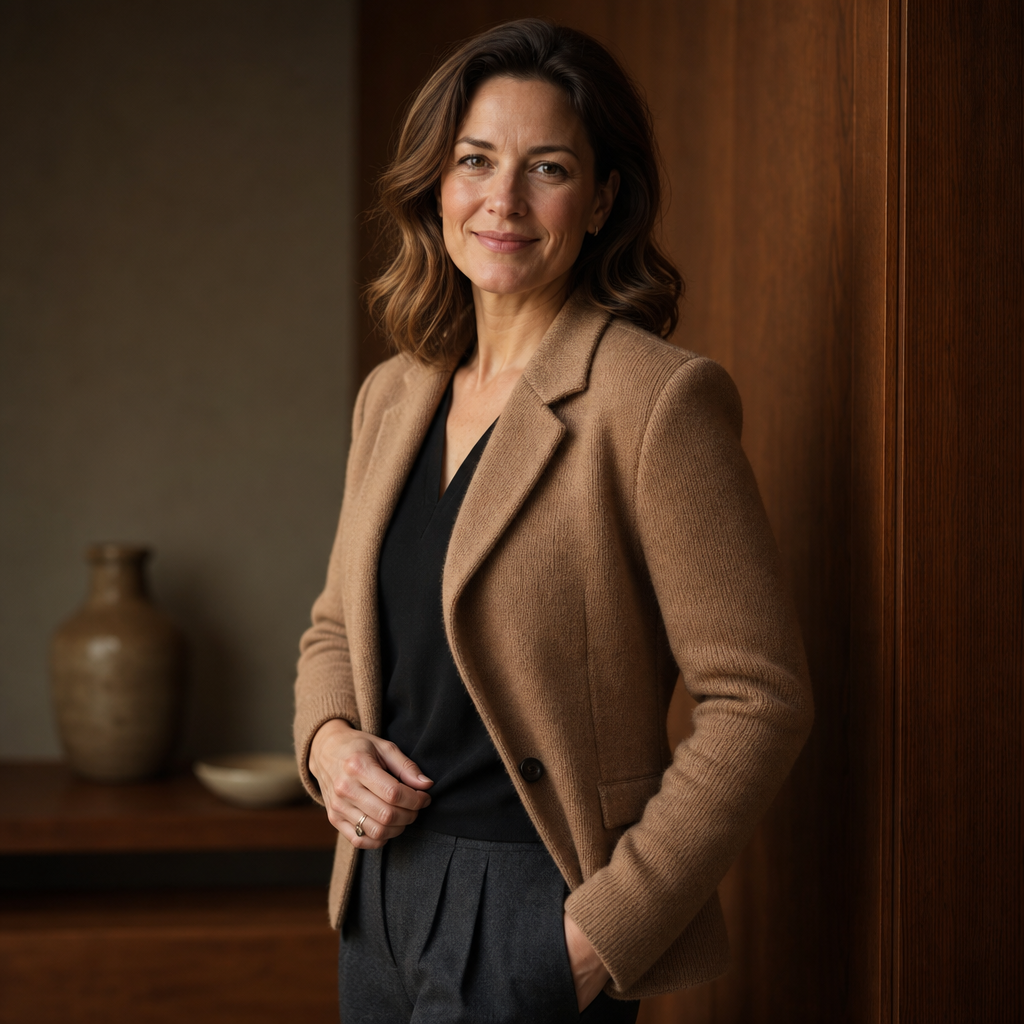
For a warmer business portrait, choose styling that feels approachable but still refined. Camel, charcoal, olive, taupe and other grounded tones can soften the impression while remaining professional. A three-quarter pose often feels more relaxed than a straight-on crop, especially for consultants, coaches, agency leaders and founders who want their headshot to suggest trust, clarity and human connection.
Best uses for AI-generated professional headshots
AI headshots are useful wherever a polished digital first impression matters. LinkedIn is the obvious example. Recruiters, clients and collaborators often see your profile image before they read your experience, so an outdated selfie or cropped wedding photo can quietly weaken your credibility. A modern LinkedIn headshot signals that you take your professional presence seriously.
Company websites are another strong use case. Many teams struggle with inconsistent staff photos: different lighting, mismatched crops, varied backgrounds and uneven image quality. AI-generated team headshots can create a more unified look, especially for remote or hybrid teams spread across multiple locations. Instead of flying everyone to one studio, businesses can use QuickAI Headshots to create coherent staff portraits from existing images.
AI headshots are also ideal for speakers, authors, freelancers, consultants and jobseekers. If you are submitting a biography for a panel discussion, refreshing a proposal document, adding a portrait to a personal website or applying for senior roles, having several strong business headshot options saves time. You are no longer forced to reuse the same old photo for every opportunity.
Another benefit is seasonal or brand-specific updating. Perhaps your old headshot feels too formal, too casual, too dark or simply out of date. Instead of waiting years between expensive shoots, you can refresh your image when your role, haircut, personal brand or target audience changes. QuickAIHeadshots.com makes regular updates realistic rather than a once-in-a-decade task.
How to prepare photos for QuickAI Headshots
To get the best results from QuickAI Headshots, start by gathering recent photos where you look like yourself today. Aim for images taken in good light, ideally with your face clearly visible. Natural daylight near a window can be helpful, but avoid harsh midday sun that creates strong shadows. Upload a mix of angles rather than ten near-identical selfies. Variety gives the AI more information about your features.
Remove images that are heavily filtered, blurred, low resolution or distorted by wide-angle lenses held too close to the face. Avoid photos with sunglasses, masks, hats covering your hairline or other people obscuring part of your face. If you have changed your hairstyle, facial hair or glasses recently, use photos that reflect your current appearance.
Think about your goal before you generate the final set. Are you aiming for formal corporate headshots, approachable LinkedIn profile pictures, executive portraits or creative professional headshots? A clear intention helps you choose the most suitable outputs. If you work across multiple contexts, select a few different styles: one highly polished image, one friendly option and one more contemporary portrait for informal platforms.
Finally, compare the results with real-world expectations. The best AI headshot is not necessarily the most dramatic one. It is the image that looks like a credible, polished version of you. Friends or colleagues can be useful judges because they are more likely to notice whether a portrait feels authentic.

For a modern senior profile, consider a subtle environmental background with soft blur. A sunlit window, gentle city tones and a composed seated posture can suggest professionalism without feeling rigid. This style works well for leadership bios, consultancy websites and speaker profiles because it balances polish with personality, giving viewers enough context to imagine you in a real working environment.
Common mistakes to avoid
The first mistake is choosing a headshot that is too stylised for the job. Dramatic lighting, fashion-style posing or unusual colours can be striking, but they may not be right for a corporate bio or recruitment profile. Unless your industry rewards high visual experimentation, choose clarity over novelty.
The second mistake is ignoring crop and composition. A headshot with too much empty space above the head, a face positioned too low in the frame or shoulders cut awkwardly can look less professional. Ideally, your face should be prominent, your eyes should sit comfortably in the upper part of the image and the crop should work across square, circular and rectangular formats.
The third mistake is relying on an image that no longer represents you. If your headshot is five years old, uses a different hair colour, shows outdated glasses or no longer reflects your role, it may create a disconnect when someone meets you in person. Professional headshots should build trust, and trust starts with recognition.
The fourth mistake is choosing an image based solely on personal preference rather than audience expectation. A photo you love for social media may not be the best fit for a board proposal. A stern executive look may not suit a coach or therapist. Always match the tone to the viewer you want to reassure.
Why QuickAIHeadshots.com is the smart alternative
QuickAIHeadshots.com is built around a simple idea: professional headshots should be easier to create, easier to update and easier to adapt. Instead of treating a headshot as a one-off appointment, QuickAI Headshots lets you generate a practical set of business portraits for different needs. That makes it especially valuable for modern professionals who work across multiple platforms and want a consistent image without the friction of a studio shoot.
The service is also well suited to organisations. HR teams, marketing departments and founders often need staff images that look consistent, but coordinating traditional photography across different cities or schedules can be difficult. AI-generated team headshots help solve that problem by creating a unified visual standard while still allowing individuals to look like themselves.
For individuals, the appeal is speed and choice. You can explore formal, relaxed, modern and classic professional headshot styles, then choose the portraits that best support your goals. Whether you need a polished LinkedIn profile image, a corporate website photo, a speaker headshot or a refreshed CV portrait, QuickAI Headshots offers a practical alternative to the expense and inconvenience of a traditional session.
Conclusion: choose sample professional headshots that work harder
The best sample professional headshots show that a strong business portrait is not about looking artificial or overly posed. It is about communicating trust, competence and personality in a fraction of a second. AI-generated headshots now make that possible without the usual barriers of cost, travel, scheduling and limited choice. By starting with clear source photos, selecting a style that suits your role and choosing images that feel authentic, you can create a professional presence that works across LinkedIn, company pages, CVs, proposals and speaker profiles.
QuickAI Headshots and QuickAIHeadshots.com give professionals a smarter way to refresh their image with speed, consistency and flexibility. If your current photo is outdated, inconsistent or not quite right for the opportunities you want next, AI-generated professional headshots are no longer a compromise. They are a practical, modern and effective alternative to the traditional photoshoot.