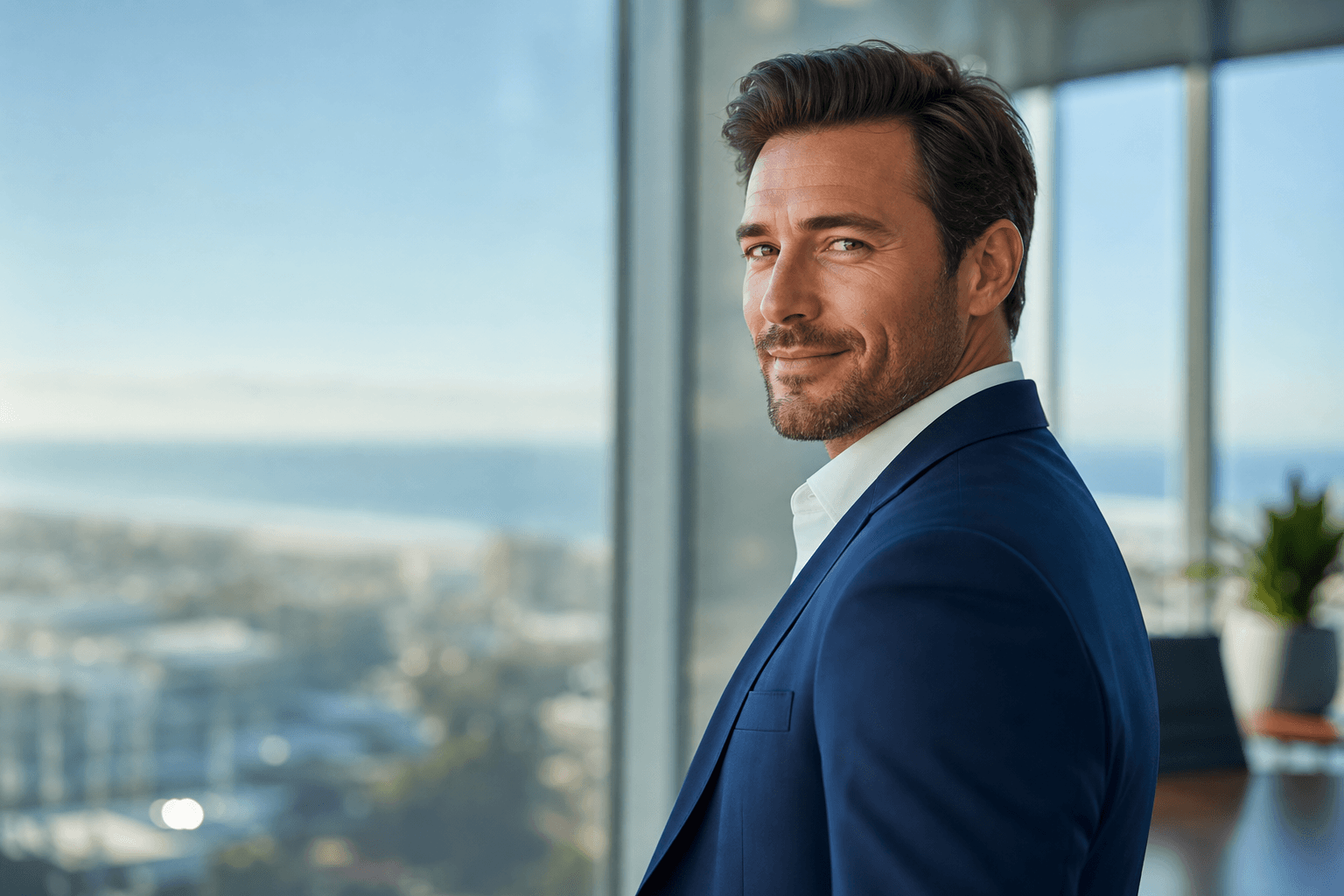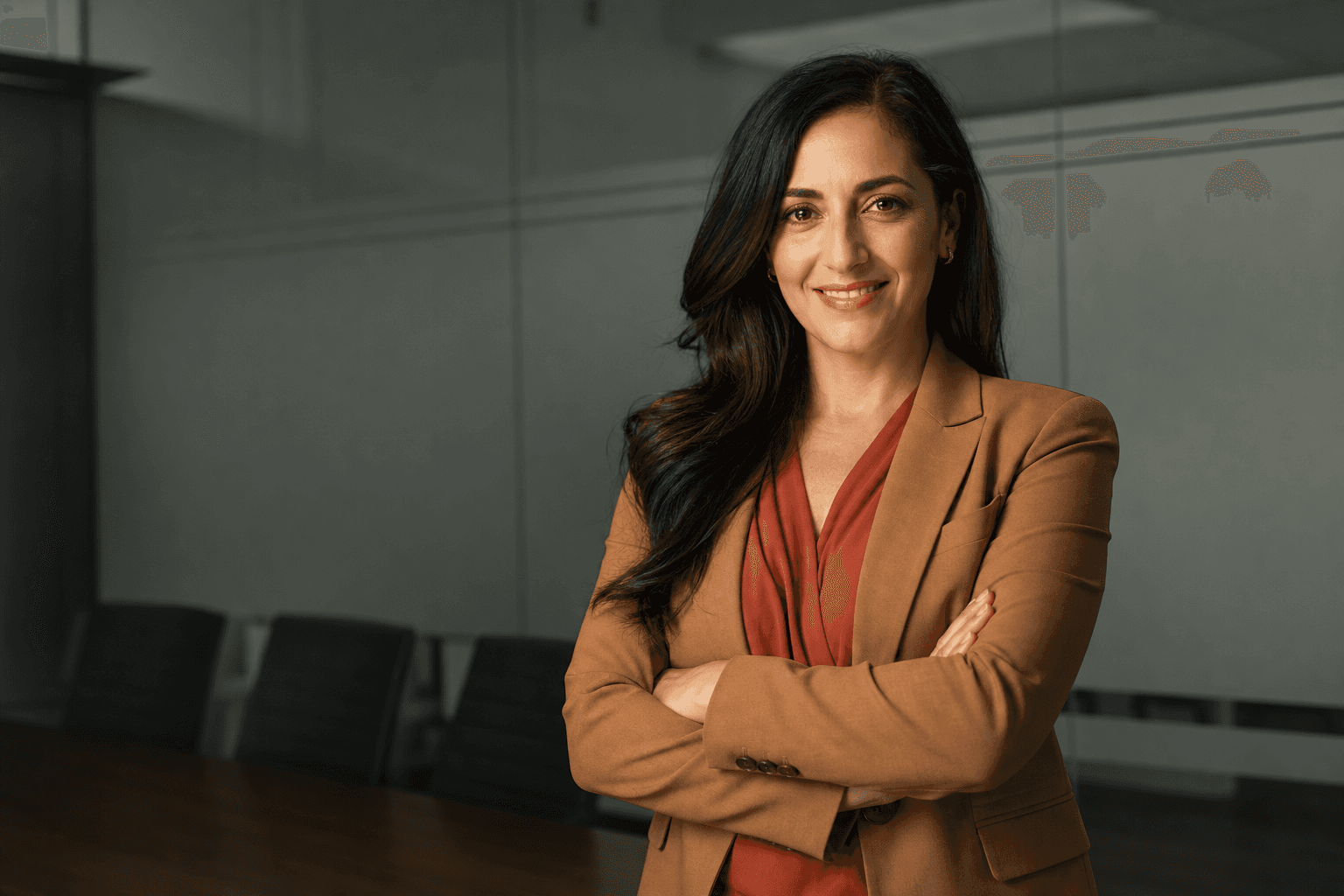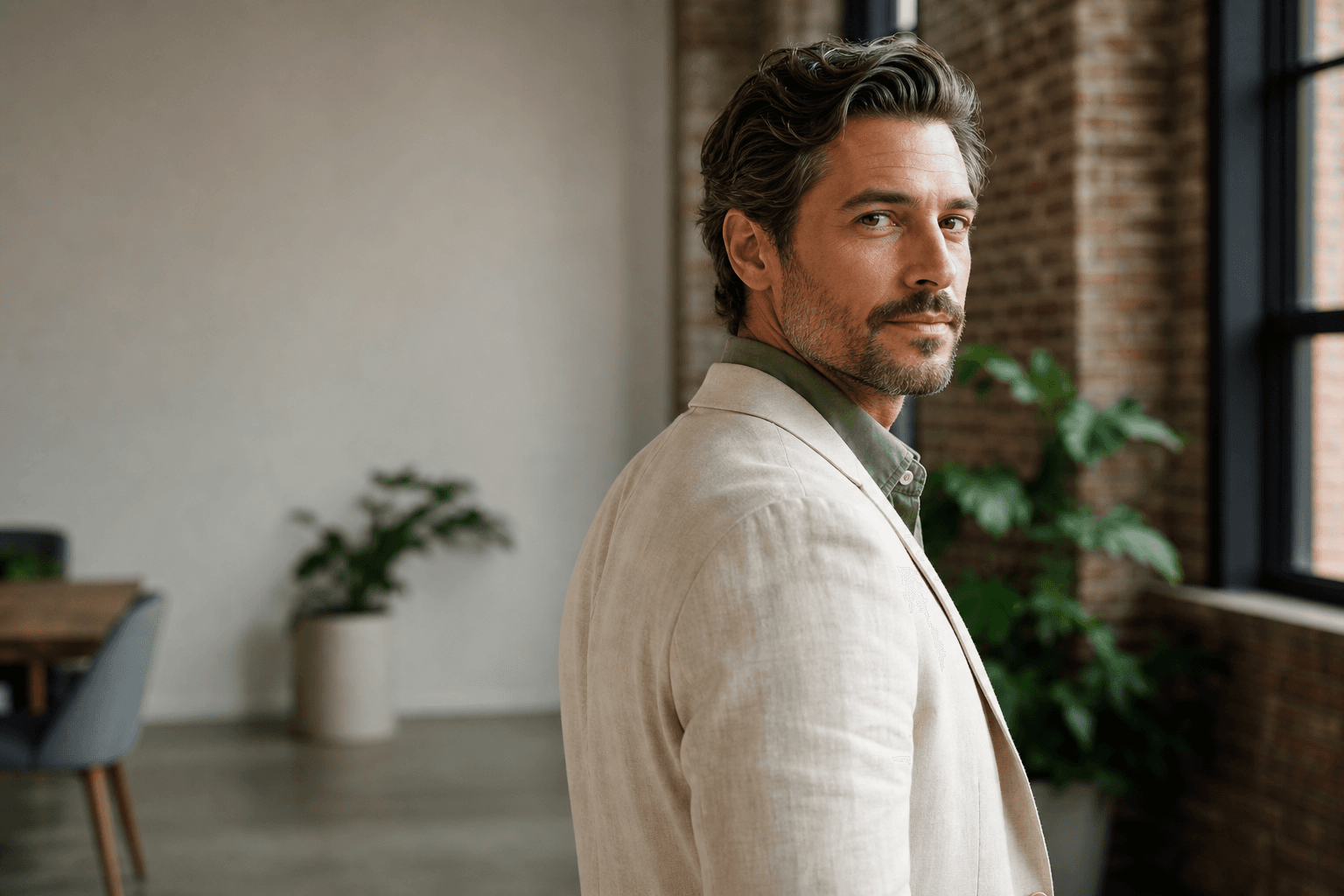
Choosing the right headshot outfits is one of the fastest ways to improve the impact of your professional image, whether you are refreshing LinkedIn, updating a company profile, applying for a new role, or building trust with clients. The good news is that you no longer need to book a traditional studio session, travel across town, wait for proofs, and hope you packed the right jacket. AI-generated headshots from QuickAI Headshots make it simple to create polished, credible portraits using smart styling choices and a streamlined online process.
At QuickAIHeadshots.com, the aim is not to make you look like someone else. It is to help you look like your best professional self: confident, current, approachable, and consistent across every platform where people form a first impression. Your clothing still matters, because AI headshot outfit ideas work best when they are based on the visual language of real-world professional photography: flattering colours, clean lines, good fit, and a clear sense of purpose.
Traditional photoshoots can be excellent, but they are not always practical. They often involve studio fees, diary coordination, travel, hair and make-up planning, weather concerns, and a limited set of final images. With AI-generated headshots, you can explore a broader range of business headshot outfits, backgrounds, and moods with less friction. That makes QuickAI Headshots a smart alternative for busy professionals who want high-quality results without the disruption of a full photoshoot day.
Why headshot outfits matter more than you think
Your outfit is not the main character in a headshot, but it strongly influences how the viewer reads you. A navy blazer can suggest authority and reliability. A soft knit can make you feel approachable. A crisp shirt can communicate precision. A jewel-toned blouse can add energy without becoming distracting. The best professional headshot clothing supports your face, expression, and role rather than competing for attention.
Because most profile images are seen at small sizes, every visual decision becomes more important. Busy patterns, shiny fabrics, oversized collars, or harsh colour contrasts can pull focus away from your eyes. Clothing for corporate headshots should create structure around the shoulders and neckline, frame the face cleanly, and feel aligned with your industry. A solicitor, therapist, start-up founder, designer, sales director, and university lecturer may all need different styling cues, even if they all want to appear trustworthy.
AI headshots make this easier because you can think in terms of outcomes rather than single outfits. Do you need a board-level image? A warm client-facing portrait? A modern LinkedIn profile photo? A speaker bio image? QuickAI Headshots helps you create options that suit different professional contexts, so your wardrobe planning becomes more strategic.
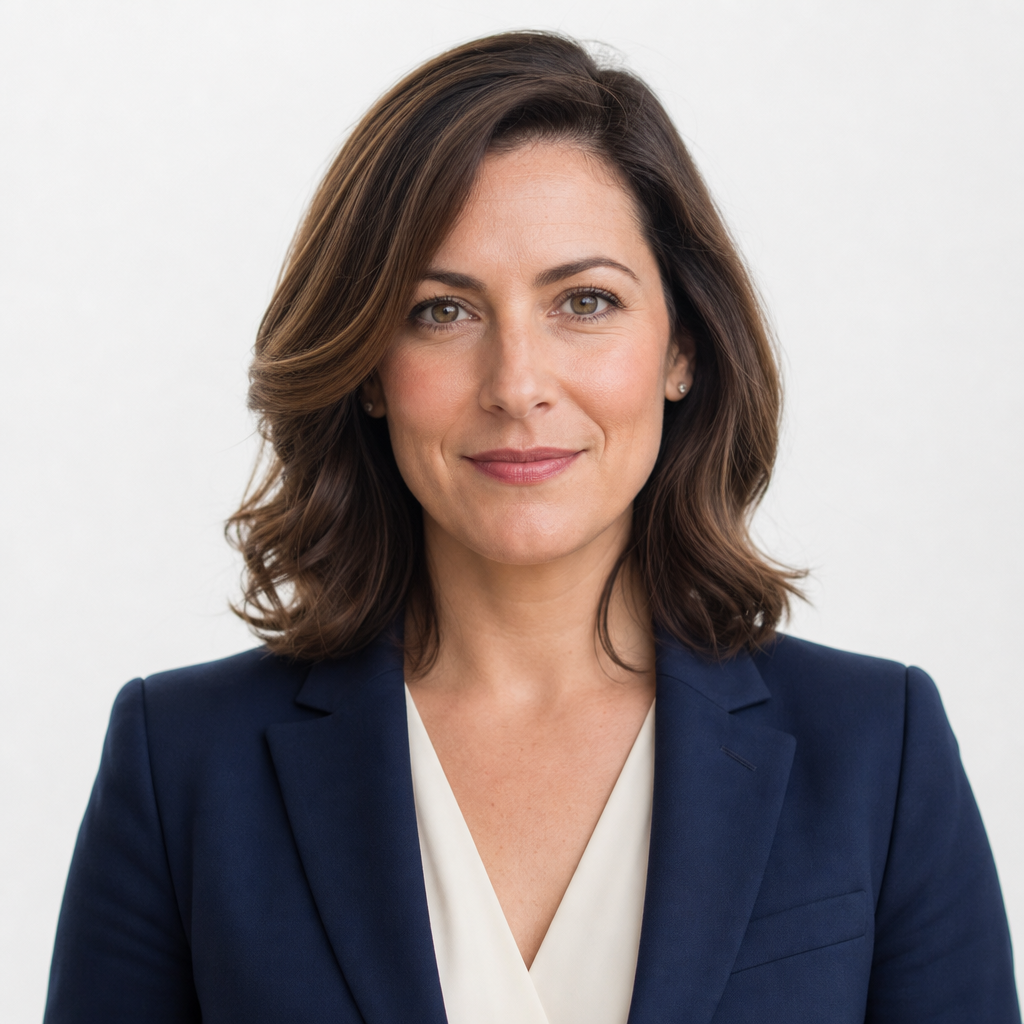
One of the biggest advantages of using QuickAIHeadshots.com is the ability to test several professional looks without spending a day changing clothes in a studio. You might compare a navy blazer with a cream blouse for a polished corporate feel, a simple black top for a more minimal profile, or a softer knit for an approachable consultant image. This flexibility is especially helpful if you are unsure what to wear for headshots and want results that feel both professional and natural.
Start with your professional goal
Before choosing outfits, decide what your headshot needs to achieve. A LinkedIn headshot outfit for job searching may need to look confident and broadly employable. A founder profile might benefit from slightly more personality. A consultant may want authority with warmth. A creative professional can often use more texture or colour, provided the image still feels refined.
Ask yourself three questions. First, who needs to trust me when they see this image? Secondly, what environment do I want to belong in: corporate boardroom, friendly practice, modern agency, academic setting, or entrepreneurial space? Thirdly, what would I realistically wear when meeting an important client or colleague? The best headshot wardrobe tips usually begin with authenticity. If you never wear a suit, a very formal portrait may feel false. If your work is highly regulated or senior, overly casual clothing may undercut your authority.
QuickAI Headshots is useful here because you can create a set of images with different levels of formality. For example, you might use a suit-style image for proposals, a relaxed blazer image for LinkedIn, and a warmer business-casual image for your website. Instead of relying on one expensive studio portrait for every situation, QuickAIHeadshots.com gives you a more adaptable professional image library.
Choose colours that flatter and communicate clearly
Colour is one of the most powerful parts of headshot styling. Strong neutrals such as navy, charcoal, cream, soft white, taupe, and black are safe foundations because they keep attention on the face. Navy is especially popular for business headshot outfits because it feels less severe than black but still reads as competent and professional. Charcoal can look refined and senior. Cream and ivory can soften the image, particularly when paired with a structured jacket.
That does not mean you must avoid colour. Deep green, burgundy, teal, plum, rust, and cobalt can all work beautifully in AI-generated professional headshots. The key is to choose colours that look intentional rather than loud. Mid-to-deep tones often photograph well because they add depth while avoiding glare. If you have a personal brand colour, consider using a subtle version of it in a blouse, shirt, tie, scarf, or jacket.
Try to avoid neon shades, very bright white as a full outfit, and colours that closely match your skin tone without contrast. These can flatten the image or distract from your expression. QuickAI Headshots can produce a range of polished styles, but starting with sensible colour choices gives the AI a stronger visual direction and leads to more convincing results.
Fit, fabric and structure: the quiet details that change everything
Fit matters more than fashion. In head-and-shoulders portraits, viewers mostly see your neckline, shoulders, upper chest, and possibly your arms. A jacket that fits neatly across the shoulders can instantly make a headshot feel more professional. A shirt collar that sits cleanly can add polish. A top that is too loose may look shapeless, while one that is too tight can feel distracting.
Structured clothing usually works well for professional headshot outfits. Blazers, tailored jackets, fine-gauge knitwear, button-down shirts, simple dresses, and neat blouses all create clean lines. Fabrics with a matte finish are generally safer than shiny satin or highly reflective materials, which can catch light in unpredictable ways. Texture can be helpful when subtle: wool, fine knit, crepe, cotton, and soft suiting fabrics add depth without overwhelming the portrait.
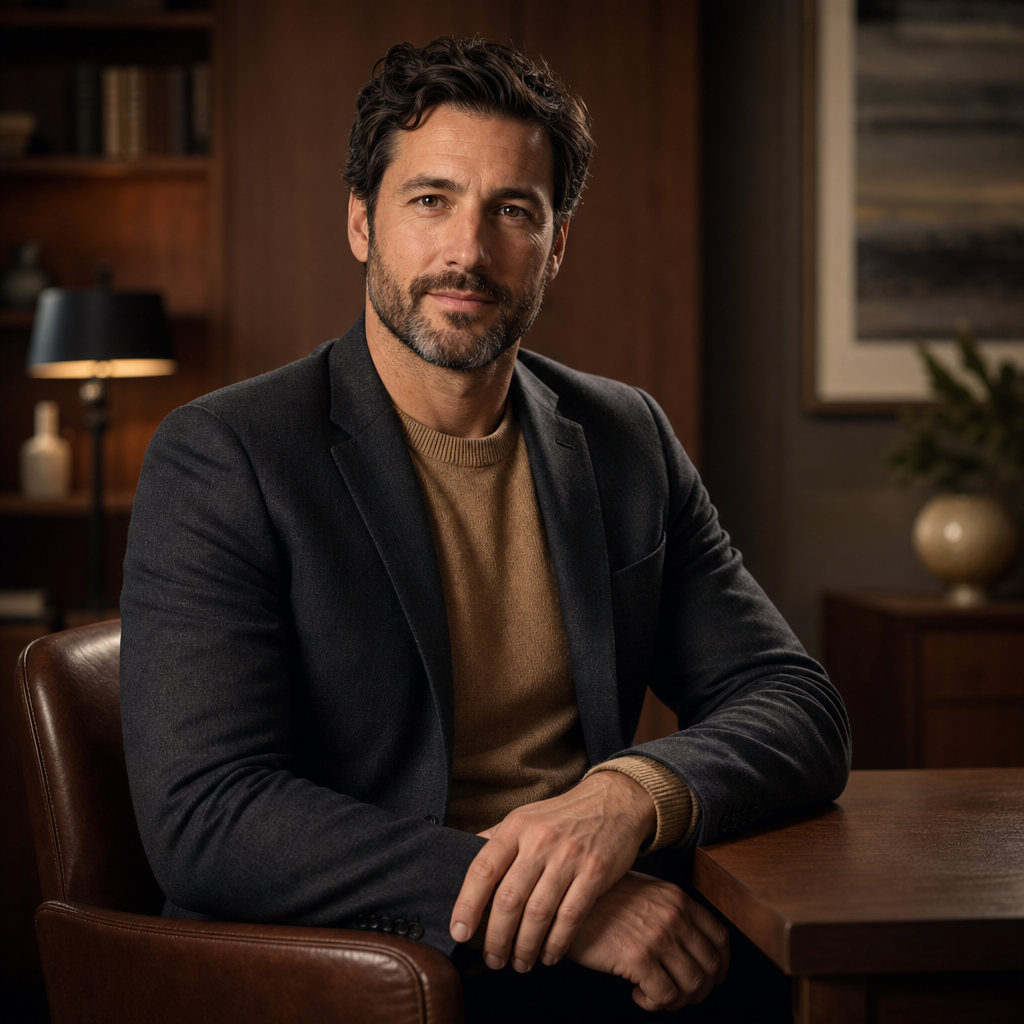
Think carefully about necklines and layers, because these are central to headshot composition. A V-neck can lengthen the neck, a crew neck can feel modern and simple, and an open collar can look relaxed yet professional. Layering a camel knit under a charcoal jacket, for instance, can create warmth and dimension while still looking smart. QuickAIHeadshots.com is particularly effective when your clothing choices provide clear shape, contrast, and professional context.
What to avoid in professional headshot clothing
Some clothing choices are harder to translate into strong professional portraits. Very small patterns, such as tiny checks or narrow stripes, can appear busy or create visual interference. Large logos, slogan tops, and visible branding can date the image and make it less versatile. Highly trendy items may look current today but feel out of place in a year.
Avoid anything that fights with your face for attention. Oversized jewellery, dramatic ruffles, heavy scarves, and extreme colour blocking can all become the first thing people notice. That may be appropriate for certain creative brands, but for most corporate headshots, the goal is to appear clear, credible, and easy to recognise.
It is also wise to avoid clothing you would not feel comfortable wearing in real professional life. A good AI-generated headshot should still feel believable. QuickAI Headshots works best when your styling supports the kind of professional presence you genuinely want to project.
Headshot outfits for different industries
For finance, law, consultancy, and senior leadership, classic tailoring is usually the safest direction. Think navy, charcoal, black, cream, and muted blue. A blazer, crisp shirt, fine knit, or simple blouse can communicate authority without looking stiff. For healthcare, therapy, coaching, and education, softer colours and less severe tailoring often feel more approachable. A warm neutral, soft blue, sage, or muted rose can help create a calm impression.
For technology, start-ups, marketing, and creative roles, you can often relax the formality. A well-fitted overshirt, smart knit, modern blouse, or unstructured blazer may feel more authentic than a traditional suit. For entrepreneurs and personal brands, consider what clients expect from your sector. Your image should look aspirational but not remote.
LinkedIn headshot outfits should generally sit one step smarter than your everyday workwear. If your usual style is a T-shirt, try a refined knit or casual blazer. If you normally wear business casual, choose a sharper jacket or more deliberate colour palette. QuickAIHeadshots.com allows you to create variations, which is useful if you operate across several audiences.
How to prepare source photos for AI-generated headshots
Although the final images are AI-generated, your source photos still matter. Use clear, recent images where your face is visible from different angles. Good lighting helps. Avoid heavy filters, extreme expressions, sunglasses, hats, and anything that changes your appearance too much. Include a range of natural expressions so the final headshots feel like you.
If you are planning your own source images, keep clothing simple and varied. You do not need a perfect studio wardrobe, but it helps to include examples of the kind of colours and necklines you like. Take photos in natural light, avoid cluttered backgrounds where possible, and make sure your hair and grooming are reasonably consistent with how you want to appear professionally.
QuickAI Headshots is designed to make the process straightforward, but a little preparation improves the outcome. Think of your uploaded photos as raw material. The clearer and more representative they are, the easier it is to generate professional AI headshots that look polished, credible, and recognisably you.
Accessories, grooming and finishing touches
Accessories should support the image rather than dominate it. Small earrings, a simple necklace, a classic watch, or understated glasses can add personality. If you wear glasses every day, include them. If glare is usually a problem in photos, try source images both with and without glasses so there is more flexibility.
Hair and grooming should be current and realistic. Choose a style you would wear to an important meeting. Avoid experimenting with a completely new look on the same day you take source photos. For make-up, if you wear it, aim for natural definition: even skin tone, defined eyes, and a lip colour that does not overpower the face. The purpose is not perfection; it is clarity and confidence.
For facial hair, keep it neatly groomed and consistent across source images where possible. Sudden variation can make it harder to produce a coherent set. QuickAIHeadshots.com can generate polished results, but consistency in your inputs helps the final gallery feel more professional.
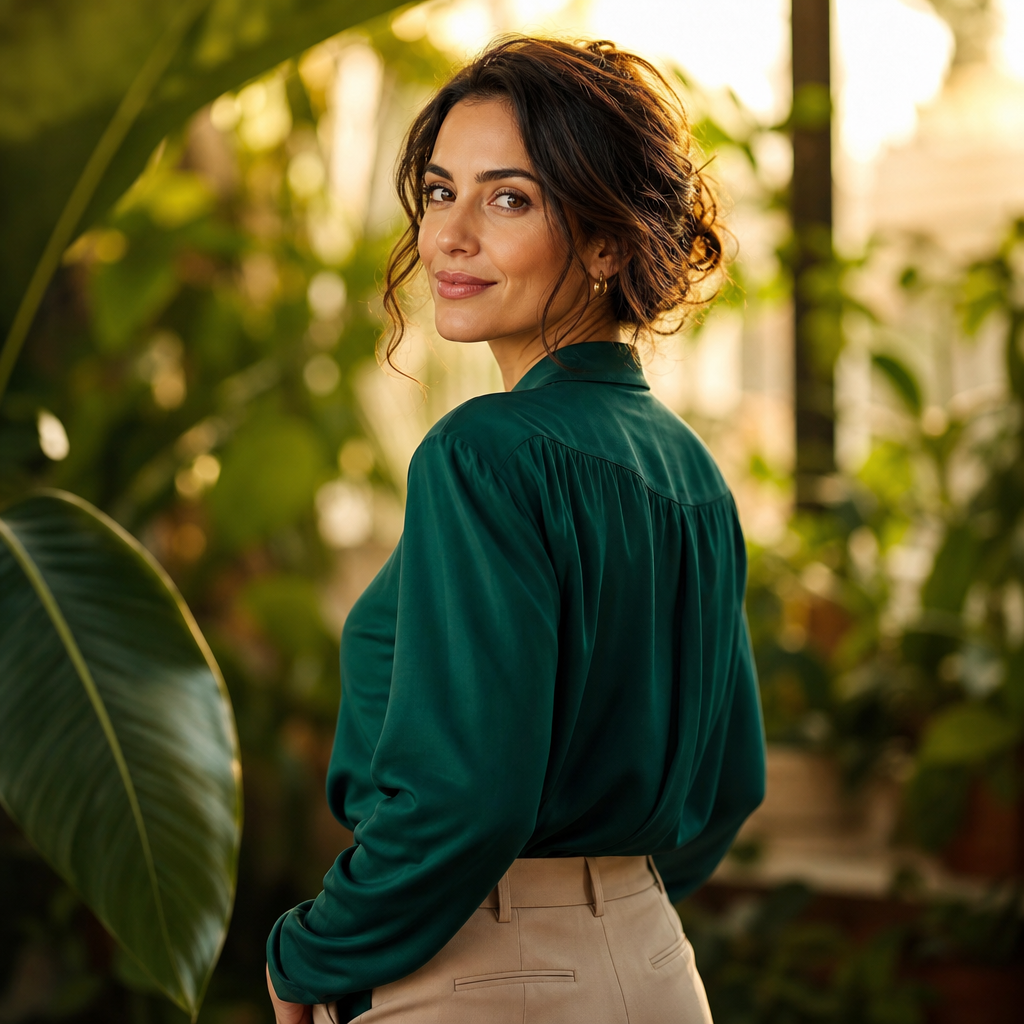
Do not forget that posture, expression, and setting cues work together with clothing. A jewel-toned blouse with neutral tailoring can feel energetic and modern, especially when paired with an open expression and a warm, natural background. A slight turn of the shoulders, relaxed jaw, and direct but friendly eye contact can make your AI-generated headshots feel more human than posed. QuickAI Headshots gives you the opportunity to choose images that match both your wardrobe and your personality.
Building a versatile AI headshot wardrobe
If you want several strong outcomes, plan three broad looks. First, choose a formal option: blazer, suit jacket, crisp shirt, or elegant blouse in a reliable neutral. Secondly, choose an approachable option: fine knit, softer colour, relaxed jacket, or open collar. Thirdly, choose a personality option: a richer colour, subtle texture, or styling detail that reflects your brand.
This approach gives you a useful range without overcomplicating the process. One image can be used for a CV or company profile. Another can sit on LinkedIn. A third can work for speaker biographies, press requests, podcast pages, or client proposals. Instead of asking one photo to do everything, you can select the right portrait for the right moment.
That is where AI-generated headshots offer a real practical advantage over traditional photoshoots. A conventional shoot may give you excellent images, but it can be costly and time-limited. With QuickAI Headshots, you can explore multiple styles more efficiently, making it easier to keep your professional presence current as your role, brand, or audience changes.
AI-generated headshots versus traditional photoshoots
Traditional photography still has its place, particularly for editorial campaigns, team shoots, or highly specific brand concepts. However, many professionals simply need a credible, polished, modern headshot for online use. For that purpose, AI-generated headshots are often the smarter alternative: faster, more convenient, and more flexible.
There is also less pressure. In a studio, you may only have a short window to get comfortable in front of the camera. If your outfit does not work, you may not know until after the shoot. With QuickAIHeadshots.com, the process is designed around convenience and choice. You can focus on providing good source images, then select from a range of professional results.
For remote teams, freelancers, consultants, job seekers, and founders, this is especially valuable. Not everyone has easy access to a photographer, and not every business wants the expense of coordinating a full team photoshoot. QuickAI Headshots offers a practical way to create consistent, high-quality professional images without unnecessary complexity.
Conclusion: choose headshot outfits that help you look like your best professional self
The best headshot outfits are simple, intentional, and aligned with the impression you want to make. Choose colours that flatter you, fabrics that photograph cleanly, and shapes that frame your face. Avoid visual clutter, prioritise fit, and think about the level of formality your audience expects. Whether you need corporate polish, approachable warmth, or a more modern personal brand image, your clothing choices provide the foundation.
AI-generated headshots are not about replacing your identity with something artificial. Done well, they help you present yourself clearly and confidently in the places where professional trust begins. QuickAI Headshots and QuickAIHeadshots.com make it easier to create a versatile set of headshots without the cost, stress, or scheduling demands of a traditional photoshoot. Start with thoughtful headshot outfits, use strong source photos, and let QuickAI Headshots help you turn them into a professional image library that works wherever your career takes you.