The best headshots no longer have to come from a full-day studio booking, a nervous wait for edited files, or an awkward set of poses under bright lights. For professionals, founders, freelancers, job seekers and teams, AI-generated headshots have become a smart, practical alternative to traditional photoshoots because they deliver polished, consistent and versatile images from photos you already have. With services such as QuickAI Headshots, you can create professional headshots that look credible, modern and on-brand without the usual cost, travel or scheduling hassle.
That matters because your headshot is often the first visual cue people use to assess you online. Before anyone reads your CV, LinkedIn summary, speaker bio, company profile or proposal, they see your face. A strong business headshot can suggest confidence, approachability and competence in seconds. A poor profile photo can do the opposite, even if your experience is excellent. The goal is not to look artificial or over-edited; it is to present the clearest, most professional version of yourself across the places where trust is built.
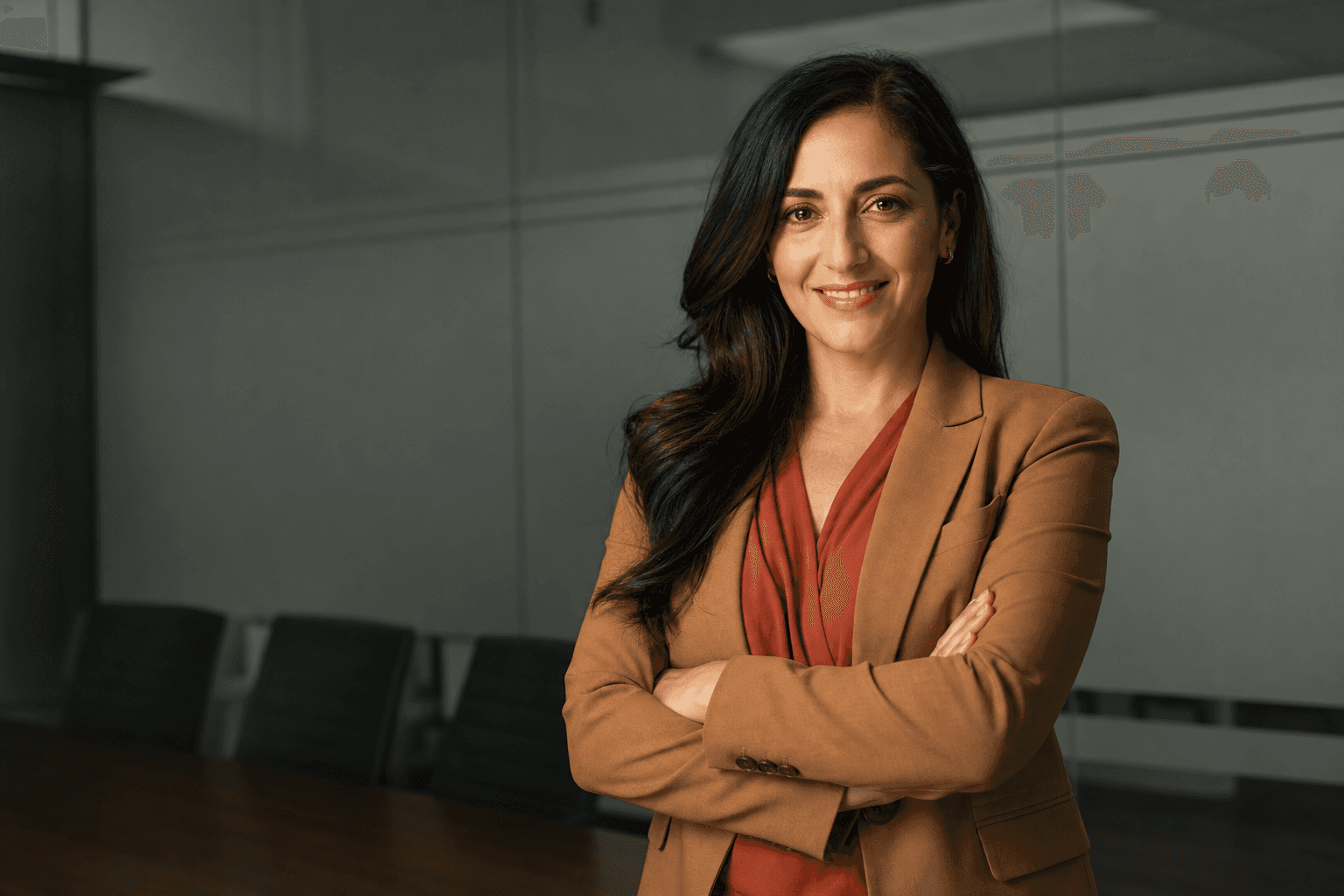
In a simple modern office, an adult professional in a tailored navy blazer and crisp white shirt stands waist-up with relaxed shoulders, facing the camera with a calm, confident expression. Soft window-style lighting, a neutral background and a realistic camera feel create a polished business portrait suitable for LinkedIn, a company bio or a client proposal.

Why AI-generated professional headshots are changing the standard
Traditional photoshoots can be excellent, but they are not always convenient. You need to find a photographer, agree on a date, travel to a studio, prepare clothing, choose backgrounds, review proofs and wait for retouching. For an individual, that may be manageable. For a growing team, remote workforce or organisation with new starters arriving every month, it quickly becomes expensive and inconsistent. AI headshots solve many of those problems by turning everyday photos into a gallery of studio-quality options.
The smartest AI-generated headshots are not cartoonish avatars or novelty filters. They are realistic professional portraits designed for modern online use. QuickAI Headshots uses uploaded images to create a range of headshot styles, from corporate headshots and executive portraits to approachable LinkedIn headshots and modern personal branding images. That variety is useful because one photo rarely works everywhere. The image you use for a board biography may be more formal than the one you use for a start-up profile, newsletter byline or conference speaker page.
Another advantage is control. In a traditional shoot, you may leave with a limited number of usable images, especially if you felt uncomfortable on the day. With AI business headshots, you can generate multiple looks, outfits, backgrounds and expressions, then choose the versions that best fit your industry and personality. QuickAIHeadshots.com helps people move beyond a single stiff portrait and build a practical set of professional profile photos for different purposes.
How to get the best headshots with AI
To get the best headshots from an AI service, the quality of the images you upload still matters. Think of your input photos as the raw material. Choose clear, recent pictures where your face is visible from different angles. Include a mix of expressions, lighting conditions and settings if possible. Avoid heavy filters, extreme shadows, group photos where your face is small, hats that hide your hairline, sunglasses and images taken from odd angles. The better the input, the more natural and accurate your AI headshots are likely to be.
Use photos that reflect what you actually look like today. A professional headshot should build trust, not create surprise when you arrive on a video call or meet someone in person. If you have changed your hair, glasses, facial hair or overall style, include current images. The aim is not to reinvent your identity; it is to create a clean, flattering and professional version of it. QuickAI Headshots is most useful when you treat it as a high-quality presentation tool, not a disguise.
When selecting final images, look for three things: authenticity, clarity and context. Authenticity means the headshot still looks like you. Clarity means the face is sharp, well-lit and easy to recognise even at small sizes. Context means the clothing, pose and background match the platform. A legal consultant may want a formal corporate headshot with a dark jacket and neutral background. A creative director may prefer a warmer, more relaxed professional portrait. A founder might need both.
AI headshots versus traditional photoshoots: what really changes?
The biggest difference is speed. A traditional photoshoot may take days or weeks from booking to final delivery. AI-generated headshots can produce a wide selection in far less time, making them ideal when you need to update a LinkedIn profile before applying for a role, refresh a team page before a launch, or prepare a speaker bio for an event. In competitive professional settings, speed can be a real advantage.
Cost is another practical factor. A good photographer is worth paying for, but not everyone needs a bespoke shoot every time their profile photo becomes outdated. AI professional headshots make polished imagery more accessible, especially for freelancers, graduates, small business owners and remote teams. Instead of spending heavily on one session, you can create a gallery of different headshot styles and choose the most appropriate one for each use.
Consistency is especially important for companies. Traditional team photos often become patchy over time: one person is photographed in a studio, another on a phone, another at a conference, and a new starter sends a cropped holiday picture. The result can make the organisation look less cohesive than it is. With QuickAIHeadshots.com, businesses can create more consistent employee headshots without bringing everyone into the same room on the same day.
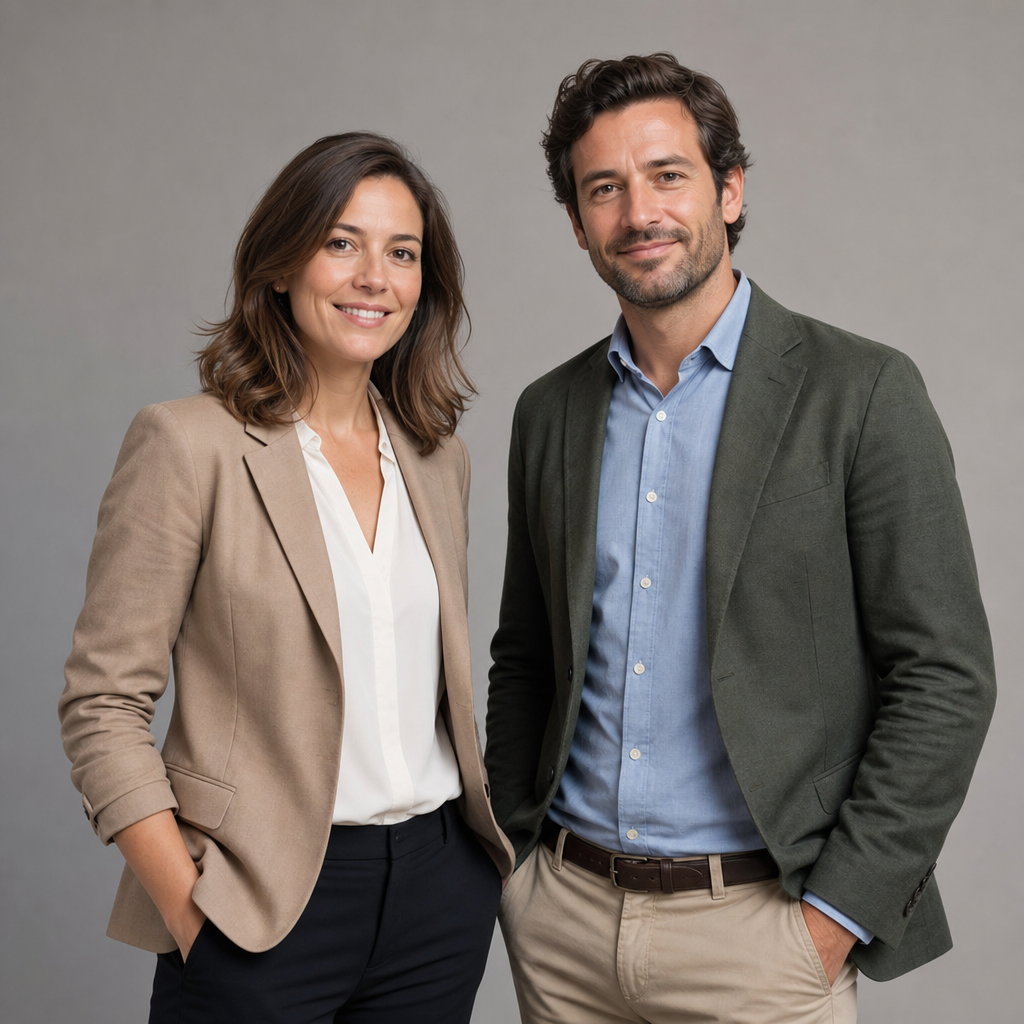
Two adult colleagues stand waist-up in a neutral studio setting, both wearing smart business-casual outfits in complementary muted colours. They face slightly towards the camera with approachable expressions, relaxed posture and balanced spacing, lit by soft even studio lighting to create a consistent team headshot style.
Where professional headshots make the biggest impact
Your LinkedIn headshot is the obvious starting point, but it is not the only place a professional portrait matters. Recruitment platforms, internal directories, proposal documents, author bios, press pages, investor decks, email signatures and social media profiles all benefit from a clear, consistent image. When people see the same polished headshot across several touchpoints, it reinforces recognition and trust.
For job seekers, a strong online profile photo can support the message of your CV. It will not replace skills or experience, but it can help you appear organised, current and commercially aware. For consultants and service providers, the right business headshot can make a website feel more personal and credible. For senior leaders, executive headshots can communicate authority without looking remote or unapproachable.
For teams, the benefits are even broader. Consistent corporate headshots can make a company website look more mature, improve sales materials and help clients connect names with faces. QuickAI Headshots is particularly helpful for distributed teams because it removes the need to coordinate photographers in multiple cities. QuickAIHeadshots.com can support a more unified visual identity while still allowing individuals to look natural and distinctive.
Choosing the right style for your industry
The best professional headshot style depends on your role, sector and audience. If you work in finance, law, consultancy or senior management, a clean studio background, formal jacket and composed expression may be appropriate. If you work in technology, marketing, design or coaching, you may prefer a modern office look, softer lighting and a more open expression. The image should feel credible to the people you want to reach.
Clothing plays a large role. Solid colours usually work better than busy patterns, and structured clothing tends to photograph well. A blazer, smart knit, collared shirt or simple blouse can all work, depending on your personal brand. Avoid anything that distracts from your face. Your headshot is not a fashion campaign; it is a trust signal. The viewer should notice you before they notice the outfit.
Backgrounds should support the message rather than compete with it. Neutral studio backdrops feel timeless and formal. A simple office background can suggest relevance and professionalism. A softly blurred interior can feel approachable and contemporary. AI headshot tools allow you to explore these options without committing to one physical location, which is one reason QuickAI Headshots is so useful for modern professionals.
How to judge whether an AI headshot looks natural
A good AI-generated headshot should pass a simple test: would someone who knows you recognise you immediately? Look carefully at the eyes, smile, jawline, hair, skin tone and overall expression. Minor polish is expected, just as it is in a traditional edited photo, but the image should not feel uncanny or overly perfect. Skin should retain realistic texture, lighting should make sense, and facial features should be proportionate.
Also check practical details. Are the shoulders aligned naturally? Does the clothing sit correctly? Is the background believable? Does the image look professional at both large and thumbnail size? Because profile photos are often viewed in small circles on mobile devices, a strong crop is essential. Your face should be prominent, well-lit and not lost in a wide frame.
If you are choosing between several AI professional portraits, ask which image best matches the impression you want to create. Friendly? Authoritative? Creative? Reliable? Approachable? Different headshots can serve different purposes. One of the advantages of QuickAIHeadshots.com is that you can build a flexible selection rather than relying on a single image for every context.
Practical tips before uploading your photos
Before using an AI headshot generator, gather a set of clear images from the past year. Include front-facing photos and slight angle shots. Natural daylight often works well, but avoid harsh overhead lighting or deep shadows. Make sure your face is not obscured by hair, hands, scarves or heavy accessories. If possible, include pictures where you have a neutral expression and others where you are smiling naturally.
Do not worry if the source photos are not studio quality. The point of AI-generated headshots is that they can transform ordinary images into professional-looking portraits. However, they should still be sharp enough for the system to understand your features. Blurry, low-resolution or heavily filtered uploads may reduce the quality of the final business headshots.
It is also worth thinking about how you want to be perceived before you generate your headshots. A graduate entering a first professional role may want a fresh, confident LinkedIn headshot. A founder raising investment may want a polished executive portrait. A therapist, coach or consultant may want warmth and approachability. QuickAI Headshots gives you options, but clarity about your goal helps you choose the strongest results.
An adult professional sits slightly angled in a simple modern office, wearing a soft grey blazer over a light blue shirt, with hands relaxed out of frame and a warm approachable smile. The composition is head-and-shoulders, with gentle natural-looking light, a softly blurred neutral interior and a realistic portrait camera feel.

Common mistakes to avoid
The first mistake is choosing a headshot that is too casual for the context. A cropped wedding photo, holiday image or car selfie may be fine for friends, but it rarely supports a serious professional presence. Even in relaxed industries, your profile photo should look intentional. A modern, approachable image can still be polished.
The second mistake is over-selecting. If every generated image looks exciting, it is tempting to use the most dramatic one. Instead, choose the most believable and useful image. The strongest AI headshots are often understated: clean lighting, natural expression, simple clothing and a background that quietly supports your role. Credibility usually beats drama.
The third mistake is using different visual identities everywhere. If your LinkedIn photo, website portrait and email signature all look like different people, you lose recognition. You do not need to use the exact same headshot on every platform, but your images should feel related. QuickAIHeadshots.com can help you create a coherent set of professional profile photos with consistent quality.
Why QuickAI Headshots is a smart choice
QuickAI Headshots is designed for people who need professional headshots without the friction of a traditional shoot. It suits busy professionals, remote workers, founders, teams, consultants and anyone who wants to improve their online presence quickly. The service combines convenience with variety, helping users create realistic AI headshots for LinkedIn, company websites, CVs, portfolios and professional profiles.
The appeal is not only convenience. It is also confidence. Many people dislike being photographed, and a studio session can feel pressured. AI-generated headshots let you review a wide range of options privately, compare styles and choose images at your own pace. That can lead to better decisions and a final headshot you are happier to use publicly.
QuickAIHeadshots.com also reflects a broader shift in how professional identity works. Careers are more digital, teams are more distributed and personal brands matter more than ever. Updating your image should be as straightforward as updating your bio or website copy. With QuickAI Headshots, a polished professional portrait becomes easier to access and easier to keep current.
Conclusion: best headshots for a faster, smarter professional image
The best headshots are clear, credible, current and suited to the audience you want to reach. Traditional photoshoots still have their place, but AI-generated headshots are now a smart alternative for individuals and teams who want quality, speed, consistency and choice. By uploading good source images, selecting realistic results and matching your headshot style to your professional goals, you can create a stronger first impression across LinkedIn, websites, proposals and internal profiles. QuickAI Headshots and QuickAIHeadshots.com make that process simpler, helping you move from an outdated or improvised photo to a confident professional image that works wherever people discover you.