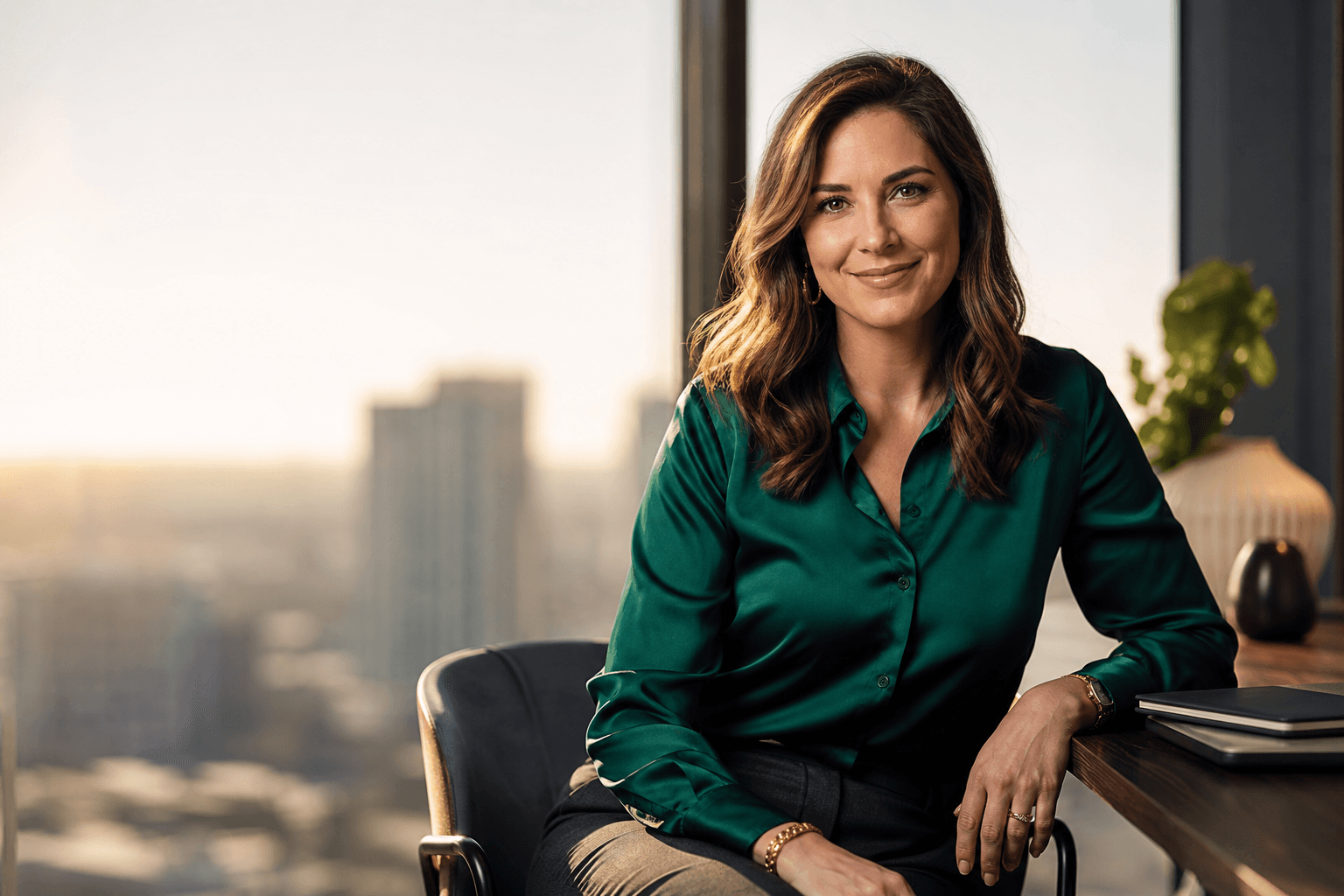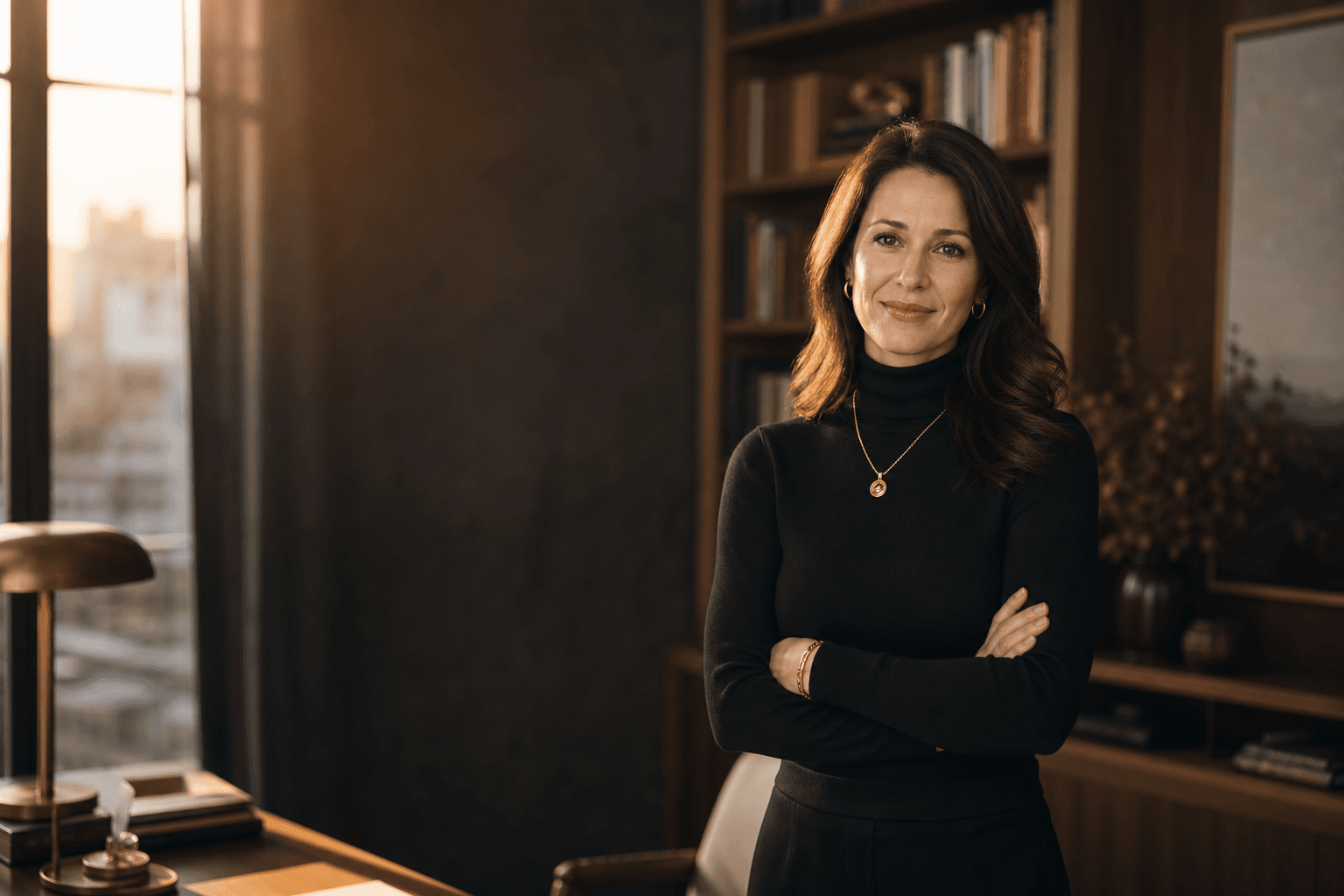
Business headshot photography is about more than getting a sharp photo of your face. It is the process of creating a professional image that fits your role, audience, and brand. Whether you are updating LinkedIn, a company bio, a resume, or a proposal profile, the right headshot can help people quickly understand who you are and how you present yourself.
Traditional photographers, local studios, and AI headshot tools all serve this need in different ways. This guide explains what to plan, what to avoid, and how to choose a headshot style that feels credible rather than overdone.
How Business Headshot Photography Works

Business headshot photography usually begins with a clear purpose: where the image will appear and what it should communicate. A law partner, real estate agent, startup founder, and healthcare administrator may all need professional headshots, but their ideal tone may differ. Some need formal corporate headshots; others need a warmer personal branding photo. The best result looks polished, current, and appropriate for the platform without feeling stiff or artificial.
Good business portraits balance expression, wardrobe, background, lighting, and crop. The face should be easy to see, the eyes should feel engaged, and the background should support the subject without competing for attention. If you use an AI headshot generator, the same principles apply: start with clear input photos, choose styles that match your profession, and select final images that still look like you.
Worcester Headshot Photographer

Searching for a Worcester Headshot Photographer often means you want a local, professional experience with guidance on posing, lighting, and finished image selection. A studio session can be useful if you prefer in-person coaching, need a specific background, or want a photographer to help direct every detail. Local business headshots may also be helpful for firms that want a consistent look across employee profiles.
At the same time, not every professional has the time to schedule a studio appointment, travel, coordinate grooming, and wait for edits. If you are comparing a traditional Worcester photographer with AI headshots, think about your deadline, budget comfort, desired variety, and how formal the usage will be. QuickAI Headshots can be a convenient alternative when you need professional-looking options for LinkedIn, resumes, websites, business profiles, and personal branding without booking a full photoshoot.
Headshot Session: Plan the Look Before the Camera

A strong headshot session is made before the first frame is captured. Ansel Adams is often associated with the idea, “You don’t take a photograph, you make it.” That applies to modern business portraits because small choices shape the final impression. Before any session, decide whether you want to look authoritative, approachable, creative, clinical, or executive. My recommendation is to choose three words that describe your professional presence, then let those words guide wardrobe, expression, and background.
For clothing, pick structured pieces that fit well through the shoulders and neckline. Navy, charcoal, cream, black, forest green, and muted earth tones usually photograph well. Avoid tiny patterns, shiny fabrics, and anything that competes with your face. If your industry is formal, a jacket or blazer helps. If your work is more creative, a clean knit, blouse, or tailored shirt may feel more natural.
Expression matters as much as clothing. A forced smile can look tense, while a completely serious face may feel distant. Aim for relaxed eye contact and a natural expression you would use when meeting a client or hiring manager. For AI professional photos, upload varied source images with different angles and expressions so the final set has range.
Finally, think about cropping and usage. A LinkedIn headshot may need a tighter crop than a website bio. A speaking page might benefit from a wider portrait. Planning these details helps you choose images that work across multiple platforms instead of relying on a single file for every use.
Q&A for Boston Executive Headshots
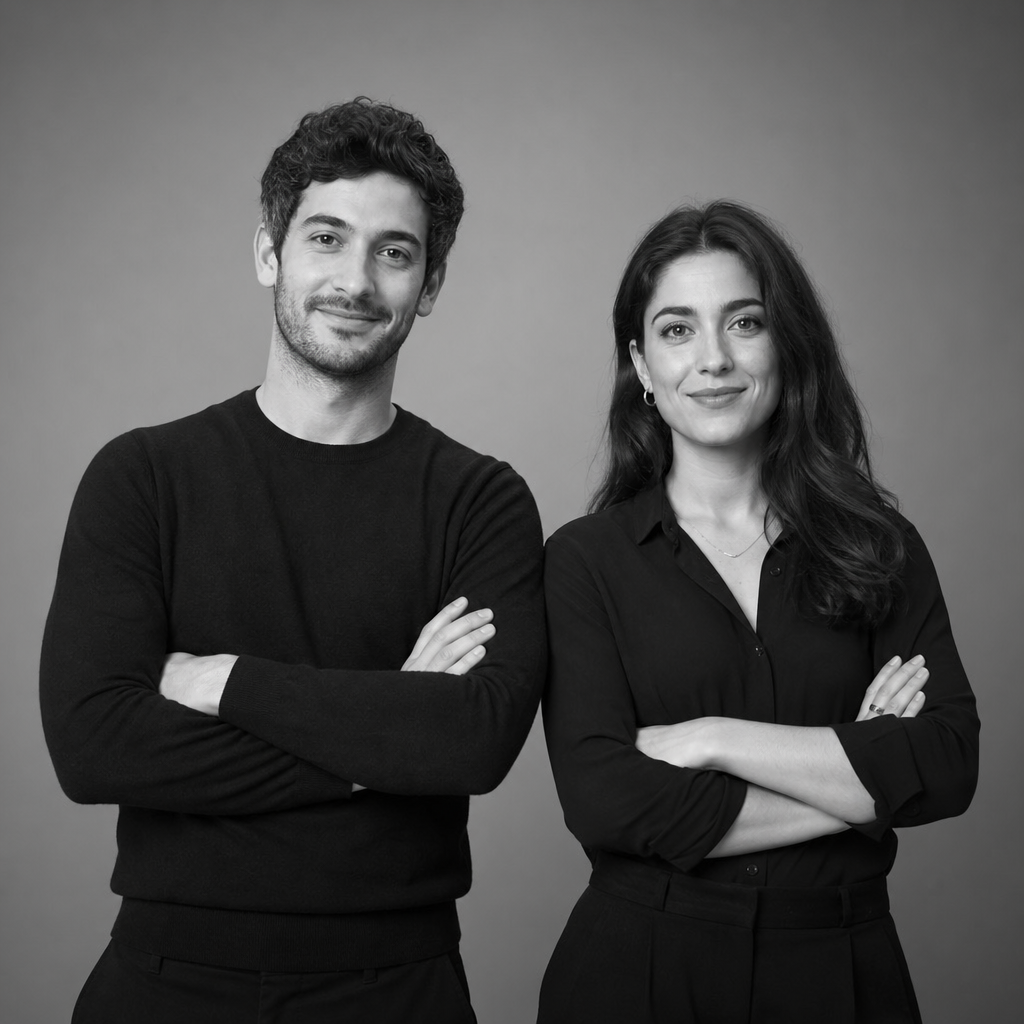
Boston executive headshots often call for a refined, credible look that suits leadership pages, board materials, press requests, and investor-facing profiles. The image should feel professional without becoming impersonal. Executives usually benefit from clean backgrounds, controlled lighting, and wardrobe that aligns with their organization’s level of formality.
DO YOU NEED PHOTOS FOR YOUR TEAM?
If you need photos for your team, consistency is more important than making every person look identical. A unified crop, lighting style, and background can make a company page feel organized while still allowing individual personality to show. For distributed teams, AI headshots can be useful because employees can create professional profile pictures without everyone traveling to one studio on the same day.
WHY UPDATE BUSINESS HEADSHOTS?
You should update business headshots when your current image no longer represents how you look, the role you hold, or the audience you serve. Outdated photos can create a mismatch when someone meets you after viewing your profile. A current headshot also helps refresh LinkedIn, company directories, speaker bios, email profiles, and proposal materials with a more accurate professional presence.
IS YOUR WESTBOROUGH BASED BUSINESS ON LINKEDIN?
If your Westborough based business is on LinkedIn, consistent headshots can make the team appear more professional and easier to recognize. People often review profiles before meetings, outreach, hiring conversations, and vendor decisions. A clean, current online profile photo gives visitors a simple visual cue that the business is active, organized, and attentive to presentation.
How AI Fits Into Professional Headshots
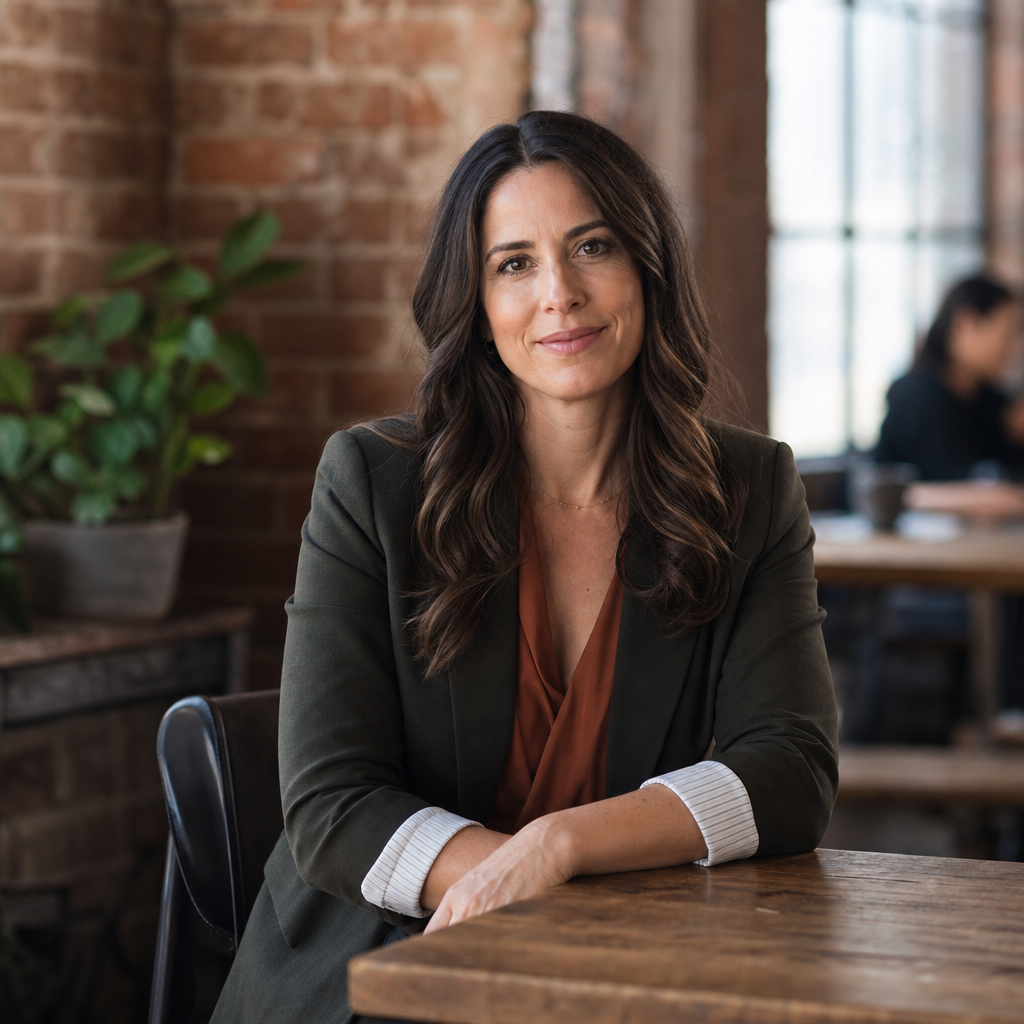
AI headshots are best understood as another option in the headshot planning process, not a universal replacement for every photographer. They are especially helpful when you need speed, variety, and convenience. Instead of booking a studio, you can use existing photos to generate multiple business-ready styles and choose the ones that best match your industry and personal brand.
With QuickAI Headshots, professionals can create polished options for LinkedIn headshots, resumes, websites, internal directories, and business profiles. QuickAIHeadshots.com is useful for people who want a professional profile picture but do not want to arrange a traditional photoshoot. The key is to select images that look realistic, current, and aligned with how you would present yourself in a professional meeting.
Headshot FAQ's
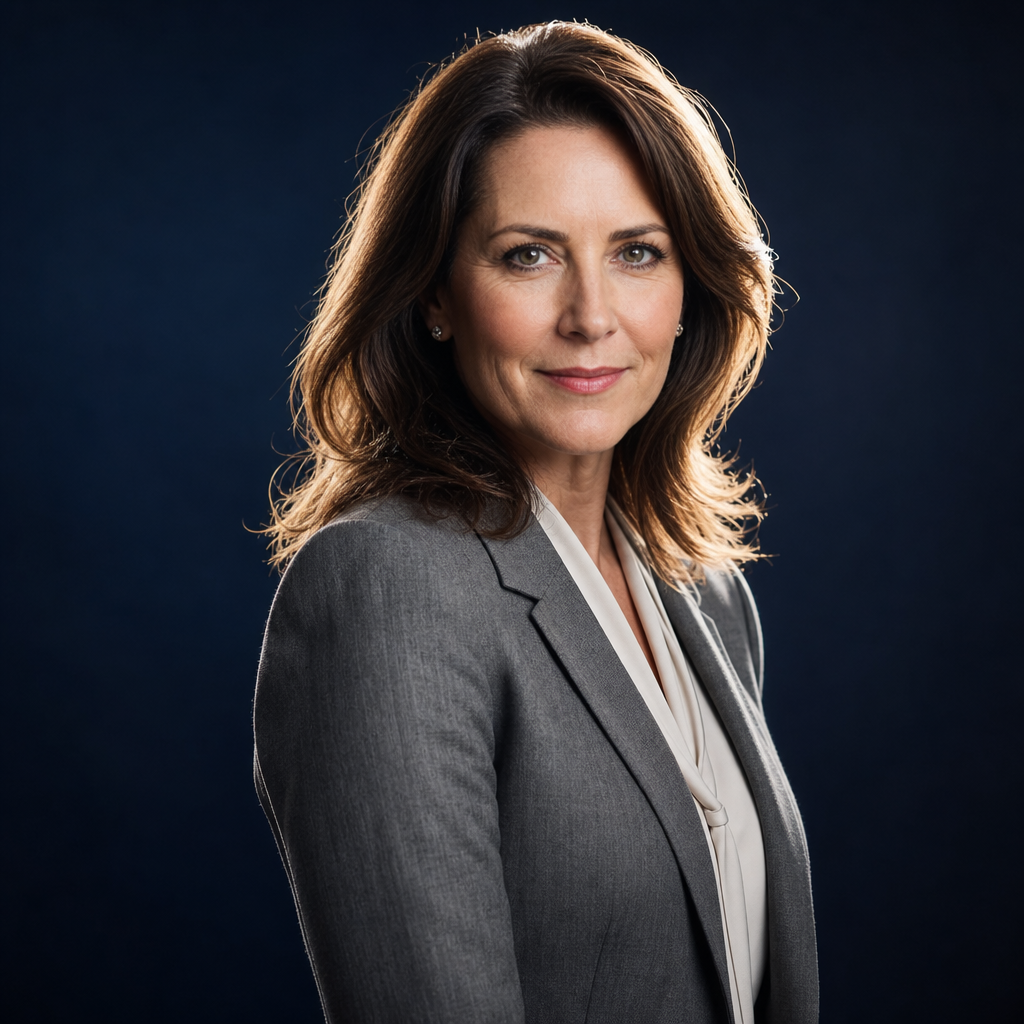
Headshot FAQ's usually come down to practical choices: what to wear, how often to update, whether to smile, and what background looks best. For most business headshots, choose simple clothing, neat grooming, and a background that fits your field. A neutral studio look works well for corporate roles, while an office or soft environmental background can suit consultants, founders, and client-facing professionals.
How often should you update your headshot? A good rule is whenever your appearance, role, or brand positioning has changed enough that the old image feels inaccurate. That might be after a career change, new company launch, major website update, or several years of using the same photo.
Should you smile? Usually, yes, but the smile should match your role. A warm, relaxed expression is ideal for most business profiles. A more serious expression can work for executive or editorial use, as long as it still feels approachable. The goal is not perfection; it is credibility.
Practical Checklist for Better Business Headshots

Use this checklist before a studio session or before uploading photos to an AI headshot tool. It helps you avoid common mistakes and gives you a clearer standard for selecting final images.
- Choose the destination first. Decide whether the headshot is mainly for LinkedIn, a resume, a company website, speaking page, or business card.
- Pick two or three outfits. Include one formal option and one slightly more approachable option so you have range.
- Keep the background simple. Avoid cluttered rooms, distracting objects, and strong colors that pull attention away from your face.
- Use natural posture. Sit or stand tall, relax your shoulders, and avoid poses that feel overly staged.
- Check the crop. Your face should be clear at small sizes, especially on mobile profiles.
- Avoid heavy editing. Retouching should reduce distractions, not change your identity.
Common Mistakes to Avoid

The most common mistake is using a casual selfie as a business headshot. Even if the photo is flattering, a car interior, party background, harsh bathroom light, or obvious arm-length angle can weaken the professional impression. Cropped group photos also tend to look makeshift, especially when another person’s shoulder or hair remains in the frame.
Another mistake is choosing a style that does not match your industry. A dramatic, high-fashion portrait may feel wrong for a financial advisor, while an overly formal studio image may not suit a creative consultant. Also watch for over-edited AI images: skin that looks plastic, eyes that look unnatural, or clothing that appears distorted. A strong headshot should feel like a polished version of the real person.
Use Your Headshot Across Platforms

Once you have a strong image, use it consistently where people expect to recognize you. LinkedIn should be the first priority for many professionals, but your headshot can also support your resume, email profile, company bio, conference speaker page, portfolio, CRM avatar, and professional social profiles. Consistency makes it easier for someone to connect your name, face, and expertise.
Still, one image may not be ideal everywhere. A tighter crop can work better for LinkedIn, while a wider portrait may look better on a website. If you create several AI headshots with QuickAI Headshots, choose a small set that shares the same overall tone. That gives you flexibility while keeping your personal brand cohesive.
Try QuickAI Headshots for a Convenient Alternative
QuickAI Headshots is designed for professionals who want polished business portraits without the logistics of a traditional shoot. It can be especially useful for remote workers, job seekers, founders, consultants, and teams that need consistent headshots quickly. You still need to make thoughtful choices, but the process gives you more options than relying on one old profile photo.
Visit QuickAIHeadshots.com when you want to create professional-looking headshots for LinkedIn, resumes, websites, business profiles, and personal branding. It is not about pretending to be someone else. It is about presenting a clear, credible version of yourself in the places where people first encounter your work.
Conclusion: Business Headshot Photography That Feels Current
Business headshot photography works best when it is intentional. Start with the platform, define the impression you want to make, choose clothing and backgrounds that support that message, and avoid images that feel casual, dated, or overly edited. Whether you work with a local photographer or use QuickAI Headshots, the goal is the same: a professional image that looks like you and fits your career.