Choosing the right backdrop for headshots is one of the fastest ways to make a professional photo feel intentional, credible, and aligned with your personal brand. The background does not need to be dramatic, expensive, or complicated; it simply needs to support your face, wardrobe, industry, and where the image will appear.
A strong headshot background helps the viewer focus on you. A weak one competes for attention, makes the image feel casual, or sends the wrong signal for LinkedIn, resumes, company directories, business profiles, portfolios, and websites. This guide explains the most useful background colors and styles, when to choose a white headshot background, how to avoid common mistakes, and how AI headshots can make background selection easier without booking a traditional studio session.
Backdrop for Headshots: What It Needs to Do
The best backdrop for headshots is not always the most visually interesting option. Its job is to frame your face, create contrast with your clothing, and match the professional context where the photo will be used. For a corporate headshot, that may mean a clean white, grey, or office-style background. For a creative personal branding photo, it could be a subtle environmental setting, soft bokeh, or warm neutral tone.
Think of the backdrop as visual positioning. A finance professional may want a crisp, low-distraction background that feels precise and dependable. A therapist, coach, or consultant may prefer softer tones that feel warm and approachable. A founder, freelancer, or designer might use an environmental background to communicate personality while still looking polished.
The key is restraint. Your background should add context without becoming the subject. If the viewer notices the backdrop before they notice your expression, it may be too busy for a professional profile picture. This is why simple studio backdrops, blurred office scenes, and clean indoor settings consistently work well for professional headshots.
What is the Best Background Color for a Headshot?

What is the Best Background Color for a Headshot? For most professional uses, the safest background colors are white, light grey, charcoal, beige, navy, and soft neutral tones because they keep attention on the face and work across LinkedIn, resumes, email profiles, and company websites. The best choice depends on your skin tone, hair color, outfit, industry, and desired impression.
White feels clean, direct, and versatile. Light grey is slightly softer and often more flattering because it reduces harsh contrast. Charcoal and navy can feel more executive or editorial, especially with lighter clothing. Beige, taupe, and warm neutrals add approachability and can suit coaches, consultants, real estate professionals, and service-based businesses.
Color also needs contrast. If you wear a white shirt on a white background, your headshot can look flat unless the lighting and styling create separation. If you wear a dark blazer on a dark navy background, the image may feel heavy unless there is rim light or enough tonal difference. When in doubt, choose a background that is one or two steps lighter or darker than your outfit.
Headshot With White Background

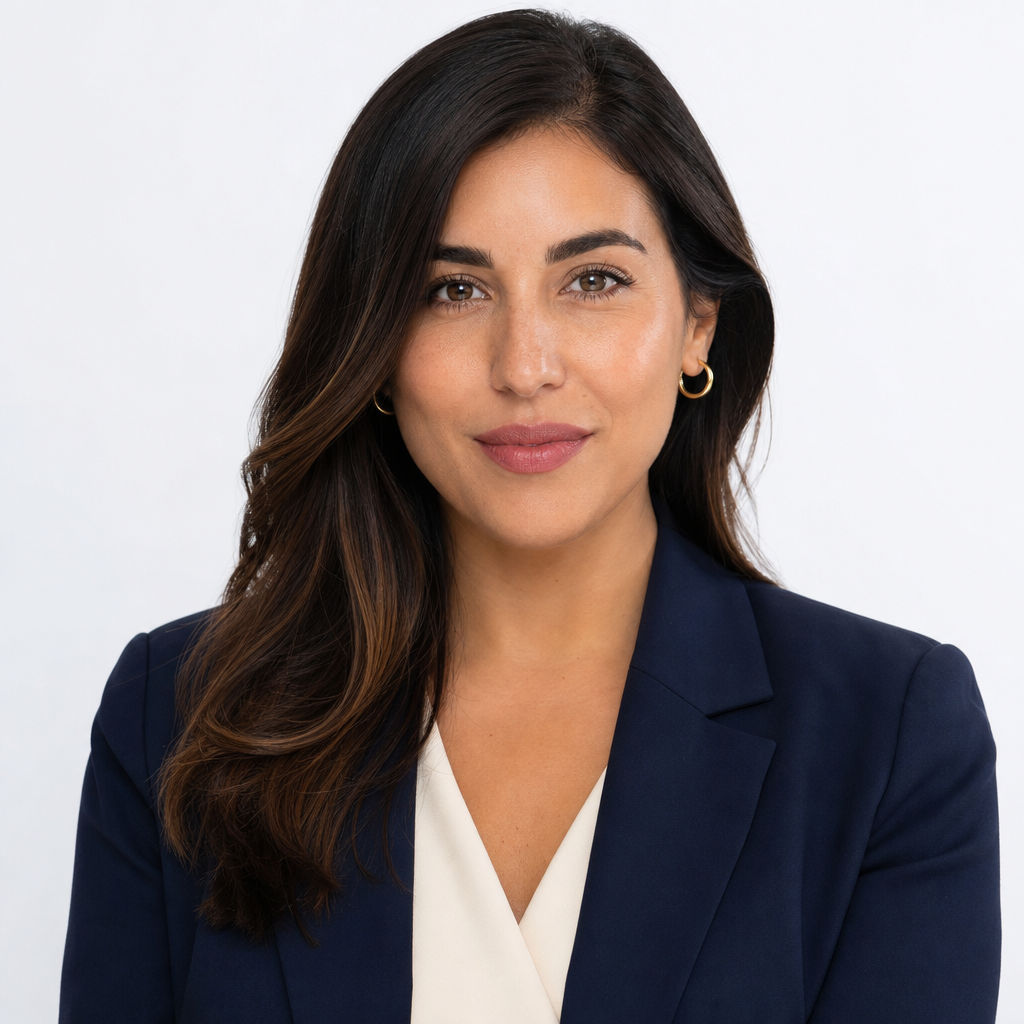
A headshot with white background is popular because it looks clean, modern, and easy to use in many professional settings. It is especially effective for resumes, company directories, speaker bios, internal profiles, medical applications, consulting pages, and websites that need consistent team images. White also gives designers flexibility because the photo can sit naturally on many layouts.
However, white is not automatically the best option for every person. It can look too clinical if the lighting is flat, the outfit is too plain, or the expression feels stiff. To make a white background work, use clothing with enough contrast, keep grooming neat, and choose an expression that feels confident rather than overly formal. A white backdrop should make the image feel clear, not sterile.
White is also useful when consistency matters. If an entire leadership team or sales team needs matching corporate headshots, a white or near-white background creates a unified look. For individuals, it is a dependable choice when you need one professional profile photo that will not clash with different websites, templates, and social platforms.
Classic Neutral Headshot Backgrounds: Timeless Elegance
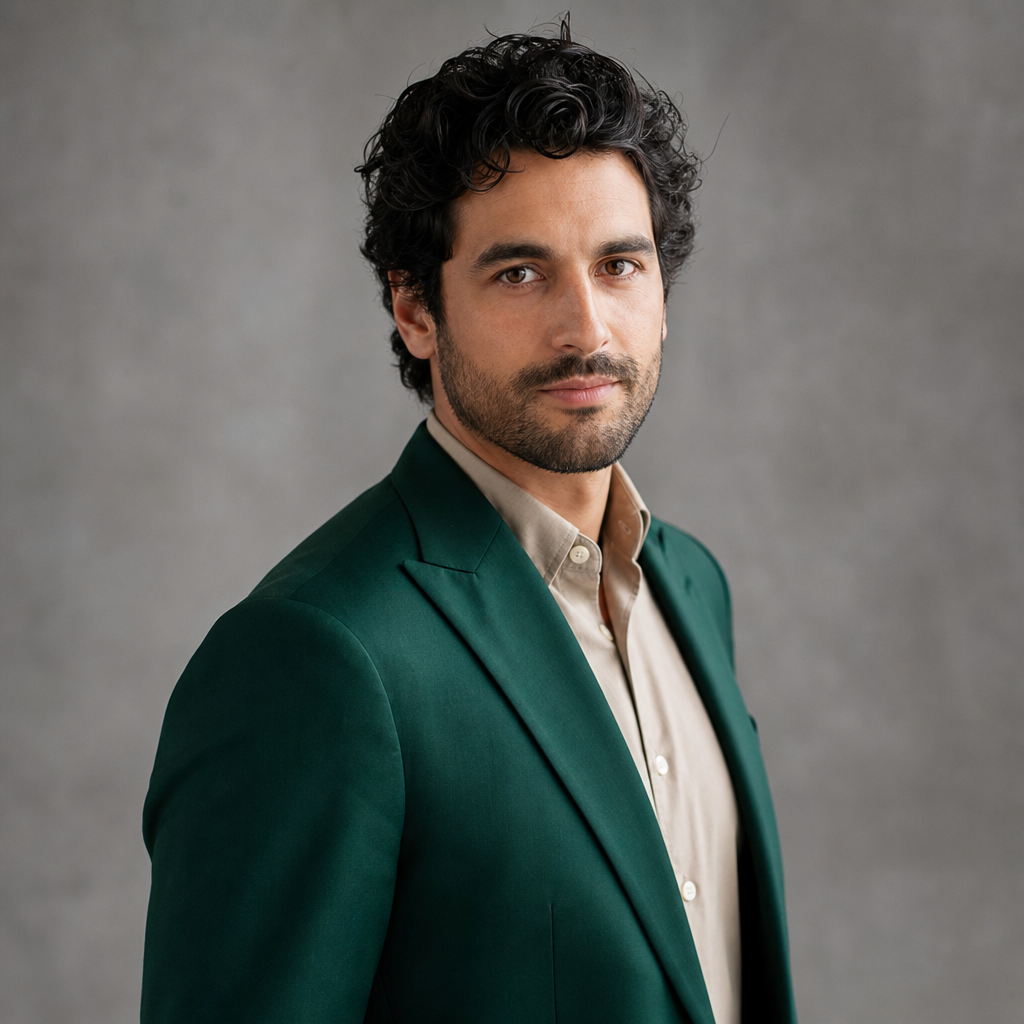
Classic neutral headshot backgrounds are popular for a reason: they age well, photograph cleanly, and suit a wide range of professions. White, grey, cream, taupe, charcoal, and muted blue are timeless because they do not rely on trends. They also reduce the risk of your headshot looking dated when your personal brand, resume, or website is updated later.
Neutral backdrops create a controlled visual environment. They allow your face, posture, expression, and wardrobe to carry the message. A soft grey backdrop can make a professional AI headshot feel calm and balanced. A charcoal backdrop can create a more authoritative executive feel. A cream or beige background can soften the overall impression and make the image feel warmer for client-facing roles.
The elegance of a neutral background comes from subtlety. Instead of using bright colors or decorative elements, it relies on lighting, contrast, and composition. A small gradient behind the head can create depth. A slightly darker tone near the edges can guide the viewer toward the face. These details are quiet, but they make the difference between a flat image and a polished business headshot.
Neutral does not mean boring. It means adaptable. If your headshot needs to work on LinkedIn, a resume, an email avatar, a company bio, and a personal website, a neutral background gives you the most flexibility. It also pairs well with most wardrobe choices, from navy suits and white shirts to soft knits, blazers, and smart casual clothing.
For many people, the best approach is to create a small set of neutral variations. One clean white headshot can be used for formal profiles. A soft grey or beige option can be used for personal branding. A darker studio backdrop can serve as a more elevated executive portrait. This gives you a practical image library without changing your entire visual identity.
Bokeh, Office, City, and Environmental Backgrounds

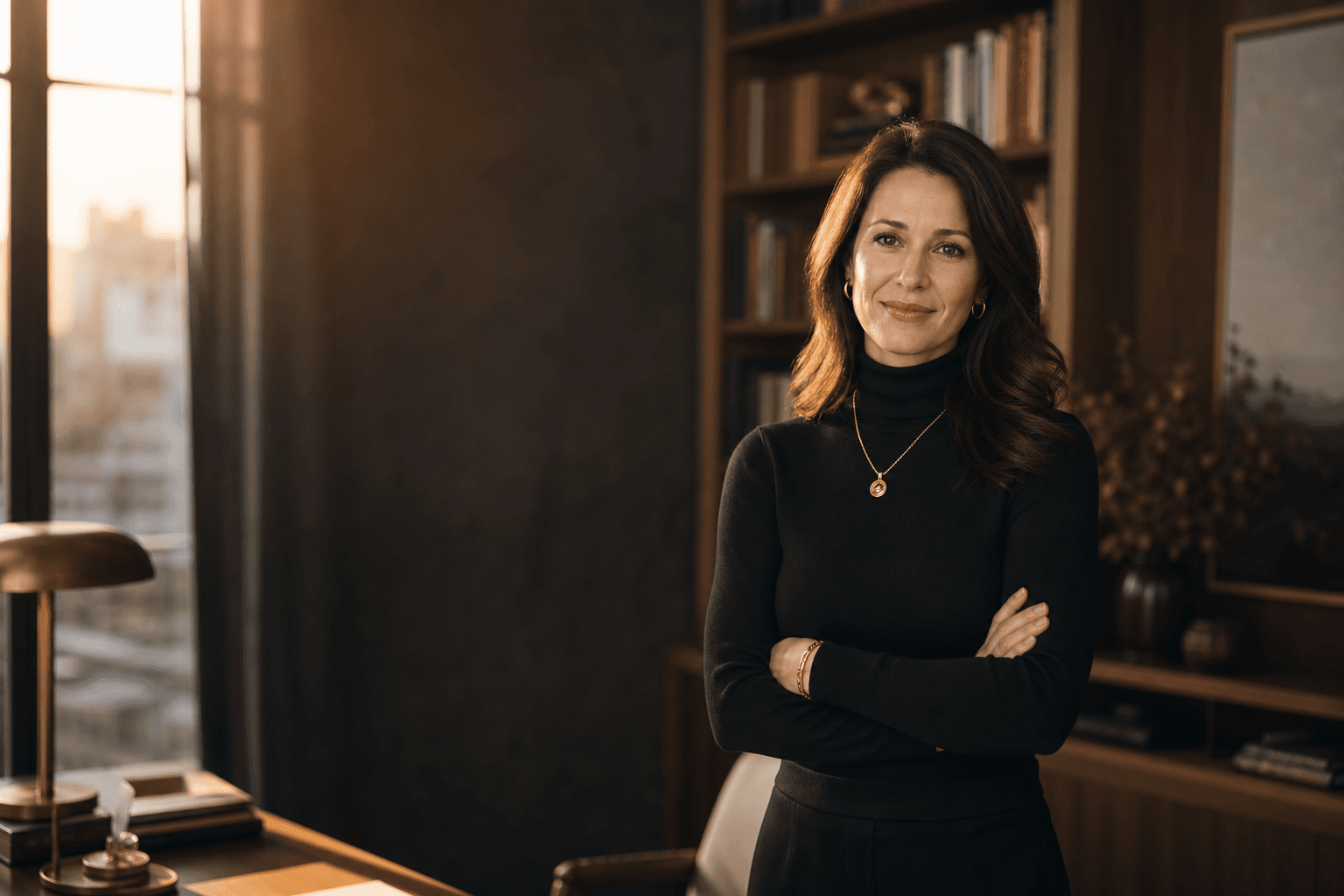
Blurred backgrounds, often called bokeh, can add depth and personality to headshots without becoming distracting. A softly blurred city view, window light, office corridor, bookshelf, or co-working space suggests real-world context while still keeping focus on the person. This is useful for entrepreneurs, consultants, real estate professionals, speakers, and creatives who want a headshot that feels less like a passport photo and more like a personal branding photo.
Environmental backgrounds work best when they are simple and intentional. An office background can communicate professionalism, but a cluttered desk, visible screens, or random objects can make the image feel messy. A city background can feel ambitious and modern, but too much detail may compete with your face. The ideal effect is recognizable atmosphere, not a documentary of the room.
When using a blurred headshot background, pay attention to color harmony. If the background has warm wood tones, earth-toned or navy wardrobe can look cohesive. If the scene is cool and urban, grey, charcoal, white, or deep blue can work well. The same principle applies to AI professional photos: the background should feel believable with your clothing, lighting direction, and overall pose.
Match the Background to the Platform and Personal Brand

Your headshot should match where it appears. LinkedIn headshots usually benefit from clarity, recognizability, and a professional crop. A resume photo, where appropriate, should be simple and conservative. A company website may require a consistent background across team members. A speaker page or portfolio can allow more personality, especially if your work is creative or client-facing.
Personal brand matters just as much as platform. A lawyer, financial advisor, or executive may want a background that feels structured and credible. A designer, coach, author, or startup founder may choose a warmer or more distinctive setting. A healthcare professional may prefer white, grey, or soft blue because these colors tend to feel clean and calm.
Before choosing a background, ask what message the headshot should send in three seconds. Should it feel polished, approachable, authoritative, creative, calm, energetic, or premium? The right backdrop supports that message. A mismatch can be subtle but noticeable: a highly casual outdoor background may undercut a formal executive role, while a severe dark studio background may feel too intense for a friendly service provider.
Practical Checklist for Choosing and Preparing Your Headshot Background

Use this checklist before creating or selecting your professional headshots. It will help you avoid common visual mismatches and choose a background that supports your face, wardrobe, and goals.
- Choose your primary use first: LinkedIn, resume, company bio, website, email, or personal branding.
- Pick the mood: polished, warm, executive, creative, approachable, or minimal.
- Create contrast: avoid clothing that blends completely into the background.
- Keep patterns subtle: busy shirts and busy backgrounds rarely work well together.
- Check your crop: the background should still look good in a small circular profile image.
- Avoid clutter: remove distracting objects, visible screens, signage, and random background details.
- Think about lighting: the background should match the direction and softness of the light on your face.
- Prepare multiple options: one formal background and one warmer personal branding option can cover most needs.
If you are using an AI headshot generator, upload input photos that show your face clearly from different angles, with natural expressions and minimal obstructions. The better the source images, the easier it is to create professional-looking variations with backgrounds that feel believable and consistent.
Common Backdrop Mistakes to Avoid
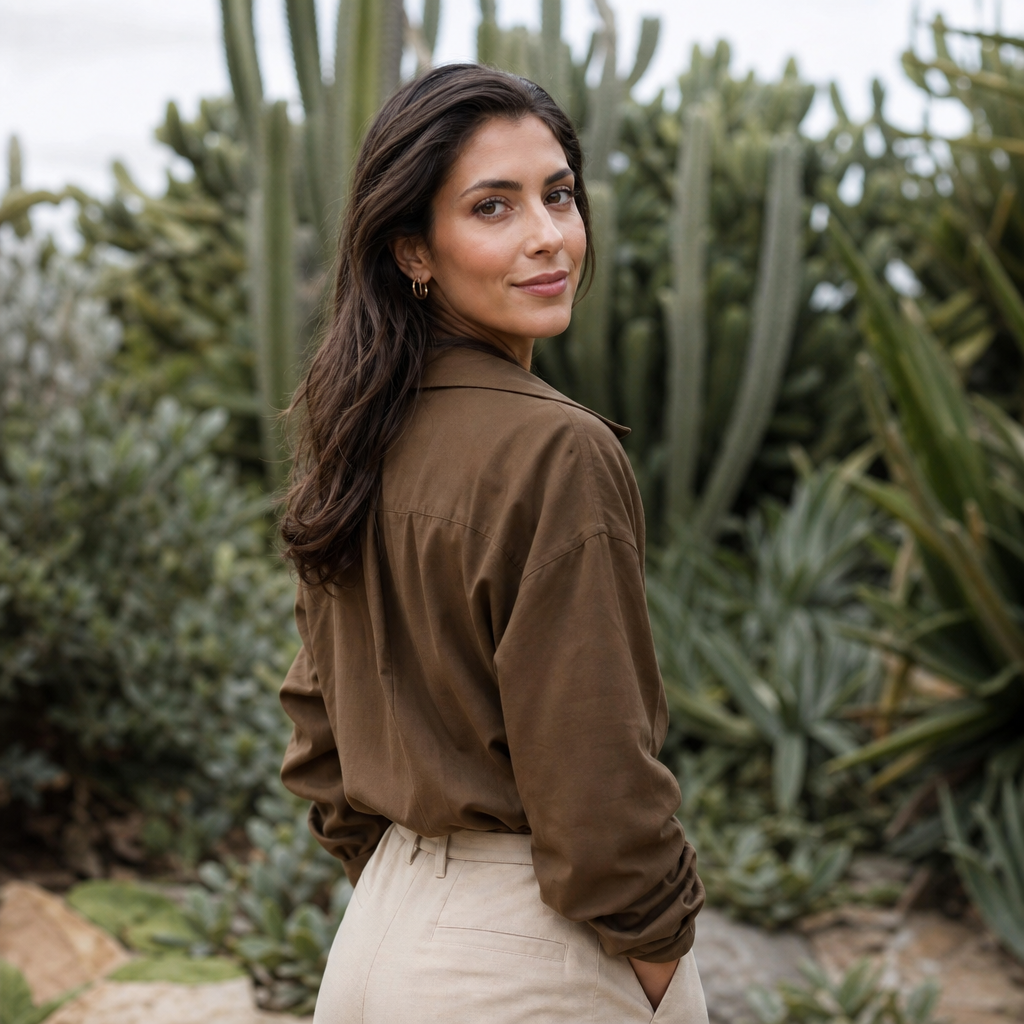
The most common background mistake is choosing a setting that is too casual for the intended use. A vacation photo, car selfie, kitchen wall, or crowded event background can make a capable professional look less prepared. Even if you look good in the photo, the context may not support a business headshot or professional profile picture.
Another mistake is using a background that competes with your face. Strong patterns, bright colors, hard shadows, cluttered shelves, visible signage, and high-contrast objects can pull attention away from your expression. The viewer should not have to visually separate you from the scene. Clean separation is one of the reasons studio backdrops are so reliable.
Over-editing is also a problem. If the backdrop looks artificial, if hair edges appear strange, or if the lighting on the background does not match the lighting on the face, the headshot may feel less trustworthy. A professional image should look polished but still natural. Aim for believable refinement rather than perfection.
How AI Headshots Make Background Choice Easier

AI headshots are useful when you want several professional background options without scheduling a photographer, renting a studio, or coordinating a full photoshoot. With the right tool, you can explore white, grey, office, city, and studio-style backdrops and then choose the version that fits your LinkedIn profile, resume, website, or business profile best.
This is where QuickAI Headshots can be convenient. Instead of committing to one backdrop before a shoot, you can generate multiple professional AI headshots and compare how different settings change the impression. A white background may look best for a resume. A soft grey headshot may be better for LinkedIn. A warm office-style portrait may fit a personal website or consulting page.
AI is not a replacement for judgment. You still need to choose images that look like you, match your real professional presence, and feel appropriate for the platform. The advantage is flexibility. You can test background styles, wardrobe impressions, and levels of formality before deciding which headshot to use publicly.
Try QuickAI Headshots for Professional Background Options

If you want a polished headshot without booking a traditional photoshoot, QuickAI Headshots gives you a fast, convenient way to create professional-looking headshots for LinkedIn, resumes, websites, business profiles, and personal branding. QuickAIHeadshots.com is especially helpful if you need more than one look, such as a clean white background for formal use and a warmer neutral portrait for a website or social profile.
The goal is not to make you look like someone else. The goal is to help you present a clear, professional version of yourself with backgrounds that fit your industry and intended use. When reviewing your results, look for natural facial detail, believable lighting, clean edges, suitable clothing, and a backdrop that supports the message you want to send.
QuickAI Headshots works best when you treat the final selection thoughtfully. Choose a headshot that feels current, recognizable, and appropriate. If you are unsure, compare the image at full size and as a small profile thumbnail. The best option should still read clearly when cropped, because many people will first see your photo in a small LinkedIn or email avatar.
Conclusion: Choose a Backdrop for Headshots With Intention
The right backdrop for headshots should make your image feel more focused, professional, and aligned with your personal brand. White backgrounds are versatile and clean, grey and neutral tones are timeless, darker backgrounds can feel executive, and blurred office or city settings can add authentic context when used carefully.
Start with your platform, your industry, and the impression you want to create. Then choose a background that supports your face rather than competing with it. Whether you need LinkedIn headshots, corporate headshots, business headshots, or a professional profile picture for your website, QuickAI Headshots can help you explore polished options and select a look that feels credible, modern, and true to you.