The best headshot background is the one that supports your face, profession, and personal brand without stealing attention. A great background makes a professional headshot feel intentional, whether you need a LinkedIn headshot, company bio image, resume photo, portfolio portrait, or business profile picture. There is no single backdrop that works for every person, but there are clear rules that make choosing easier.

This guide explains the most dependable options, including white, gray, blurred, indoor, and outdoor backgrounds. It also shows how AI headshots can help you test polished looks without booking a traditional photoshoot. QuickAI Headshots and QuickAIHeadshots.com are useful when you want professional-looking headshots quickly, with enough variety to match different platforms.
Best Headshot Background: What Works Most Often?
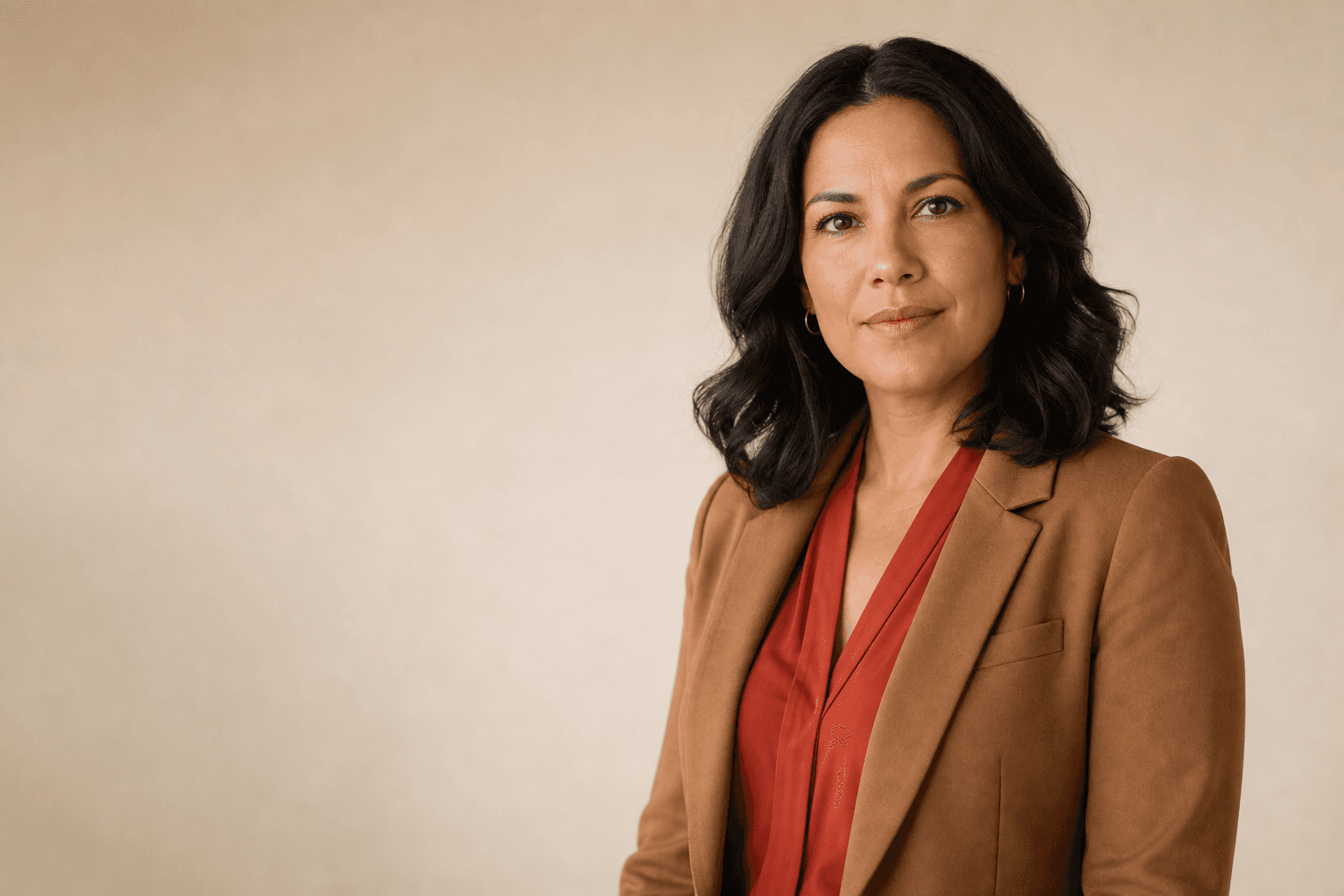
What is the best background for headshots? For most professional uses, the best choice is a clean white, soft gray, neutral office, or gently blurred background. These options keep the focus on your face while still giving the image context. White and gray feel formal and universal; blurred office or outdoor settings feel warmer and more personal. The right choice depends on whether you want to appear corporate, creative, approachable, authoritative, or industry-specific.
A financial advisor may look strongest on white, gray, or a refined office backdrop. A marketer, founder, designer, or coach might prefer a softly blurred workplace or outdoor scene. For job applications and formal submissions, simplicity usually wins. For personal branding, a little environment can help communicate personality.
Headshot basics
Before choosing scenery, get the fundamentals right. A strong headshot has clear eye contact, even lighting, natural expression, sharp focus, and clothing that fits the purpose of the image. The background should sit behind these elements, not compete with them. If the viewer notices the wall, furniture, plants, or skyline before noticing you, the background is too loud.
Good headshot backgrounds usually have three qualities: low distraction, good contrast with your clothing, and a tone that matches your professional context. Avoid clutter, harsh shadows, busy patterns, and strong colors that cast onto the skin. Your headshot should also work as a small thumbnail, because many people first see it on LinkedIn, email, Slack-style profiles, or search results.
Headshot With White Background
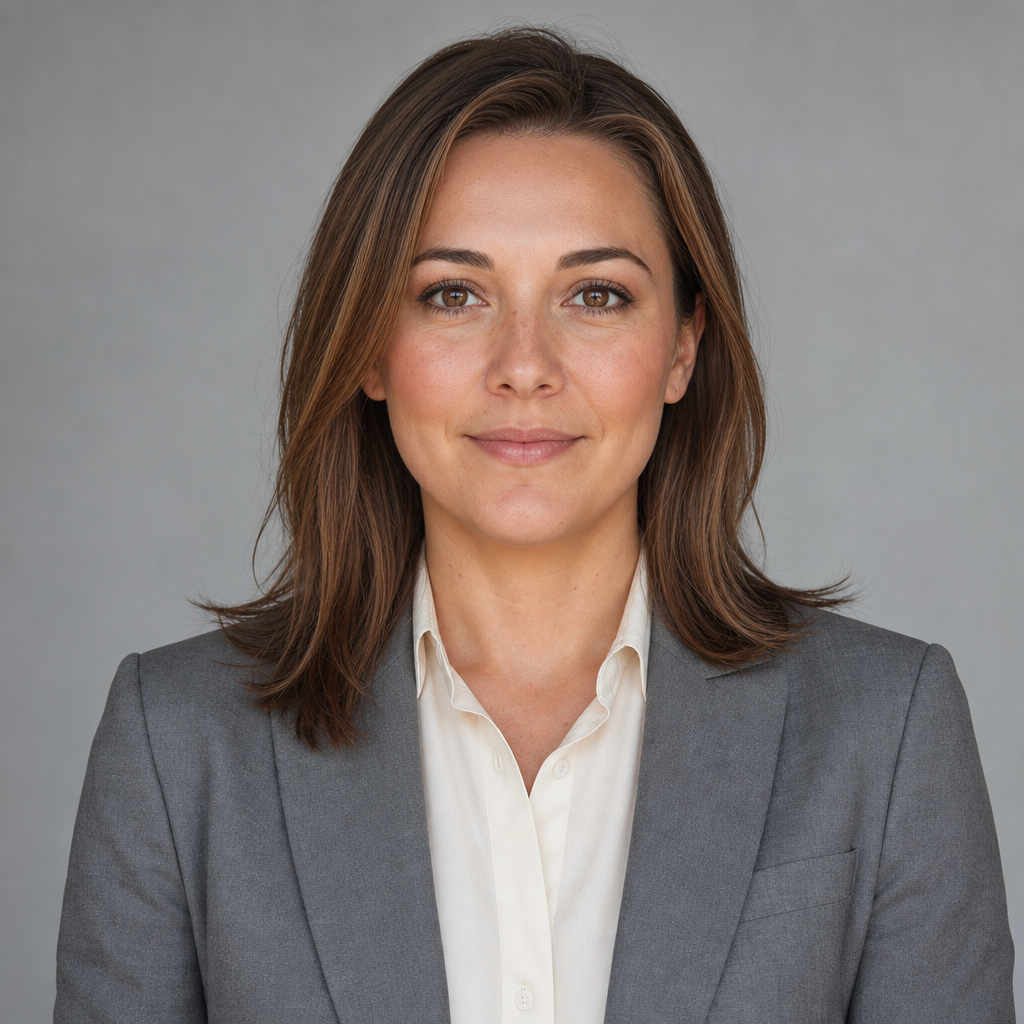
A headshot with white background is the safest and most versatile option for formal business use. It looks clean, works well on resumes and company pages, and usually meets requirements for applications that specify a plain backdrop. White can communicate clarity, organization, and professionalism, especially for corporate headshots, medical residency application photos, legal profiles, and executive bios.
The risk is that plain white can feel flat if the lighting, pose, and expression are weak. To avoid a passport-photo effect, use flattering light, a slight shoulder angle, and wardrobe with enough contrast. Navy, charcoal, forest green, burgundy, and black often photograph well against white. If you want one professional profile picture that can be used almost anywhere, white is a reliable starting point.
Blurred Background

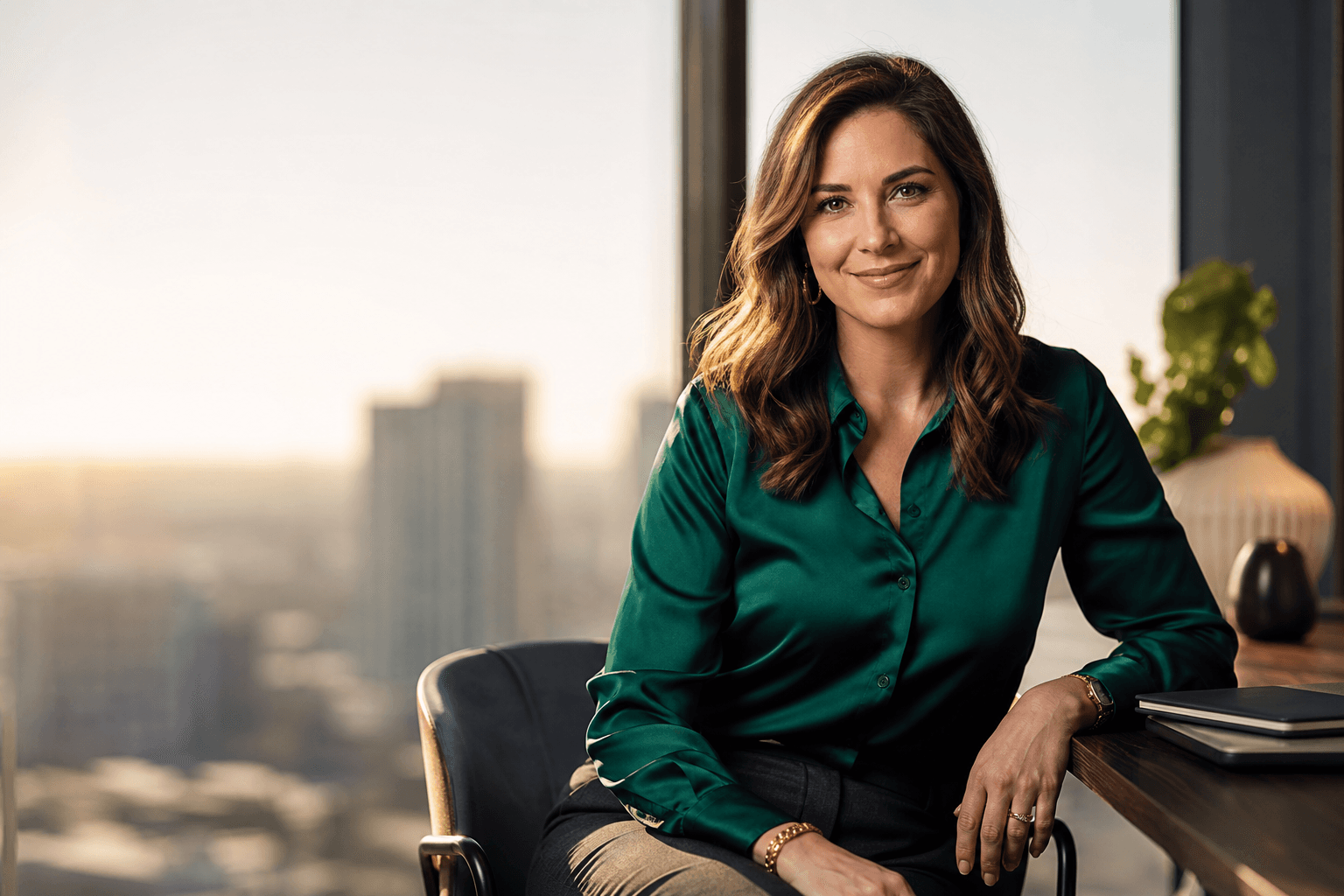
A blurred background adds depth while keeping attention on your face. Instead of seeing every object behind you, the viewer sees color, light, and atmosphere. This style is popular for LinkedIn headshots, personal branding photos, founder portraits, real estate profiles, and consulting pages because it feels professional without being overly formal.
Blur works best when the background already has a clean visual pattern: a window with city light, a modern office, greenery, bookshelves, or a neutral interior. It works poorly when the scene is messy, high contrast, or full of recognizable distractions. The blur should look natural, not like a heavy filter cut around the hair. If the edges of your face or shoulders look artificial, choose a cleaner image or generate a more realistic option.
How to blur your headshot background

You can blur your headshot background in camera, with editing software, or through an AI headshot generator. In camera, the usual method is to stand several feet away from the background and use a lens or phone portrait mode that creates shallow depth of field. The more distance between you and the background, the softer it becomes.
When editing, keep the blur subtle. Select the subject carefully, soften the background gradually, and check hair, glasses, shoulders, and hands for unnatural edges. Over-blurring can make the image look fake. AI professional photos can simplify this process by creating finished portraits with believable depth, but you should still review the final headshot for realism, accurate facial details, and a style that fits your intended use.
What Does Your Headshot Background Actually Communicate?
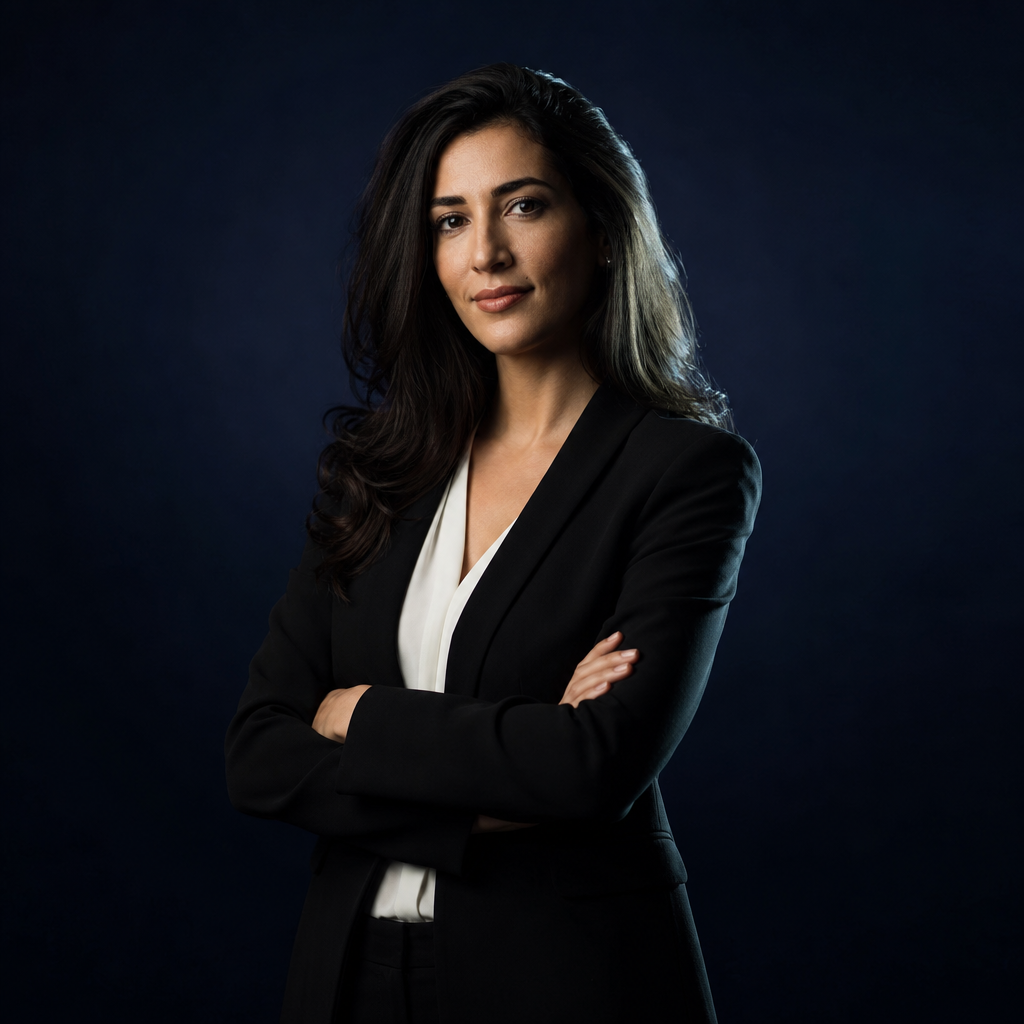
What Does Your Headshot Background Actually Communicate? It sends signals before anyone reads your title. A white or gray studio background suggests structure, reliability, and formality. A blurred office suggests professional activity and business context. Greenery can feel approachable and fresh. A darker studio background may feel premium, serious, or editorial. An outdoor scene can feel personable, but it may be too casual for some industries.
Think of the background as part of your message, not decoration. If your work depends on trust, choose calm and simple. If your brand depends on creativity, a stylized indoor or outdoor setting may be appropriate. If you are applying to programs with strict photo expectations, avoid experimentation and choose white or gray.
Stylized Portraits: Indoor or Outdoor Backgrounds
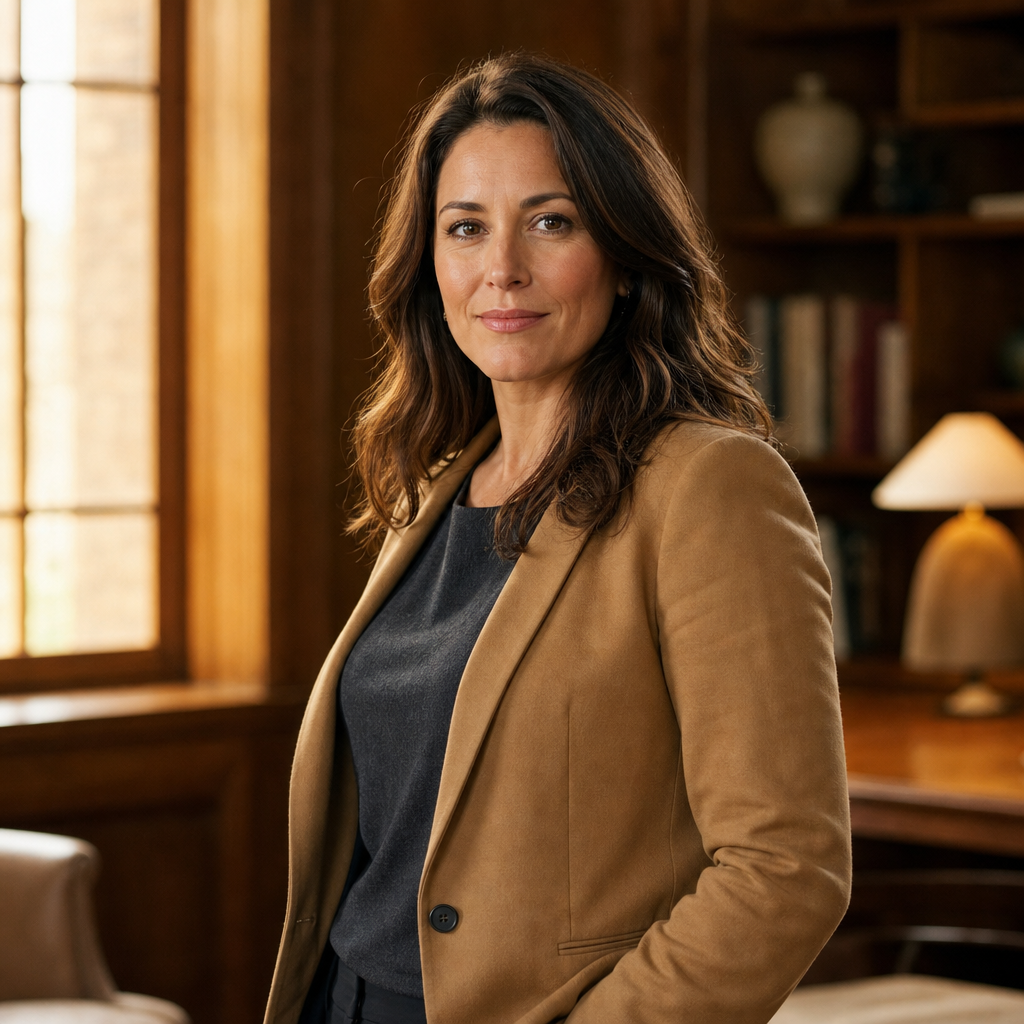
Stylized portraits can be a strong choice when your headshot is part of a broader personal brand. Indoor settings such as a modern office lounge, co-working space, studio corner, or warm wood-toned room can make you look established and approachable. Outdoor settings, especially with soft greenery, neutral architecture, or city bokeh, can feel open, energetic, and human. These backgrounds are often useful for entrepreneurs, coaches, authors, speakers, creatives, and consultants who want more personality than a plain studio image provides.

The key is restraint. Stylized does not mean busy, theatrical, or overly glamorous. Your face should still dominate the frame, and the background should help explain your professional world. For example, a business coach might use a softly lit office background to suggest focus and trust. A wellness founder might use natural greenery to feel calm and approachable. A creative director might choose a textured wall or muted studio scene for visual interest.
Stylized portraits are less ideal for situations with strict expectations, such as some school, visa, credential, or medical residency application photos. In those cases, white or gray backdrops are safer. For online dating pictures and personal use, outdoor backgrounds can work well because they feel relaxed, but they should still be clean and flattering. Actor and model headshots have fewer universal background rules because casting needs vary; the face, expression, and range matter most.
With QuickAI Headshots, you can explore several stylized portrait directions without committing to one shoot location. That makes it easier to compare a professional office look, a clean studio look, and a warmer outdoor-inspired look before choosing the headshot that best fits your platform.
Practical Checklist for Choosing a Background

Use this checklist before selecting or generating your final business headshots:
- Match the platform: LinkedIn, resumes, company websites, and speaking bios may need different levels of formality.
- Check contrast: Your clothing should stand apart from the backdrop without clashing.
- Prioritize your face: If the background draws the eye first, simplify it.
- Consider your industry: Law, finance, medicine, and corporate leadership often benefit from white, gray, or office settings.
- Avoid visual clutter: Remove busy shelves, bright artwork, harsh shadows, and random objects.
- Think thumbnail size: Your headshot should still look clear when reduced to a small profile photo.
Common Background Mistakes to Avoid
The most common mistake is using a casual selfie background for a professional profile. Cars, kitchens, bedrooms, crowded events, and distracting walls can weaken an otherwise good expression. Another mistake is choosing a backdrop that blends into your outfit, making the portrait feel dull or hard to read.
Be careful with extreme editing. Artificial blur, obvious cutouts, warped edges, and over-smoothed skin can reduce trust. Also avoid backgrounds that conflict with your role. A playful outdoor image may be fine for a personal brand page, but it may not fit a conservative corporate bio. Consistency matters if your headshot appears across multiple profiles.
Create Background Options With QuickAI Headshots
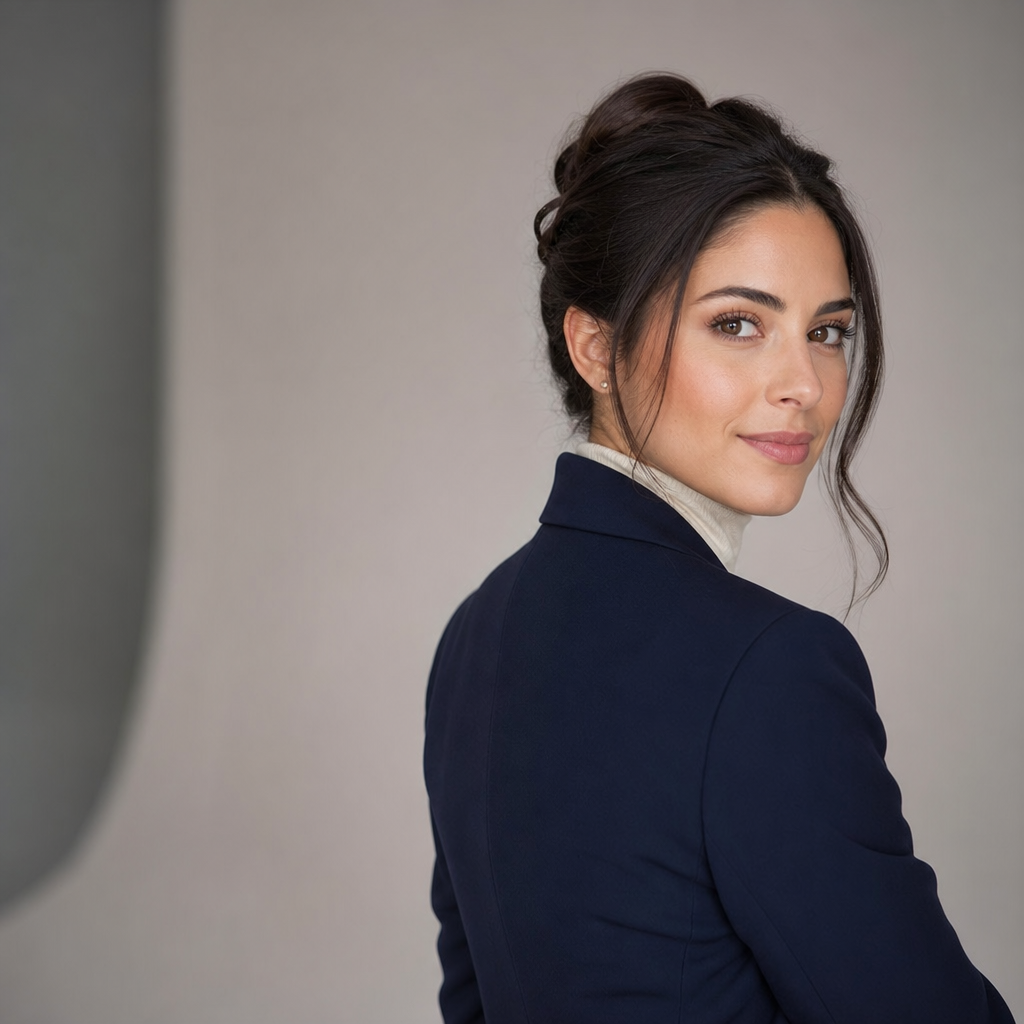
If you are unsure which background fits best, QuickAI Headshots can help you compare professional options quickly. Instead of arranging a studio, selecting a location, and waiting for edited proofs, you can create AI headshots suitable for LinkedIn, resumes, websites, business profiles, and personal branding.
QuickAIHeadshots.com is especially useful when you want several looks: a white background for formal use, a gray or studio backdrop for corporate profiles, and a blurred office or outdoor-style portrait for a warmer online profile photo. Review each image carefully, choose the ones that look natural, and use the background that supports your goal.
Conclusion: Choose the Best Headshot Background for Your Goal
The best headshot background is simple, intentional, and aligned with where the image will appear. White and gray are reliable for formal needs, blurred settings add depth, and stylized indoor or outdoor backgrounds can strengthen a personal brand. With QuickAI Headshots, you can test polished options and choose a professional headshot that feels credible, current, and true to your work.