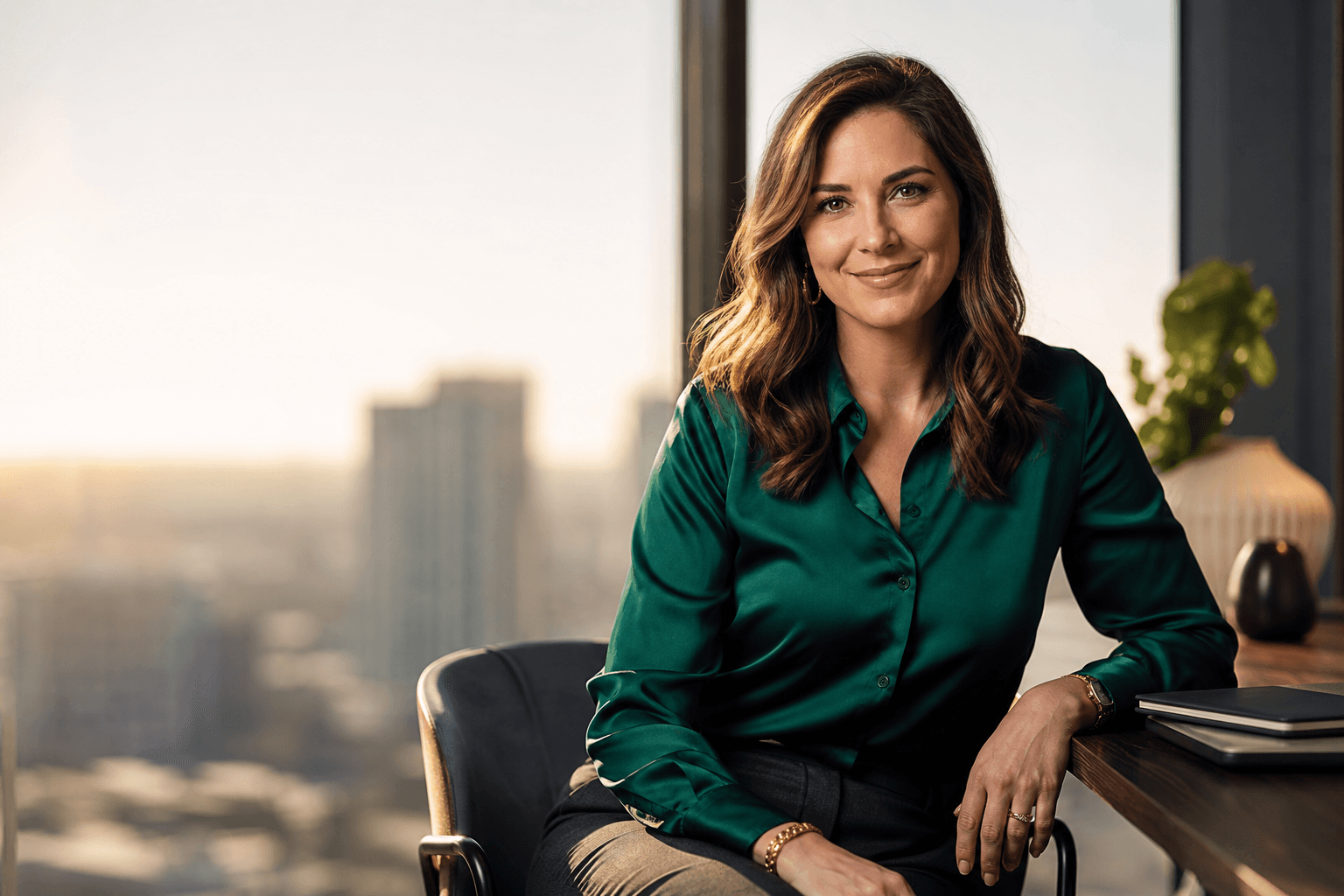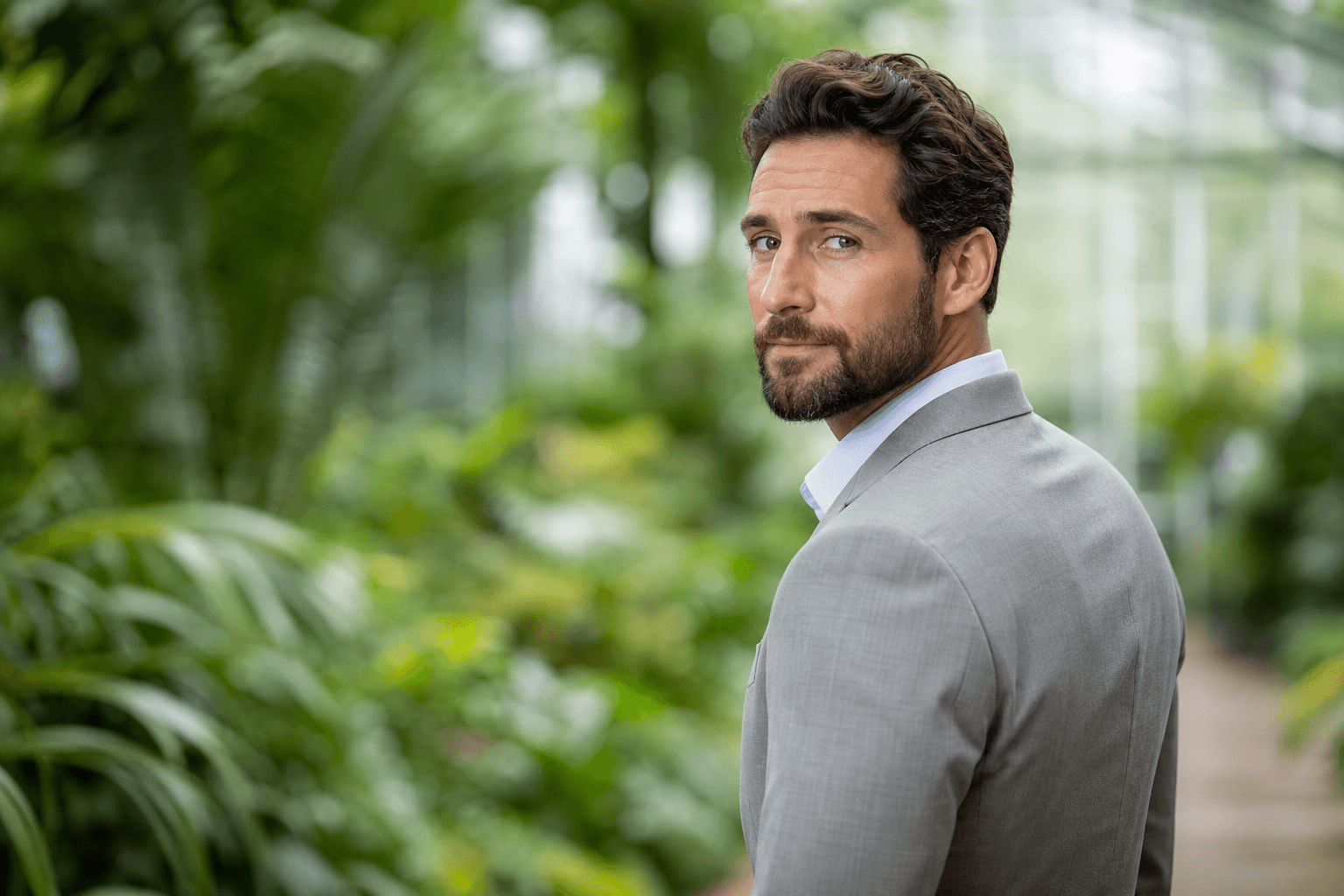
Choosing the right backdrops for headshots is not just a studio decision; it shapes how professional, approachable, creative, or executive your image feels before anyone reads your name. A strong background supports your face, outfit, and personal brand without pulling attention away from you. Whether you are preparing a LinkedIn headshot, refreshing a company bio, or creating business headshots for a team, the backdrop is part of the message.

The best headshot background depends on where the image will be used, the industry you work in, and the impression you want to create. Traditional photography gives you physical options like paper, canvas, walls, offices, and outdoor blur. AI headshots add another practical path: you can create a polished professional profile picture without booking a studio, while still choosing a background style that fits your goals.
Backdrops for Headshots: What They Communicate
Backdrops for headshots work like visual context. A white background can feel clean and direct. A mid grey backdrop can look balanced, modern, and corporate. A blurred office can suggest warmth and realism. A dark navy or charcoal background can add authority, while a soft outdoor bokeh can feel creative and approachable.
The most effective backdrop does three things. First, it separates you clearly from the background so your face remains the focus. Second, it supports your wardrobe rather than competing with it. Third, it matches the platform. A resume photo and a creative portfolio portrait may both need polish, but they may not need the same mood.
For most professional headshots, simple is safer than busy. Distracting patterns, strong shadows, visible clutter, or backgrounds that imply the wrong environment can make even a good expression feel less credible. The goal is not to make the backdrop memorable by itself. The goal is to make you look prepared, current, and easy to recognize.
What is the Best Background Color for a Headshot?

The best background color for a headshot is usually a neutral tone that complements your skin tone, clothing, and professional context. White, light grey, mid grey, charcoal, navy, beige, and warm off-white are the most versatile choices because they keep attention on the face and work across LinkedIn, resumes, websites, email profiles, and business directories.
If you want the safest single answer, choose grey. A grey headshot backdrop is less stark than pure white, less dramatic than black, and easier to pair with common wardrobe colors such as navy, cream, black, charcoal, and earth tones. Mid grey is especially useful for corporate headshots because it feels polished without being overly formal.
That said, the best background color is not universal. White may be ideal for a clean company directory. Navy can suit executives or consultants who want a more authoritative look. Warm beige or taupe can soften the image for coaches, therapists, educators, and real estate professionals. The right color should make your face look clear, your outfit intentional, and your brand consistent.
Headshot With White Background
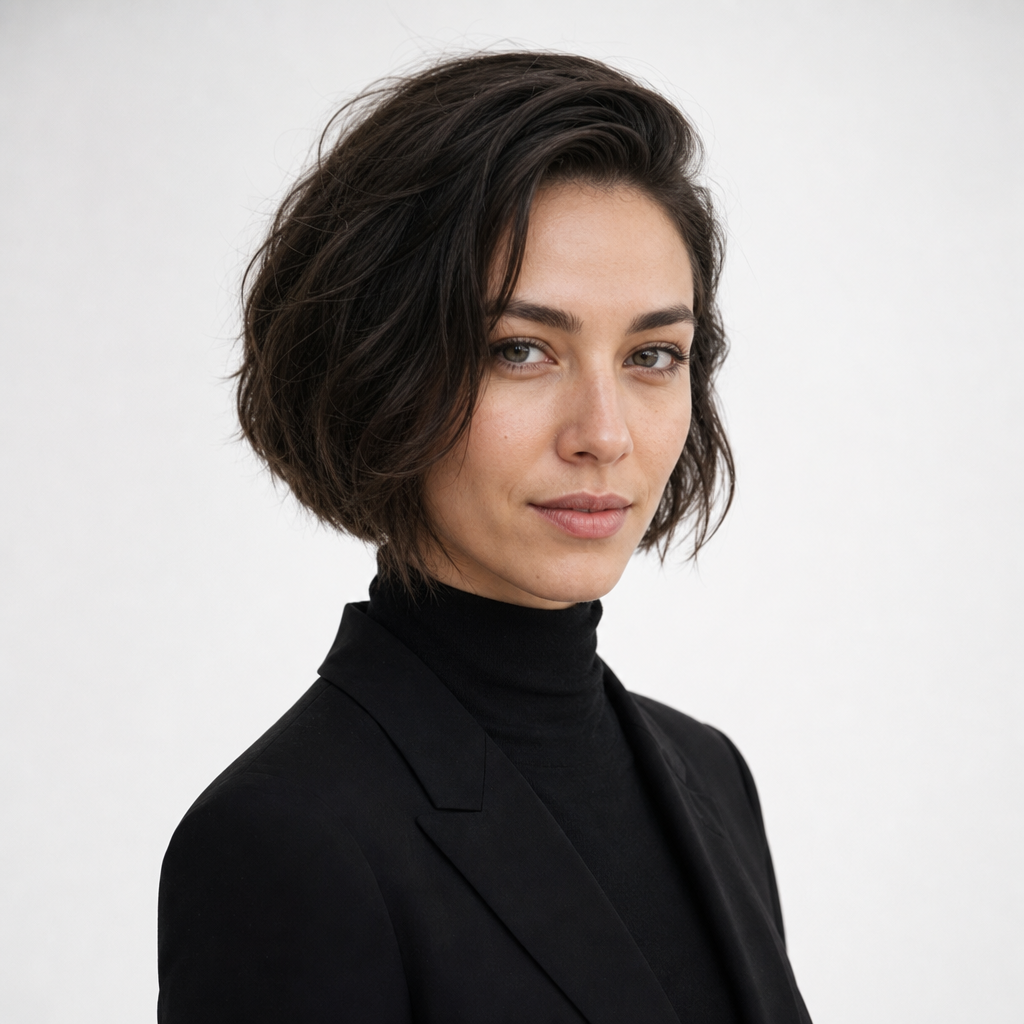
A headshot with white background is a classic choice for people who need a clean, high-utility image. It works well for resumes, internal company profiles, speaker bios, medical or legal directories, and online profile photo updates where simplicity matters. White creates a crisp frame and avoids the risk of visual clutter.
The challenge is that white can look flat if the lighting, clothing, and contrast are not handled carefully. If you wear a white shirt against a white background, your shoulders may blend into the frame. If the light is too harsh, the image can feel clinical. A better approach is to use subtle contrast: navy, charcoal, black, forest green, burgundy, or textured neutrals often look strong against white.
White backgrounds are also useful when you need consistency across a team. If every employee has a different location, a white or near-white backdrop can bring the set together. With AI professional photos, this consistency is easier to achieve because each final image can share a similar clean background style.
2. Grey Backdrop Mid Text MT
The phrase “2. Grey Backdrop Mid Text MT” may sound like a catalog label, but the idea behind it is straightforward: a mid-tone grey backdrop is one of the most reliable options for professional headshots. It sits between bright white and dark charcoal, which helps it adapt to many faces, outfits, industries, and lighting styles.

Mid grey works because it creates separation without stealing attention. It is especially strong for LinkedIn headshots, corporate headshots, consulting profiles, finance bios, technology teams, and anyone who wants a professional image that feels current rather than overly staged. It also pairs well with both cool and warm wardrobe palettes.
A warm grey background can be even more flattering for people who do not want a cold studio look. You may see it described in visual planning language as something like “7. Warm Grey Backdrop Strong Text ST,” which simply points to a stronger, warmer neutral. In practical terms, choose warm grey when you want professionalism with a softer, more human feel.
Classic Neutral Headshot Backgrounds: Timeless Elegance
Classic neutral headshot backgrounds remain popular because they age well. Trendy colors, dramatic effects, and highly specific environments can be useful for certain brands, but they may feel dated or distracting after a year or two. Neutrals give you a longer-lasting professional profile picture that can move across platforms without looking out of place.
The main neutral options are white, off-white, light grey, mid grey, charcoal, navy, taupe, and beige. Each creates a slightly different impression. White is direct and simple. Off-white is clean but gentler. Light grey feels modern and minimal. Mid grey is balanced and versatile. Charcoal and navy add weight and confidence. Taupe and beige can feel warm, approachable, and personal.
Neutral does not mean boring. The sophistication comes from the combination of backdrop, clothing, expression, and cropping. A navy blazer against warm grey can look executive. A cream blouse against charcoal can feel refined. A textured beige background with soft daylight can make a personal branding photo feel welcoming while still professional.
For most people, a neutral backdrop is the best starting point because it lowers risk. You can use the image on LinkedIn, a resume, a website bio, a conference page, and a company profile without the background fighting the design around it. If you later want more creative variations, you can add them for specific uses.
The Artificial Background: When AI Makes Backdrop Choice Easier

The artificial background is one of the biggest advantages of AI headshots when it is used thoughtfully. Instead of being limited to the wall, office, or lighting available on the day of a photoshoot, you can choose from professional-looking background styles that better match your personal brand. This is useful for remote workers, job seekers, founders, consultants, and teams that need consistency.
AI should not make a headshot look fake. The best AI headshots use backgrounds that feel believable, correctly lit, and proportionate to the face. If the backdrop is too dramatic, overly blurred, or mismatched with the lighting on the subject, the image can feel artificial in the wrong way. Subtle wins: clean studio, soft grey, warm office, neutral lounge, or gentle bokeh are usually safer than extreme effects.
QuickAI Headshots helps people create professional-looking headshots without booking a traditional photoshoot. With QuickAI Headshots, you can explore styles suited to LinkedIn, resumes, websites, business profiles, and personal branding. QuickAIHeadshots.com is especially practical when you need a polished result quickly, want multiple background options, or prefer not to coordinate a studio session.
The key is to choose an artificial background as if it were a real location. Ask whether it fits your industry, outfit, and expression. A lawyer may prefer white, grey, or navy. A designer may choose a soft studio tone or blurred creative workspace. A coach may benefit from warmth and daylight. The background should support trust, not announce the technology behind the image.
Bokeh and Stylized Backgrounds for Personality
A bokeh effect is a blurred background that creates depth while keeping the subject sharp. In headshot photography, it can make an image feel less formal than a plain studio backdrop while still looking professional. Common bokeh settings include soft office lights, city windows, greenery, or an indoor environment blurred enough that no distracting details are readable.
Bokeh works best when your profession benefits from approachability, creativity, or a sense of place. Real estate agents, founders, coaches, marketers, designers, and consultants often use blurred headshot backgrounds to avoid looking too rigid. However, the blur must be controlled. If the background is too busy, too bright, or too cinematic, it can pull attention away from your face.
Stylized portraits, indoor or outdoor, can also work when they are aligned with your brand. A botanical background may suit wellness and education. A warm office lounge can suit leadership or consulting. A city bokeh can suit finance, technology, or entrepreneurship. Keep the final image professional enough that it still belongs on your main business profile.
Practical Checklist for Choosing and Preparing Your Headshot Background
Before choosing a backdrop, define the job your headshot needs to do. A single image may appear on LinkedIn, a resume, a company bio, email, press materials, and social profiles. The more places it will appear, the more versatile the background should be.

Use this checklist to make a smarter choice before creating professional headshots or AI professional photos:
- Pick the platform first: LinkedIn and resumes usually benefit from clean, neutral backdrops. Personal websites can allow more personality.
- Match your industry: Corporate, legal, finance, and healthcare often work best with white, grey, navy, or soft office backgrounds.
- Coordinate clothing: Avoid wearing the exact same color as the backdrop unless there is enough contrast in texture or tone.
- Keep grooming simple: Hair, facial hair, makeup, and accessories should look like your everyday professional self.
- Choose a natural expression: A relaxed, confident expression matters more than an intense pose.
- Avoid background clutter: Bookshelves, windows, plants, and office spaces should be subtle if they appear at all.
- Check the crop: Head-and-shoulders framing is usually best for profile thumbnails because your face remains recognizable.
If you are using a headshot generator, upload source images that show your face clearly from different angles, with good lighting and no heavy filters. Better input photos generally make it easier to create realistic, professional-looking results.
Common Backdrop Mistakes to Avoid
The most common mistake is choosing a background because it looks interesting instead of because it supports the subject. A dramatic wall, bright color, or busy street scene may look appealing in a large portrait, but profile photos are often viewed as small thumbnails. In that format, simplicity becomes more important.
A second mistake is mismatched lighting. If your face appears lit from one direction while the background suggests another, the image can feel off even if viewers cannot explain why. This matters for traditional photography and AI headshots. The background should share the same general mood, brightness, and contrast as the subject.
Also avoid over-editing. Excessive skin smoothing, exaggerated blur, or backgrounds that look too perfect can reduce trust. A professional headshot should look polished, but still like a real person. The best result is clean, confident, and recognizable.
Using Your Headshot Across LinkedIn, Resumes, and Business Profiles
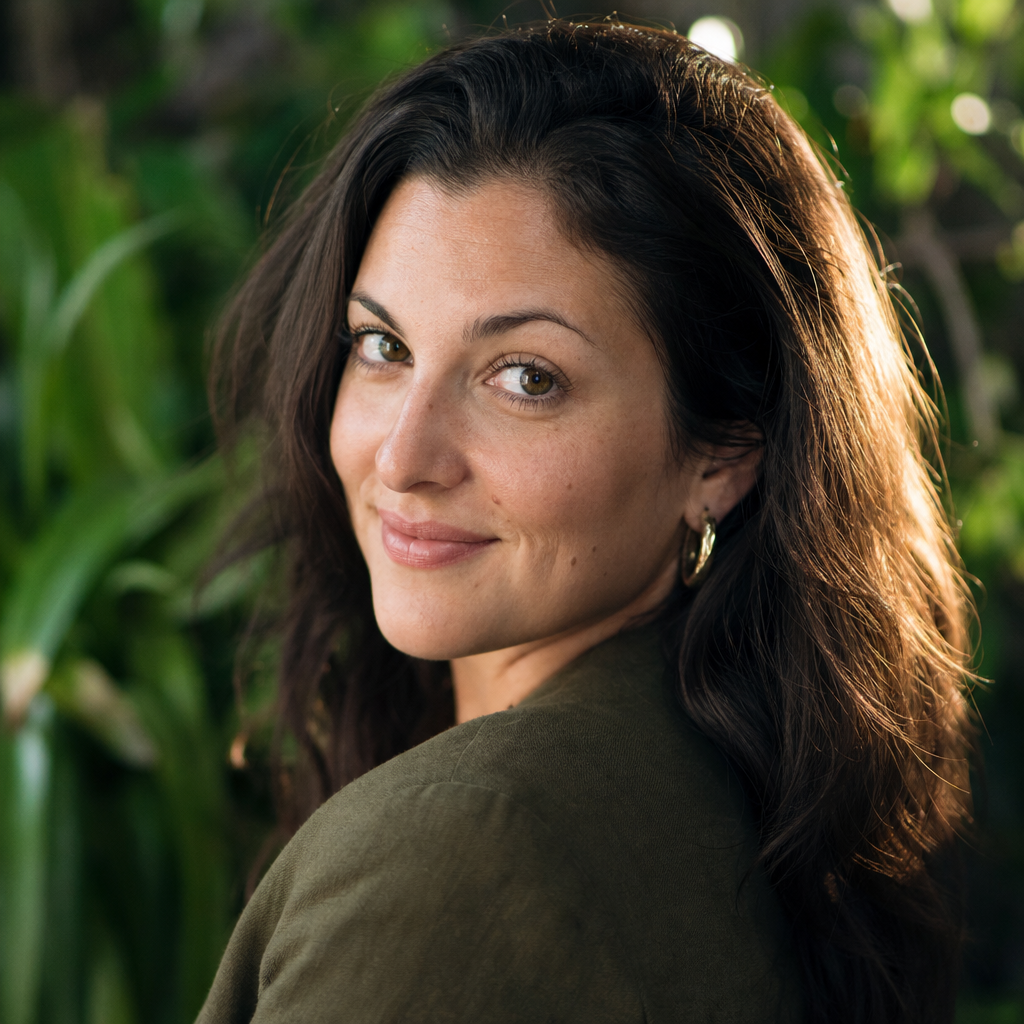
Once you choose the right backdrop, use the headshot consistently. LinkedIn headshots should be cropped so your face is easy to see, with enough shoulder area to look natural. Resume photos, where appropriate, usually need a clean and conservative background. Company websites and speaker bios can allow a little more warmth or environmental context.
Your professional profile picture should also match the rest of your personal branding. If your website uses warm neutrals and approachable language, a stark black background may feel inconsistent. If your business profile is formal and executive, a casual outdoor image may not fit. The best headshot feels like it belongs with your title, voice, and audience.
For teams, consistency matters even more. A shared backdrop style helps employees look like part of the same organization, even when they work remotely. White, grey, and warm neutral backgrounds are the easiest to standardize without making everyone look identical.
A Convenient Way to Create Professional AI Headshots
If you want professional headshots without coordinating a photographer, studio, wardrobe changes, and calendar availability, QuickAI Headshots is a convenient option. It is designed for people who need polished images for LinkedIn, resumes, websites, business profiles, and personal branding but prefer a faster online workflow.
QuickAI Headshots can be especially helpful when you want to compare several backdrop styles before deciding. You may discover that a white background is best for your resume, while a warm grey or softly blurred office version works better for LinkedIn. Having options lets you choose based on context rather than settling for one photo.
Visit QuickAIHeadshots.com when you are ready to create a professional-looking headshot with a background that fits your goals. The aim is not to replace every traditional photoshoot, but to give you a practical alternative when speed, convenience, and consistency matter.
Conclusion: Choose Backdrops for Headshots With Intention
The best backdrops for headshots are simple, flattering, and aligned with the way you want to be perceived. White is clean, grey is versatile, warm neutrals are approachable, and blurred environments can add personality when used carefully. Start with the platform, match the background to your brand, and avoid anything that distracts from your face.
With QuickAI Headshots, you can explore professional AI headshots that fit LinkedIn, resumes, websites, and business profiles without booking a traditional studio session. A thoughtful backdrop will not do the work for you, but it can help your professional image feel clearer, more current, and more consistent.