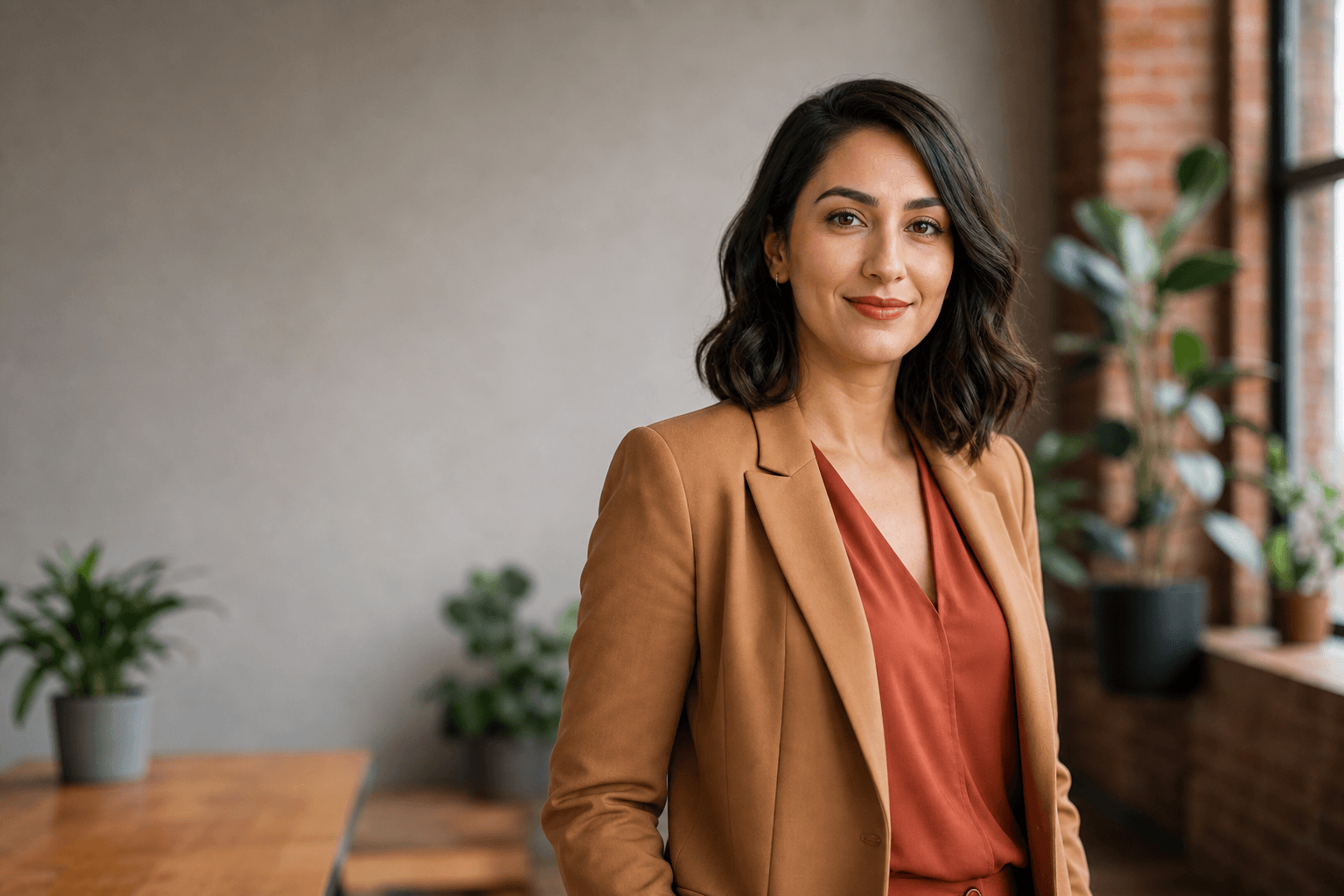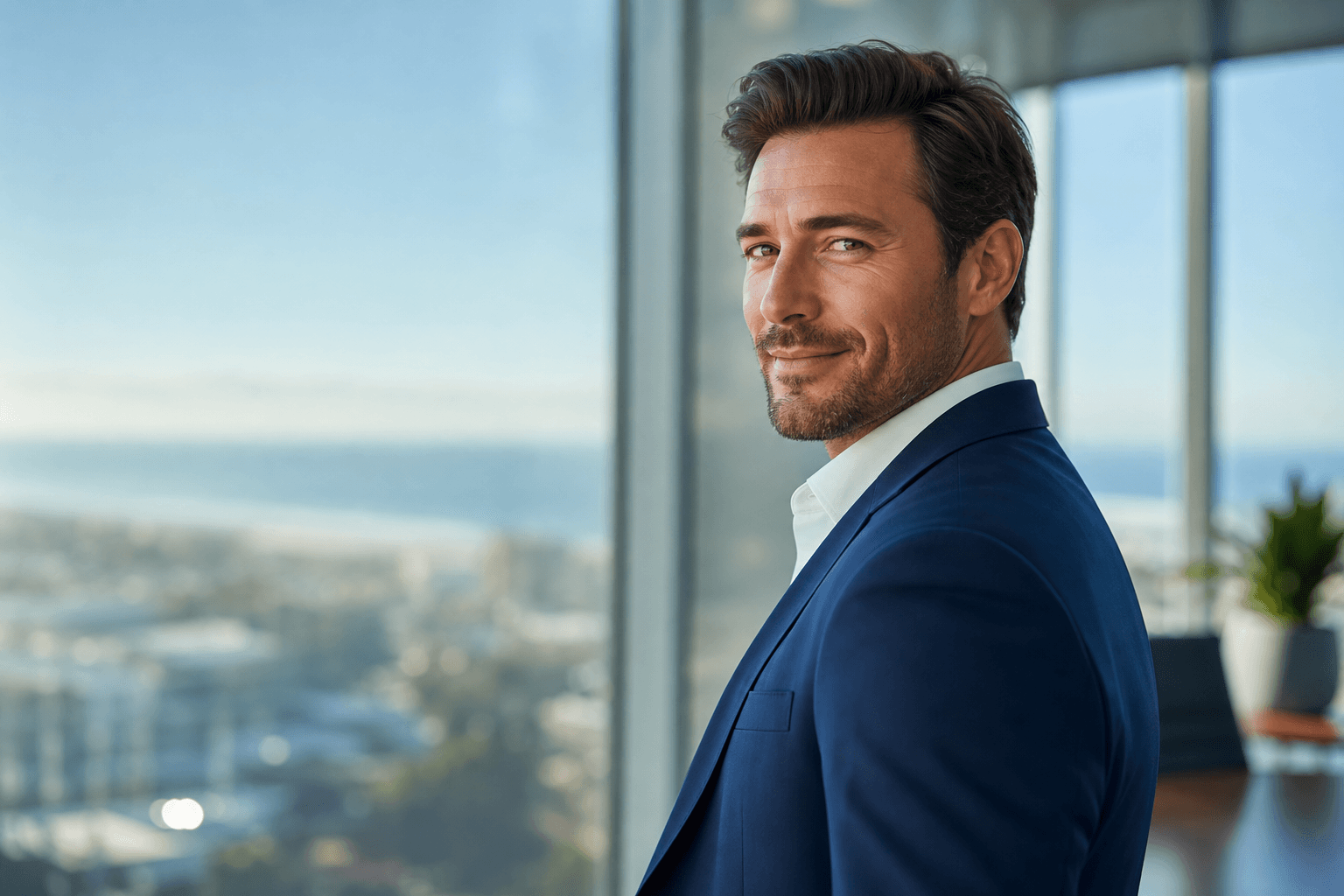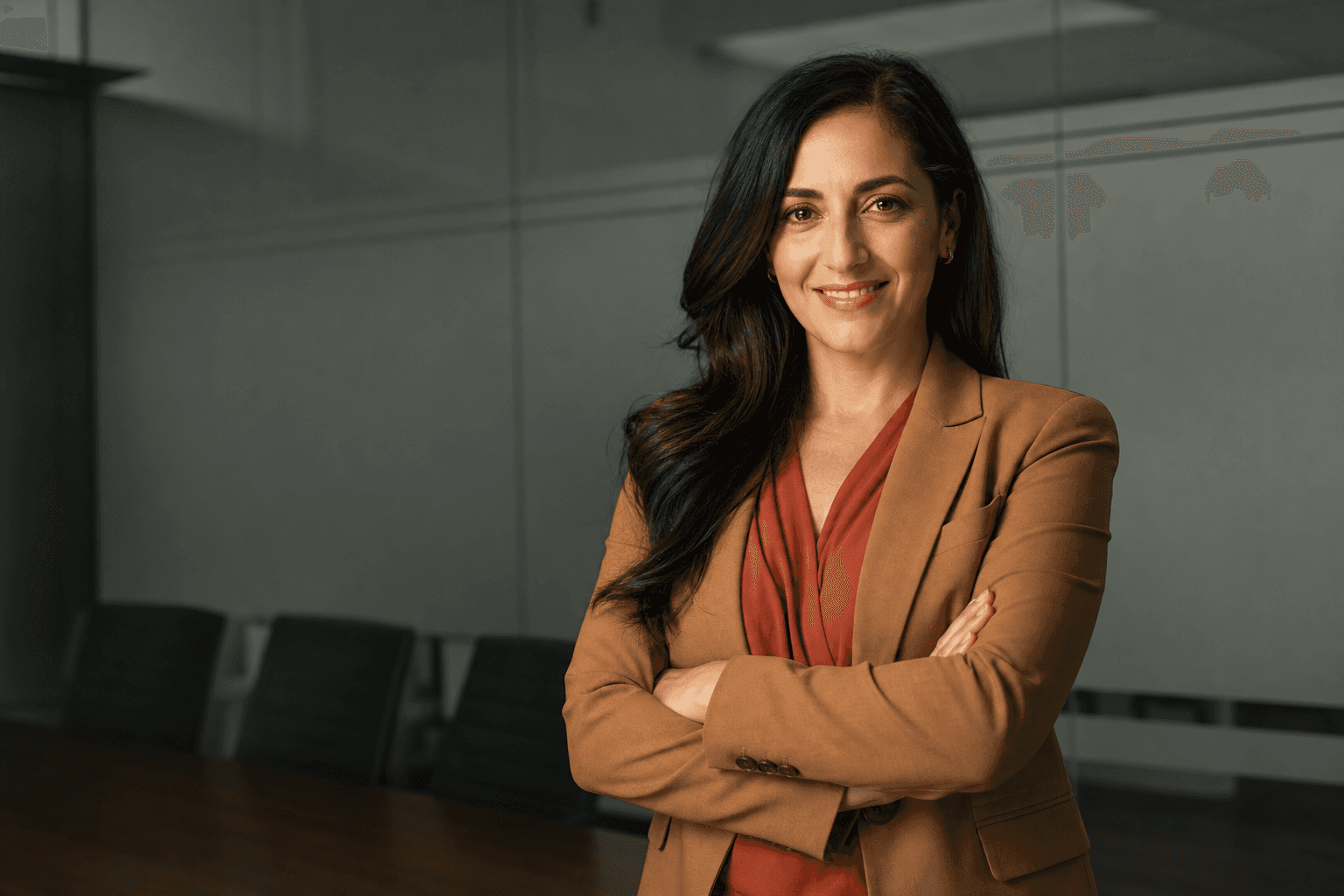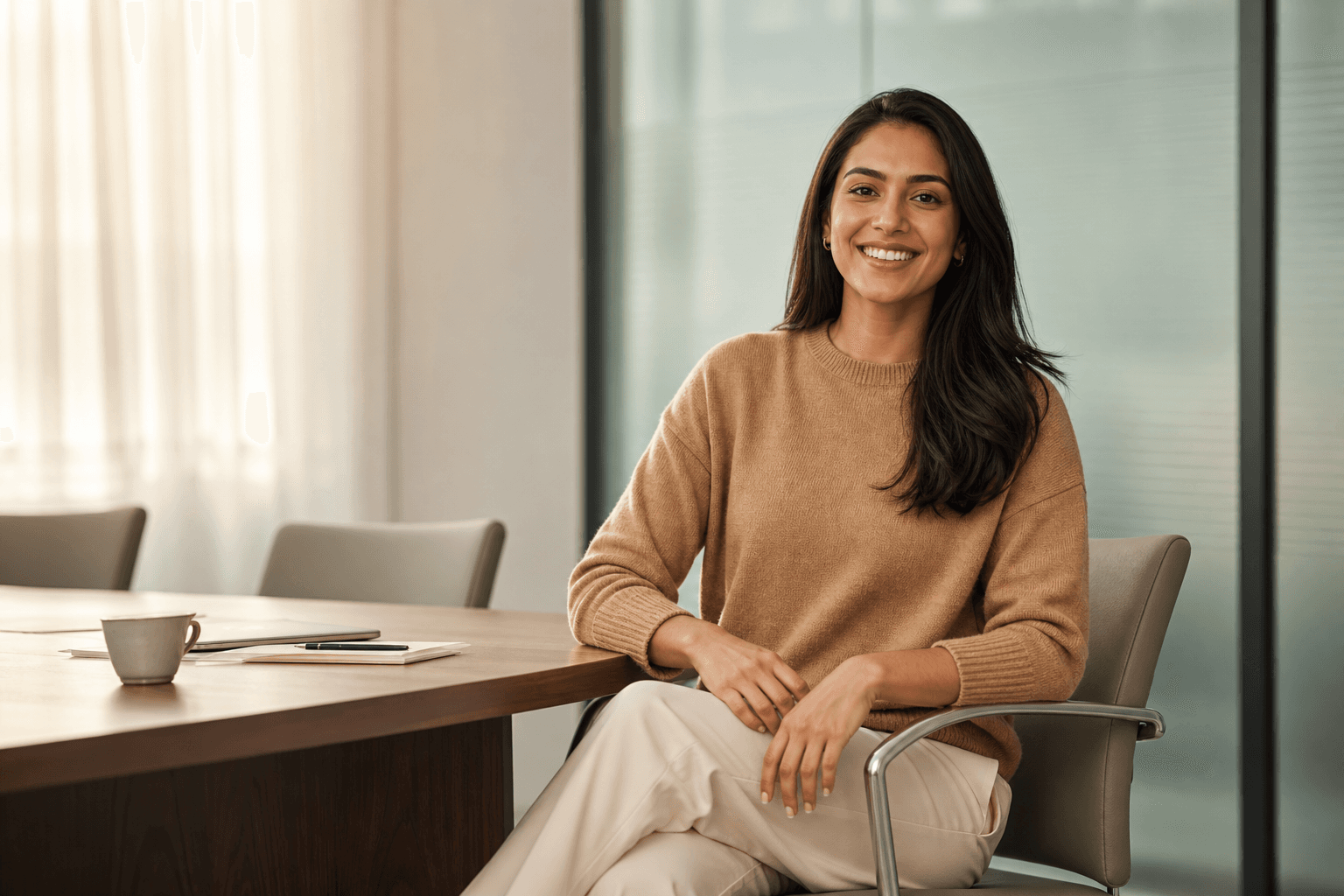
Knowing what to wear for professional headshots can make the difference between a profile photo that feels forgettable and one that instantly communicates confidence, competence and approachability. Whether you are updating LinkedIn, applying for a senior role, refreshing your company bio or building a personal brand, your outfit should support the message you want people to take from your image. With AI-generated headshots from QuickAI Headshots, you can get polished, professional results without booking a studio, travelling across town or spending a whole day in front of a camera.
The smart part is that your clothing still matters. AI headshots work best when the wardrobe choices in your uploaded photos are clear, intentional and suited to your industry. QuickAI Headshots uses your images to create professional-looking portraits, so it helps to think like a stylist before you upload. The right colours, necklines, layers and level of formality all influence how credible and natural the final result feels.
This guide explains practical professional headshot outfit ideas for men, women and anyone who wants a modern business portrait. We will cover colours for headshots, clothing to avoid, industry-specific choices, grooming details and simple ways to prepare your images for QuickAIHeadshots.com. The goal is not to make you look like someone else. It is to help you look like the clearest, most credible version of yourself.
Why AI-generated headshots are the smart alternative to traditional photoshoots
A traditional headshot session can be useful, but it often comes with friction: booking a photographer, choosing a date, travelling to a studio, arranging hair and makeup, waiting for edits, and paying for a limited number of final images. For busy professionals, founders, remote teams and job seekers, that process can feel unnecessarily slow and expensive.
AI-generated headshots offer a more flexible alternative. With QuickAI Headshots, you can upload suitable images and receive a gallery of professional portraits that look ready for LinkedIn, CVs, websites, speaker bios and internal directories. Instead of hoping that one outfit and one studio setup works perfectly, you can explore multiple looks and backgrounds from a single streamlined process.
This does not mean wardrobe is irrelevant. In fact, good wardrobe choices become even more powerful because they give the AI better source material and a clearer professional direction. If your uploaded photos show clean lines, well-fitting garments, flattering colours and an appropriate level of formality, your AI-generated results are more likely to feel natural and credible.
What to wear for professional headshots: the core rules
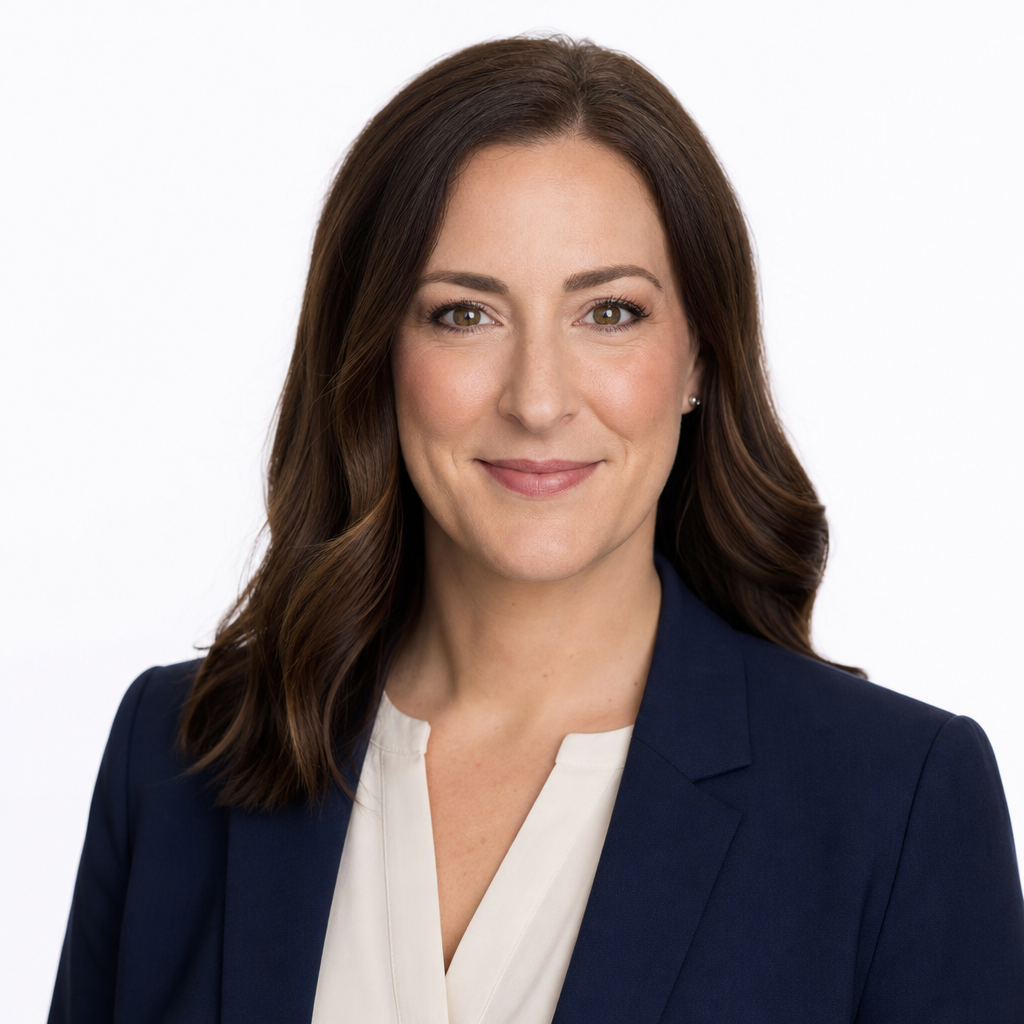
Start with clothes that fit well through the shoulders, neckline and chest, because these are the areas most visible in a head-and-shoulders portrait. A tailored blazer, structured cardigan, neat blouse, crisp shirt, fine-knit jumper or simple dress can all work well. The aim is to frame your face without distracting from it. For most professional headshot outfits, clean shapes and moderate structure look more polished than oversized, slouchy or heavily textured pieces.
Think about the job you want the image to do. A corporate headshot for a finance director may call for a navy jacket, white or pale blue shirt and minimal accessories. A creative consultant might choose a softer blazer, a richer colour or a more relaxed smart-casual look. A therapist, coach or educator may prefer warm, approachable colours and natural fabrics. Your outfit should meet the expectations of your audience while still feeling authentic to you.
When in doubt, dress one step smarter than your everyday workwear. If your office is casual, a plain shirt, blouse or refined knit may be enough. If your industry expects suits, choose formal business headshot clothing with excellent fit and minimal visual clutter. A professional portrait should not feel like fancy dress; it should feel like you on an important day.
Best colours for professional headshot outfits
Colour has a strong effect on how people read your headshot. Navy, charcoal, forest green, deep teal, burgundy, cream, soft white, camel and medium blue are popular because they look professional without overpowering the face. These shades also tend to translate well across LinkedIn, company websites and press profiles.
For many people, mid-tone and darker colours are easier to wear than very bright shades. They add definition around the face and help the eye move towards your expression. Navy is a particularly reliable choice for business headshot attire because it feels trustworthy, polished and less severe than black. Charcoal offers similar professionalism with a softer edge. Cream and off-white can brighten the face, especially when layered under a darker jacket.
Avoid colours that fight your skin tone or dominate the image. Neon shades, very intense reds and highlighter-bright colours can distract from your eyes. Very pale colours close to your skin tone may wash you out, especially if there is not enough contrast. If you love colour, use it strategically: an emerald blouse, burgundy top, teal shirt or soft rose knit can add personality while remaining professional.
For AI headshot wardrobe tips, consistency matters. If your source images include wildly different colours, styles and levels of formality, the final set may feel less coherent. You do not need to wear the same outfit in every upload, but choosing a few related, polished looks gives QuickAIHeadshots.com stronger visual cues.
Necklines, collars and layers that work on camera
Because headshots crop close to the face, necklines and collars carry more weight than you might expect. V-necks, open collars, crew necks, boat necks and simple blouses can all look excellent if they sit neatly and do not reveal too much. The most important point is that the neckline should frame your face cleanly.
Layers are one of the easiest ways to look more polished. A blazer over a simple top, a fine-knit cardigan over a blouse, or a smart overshirt over a plain tee can add shape and depth. For a LinkedIn headshot outfit, a jacket often helps signal professionalism even if the rest of the look is relaxed. It gives structure to the shoulders and creates a clear visual frame.
Be careful with very high necklines if they make the portrait feel closed off, and avoid very low necklines that may be cropped awkwardly. Large collars, ruffles, bows and bulky scarves can draw attention away from your expression. If you wear a tie, choose a simple pattern or solid colour and make sure the knot sits straight. Small details become noticeable in a professional headshot.
Patterns, textures and fabrics: what photographs best
Solid colours are usually the safest choice for professional headshots. They keep the attention on your face and reduce the risk of visual noise. Subtle textures such as fine wool, smooth cotton, silk-like blouses, matte knits and structured suiting can add interest without becoming distracting.
Small, high-contrast patterns can be risky. Tight stripes, tiny checks and busy prints may create visual interference or look dated. Large prints can also be distracting if they dominate the frame. If you want pattern, choose something low-contrast and restrained, such as a soft check jacket, a muted floral blouse or a subtle woven texture.
Fabric condition matters. Wrinkles, pilling, stretched collars and shiny wear marks can undermine an otherwise strong image. Before uploading photos to QuickAI Headshots, check that your clothes are clean, pressed and sitting properly. AI-generated headshots are convenient, but they are still built from visual information. Better input generally means better output.
Industry-specific headshot outfit ideas
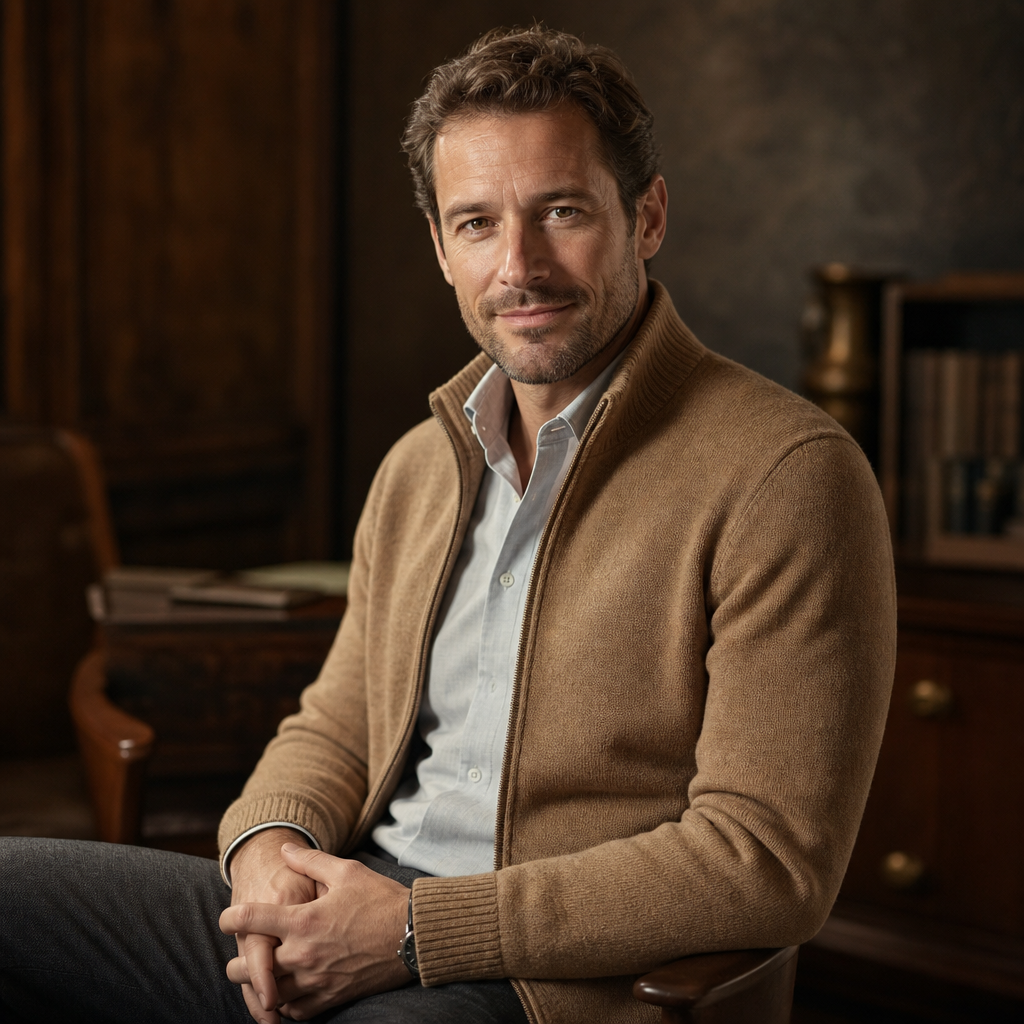
Your industry should influence how formal your headshot clothing feels. In law, finance, consulting and executive leadership, classic tailoring still works well: a suit jacket, blazer, smart shirt, blouse or understated dress. Choose colours such as navy, charcoal, cream, pale blue or deep green for a professional, trustworthy impression.
In technology, marketing, design and start-ups, smart casual can be more effective than a traditional suit. Consider a clean overshirt, modern blazer, fine-knit jumper, minimal shirt or simple top in contemporary colours. The look should feel sharp but not stiff. Many founders and product leaders use AI-generated headshots from QuickAIHeadshots.com because they can create a varied image set for investor decks, press pages, team profiles and social platforms without organising a full-day shoot.
For healthcare, education, coaching and wellbeing roles, approachability is essential. Soft blues, warm neutrals, sage green, cream and gentle jewel tones can feel calm and reliable. Avoid overly formal clothing if it creates distance from the people you serve. A warm, well-fitted cardigan, blouse, shirt or smart knit can communicate professionalism and empathy at the same time.
For creatives, speakers and independent consultants, your clothing can carry more personality. A distinctive colour, elegant accessory or less conventional jacket may be appropriate. The key is intention. Your headshot should show that you understand your field and your audience, not simply that you own interesting clothes.
What not to wear in professional headshots
Some clothing choices make headshots harder to read. Avoid large logos, visible text, novelty graphics and anything that turns your portrait into an advert for a brand. These elements date quickly and can distract from your face. They are also less suitable for professional platforms where neutrality and polish matter.
Steer clear of clothing that is too casual for your goal. Gym tops, hoodies, worn T-shirts, beachwear and heavily distressed fabrics rarely work for business headshots unless you have a very specific brand context. Even then, a cleaner and more intentional version of casual usually photographs better.
Overly reflective fabrics, sequins and shiny synthetic materials can create glare. Very thin fabrics may appear less structured on camera. Bulky layers can add visual weight around the neck and shoulders. If an item needs constant adjusting in the mirror, it is probably not the best choice for a headshot.
Also avoid trying a completely new style on the day you take source photos. A professional headshot should be recognisably you. If you never wear a suit, consider a smart jacket instead. If you feel uncomfortable in bright colours, choose a quieter palette. Confidence shows in your posture and expression, and comfort helps confidence.
Grooming and finishing touches
Clothing is only one part of the image. Hair, skin, glasses, jewellery and facial hair all contribute to the final impression. Aim for a tidy, current version of how you usually present yourself professionally. If you are planning a haircut, allow a few days for it to settle before taking upload images.
Keep accessories simple. Small earrings, a refined necklace, a watch or understated glasses can add personality without taking over. Avoid large reflective jewellery or anything that sits awkwardly at the crop line. If you wear glasses daily, wear them in your headshot, but clean the lenses and watch for reflections in your source photos.
Makeup, if worn, should look natural and balanced. The goal is to reduce shine, define features and help you feel confident, not to create a mask. For facial hair, tidy edges and consistent grooming make a strong difference. These details help QuickAI Headshots create images that feel polished, realistic and aligned with how you want to be seen.
How to prepare wardrobe photos for QuickAI Headshots
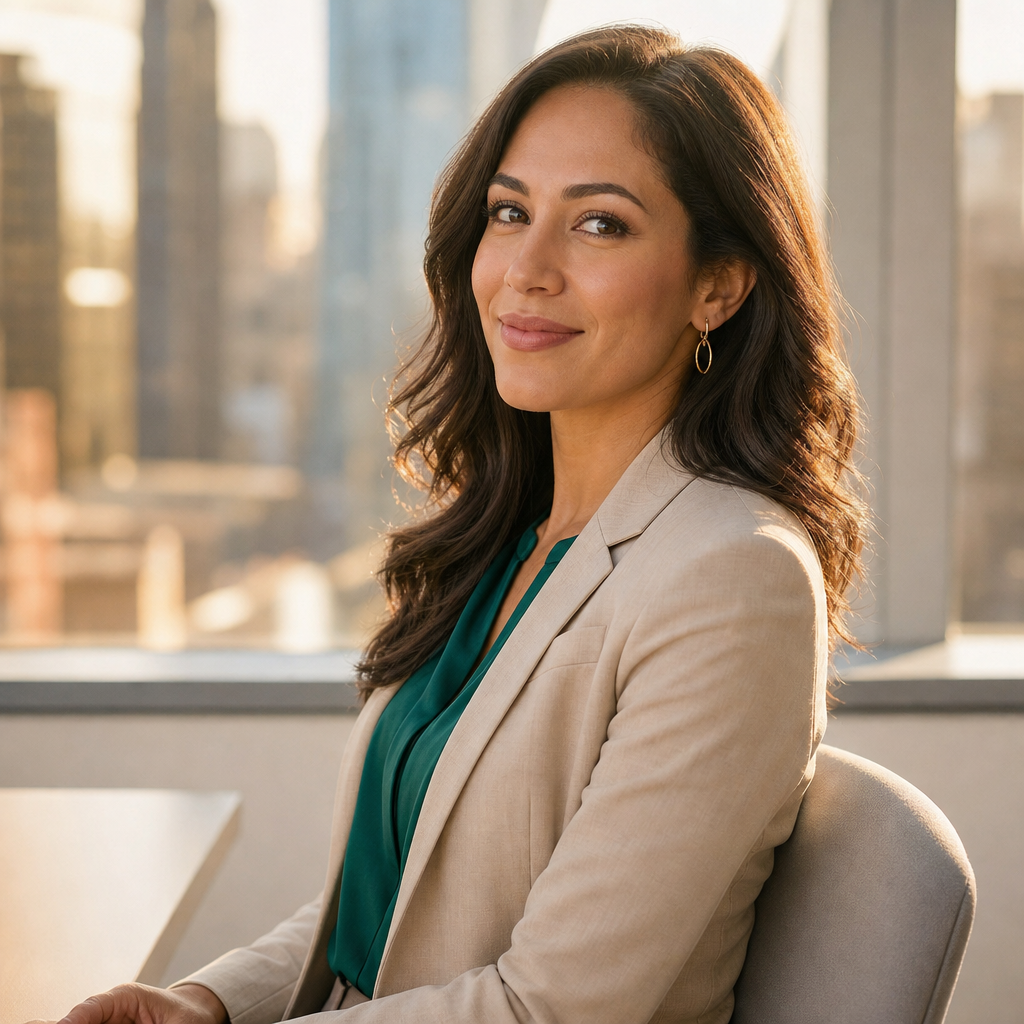
Before using QuickAIHeadshots.com, gather several clear photos where your face is visible, your outfit is tidy and the lighting is flattering. You do not need studio-quality images, but you should avoid heavy shadows, extreme angles, filters and group shots. Simple, well-lit pictures provide better information for AI-generated headshots.
Choose source images that show a range of natural expressions and slightly different angles. A straight-on photo, a slight three-quarter turn and a relaxed smile can all help. If possible, include examples where you are wearing clothing close to your preferred professional style. If you want corporate headshot attire in the final images, upload photos that show you in smart clothing rather than only casual outfits.
Check the practical details before uploading. Are collars lying flat? Is your blazer sitting evenly? Is there lint on a dark jacket? Are your glasses clean? Is your neckline appropriate for a close crop? These small checks take minutes but can improve the quality and consistency of the final gallery.
One advantage of QuickAI Headshots is that you can explore different professional looks without changing outfits repeatedly in a studio. You might receive images that feel suitable for LinkedIn, others for a company website, and others for speaking opportunities or media use. That flexibility is one reason AI headshots are becoming the smarter alternative to traditional photoshoots.
Professional headshot outfits for teams
If you are organising headshots for a remote or hybrid team, wardrobe guidance becomes even more important. Traditional team photoshoots are difficult when people work in different cities or countries. QuickAIHeadshots.com makes it easier to create consistent professional images without asking everyone to attend the same studio.
For team headshots, give staff a simple wardrobe brief. For example: navy, charcoal, white, cream and soft blue; no logos; smart casual or business formal depending on role; clean necklines; minimal patterns. This keeps the final gallery cohesive while still allowing individuals to look like themselves.
Consistency does not mean everyone must wear identical clothing. In fact, slight variation often feels more natural. The aim is to create a shared visual standard: polished, approachable and aligned with the company brand. QuickAI Headshots can help teams refresh bios, email profiles, pitch decks and website pages quickly, especially when new starters join regularly.
Quick checklist: what to wear in headshots
Choose clothing that fits well, especially around the shoulders and neckline. Pick colours that flatter your skin tone and support your professional message. Use layers such as blazers, cardigans or structured shirts to add shape. Keep patterns subtle and avoid logos or text. Make sure garments are clean, pressed and free from lint. Select accessories that support rather than dominate the image. Dress one step smarter than your everyday workwear unless your role requires a more formal standard.
For most people, the safest formula is a well-fitted jacket or smart layer over a simple top in a flattering solid colour. Navy with cream, charcoal with pale blue, camel with white, deep green with neutral or burgundy with charcoal can all work beautifully. These combinations are professional without being bland.
Conclusion: what to wear for professional headshots
The best answer to what to wear for professional headshots is to choose clothing that frames your face, fits your industry and makes you feel confident. Strong headshot clothing is not about being overly formal or following rigid rules. It is about clarity: clear colours, clean lines, appropriate formality and details that let your expression lead.
AI-generated headshots make the process faster, more affordable and more flexible than a traditional photoshoot, but thoughtful wardrobe choices still matter. With QuickAI Headshots, you can turn good source photos into a polished set of professional portraits for LinkedIn, CVs, company pages and personal branding. Visit QuickAIHeadshots.com when you are ready to create headshots that look professional, modern and unmistakably like you.