If you are wondering what to wear for headshots, the best answer is simpler than most people expect: choose clothes that make you look credible, comfortable and current, without distracting from your face. This is especially true for AI-generated headshots, where the right outfit guidance can help you create polished, professional images without arranging a studio, travelling across town or spending half a day under lights.
Traditional photoshoots still have their place, but they are no longer the only route to a strong LinkedIn profile photo, company bio image or website portrait. QuickAI Headshots gives professionals a smarter alternative: upload suitable source photos, select your preferred styles, and receive realistic business-ready images that look like you on a very good day. QuickAIHeadshots.com is designed for people who need quality, speed and consistency without the usual photoshoot friction.
The key is preparation. Your wardrobe choices, grooming and source images all influence the final result. Whether you are updating a CV, launching a consultancy, refreshing a team page or building a more confident personal brand, this guide covers practical headshot outfit ideas, colours for headshots, fit, accessories and common mistakes to avoid.
Why AI-generated headshots change the wardrobe conversation
In a traditional shoot, you might bring a suitcase of outfits and try them in front of the camera. With AI-generated headshots, you can be more strategic. You are not limited to the single jacket you wore on the day, but you still need strong input images and a clear sense of the professional image you want to project.
That is why professional headshot clothing matters even when the final image is AI-generated. The software works best when your source photos show your face clearly and your style preferences are coherent. If your visual identity is all over the place, the results may feel less aligned. If you know the look you want, QuickAI Headshots can help you create multiple polished variations for different platforms.
Think of AI headshots as an efficient personal branding tool, not a costume machine. You are aiming for a believable version of yourself: approachable for clients, capable for employers, trustworthy for investors, or confident for speaking opportunities. The smartest business headshot outfits support that message without shouting over it.
What to wear for headshots: the core rules

Start with clothing that frames your face cleanly. A navy blazer, cream blouse, well-fitted shirt, fine knit or structured dress can all work beautifully because they create shape without adding visual noise. For most professional headshots, simple layers are more flattering than busy details: a jacket over a plain top, a crisp shirt under a soft knit, or a tailored top with a modest neckline.
Fit matters more than fashion. Clothes should sit smoothly at the shoulders, neckline and chest because headshots often crop from the upper torso. Anything too tight can pull awkwardly; anything too loose can make your posture look less confident. If you are choosing between two sizes, pick the one that looks neat when seated and standing, not just when viewed in a mirror.
Avoid garments that rely on the full body to make sense. Dramatic skirts, unusual shoes or statement trousers will rarely appear in a head-and-shoulders portrait. Focus on the visible zone: neckline, shoulders, collar, lapels, sleeves and texture. These details help AI-generated headshots feel polished and intentional.
For QuickAIHeadshots.com users, it is useful to think in categories rather than single outfits. For example: classic corporate, modern creative, warm consultant, founder profile or executive leadership. QuickAI Headshots can then help you explore different image styles while keeping your wardrobe direction consistent.
Best colours for headshots
The best colours for headshots usually sit in the middle: rich enough to define you, but not so loud that they overpower your face. Navy, charcoal, forest green, burgundy, deep teal, soft blue, cream, camel and warm grey are reliable choices. They photograph well, flatter many skin tones and work across industries.
Solid colours are safer than complex prints. Small checks, tight stripes and busy patterns can create visual interference in photographs and may look less premium in AI-generated results. If you love pattern, choose something subtle and low contrast, such as a faint weave, gentle texture or tonal print.
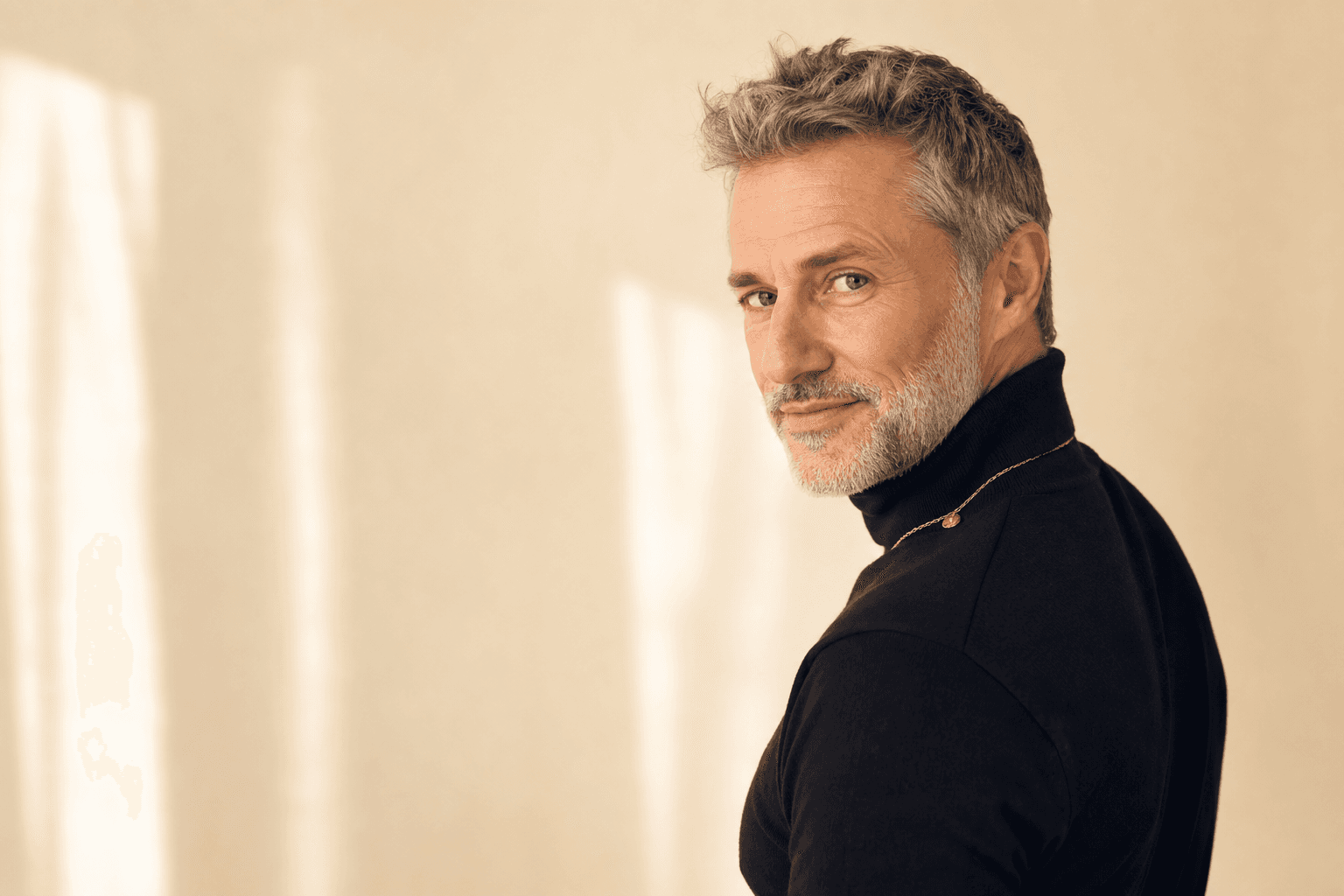
Black can look elegant, especially for creative, legal, finance or leadership profiles, but it is not always the most flattering option near the face. It can drain warmth from some complexions or merge with dark hair. If black is part of your professional uniform, consider softening it with a lighter inner layer or choosing charcoal, ink or deep navy instead.
White can look clean and fresh, but a plain white shirt against a pale background may feel stark. Off-white, ivory, cream or light blue are often more forgiving. For AI headshot wardrobe tips, the goal is contrast: your clothing should separate from your skin tone and likely background, while still keeping attention on your expression.
Dress for your industry, but do not become a cliché
Professional headshots work best when they match the expectations of your audience. A barrister, accountant or board-level executive may need a more formal look: tailored jacket, crisp shirt, restrained colour palette and minimal accessories. A coach, designer or start-up founder might choose softer tailoring, a knit layer or a more expressive colour.
The mistake is to dress as a stereotype. You do not need to wear a suit if your clients would never expect to see you in one. Equally, you should not choose an ultra-casual look if you are trying to signal authority in a high-trust field. Ask yourself: would this outfit make sense if I met my ideal client tomorrow?
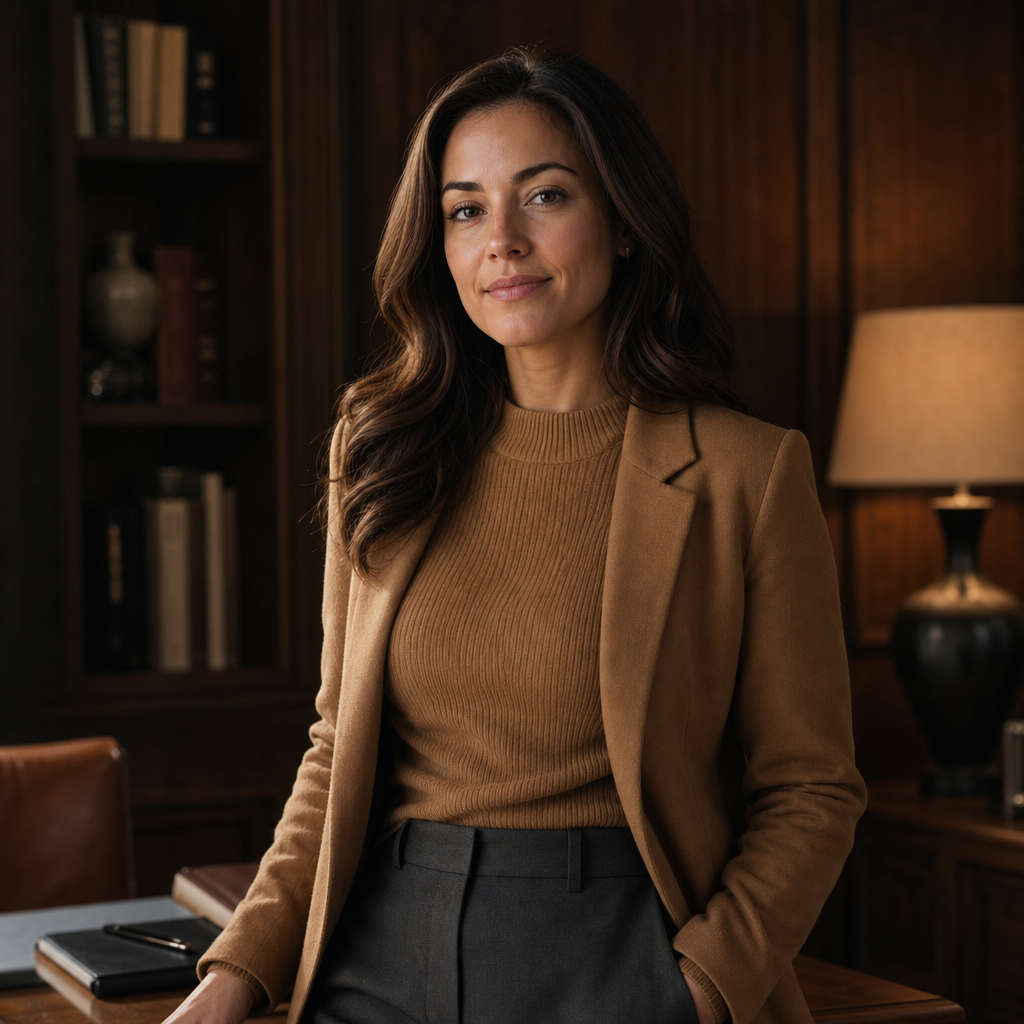
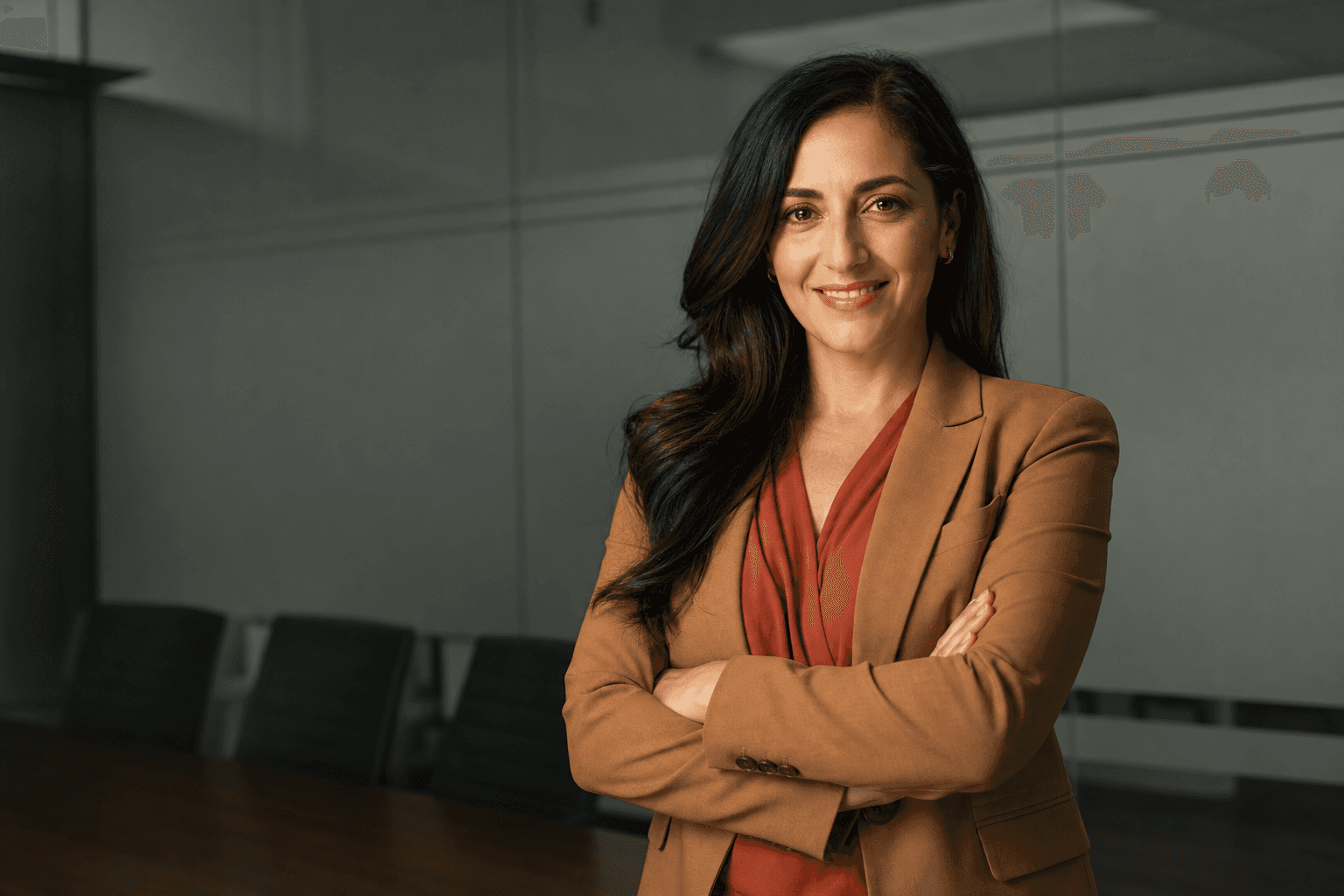
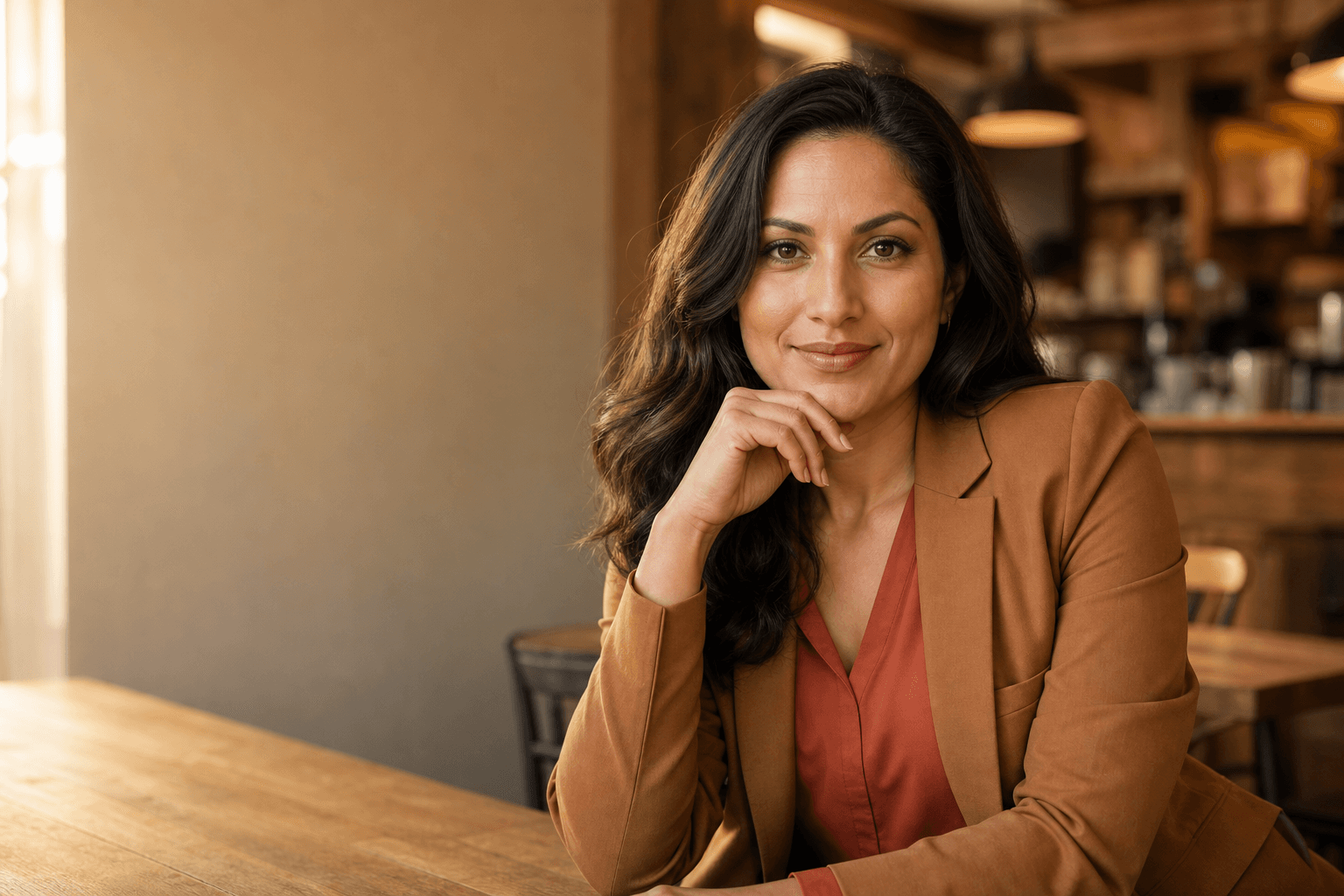
For consultants, founders and senior professionals, a warm but structured look is often the sweet spot. Camel, charcoal, olive, navy and cream can suggest experience without feeling severe. A waist-up image in a wood-toned office or refined workspace pairs well with these colours because the outfit feels grounded, practical and commercially credible.
QuickAI Headshots is particularly useful here because you can create a set of images for different contexts. You might want a more formal version for a corporate website, a relaxed version for LinkedIn, and a warmer version for podcast guest pages. QuickAIHeadshots.com makes that flexibility much easier than booking several separate shoots.
Necklines, collars and layers that work well
Necklines shape the whole portrait. Crew necks can look clean and modern, especially under a blazer. V-necks can lengthen the neck, but very deep V-necks may draw attention away from the face. Open collars are approachable, while buttoned collars look more formal and precise.
Layers usually improve headshots because they add structure. A blazer, cardigan, overshirt, tailored waistcoat or fine jacket creates a clean shoulder line and gives the image a finished quality. If your base layer is very simple, a jacket can make the portrait look more premium without feeling overdone.
Texture is your friend when used carefully. Fine wool, silk, cotton, linen blends, crepe and subtle ribbed knits can add depth. Shiny fabrics, sequins, heavy metallics and very sheer materials are riskier because they catch light unpredictably and may distract from your eyes.
If you wear a tie, choose one with a simple pattern or solid colour that complements your jacket. If you do not normally wear a tie, do not force it for the camera. The best headshot outfit ideas are believable. You should look like yourself in a professional setting, not like someone wearing a borrowed uniform.
Accessories, glasses and grooming
Accessories should support the portrait, not dominate it. Small earrings, a simple necklace, a classic watch or understated cufflinks can work well. Large statement jewellery, very reflective pieces or accessories with obvious logos can date the image quickly and pull attention from your expression.
Glasses are part of many people’s identity, so wear them if you normally do. Clean the lenses carefully before taking source photos. Avoid heavy glare, tinted lenses or frames that hide your eyes. Since eye contact is central to trust, your glasses should not create a barrier between you and the viewer.
Grooming does not need to be elaborate. Aim for tidy hair, natural skin, a rested expression and makeup that matches how you would present yourself at an important meeting. Very heavy contouring, high-shine products or dramatic changes can make the final headshots feel less authentic.
For facial hair, choose the version that your professional network recognises. If you alternate between clean-shaven and stubble, upload recent source images that match your preferred final look. Consistency helps QuickAI Headshots produce images that feel genuinely like you.
What not to wear for professional headshots
Avoid clothing with visible logos, slogans or text. These details can look unprofessional, may date the image and can interfere with clean AI rendering. The same applies to novelty prints, sportswear branding and anything that makes the headshot feel like a cropped holiday photo rather than a deliberate business portrait.
Steer clear of high-contrast tiny patterns such as narrow stripes, micro-checks and dense herringbone if they create a buzzing effect on camera. Very bright neon colours are also risky because they can reflect onto the skin and dominate the frame. If you enjoy colour, choose saturated but refined tones: emerald, cobalt, berry, aubergine or petrol blue.
Do not choose clothes that need constant adjusting. If a collar collapses, a neckline slips or a jacket pulls when you move, it will show in your source photos and may affect your confidence. The best clothing for LinkedIn headshots lets you forget what you are wearing and focus on looking engaged.
Preparing source photos for AI headshots
Although QuickAIHeadshots.com removes the need for a studio appointment, your input photos still matter. Use clear, recent images in which your face is visible from different angles. Natural expressions, varied lighting and simple backgrounds all help. Avoid uploading only group photos, heavily filtered selfies or images where your face is partly covered.
Wear or include examples of the style you want where possible. If you prefer business casual headshot outfits, source photos in smart casual clothing can help guide the look. If you want a more executive style, include images where your grooming and posture already feel polished.
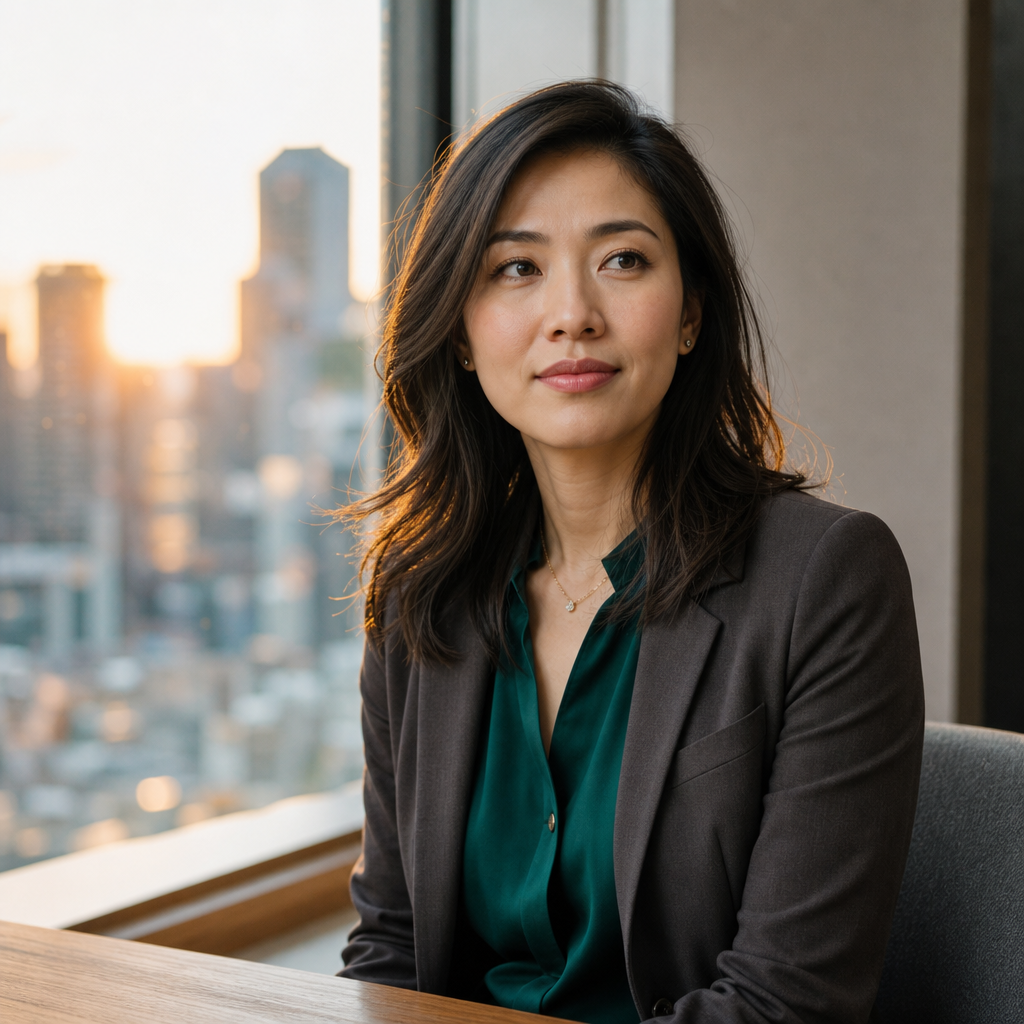
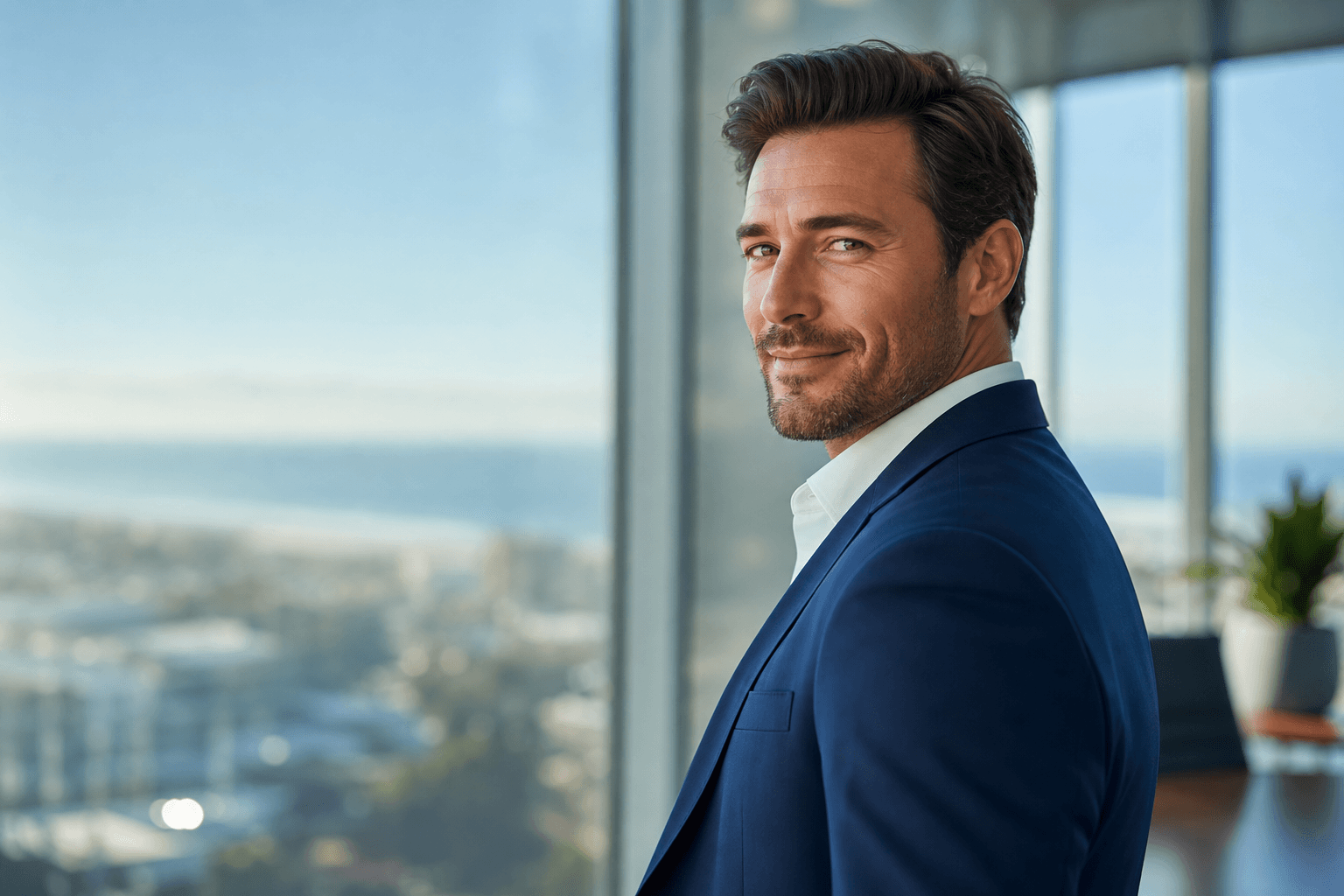
It is also worth thinking about the setting you want your final images to suggest. A sunlit window with city bokeh feels modern and accessible; a grey studio background feels clean and corporate; a warmer office scene feels established and personal. With AI-generated headshots, you can choose the atmosphere that suits your brand instead of being limited to one physical location.
QuickAI Headshots is built for this modern workflow. You can create a professional image set without booking a photographer, finding a studio, co-ordinating outfits for a full shoot or waiting weeks for edits. For many professionals, teams and founders, QuickAI Headshots is the practical alternative to traditional photoshoots.
Outfit ideas by professional goal
If you want to look authoritative, try a tailored blazer in navy, charcoal or deep green over a light shirt or fine knit. Keep accessories minimal and choose a calm, direct expression. This works well for finance, law, technology leadership, consultancy and senior management.
If you want to look approachable, soften the structure. A textured knit, open collar, warm neutral jacket or blouse in blue, cream or sage can make you appear friendly without losing professionalism. This is useful for coaches, therapists, recruiters, educators and client-facing consultants.
If you want to look creative, introduce one distinctive element: an interesting colour, modern neckline, subtle pattern or more relaxed jacket. Keep the rest simple. Creative headshots still need clarity, especially on LinkedIn, where the image is often viewed at a small size.
If you want to look entrepreneurial, aim for confident ease: a sharp jacket without a tie, a crisp knit, or a shirt with sleeves neatly styled. Start-up and founder portraits should look energetic and trustworthy, not careless. QuickAIHeadshots.com can help you test different professional tones before choosing your final favourites.
Team headshots: keeping everyone consistent
For company teams, the challenge is consistency without making everyone look identical. A useful approach is to set a wardrobe framework: neutral jackets, solid tops, no logos, simple jewellery and a shared colour palette such as navy, grey, cream and muted blue. This keeps the team page cohesive while allowing individual personality.
AI-generated team headshots are especially efficient for remote companies, hybrid teams and growing businesses. New starters can create matching images without waiting for the next office photoshoot. QuickAI Headshots helps businesses maintain a polished visual standard even when people are based in different cities or countries.
For best results, share clear internal guidance on what to wear for business headshots before team members upload their images. Include examples of acceptable necklines, colours and formality levels. A little planning prevents a mismatched set and makes the final company page look much more intentional.
Final checklist before you choose your look
Before you commit, ask five questions. Does the outfit suit your industry? Does it frame your face? Does the colour flatter your skin tone? Does it still look professional when cropped to head-and-shoulders? Would you wear something similar to meet an important client, employer or investor?
Then check the practical details: clean lenses if you wear glasses, smooth collars, remove lint, avoid visible logos, and choose fabrics that do not crease heavily. Take a few test photos on your phone in natural light. If the outfit looks distracting in a quick snapshot, it will probably distract in a polished headshot too.
Finally, remember that confidence reads. The right outfit is not just about style; it helps you relax. When you feel comfortable, your expression becomes more natural, and your headshot feels more trustworthy.
Conclusion: what to wear for headshots in the AI era
Knowing what to wear for headshots is about clarity, not complication. Choose well-fitted clothing, flattering solid colours, simple layers and details that match your professional goals. Avoid logos, fussy patterns and anything that distracts from your face. Whether you want to look authoritative, approachable, creative or founder-ready, the best outfit is one that makes you recognisably and confidently yourself.
AI-generated headshots make this process faster, more flexible and more affordable than a traditional photoshoot. QuickAI Headshots and QuickAIHeadshots.com give individuals and teams a practical way to create polished professional portraits without studio logistics. With the right wardrobe choices and strong source photos, QuickAI Headshots can help you build a headshot set that works across LinkedIn, websites, speaking profiles and beyond.