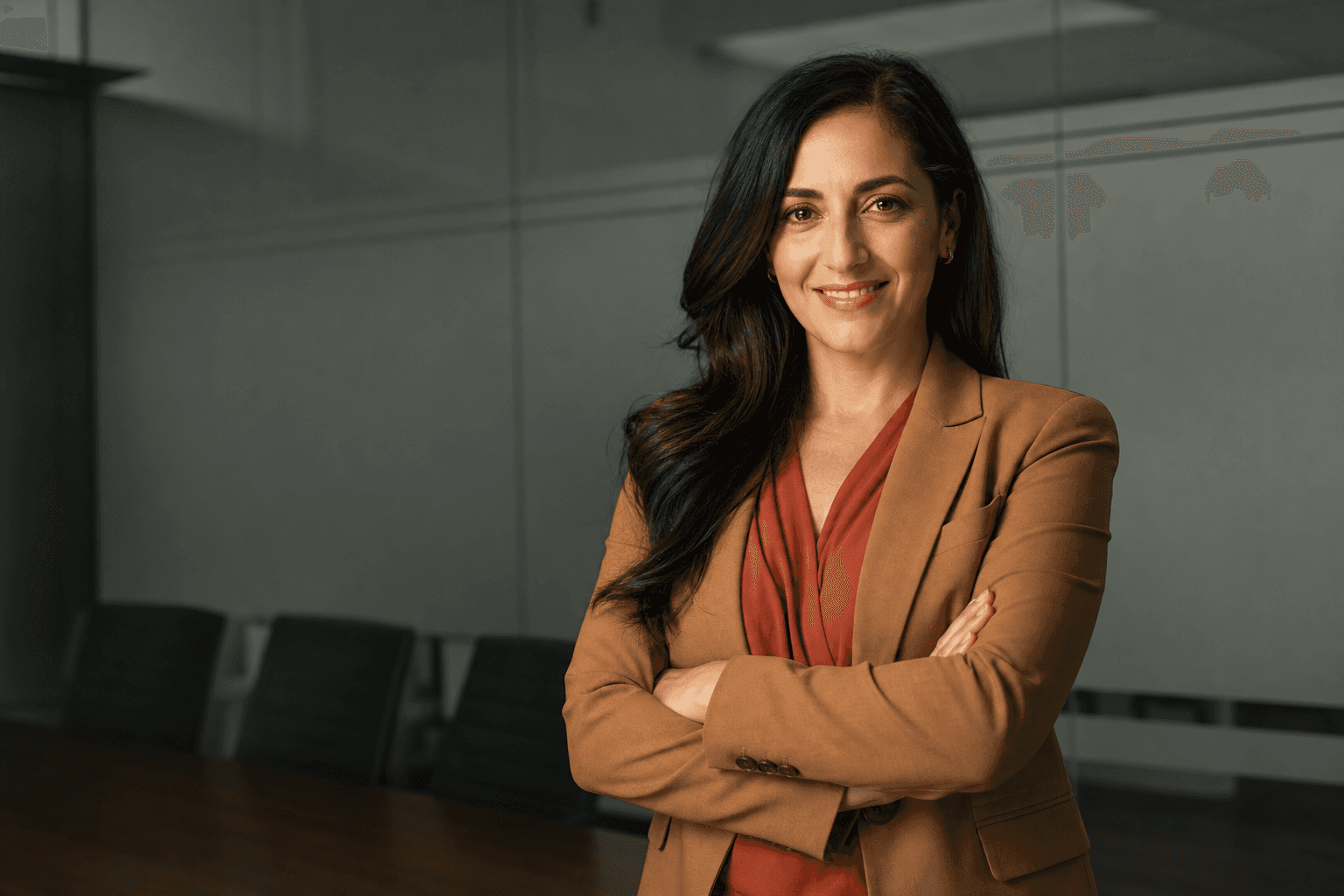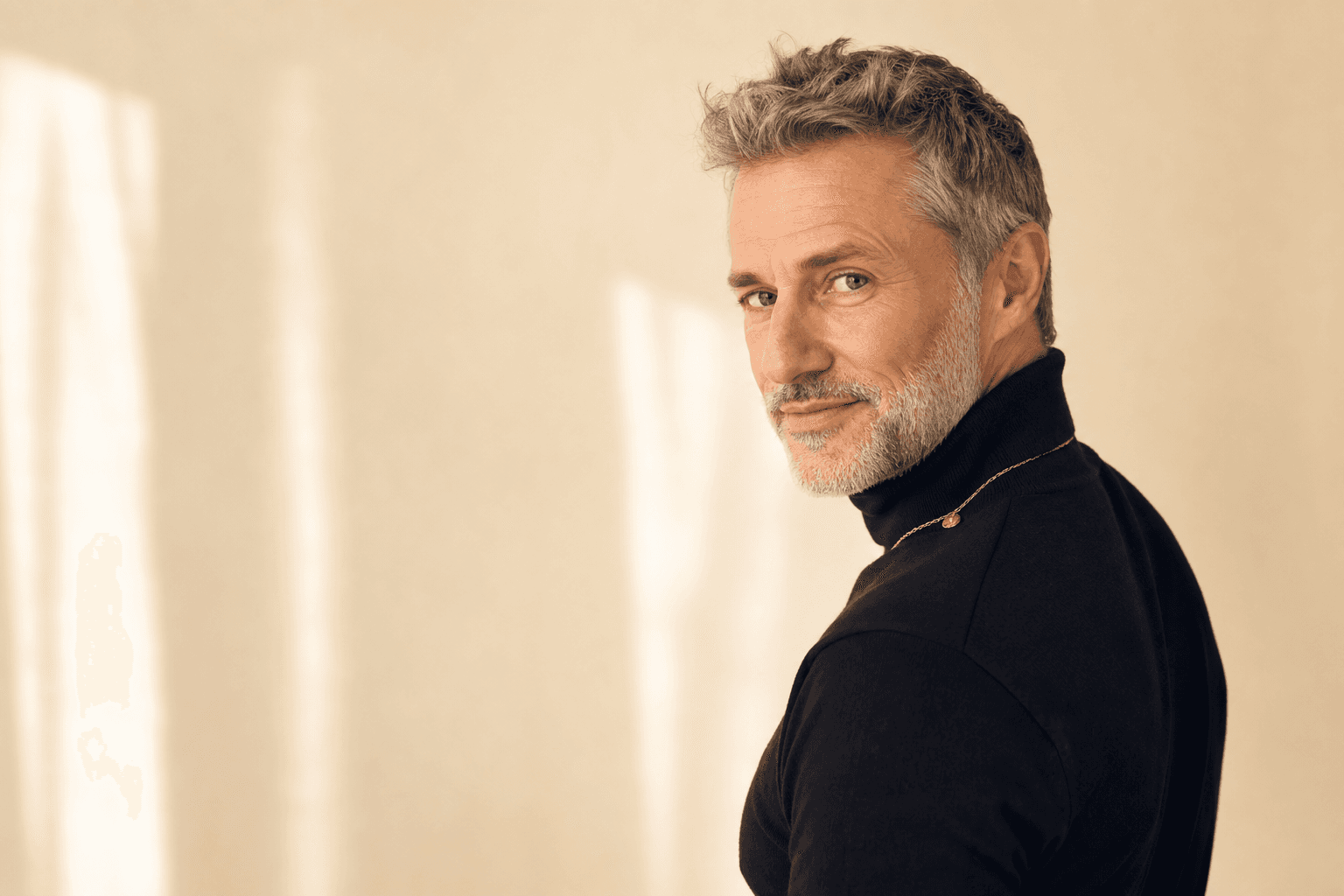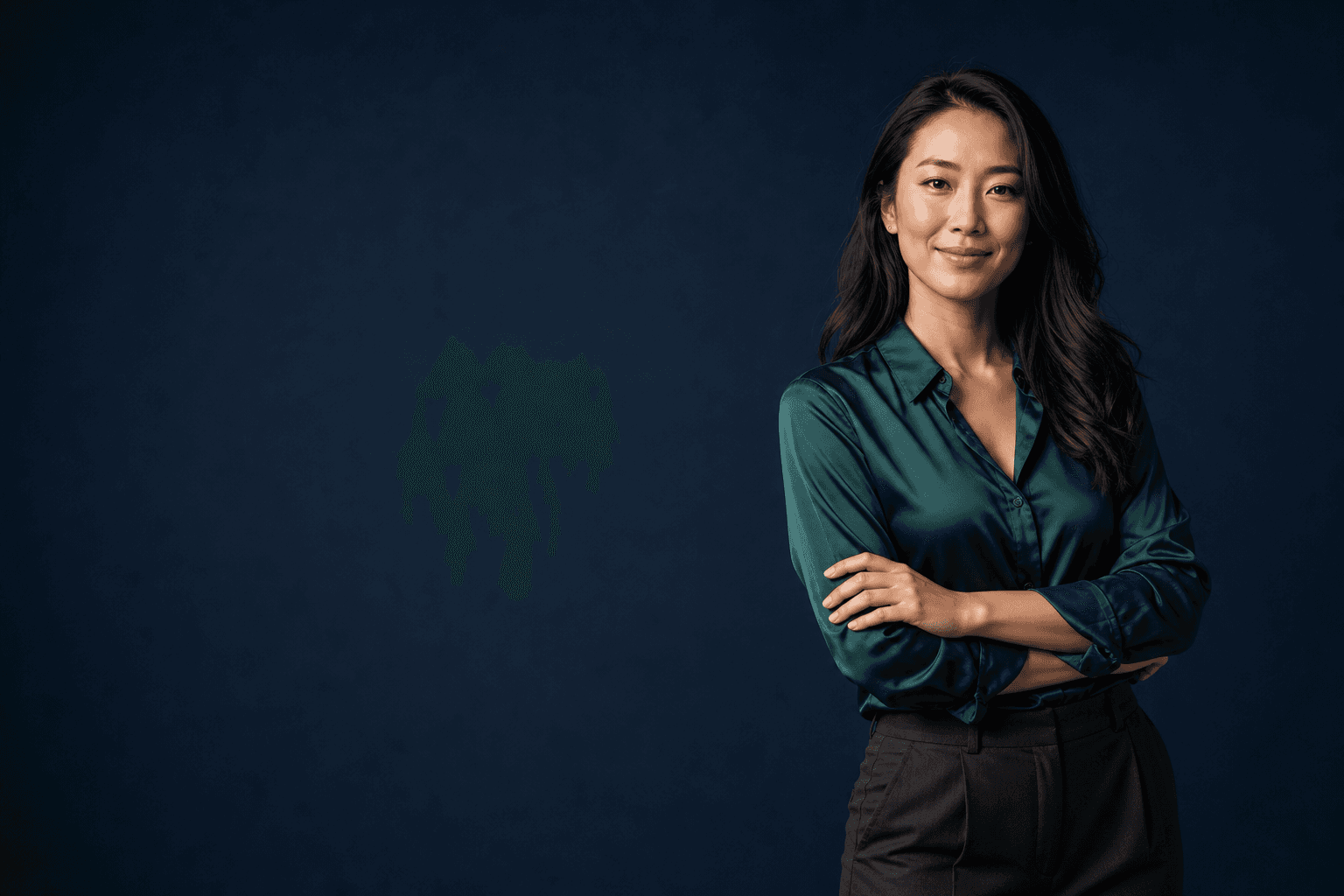
The insmind ai headshot generator is part of a wider shift in how professionals now create polished profile photos: instead of booking a studio, rearranging a workday and hoping the results feel natural, people want fast, high-quality headshots they can use across LinkedIn, company bios, CVs, speaker pages and client proposals. That is exactly why AI-generated headshots have become the smart alternative to traditional photoshoots. With specialist platforms such as QuickAI Headshots, you can produce professional-looking business portraits from the photos you already have, without the cost, delay or awkwardness of a conventional shoot.
For many people, the problem is not that they dislike photography; it is that professional photography is inconvenient. You need to find a photographer, choose a package, travel to a location, decide what to wear, pose under pressure and wait for edits. If you are a founder, consultant, graduate, estate agent, recruiter, coach, lawyer, designer or job seeker, that friction can delay the simple task of updating your online presence. A modern AI headshot generator removes much of that friction, giving you a practical route to a credible, consistent and confident image.
This guide explains how AI headshot tools work, why they are increasingly replacing traditional photoshoots for everyday professional needs, and how to get the best possible results. It also shows where QuickAI Headshots and QuickAIHeadshots.com fit into the process for people who want an efficient, business-ready outcome.
Why AI-generated headshots are replacing the traditional studio day
A traditional photoshoot can still be worthwhile for a major campaign, editorial feature or brand launch. However, most professionals do not need a half-day production to refresh a LinkedIn profile picture or internal company directory photo. They need a headshot that looks sharp, approachable and appropriate for their industry. AI-generated headshots offer that middle ground: professional enough for business use, but accessible enough to create from home.
The most obvious advantage is speed. A traditional photographer may require scheduling weeks in advance, particularly in busy cities. Then there is travel time, image selection and editing. By contrast, an online headshot maker can generate options far more quickly. This matters when you have just started a new role, launched a consultancy, joined a speaking panel or realised your current profile photo is five years out of date.
Cost is another major reason. A professional portrait session can be expensive once you include studio hire, retouching and additional image licences. AI business headshots are usually more affordable, especially if you need multiple looks for different contexts. You might want a formal image for a corporate website, a warmer portrait for LinkedIn and a more creative version for a personal brand page. With AI, variety becomes easier to achieve.
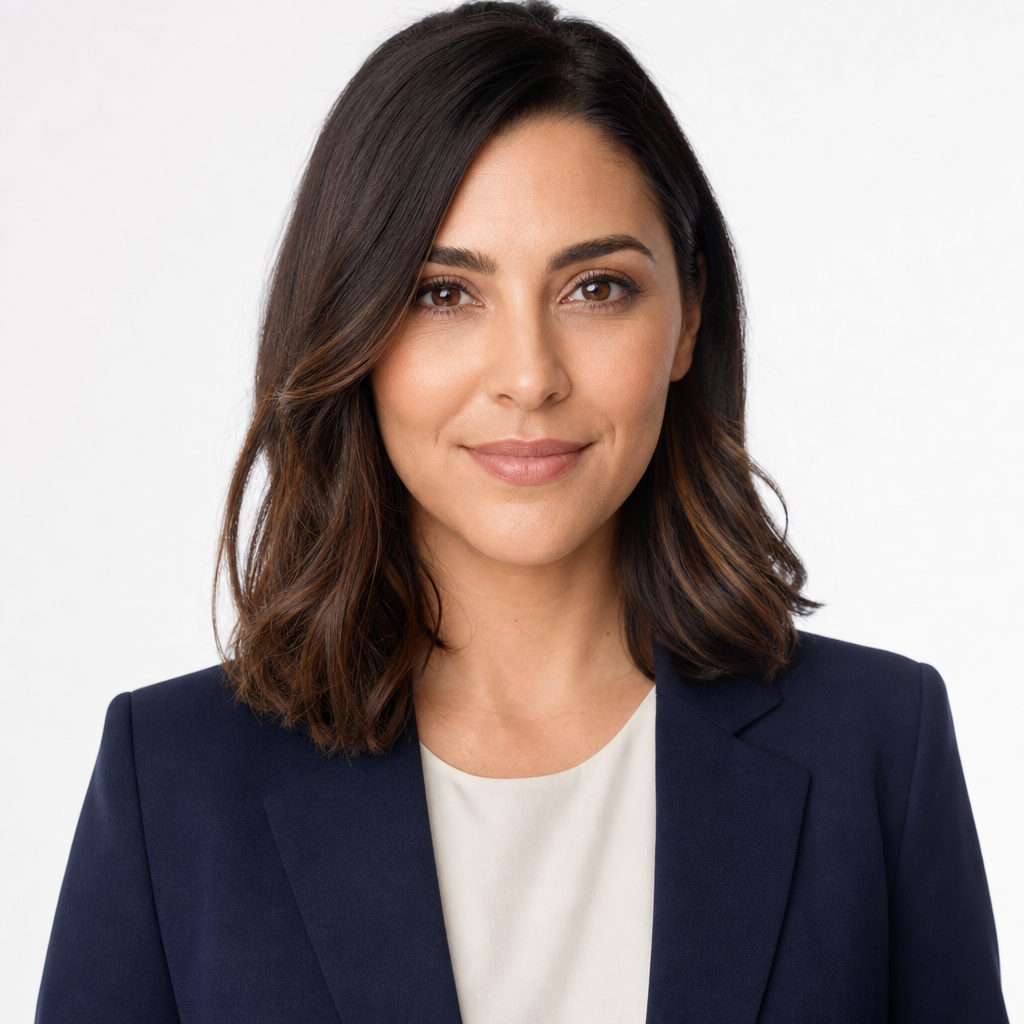
Consistency is also important. A strong headshot should communicate the same core message wherever it appears: capable, current and trustworthy. If your CV photo, LinkedIn profile and company bio all look as though they came from different eras, your personal brand can feel disjointed. AI-generated professional headshots help you create a coherent set of portraits with similar quality, lighting and polish, even if the original input photos were casual snapshots.
insmind ai headshot generator: what modern professionals actually need
When people search for the insmind ai headshot generator, they are often looking for a simple promise: turn ordinary photos into professional headshots without a studio session. That search intent is practical rather than technical. Users want to know whether an AI headshot generator can make them look credible, whether the result will be realistic, and whether the process is easier than booking a photographer.
The best AI headshot experience is not just about producing a flattering picture. It is about producing a usable one. A headshot must work at small sizes on LinkedIn, look natural on a company website, suit your profession and avoid anything that feels overly artificial. A recruiter, client or investor should not be distracted by the image; they should simply register you as professional and approachable.
This is where dedicated headshot platforms such as QuickAI Headshots are especially useful. Rather than treating a portrait as a novelty image, QuickAI Headshots focuses on business-ready results. QuickAIHeadshots.com is built around the real reasons people need headshots: career moves, remote teams, personal branding, sales outreach, speaking profiles and professional networking. The goal is not to create a fantasy version of you, but to help you present the best, most credible version of yourself.
Searches for terms such as “AI headshot generator for LinkedIn”, “professional AI portrait generator”, “AI business photo maker” and “online corporate headshot tool” all point to the same need. People want convenience, but they do not want to compromise trust. The right tool should balance polish with realism, giving you images that look intentional rather than overly edited.
How AI headshot generators work in plain English
An AI headshot generator usually begins with a set of uploaded photos. These do not need to be studio portraits, but they should show your face clearly from different angles and with varied expressions. The system analyses your facial features, general appearance and visual patterns, then creates new portraits in professional settings, outfits and lighting styles.
Think of it less as applying a filter and more as creating a new portrait based on your likeness. Good results depend on good inputs. If every uploaded photo is blurry, heavily filtered, taken in dark lighting or obscured by sunglasses, the AI has less reliable information to work with. If you provide clear, varied images, the final headshots are more likely to look realistic and recognisable.
Professional AI headshots may include simulated studio lighting, business attire, neutral backdrops, office settings or more relaxed personal-brand environments. The point is not to pretend you attended a particular studio; it is to generate a polished portrait that communicates the same impression a studio headshot would: clarity, confidence and professionalism.
QuickAIHeadshots.com is designed to make this process accessible for everyday users. You do not need photography knowledge, lighting equipment or editing software. You simply need to choose sensible source images and decide what kind of professional presence you want your final headshots to convey.
Practical tips for better AI headshot results
The quality of an AI-generated headshot starts before the tool does any work. Your uploaded images act as the visual foundation, so choose them carefully. Aim for photos where your face is visible, your expression is natural and the lighting is reasonably even. Include a range of angles: straight-on, slight side angle and relaxed candid shots can all help the generator understand your features more accurately.
Avoid uploading images where your face is covered by hats, large sunglasses, heavy shadows or extreme filters. Wedding photos, group shots and cropped party images can sometimes be used, but they are rarely ideal if your face is small in the frame. Simple phone photos taken near a window often work better than dramatic images with coloured lighting or harsh contrast.
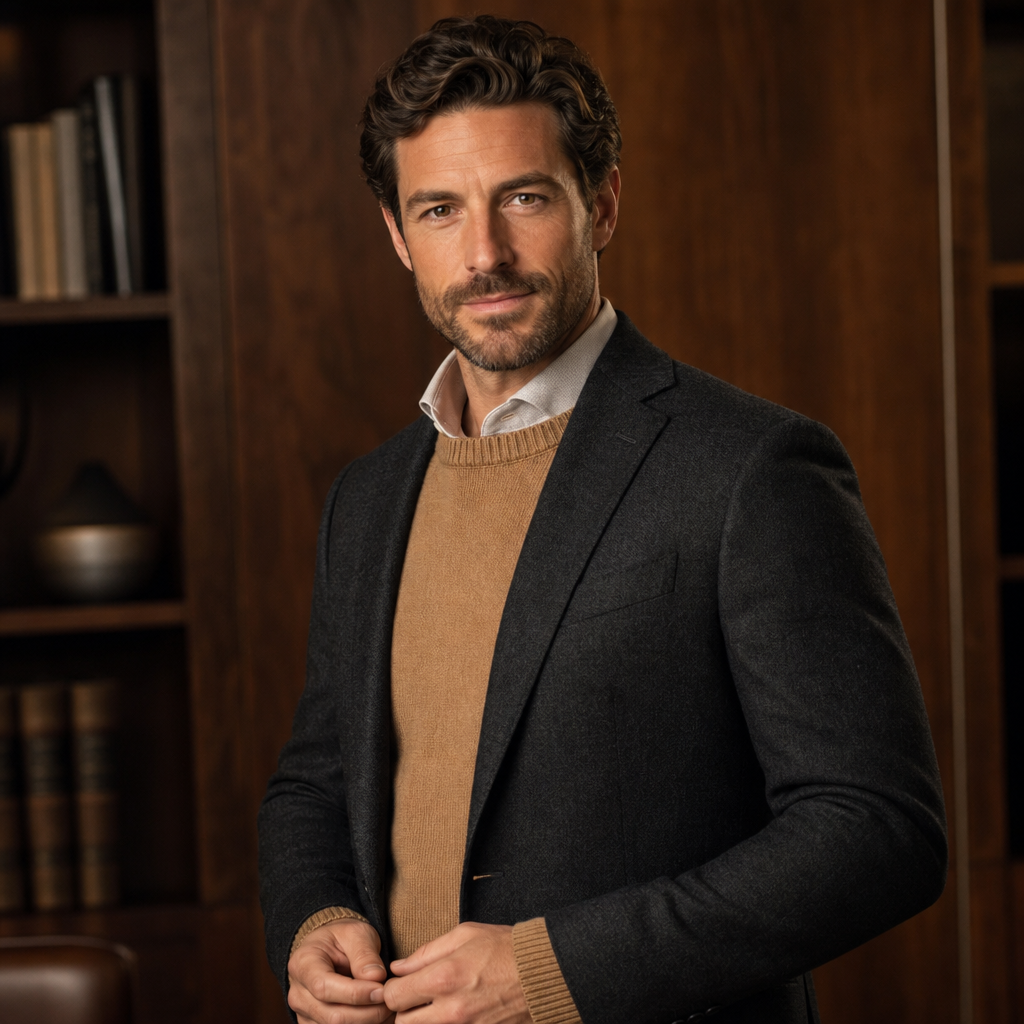
Wardrobe also matters, even when AI is generating new professional outfits. If the tool offers style choices, pick clothing that suits your industry. A navy blazer and white shirt might work well for finance, law or executive leadership. Softer knitwear or a smart blouse may suit coaching, education, design or wellbeing. A structured jacket can add authority, while an open collar can feel more approachable. The best AI business portrait generator gives you options, but your taste should guide the final selection.
Expression is equally important. A headshot does not need a huge smile, but it should feel alive. Overly serious portraits can seem distant, especially on LinkedIn. Choose outputs where your eyes look engaged and your mouth feels relaxed. For client-facing roles, warmth is often as valuable as authority. For leadership roles, calm confidence usually works better than forced enthusiasm.
Finally, select images for their purpose, not only for vanity. The most flattering image is not always the most effective professional image. Ask whether the headshot feels trustworthy, current and relevant to your work. Would you be comfortable using it in an email signature, on a proposal or beside a conference biography? If yes, it is probably a strong candidate.
Where AI headshots beat traditional photoshoots
AI headshots are particularly strong when you need flexibility. A traditional shoot may give you a handful of edited images in one outfit and one location. An AI headshot service can create multiple professional scenarios: studio backdrops, office portraits, creative personal-brand looks and formal corporate styles. That variety is useful because modern professionals appear in many different contexts.
Remote teams are a good example. In the past, companies struggled to get consistent staff headshots when employees were based across different cities or countries. Some team members used old studio portraits, others used holiday photos, and a few had no image at all. AI-generated corporate headshots make it easier to create a cohesive team page without flying everyone to one location.
Job seekers also benefit. If you are applying for roles, updating your LinkedIn profile and sending CVs, a dated or casual photo can weaken your first impression. A professional AI profile photo can help you look prepared and engaged. It will not replace your experience or qualifications, but it can support the impression that you take your career seriously.
Entrepreneurs and freelancers often need even more visual flexibility. One week you might be pitching to investors, the next you might be appearing on a podcast page or sending a proposal to a client. QuickAI Headshots can help create a set of images that feel connected but not identical, giving you more control over how you show up online.
When a traditional photoshoot may still make sense
AI-generated headshots are not the only answer for every situation. If you need a highly specific creative concept, full-body editorial imagery, product photography, group shots with precise positioning or campaign images for major advertising, a professional photographer is still valuable. Human photographers bring art direction, set design, live feedback and bespoke creative judgement.
The point is not that AI replaces all photography. The point is that traditional photoshoots are often more than most people need for a professional profile image. If your goal is a strong head-and-shoulders portrait for digital platforms, AI can be faster, simpler and more cost-effective. It is a smart alternative for the majority of routine professional headshot needs.
Many users will also combine both approaches over time. You might use QuickAIHeadshots.com for immediate profile updates and later book a photographer for a major brand campaign. The two options can complement one another. AI gives you speed and variety; traditional photography gives you a bespoke, directed experience when the occasion justifies it.
How to choose the best AI headshot generator for your needs
Not every AI headshot tool is equal. When comparing options, look beyond the number of images promised. Quality, realism and usability matter more than volume. A set of 20 believable, professional portraits is far more useful than 100 images where only one or two look like you.
Start by checking whether the service is focused on professional use. A general image generator may produce attractive pictures, but business headshots require restraint. Skin texture should look natural, clothing should be plausible, and backgrounds should support rather than distract from your face. The image should look like a polished portrait, not a digital costume.
Next, consider style variety. The best AI headshot generator should offer options suitable for different industries and levels of formality. A solicitor, software founder, HR director, therapist and graduate trainee may all need professional headshots, but they should not all look identical. Your final image should feel appropriate to your audience.
Ease of use is another factor. A strong platform should give clear instructions on what to upload and what to expect. QuickAI Headshots aims to keep the process straightforward, which is especially important for users who are not comfortable with photo editing or design tools. QuickAIHeadshots.com is intended for people who want professional results without a complicated creative workflow.
Common mistakes to avoid with AI professional headshots
The first mistake is choosing an image that looks impressive but not believable. If the generated headshot changes your face too much, makes you look dramatically younger or creates an outfit you would never wear, it may undermine trust. Your headshot should feel like you on a very good day, not someone else entirely.
The second mistake is ignoring context. A dramatic dark portrait may look stylish, but it might not suit a friendly client-facing role. A very casual look might be perfect for a creative consultant but less effective for a senior corporate profile. Match the image to the platform and audience. LinkedIn, a company website, a speaker page and a dating-style social profile all have different expectations.
The third mistake is overusing the same image everywhere without considering cropping. Profile pictures appear in circles, squares, thumbnails and banners. Choose a headshot with enough space around the face so it crops well. Test it at small sizes before making it your main professional image.
Finally, do not forget to update your headshot regularly. If your appearance has changed significantly, or if your current image no longer reflects your role, it is time for a refresh. One of the strengths of AI headshot services is that updating your professional image no longer needs to feel like a major project.
Using AI headshots across your professional presence
Once you have strong AI-generated headshots, use them strategically. Start with LinkedIn, as it is often the first place recruiters, clients and colleagues check. A clear, professional LinkedIn headshot can increase confidence before someone reads a single line of your profile. Make sure your banner, headline and About section support the same message as your portrait.
Your company biography is another obvious place. If you work in a remote or hybrid team, consistent headshots can make the organisation feel more established and approachable. For founders and consultants, a polished headshot on an About page can make a small business feel more credible.
Email signatures, proposal documents, event pages, podcast guest profiles and press kits can also benefit from a professional portrait. The aim is not to place your face everywhere unnecessarily, but to make recognition easier. When people see the same high-quality image across several touchpoints, you become more memorable.

QuickAI Headshots can be especially useful when you want a small collection of portraits rather than a single file. You might use a formal version for a board biography, a relaxed version for LinkedIn and a warmer image for a newsletter or personal website. QuickAIHeadshots.com gives professionals a practical way to build this kind of image library without booking multiple shoots.
Final thoughts: the smarter way to create professional headshots
The rise of AI headshot tools is not just a technology trend; it reflects a real change in how people manage their professional identity. Careers move quickly, remote work is normal, and online first impressions matter more than ever. Waiting months to update a profile photo no longer makes sense when you can create polished, professional AI headshots quickly and affordably.
If you are comparing options after searching for the insmind ai headshot generator, focus on what you actually need: realistic results, professional styling, ease of use and images that support your goals. QuickAI Headshots and QuickAIHeadshots.com are built for that practical outcome. For most professionals, AI-generated headshots are the smart alternative to traditional photoshoots because they offer speed, variety, consistency and value without sacrificing the polished impression your career deserves.