Choosing the right headshot backdrop can be the difference between a profile photo that looks polished and one that feels accidental. Whether you need a LinkedIn headshot, a company bio image, a speaker profile or a personal brand portrait, the background sets the tone before anyone reads a word about you. The good news is that AI-generated headshots now make it far easier to get a professional headshot background without hiring a photographer, travelling to a studio or blocking out half a day for a traditional photoshoot.
At QuickAI Headshots, the aim is simple: help busy professionals look credible, approachable and current with less effort. With QuickAI Headshots, you can create high-quality AI headshot backgrounds that suit your role, industry and personality. QuickAIHeadshots.com is built for people who want studio-level results, but prefer a faster, more flexible and cost-effective alternative.
Why your headshot backdrop matters more than you think
A professional portrait is not just about your face. Viewers subconsciously read the setting, lighting, colours and visual clutter around you. A clean headshot backdrop suggests clarity and confidence. A warm office backdrop can imply experience and approachability. A darker studio background may feel authoritative, while a soft neutral backdrop can feel modern and versatile.
Your background also affects how your image performs across different platforms. A LinkedIn headshot backdrop needs to remain clear when cropped into a small circle. A company website portrait may need to sit neatly beside other team photos. A press kit image should look good at larger sizes, with enough refinement to support your authority. Traditional photoshoots can achieve this, but they often require booking a location, coordinating outfits, waiting for edits and paying more if you want multiple background options.
AI-generated headshots solve many of these problems. Instead of committing to one studio backdrop on the day, you can explore a range of professional headshot background styles and choose the one that fits your goals. QuickAI Headshots gives users the flexibility to test different visual directions without the hassle of reshoots.

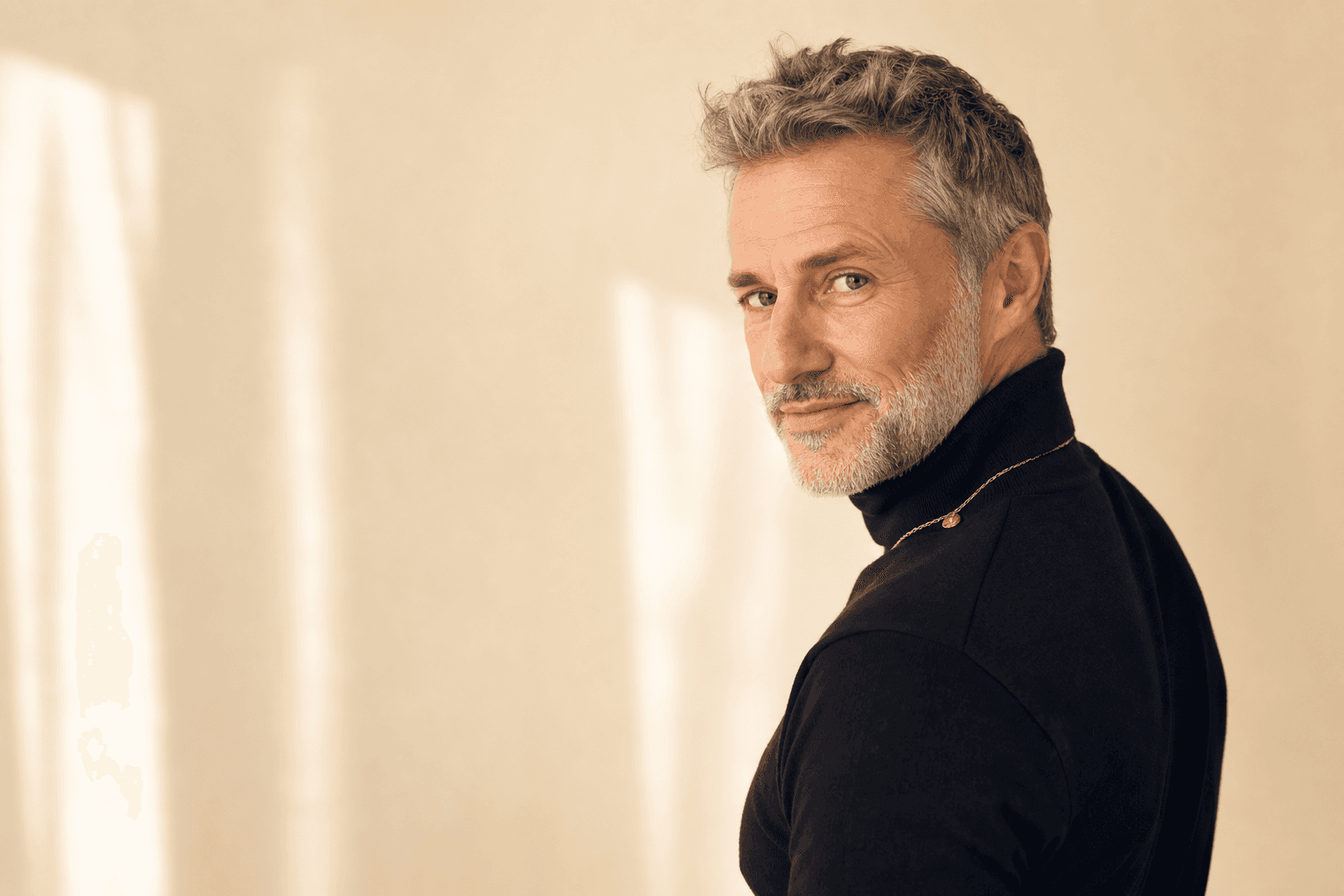
For many professionals, the safest starting point is a clean, neutral studio look. A white, cream, pale grey or softly blurred headshot background keeps the focus on your face and works well across CVs, internal directories, LinkedIn profiles and consultant pages. Pairing this backdrop with simple, structured clothing, such as a navy jacket, cream shirt or understated knitwear, creates a reliable image that feels polished without trying too hard.
How AI makes the perfect headshot backdrop easier
Traditional headshot photography is often limited by time, location and budget. If the studio only has a grey paper roll, that is your option. If the weather turns, your outdoor background may not work. If the office meeting room is busy, your planned corporate headshot background disappears. Even when the photographer is excellent, the final result depends on many moving parts.
AI-generated headshots change the process. With QuickAIHeadshots.com, you can create images that simulate professional lighting, flattering camera angles and carefully selected headshot backdrop styles. This means you can access the visual quality of a studio shoot without needing to find a studio. You can also generate a variety of options, from clean white backgrounds to modern office settings, soft grey seamless backdrops and warm business interiors.
The smart part is consistency. If a team needs matching staff portraits, AI can help produce a cohesive look without flying everyone to the same photographer. If a founder needs a more premium image for a pitch deck, they can choose a confident backdrop that fits the tone of investors and press. If a freelancer wants to test a friendlier personal brand image, they can compare several AI headshot backgrounds before selecting the final look.
Best headshot backdrop options for professional impact
The best headshot backdrop is not always the most dramatic one. It is the one that supports your message. For most professionals, the goal is to look competent, trustworthy and easy to work with. The background should never compete with your expression, clothing or posture.
A clean white studio backdrop is ideal if you want maximum versatility. It works for CVs, corporate bios, professional directories and formal applications. It also prints cleanly and crops well. A soft grey seamless backdrop is slightly more contemporary and often feels less stark than white. It is excellent for consultants, lawyers, finance professionals and executives who want a calm, controlled image.
A warm wood-toned office background can be a strong choice for leaders, coaches, recruiters and client-facing specialists. It suggests real-world experience without looking too casual. A sunlit window with city bokeh gives a modern business feel and can be useful for entrepreneurs, property professionals, technology leaders and anyone who wants a more dynamic LinkedIn headshot backdrop.
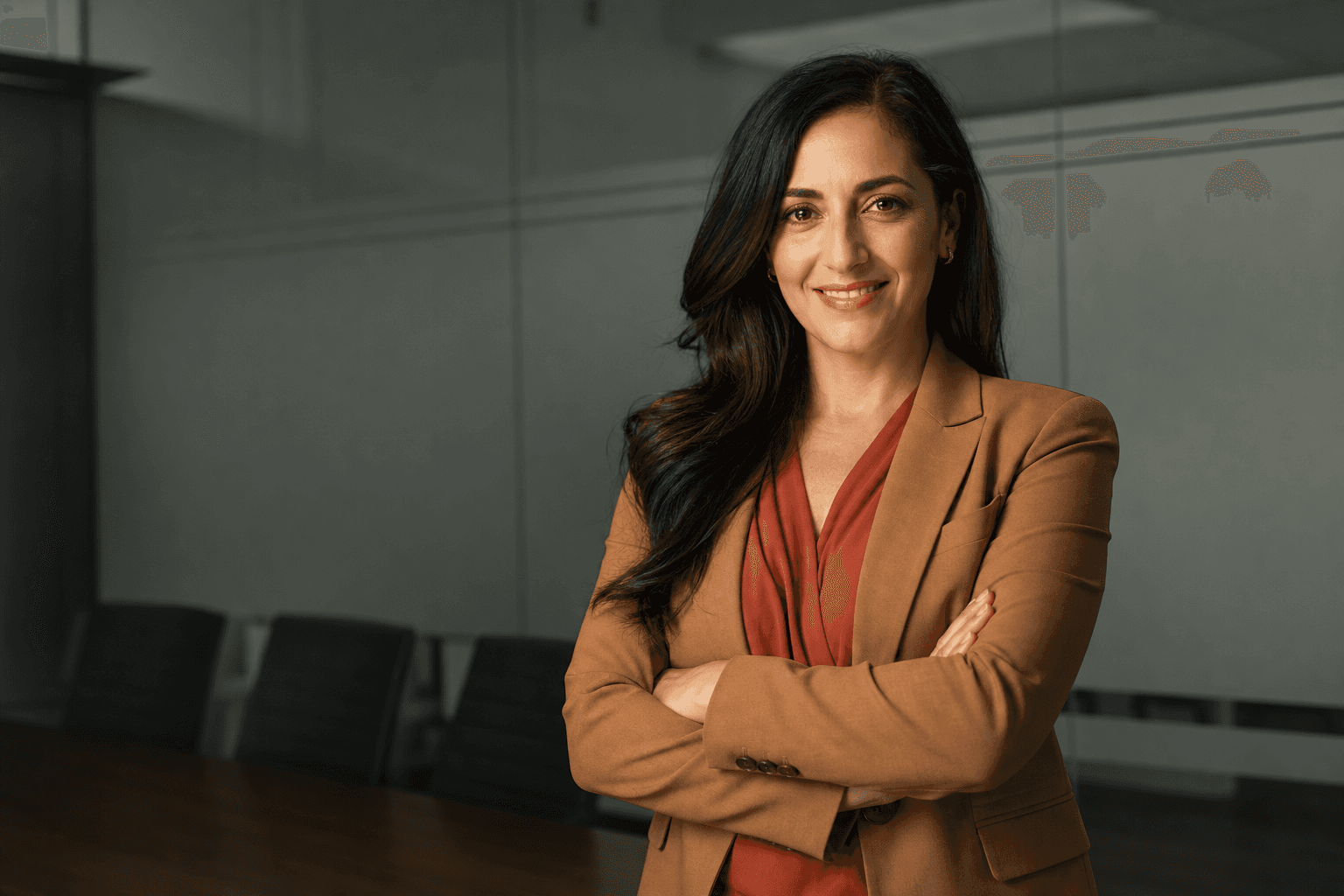
Darker backgrounds, such as deep navy, charcoal or muted black, tend to feel premium and authoritative. They work well for speakers, board advisers, authors and senior executives. However, they need careful lighting and wardrobe contrast, otherwise the image can feel heavy. AI-generated headshots from QuickAI Headshots can help you explore darker professional headshot background options while keeping your face properly lit and engaging.
Creative professionals may prefer textured or environmental settings: exposed brick, greenery, a softly blurred studio wall or a modern co-working space. These can add personality, but restraint matters. The best headshot background ideas still keep the subject as the hero of the image.

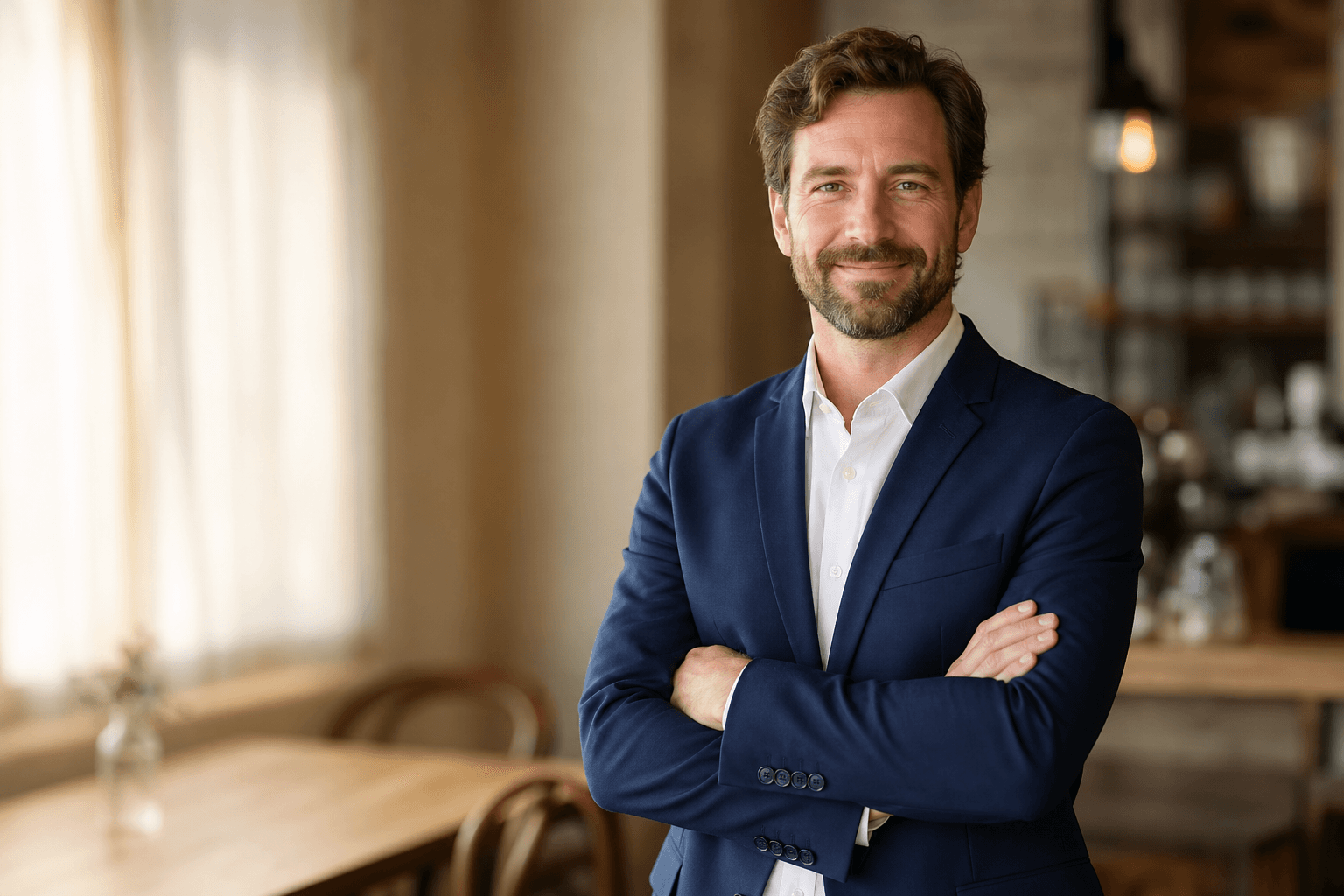
An office-style backdrop is useful when you want to appear established, practical and ready for business. A softly blurred window, warm interior tones and a relaxed seated pose can make a headshot feel more human than a plain studio portrait. This works especially well when your wardrobe combines structure with warmth, such as camel, charcoal, taupe or soft blue, rather than overly formal black from head to toe.
Match your backdrop to your industry
Different industries carry different visual expectations. A solicitor, accountant or financial adviser may benefit from a classic studio backdrop or understated office background. The viewer wants reassurance, precision and trust. A neutral palette, controlled lighting and simple composition usually perform best.
In technology, SaaS, product leadership and start-up roles, a modern headshot backdrop often works better than a traditional corporate portrait. Think soft city bokeh, light-filled workspace, clean grey studio or minimal architectural background. These choices suggest innovation without becoming distracting.
For healthcare, wellbeing, coaching and education, warmth is important. A gentle neutral backdrop, greenery or natural window light can make the image feel approachable and calm. The same applies to therapists, trainers and consultants who need to build trust quickly online.
For creatives, marketers, designers and founders, a little more character can be useful. A botanical backdrop, exposed brick or soft colour wash can communicate originality. Even then, the image should remain professional. QuickAIHeadshots.com helps users create a professional headshot background that fits their field while avoiding the clutter and inconsistency that often happen with DIY photos.
Wardrobe tips that work with any headshot background
Your clothes and backdrop should support each other. If your background is light, medium to darker tones often give pleasing contrast. Navy, forest green, charcoal, burgundy and rich brown usually photograph well. If your backdrop is dark, consider a lighter shirt, blouse or knitwear to keep separation around your face.
Avoid tiny checks, very fine stripes and high-shine fabrics, as they can create visual noise. Solid colours and simple textures generally work better for AI-generated headshots and traditional photography alike. The aim is not to dress blandly; it is to make sure the first thing people notice is you.
Think also about your brand. A senior consultant may want a tailored jacket and a muted studio backdrop. A wellness coach may look better in soft earth tones with a natural headshot background. A founder might choose a crisp shirt with a modern office backdrop. QuickAI Headshots lets you experiment with these combinations, so you can select an image that feels aligned rather than generic.
Pose and expression: the backdrop cannot do all the work
Even the best studio backdrop will not rescue a stiff expression. A strong headshot usually includes relaxed shoulders, a slightly lengthened neck, eyes engaged with the camera and a natural expression. You do not always need a broad smile; a calm, confident half-smile can work beautifully for professional platforms.
For a formal headshot, a straight-on composition communicates clarity. A slight three-quarter turn can be more flattering and dynamic. Seated poses can feel approachable, particularly for coaches, consultants and executives. Standing with arms loosely crossed can work if it feels relaxed rather than defensive.
AI-generated headshots are especially useful because they can present you in several pose and backdrop combinations. You might discover that a soft grey backdrop with a slight turn feels more professional than a flat white image, or that an office background brings out a warmer side of your personal brand. QuickAIHeadshots.com gives you more choice than a single camera setup on one afternoon.
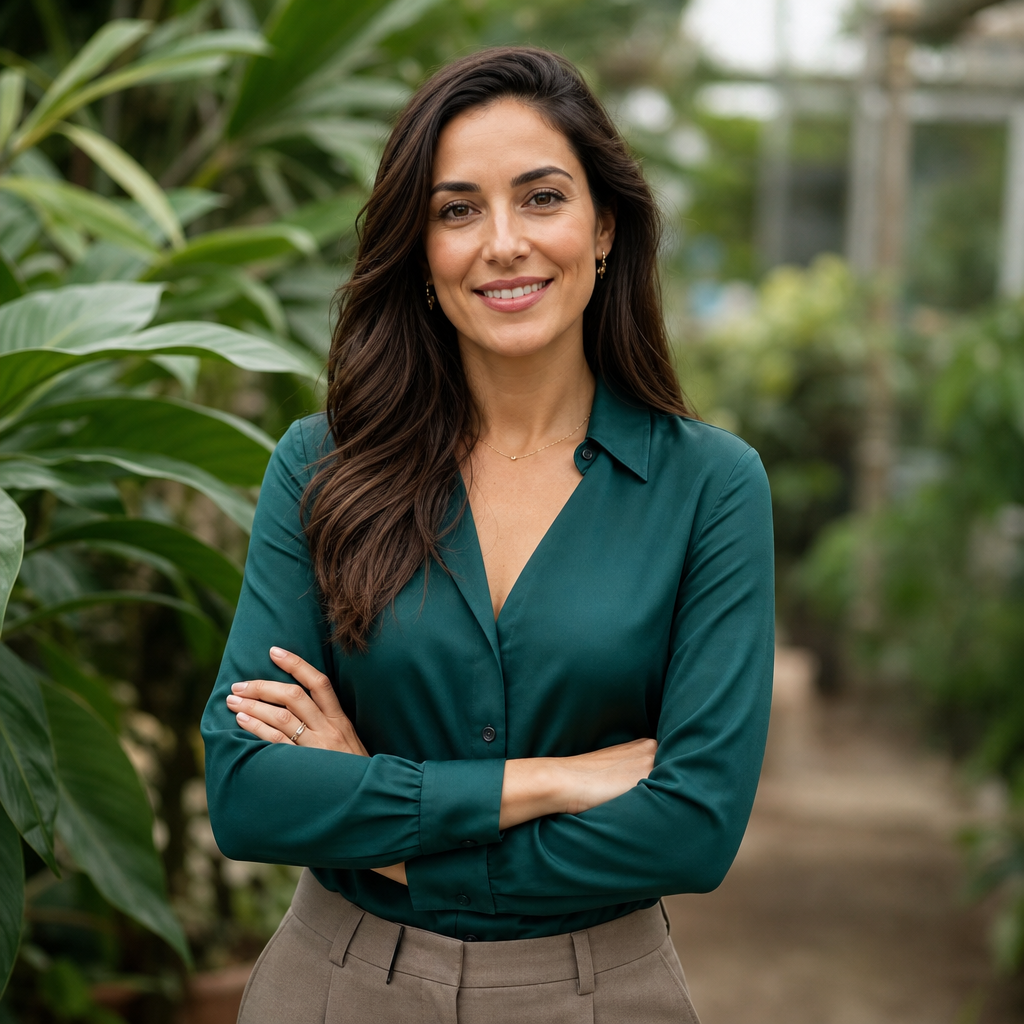
If your work depends on trust, personality or creativity, a natural or botanical backdrop can be a strong option. Greenery and soft daylight can make a portrait feel calm, open and approachable, especially when paired with an earth-toned or jewel-toned outfit. The key is to keep the plants or background texture softly out of focus, so the image still reads as a professional headshot rather than a lifestyle snapshot.
Common headshot backdrop mistakes to avoid
The first mistake is choosing a background that is too busy. Bookshelves, cafés, meeting rooms and outdoor streets can look interesting in person, but they often create clutter in a headshot. When your photo appears as a small profile image, that clutter becomes noise. A professional headshot background should simplify the message.
The second mistake is poor contrast. If your hair, jacket and backdrop are all the same tone, your portrait can look flat. A dark blazer on a deep navy background might work with expert lighting, but without separation it can disappear. Similarly, a white shirt on a white background may look unfinished unless styled carefully.
The third mistake is choosing a backdrop that feels false for your role. A dramatic executive portrait may not suit an early-career graduate. A casual brick-wall image may not reassure clients looking for legal or financial advice. The best headshot background ideas are those that feel credible for the person and the platform.
The fourth mistake is using an old or inconsistent photo. If your LinkedIn profile, company website and speaker bio all show different versions of you, people may question which one is current. QuickAI Headshots can help you create a coherent set of images with related AI headshot backgrounds, giving you consistency across your digital presence.
Why AI-generated headshots are the smart alternative to traditional photoshoots
Traditional photoshoots still have their place, but they are not always practical. They require scheduling, travel, studio fees, photographer availability, grooming time and post-production. For teams, the complexity multiplies. Remote employees may end up with mismatched images taken in different cities, under different lighting, with different levels of quality.
AI-generated headshots are faster, more flexible and often more affordable. They allow you to explore multiple professional headshot background options without paying for every location, backdrop or lighting setup. For individuals, that means more control. For businesses, it means easier consistency. For personal brands, it means the freedom to update your image as your role evolves.
QuickAI Headshots focuses on making this process straightforward. Upload your images, choose the type of professional result you want and generate headshots that look suitable for business use. QuickAIHeadshots.com is especially useful if you need a refreshed LinkedIn headshot backdrop, a cleaner company bio photo or a more polished profile image for proposals and speaking opportunities.
The value is not only convenience. It is creative choice. Instead of receiving a handful of edited photos from one location, you can compare different studio, office and environmental looks. You can choose the headshot backdrop that makes you feel most confident and that communicates the right message to clients, recruiters, colleagues or investors.
How to choose your final image
When reviewing your AI-generated headshots, start with clarity. Is your face well lit? Are your eyes sharp? Does the background support you without pulling attention away? Then think about context. Would this image make sense on LinkedIn? Would it sit comfortably on your company website? Would it reassure the people you want to reach?
Next, compare tone. A white studio backdrop may look efficient and formal. A warm office backdrop may look personable and experienced. A city bokeh background may look ambitious and contemporary. A greenery backdrop may look calm and approachable. There is no universal answer, which is why having options matters.
Finally, ask whether the image feels like the professional version of you. The best AI headshot is not an artificial transformation; it is a polished presentation. QuickAI Headshots helps bridge the gap between everyday snapshots and traditional studio photography, giving you a practical route to a sharper visual identity.
Conclusion: your headshot backdrop should work as hard as you do
The right headshot backdrop gives your portrait context, polish and credibility. It can make you look more approachable, more authoritative or more modern, depending on the style you choose. With AI-generated headshots, you no longer need to rely on one expensive studio session or settle for a cluttered DIY photo. QuickAI Headshots and QuickAIHeadshots.com offer a smarter alternative: flexible, professional images with background options that suit your career, brand and platform. Choose a backdrop that supports your message, keep the focus on your face, and your headshot will do far more than fill a profile box.