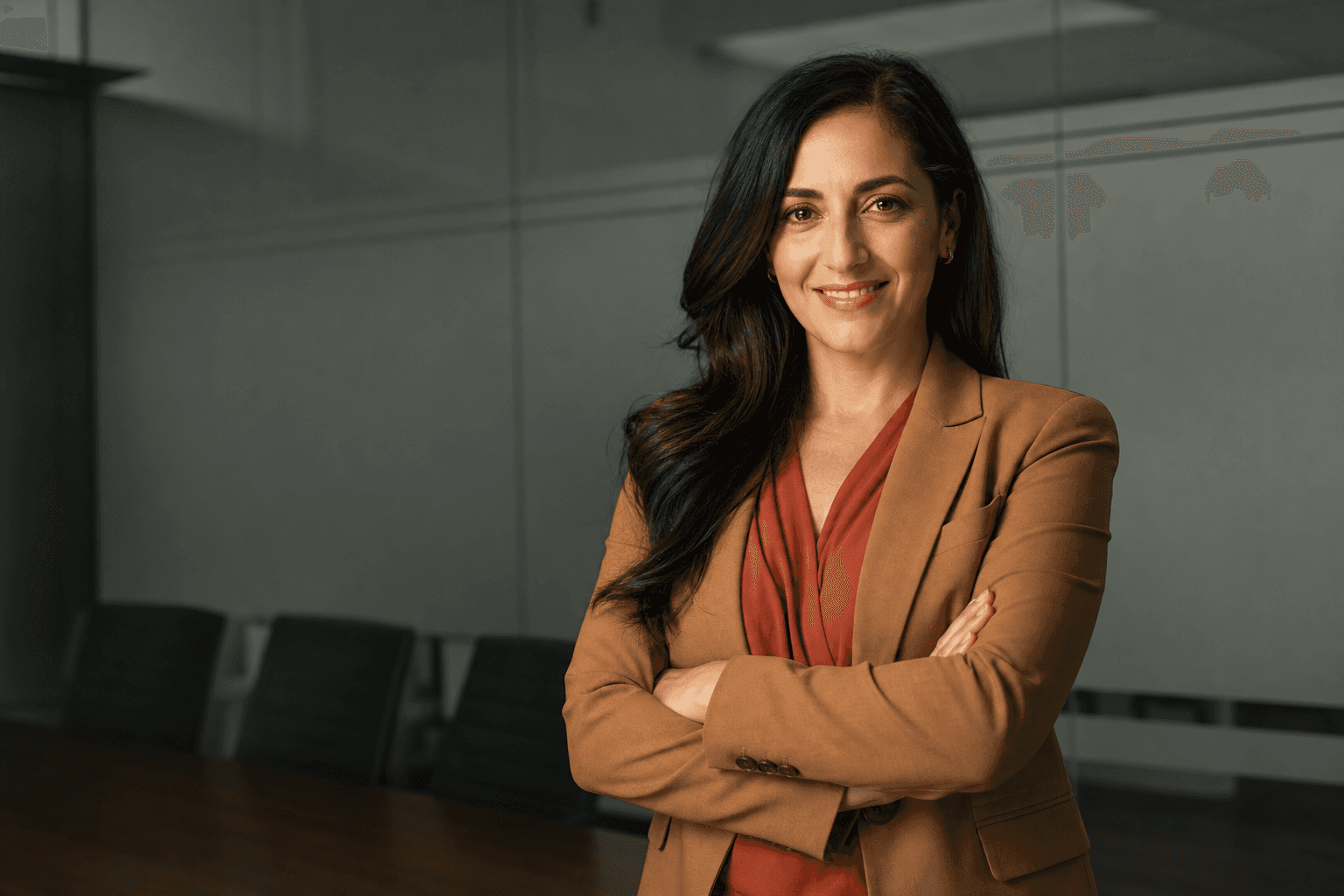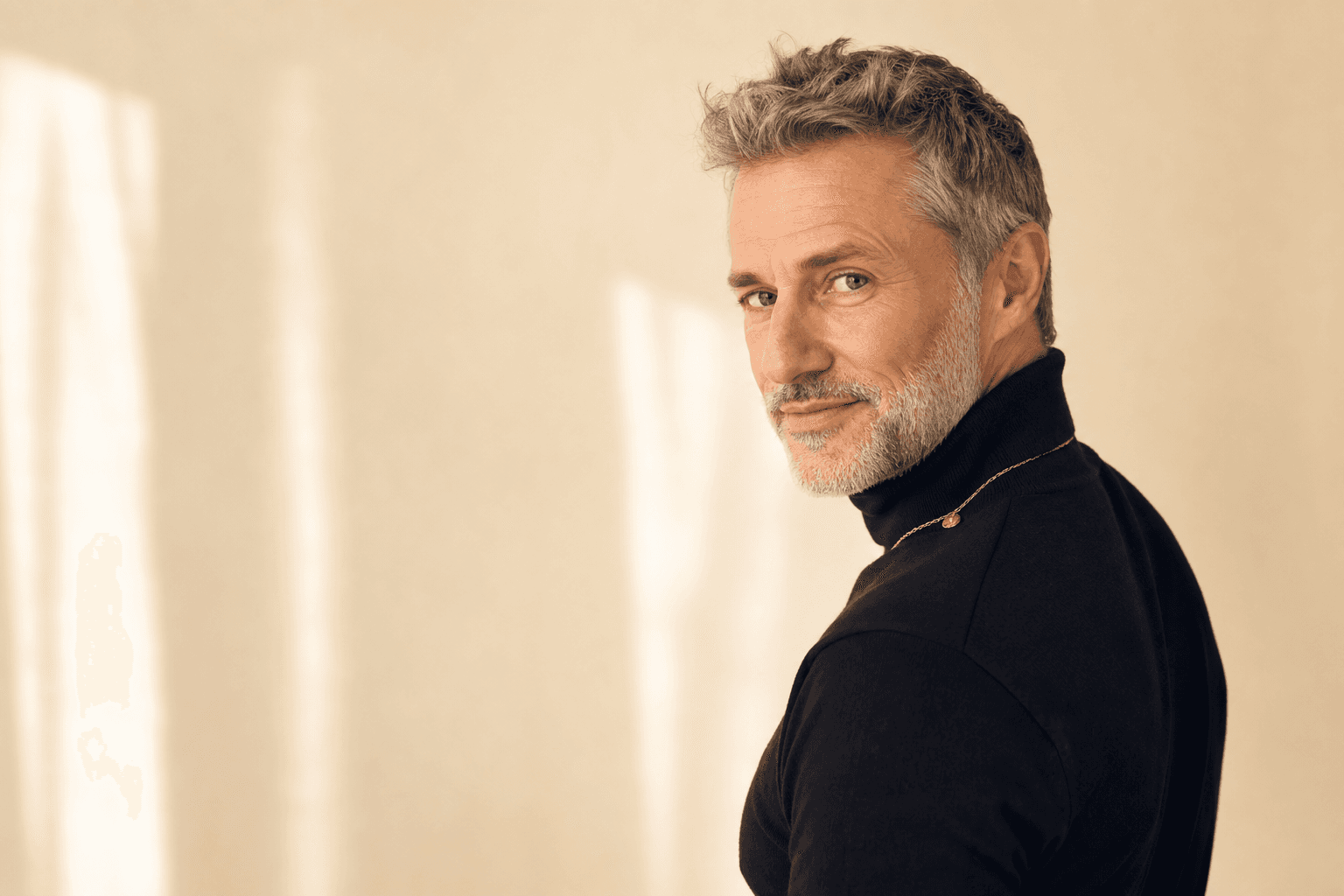
Female professional headshots have become one of the most important career assets for women who want to look credible, approachable and current online. Whether you are updating LinkedIn, applying for senior roles, launching a consultancy, refreshing a company bio or building a personal brand, your image is often the first signal people use to decide whether to trust you. Traditional photography can still be excellent, but it is not always practical: diaries clash, studios cost money, weather is unpredictable and many people feel uncomfortable in front of a camera. That is why AI-generated headshots from QuickAI Headshots are now a smart alternative for busy professionals who want polished results without booking a full photoshoot.
The shift is simple: your online profile needs to work harder than ever. Recruiters, clients, colleagues and investors may never meet you before they search your name. A strong business portrait for women should communicate competence, warmth and confidence within seconds. With AI professional headshots, you can create a selection of polished, realistic images from your own uploaded photos, then choose the style that fits each platform. QuickAIHeadshots.com is designed for exactly this: fast, professional-looking headshots that help you show up consistently across work, networking and personal branding channels.
Why female professional headshots matter more than ever
A professional headshot is not just a nice profile picture. It is a visual introduction. For women in leadership, consulting, law, finance, technology, healthcare, academia, property, coaching or creative industries, the right image can support authority without feeling stiff. Female corporate headshots also need to avoid extremes: too casual can look unprepared, while too formal can feel distant. The sweet spot is an image that feels polished, modern and human.
For LinkedIn headshots for women, the goal is usually clarity and trust. Your face should be easy to see, your expression should look open, and your clothing should support the message you want to send. An executive headshot for women may lean more structured and composed, while a small business founder might choose a warmer, more personable style. The advantage of using QuickAI Headshots is that you can generate multiple variations and select the portrait that matches the audience, role and platform.
Another reason professional headshots for women are so valuable is consistency. Many professionals have one photo on LinkedIn, another on a company page, an old cropped wedding photo on a speaker bio, and a completely different image on email or portfolio sites. That inconsistency weakens recognition. A curated set of AI-generated business headshots gives you a visual toolkit: perhaps a classic corporate portrait for your employer profile, a warmer image for your website, and a more contemporary portrait for social networking.
AI-generated headshots versus traditional photoshoots
Traditional photoshoots can be brilliant when you have the time, budget and confidence to make the most of them. You get direct coaching, controlled lighting and a photographer’s eye. But they also come with friction: travel, outfit planning, appointment scheduling, hair and make-up decisions, retouching delays and limited final choices. If you only need an updated profile image, the process can feel larger than the problem.
AI-generated headshots offer a different route. Instead of standing in a studio for an hour, you upload suitable existing photos and receive professional-looking headshot options created in different styles. This can be particularly useful if you dislike being photographed, have a packed schedule, work remotely, or need fresh images quickly. QuickAIHeadshots.com helps remove the common barriers that stop people from updating their image: inconvenience, cost, uncertainty and the pressure of a single photoshoot day.
The smart approach is not to think of AI as a lower-quality substitute, but as a practical tool. For many uses — LinkedIn, internal directories, CV websites, speaker pages, newsletters, pitch decks and online portfolios — a realistic AI headshot can deliver exactly what you need: a clear, confident and professional portrait. The key is choosing images that still look like you. The best female professional portraits should enhance presentation, not create a completely different person.

Wardrobe is one of the easiest ways to improve the result. For female professional headshots, choose clothing that reflects your role and the impression you want to create. A navy blazer with a cream blouse communicates reliability and polish. A charcoal jacket can feel senior and composed. Softer neutrals, muted pastels or jewel tones can add warmth without distracting from your face. Avoid tiny stripes, shiny fabrics, busy patterns and anything with visible logos. If in doubt, select outfits that would be appropriate for an important client meeting or an interview for the role above your current one.
Necklines matter too. Crew necks, soft V-necks, collared shirts and simple blouses usually work well in head-and-shoulders crops. Statement jewellery can be effective if it is part of your usual style, but it should not overpower the portrait. For AI headshots, clear source photos help the system understand your face and general appearance, so varied but realistic outfit references are useful. QuickAI Headshots can then generate polished options that feel more like a proper business portrait than a casual selfie.
How to prepare source photos for AI professional headshots
The quality of your uploaded images has a direct impact on the quality of your AI-generated headshots. Start by gathering recent photos where your face is clearly visible. Natural expressions are best: a genuine smile, a calm neutral expression and a confident half-smile can all work. Avoid heavy filters, sunglasses, hats, extreme angles and photos where your face is partially covered. If your current hair colour, hairstyle or facial features have changed, use recent images so the final headshots are accurate.
Variety is helpful. Include photos taken in different lighting conditions, with different angles and expressions, while keeping them realistic. A mix of indoor and outdoor images can help, as long as your face is sharp. Group shots are less useful unless you crop them carefully. Blurry, dark or heavily edited pictures should be avoided. The goal is to give QuickAIHeadshots.com enough reliable information to create female business headshots that look professional and recognisably like you.
It is also worth thinking about the final use before you begin. A LinkedIn headshot needs a clean crop and strong eye contact. A consultant website may benefit from a warmer, more editorial feel. A board biography might call for a refined executive portrait. If you know what you need, it becomes easier to choose the best results from QuickAI Headshots and build a small suite of images that serve different professional situations.
Choosing the right style for your industry
Different industries read visual signals differently. In corporate law, finance or senior management, structured tailoring and neutral backgrounds often feel appropriate. In technology or start-ups, you might choose a modern, approachable portrait that looks professional without feeling overly formal. In coaching, therapy, education or healthcare, warmth and trust may be more important than boardroom authority. For creative consultants, founders and marketers, a slightly more distinctive colour palette or relaxed setting can help show personality.
Women’s business headshots should support your positioning. If you want to be seen as a steady leader, choose calm colours, direct eye contact and a composed expression. If you want to convey energy and approachability, a brighter smile or softer background may work better. If you are moving into more senior roles, select an image that already looks aligned with that level. A headshot can subtly signal where you are going, not just where you are today.
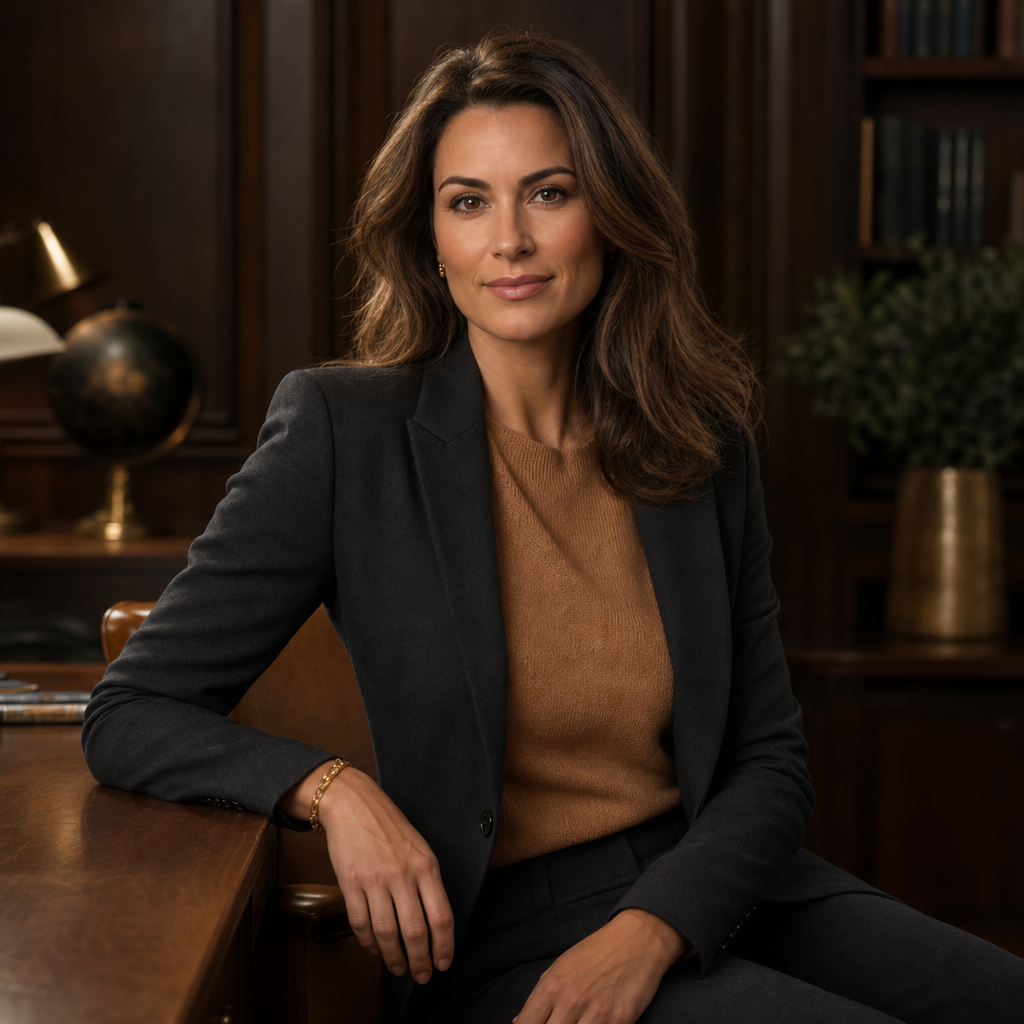
Backgrounds can change the whole tone of a portrait. A clean white or grey studio backdrop feels timeless and versatile. A warm office setting can suggest leadership, consultancy or client-facing expertise. A softly blurred city background can feel ambitious and modern. Greenery can bring calm and approachability, while a deep navy or charcoal studio setting can create a more premium executive style. With AI-generated headshots, you can explore these variations without hiring multiple locations, which is one of the strongest advantages of using QuickAI Headshots.
When comparing options, ask three questions. First, does it look like me? Second, does it suit my professional context? Third, would I feel comfortable sending this to a senior client, recruiter or conference organiser? If the answer is yes, you are likely close to the right choice. Do not automatically pick the most glamorous image. The best female corporate headshot is the one that feels credible, current and appropriate.
Pose, expression and presence: small details that make a big difference
Even in AI-generated portraits, pose and expression matter because the final image should reflect believable human presence. A strong headshot usually has relaxed shoulders, a lifted posture and confident eye contact. A slight angle to the body can feel more natural than a completely square pose, while keeping the face turned towards the viewer maintains connection. For many professional headshots for women, the most effective expression is not a broad smile or a stern look, but a calm, engaged expression that says you are capable and easy to work with.
Think about the emotional message of the portrait. Do you want to appear decisive, friendly, strategic, creative, reassuring or authoritative? Small adjustments can shift the tone. A closed-mouth smile can feel composed; a natural smile can feel approachable; a neutral expression with soft eyes can feel senior and thoughtful. QuickAIHeadshots.com can provide a range of outputs, which gives you the opportunity to choose the version that best matches your personal brand.
Cropping also affects impact. For LinkedIn, a head-and-shoulders crop works well because profile images appear small in feeds and search results. For a website biography, a waist-up image may feel more polished and editorial. For speaking engagements, you may want a portrait with a little more space around the subject so event organisers can crop it for different layouts. Having several AI professional headshots available makes it easier to respond quickly when someone asks for a suitable image.
Common mistakes to avoid with female business headshots
The first mistake is using an image that is too old. If your headshot no longer reflects how you look, it can create a jarring experience when people meet you. The second mistake is over-editing. Skin should look healthy and polished, but not plastic. The third mistake is choosing a style that does not match your profession. A highly stylised fashion portrait may look impressive, but it might not support a finance, legal or board-level profile.
Another common mistake is treating the headshot as a one-off task rather than part of your professional identity. Your portrait should work with your headline, biography, website copy and overall positioning. If your LinkedIn profile describes you as a strategic transformation leader, but your image looks like a casual holiday crop, there is a mismatch. If your website promises warmth and trust but your photo looks severe, that also creates friction. QuickAI Headshots helps by giving you options, but the final selection should still be intentional.
Finally, avoid choosing a headshot solely because friends like it. Friends may prefer the image where you look prettiest, happiest or most familiar. Professional audiences may respond better to the image that conveys credibility and clarity. Ask a colleague, mentor or client which version feels most appropriate for your goals. Better still, test a few options across different platforms and notice which one feels most consistent with the opportunities you want to attract.
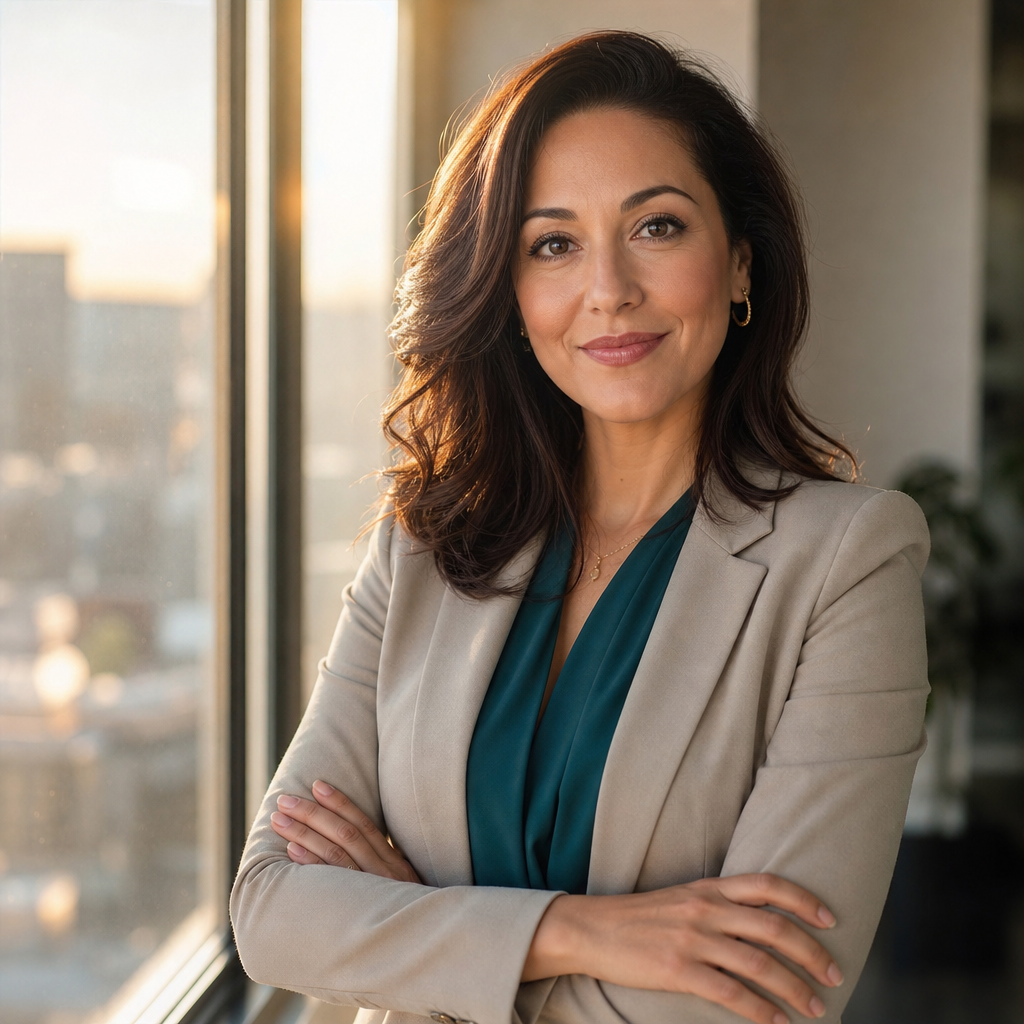
A strong final selection process is simple. Create a shortlist of three to five images: one classic corporate headshot, one warmer approachable portrait, and one slightly more modern or distinctive option. Check each image at a small size, because that is how many people will first see it on LinkedIn or in email previews. Look for clear eyes, natural skin, tidy hair, clean clothing lines and a background that does not compete with your face. If an image still feels professional when reduced to a small circle, it is probably a strong choice.
Once you have chosen your favourites, use them consistently. Upload the same or complementary images to LinkedIn, your company profile, your personal website, speaker biographies, professional directories and email avatar where appropriate. Save different crops and file sizes so you are ready when an organiser, journalist or recruiter asks for a headshot. This is where QuickAIHeadshots.com is particularly useful: you can create a practical library of female professional portraits rather than relying on a single photo.
Why QuickAI Headshots is the smart alternative
QuickAI Headshots is built for professionals who want speed, polish and flexibility. Instead of waiting weeks for a studio appointment and edited proofs, you can use existing photos to generate a range of realistic business portraits. That makes it ideal for women returning to work, changing roles, refreshing a LinkedIn profile, launching a new venture, preparing for a conference, or simply replacing an outdated photo. The process is convenient, and the results can be tailored to the level of formality you need.
Using QuickAI Headshots also means you can experiment with styles before committing to a public-facing image. You may discover that a softer background suits your coaching brand, or that a more structured executive look supports your next promotion. You can compare modern female corporate headshots, warm professional portraits and clean LinkedIn-style options without the pressure of a camera pointed at you. For many people, that alone makes the experience more comfortable.
QuickAIHeadshots.com is not about pretending to be someone else. It is about presenting yourself at your professional best. The most effective AI headshots are realistic, flattering and aligned with your goals. They save time, reduce cost and provide choice, while still giving you images that look suitable for serious professional use.
Conclusion: female professional headshots without the photoshoot stress
Female professional headshots are now essential for building trust online, but getting them no longer has to mean arranging a traditional photoshoot. AI-generated headshots are a smart alternative because they are fast, flexible and practical for modern working life. With the right source photos, thoughtful wardrobe choices and a clear sense of your professional message, you can create polished images that support your career across LinkedIn, websites, company profiles and speaking opportunities.
If you have been putting off updating your headshot because of time, cost or camera nerves, QuickAI Headshots offers a simpler way forward. Visit QuickAIHeadshots.com to create professional headshots for women that feel credible, current and genuinely useful. A strong image will not do your work for you, but it can help the right people recognise your confidence, capability and professionalism before you even say a word.