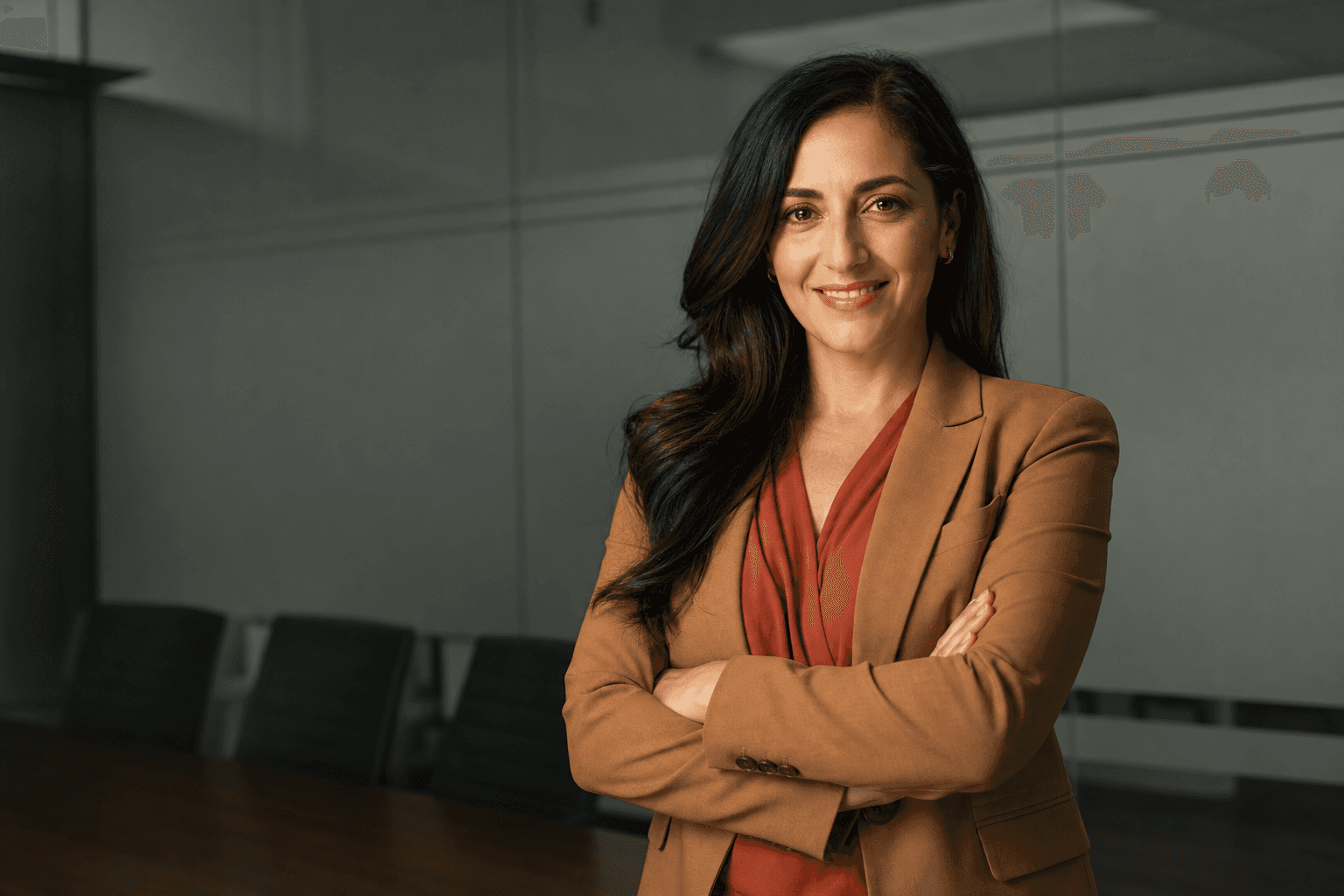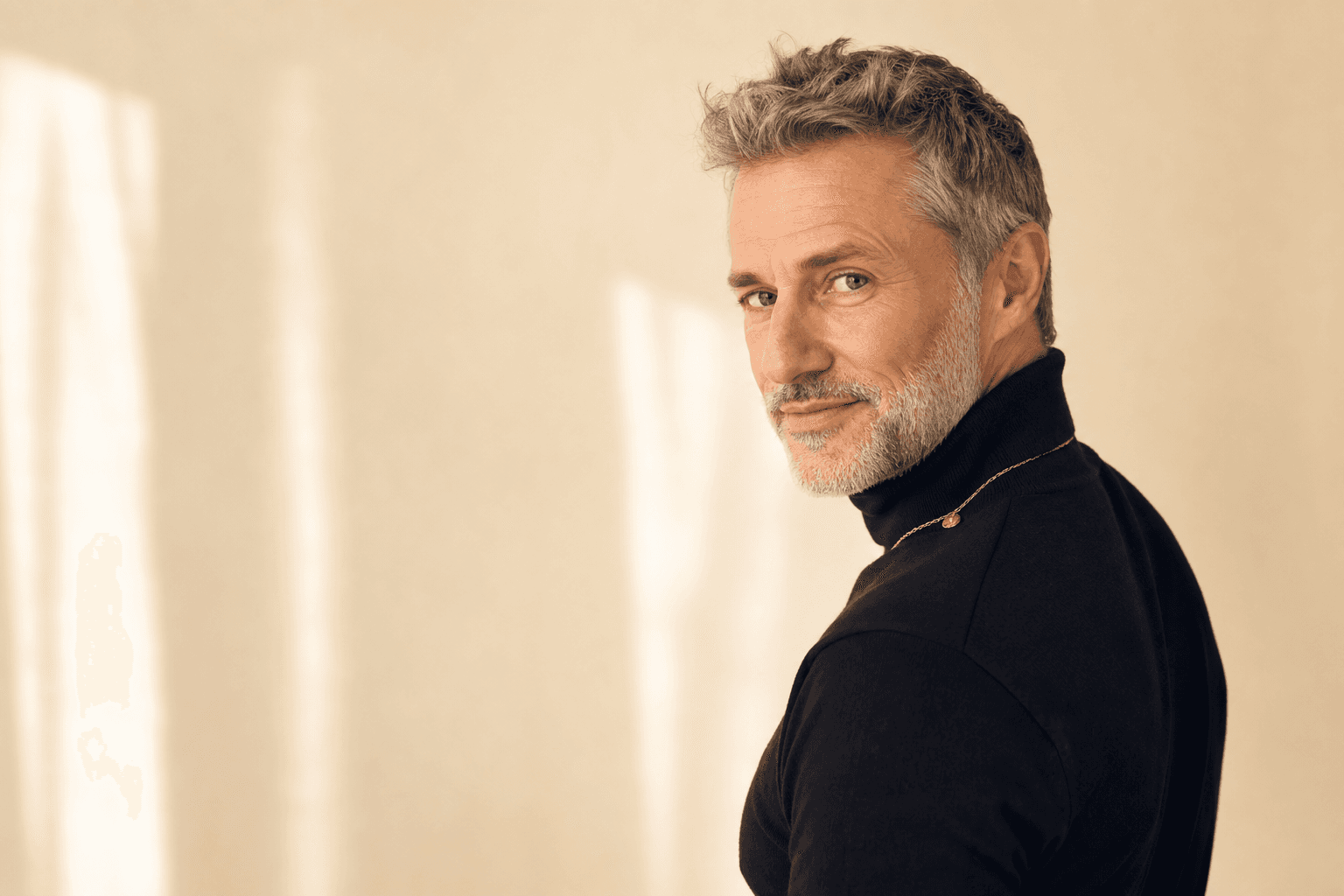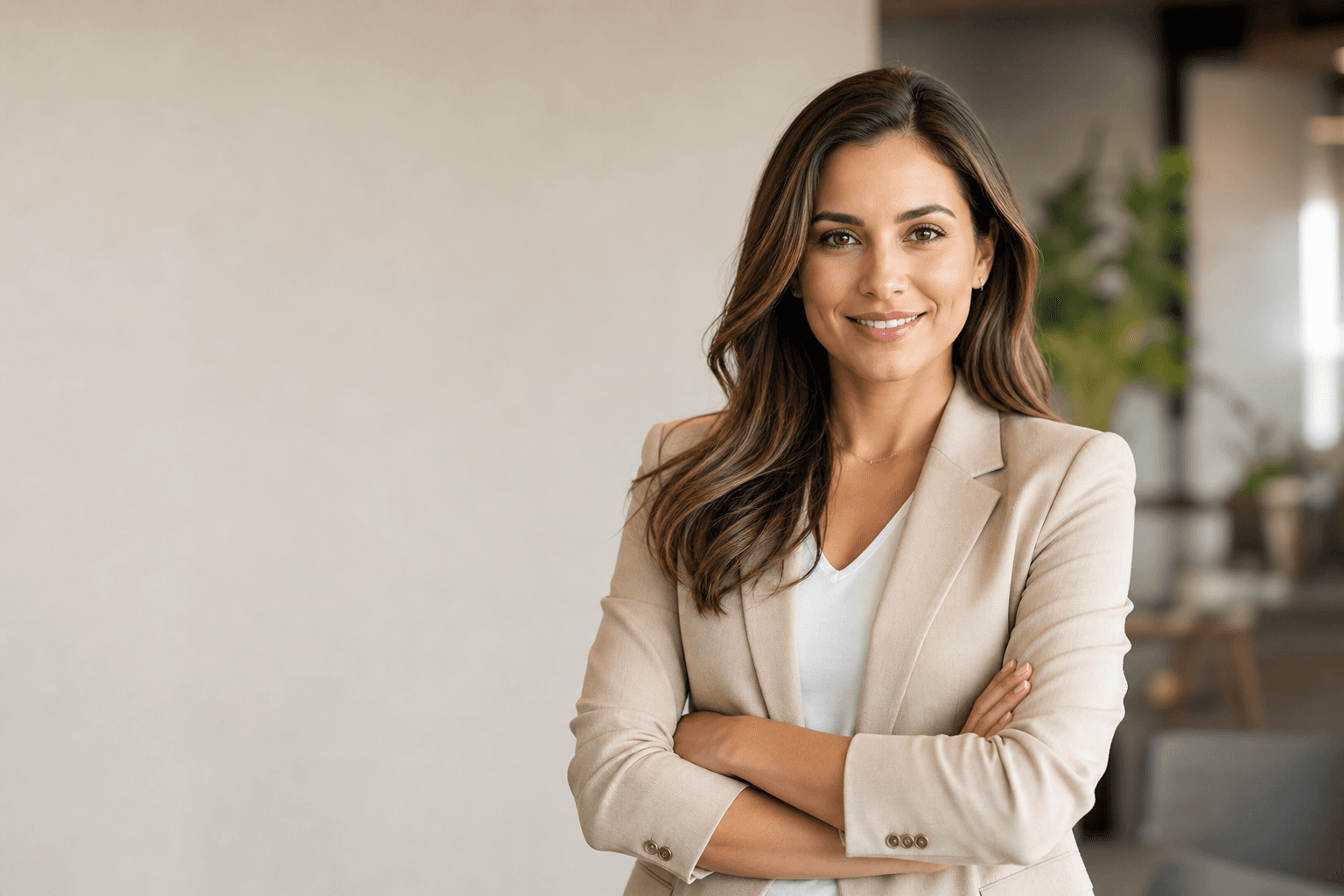
Female modern professional headshots are no longer limited to a booked studio, a half-day away from work and a nervous wait for edited images. Today, AI-generated headshots offer a faster, more flexible and highly polished alternative for women who need credible photos for LinkedIn, company websites, speaker bios, CVs, email signatures, press features and personal branding. With services such as QuickAI Headshots, you can create a consistent set of professional portraits without organising a traditional photoshoot.
The need is clear: your headshot often forms the first impression before anyone reads your achievements. A strong image can suggest confidence, clarity, approachability and competence in seconds. For women building careers, changing roles, launching consultancies, returning to work, growing a leadership profile or refreshing an online presence, a modern professional portrait is not a vanity extra. It is part of your digital reputation.
The challenge is that traditional photoshoots can be inconvenient. You may need to coordinate a photographer, studio, travel, make-up, wardrobe options and retouching timelines. If you dislike being photographed, the process can feel even more pressured. AI headshots solve many of these frustrations by turning your existing selfies or casual photos into polished, studio-style professional images. QuickAI Headshots and QuickAIHeadshots.com make that process simple, particularly for women who want multiple looks for different platforms.
Why AI is changing female modern professional headshots
AI is changing female modern professional headshots because it removes the most common barriers: cost, time, location and confidence in front of a camera. Instead of hoping one afternoon in a studio produces a few usable portraits, AI can generate a varied gallery of headshots with different outfits, backgrounds, lighting styles and poses. That means you can choose a corporate headshot for your company profile, a warmer image for networking, and a more editorial portrait for a speaker page.
The best AI-generated professional headshots are not about looking artificial or overly retouched. They are about creating a credible version of you that fits the expectations of modern business communication. A good result should still look natural: clear eyes, realistic skin texture, proportionate facial features, flattering light and appropriate styling. QuickAI Headshots focuses on producing business-ready portraits that help users look polished while remaining recognisable.
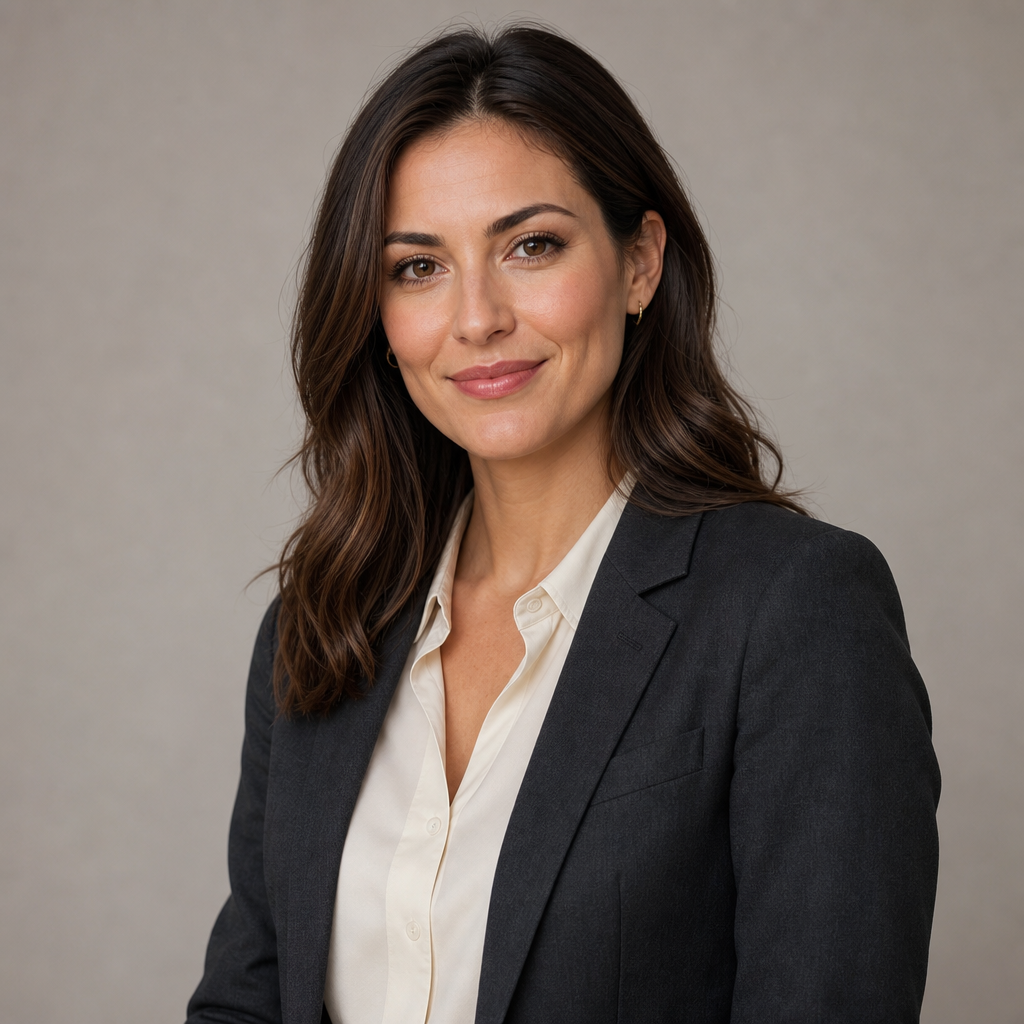
For many women, the ideal modern headshot combines authority with warmth. Picture a head-and-shoulders portrait with relaxed posture, a tailored blazer over a soft blouse, tidy hair, natural make-up, a calm expression and gentle studio lighting against a neutral background. The result feels professional without looking stiff, making it suitable for LinkedIn, internal directories, consultant profiles and executive introductions.
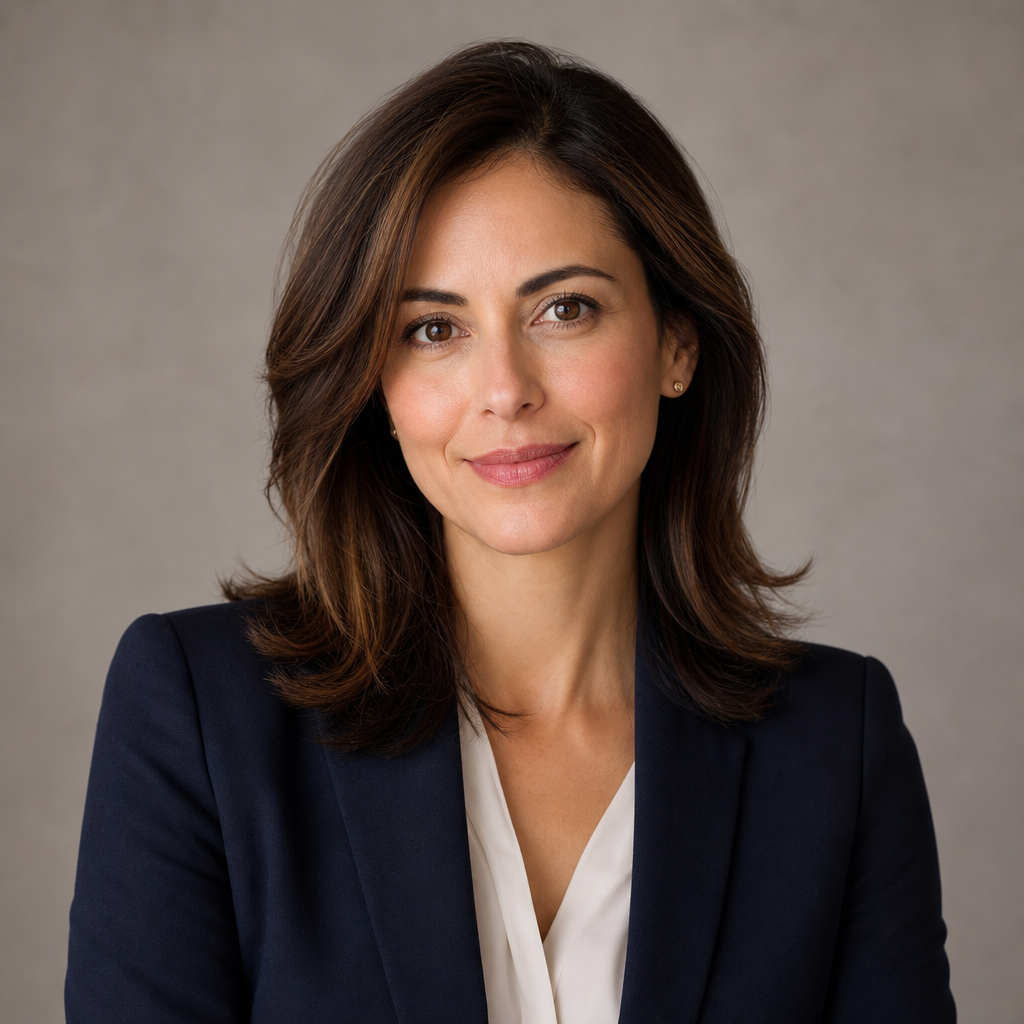
The smart alternative to a traditional photoshoot
A traditional headshot session can still be valuable, especially for people who enjoy in-person direction or need a bespoke brand shoot. However, for many professionals, AI-generated business headshots are the smarter first choice. They are quicker to arrange, easier to update and more affordable when you need several styles. If your hairstyle changes, your role evolves or your brand direction shifts, you can refresh your image without repeating the entire photoshoot process.
AI also gives you more control. In a studio, you may only have a limited number of outfit changes and a fixed lighting setup. With QuickAIHeadshots.com, you can explore a wider range of professional looks, from classic corporate portraits to modern office-style headshots, without needing to travel or pose for hours. This is particularly useful if you are testing what feels right for your industry and personality.
Another advantage is consistency. Teams often struggle to maintain a coherent visual style when employees use photos taken at different times, in different locations and with different levels of quality. AI headshots can help create a unified set of professional portraits for women across a business, whether they are remote, hybrid or based in different cities. QuickAI Headshots is useful for individuals, founders, recruitment teams and growing companies that want professional consistency without a complex production schedule.
What makes a modern female professional headshot work?
A successful headshot is not simply a nice picture. It is a strategic image that supports your professional goals. The best modern female business headshots tend to share five qualities: clarity, authenticity, appropriate styling, flattering light and platform suitability. Clarity means your face is easy to see and the image is not cluttered. Authenticity means you still look like yourself. Styling means your clothing and grooming match the impression you want to create.
Lighting matters because it shapes the mood. Soft, even light is usually best for professional female portraits because it looks clean and approachable. Harsh shadows can feel dramatic, but they may not suit every sector. Backgrounds also influence perception. A plain studio background suggests simplicity and focus. A modern office setting can imply leadership, collaboration and business context. A softly blurred interior can feel warmer and more personal.
Your expression is equally important. A full smile can be excellent for coaching, teaching, HR, healthcare, client services and entrepreneurial roles. A subtle smile or calm expression may suit finance, law, technology leadership or board-level profiles. The aim is not to copy someone else’s image, but to choose a portrait that reflects how you want colleagues, clients and recruiters to experience you.
Choosing the right style for your sector
Different professional environments call for different headshot styles. A solicitor, accountant or senior executive may prefer a classic corporate headshot with structured clothing, controlled lighting and a neutral background. This communicates reliability, attention to detail and authority. A founder, consultant or creative director may prefer a modern office portrait with a little more warmth, a softer outfit or a relaxed pose. This can feel confident without being overly formal.
If you work in technology, start-ups or digital marketing, you might choose a clean, contemporary look: simple blouse, smart jacket, minimal jewellery and bright natural-feeling light. If you work in academia, public speaking or non-profit leadership, an approachable portrait with thoughtful expression may be more effective. For health, wellbeing and coaching professionals, warmth and trust are often more important than corporate formality.
If your job crosses corporate and creative spaces, consider having two AI professional portraits: one more formal and one more relaxed. A formal version might show a woman in a structured blazer, upright posture and calm expression in a simple modern office. A relaxed version might show a softer blouse, open body language and gentle smile in the same uncluttered setting. This gives you flexibility while keeping your personal brand consistent.

How to prepare your source photos for better AI headshots
The quality of AI-generated headshots depends partly on the photos you provide. You do not need professional images, but you should choose clear, recent photos where your face is visible. Aim for variety: different angles, expressions and lighting conditions. Include images where you are looking towards the camera and avoid extreme filters, heavy sunglasses, hats that hide your face or photos where your features are blurred.
Use recent images wherever possible. If your current hairstyle, glasses, hair colour or facial features differ from old photographs, the AI may produce results that feel less accurate. A strong source set helps QuickAI Headshots create portraits that are polished yet recognisable. Think of your uploaded photos as references that guide the system towards your real appearance.
It also helps to include natural expressions. If every source photo has the same pose or exaggerated smile, the output may be less varied. Include a few gentle smiles, a more neutral expression and slightly different head angles. This gives the AI more information to create realistic modern professional portraits for women across several styles.
Wardrobe tips for AI-generated business headshots
Wardrobe is one of the biggest signals in a professional portrait. Even when AI is generating the final image, it helps to know what styles you want. Classic options include blazers, tailored jackets, blouses, fine knitwear, smart dresses and simple shirts. Neutral colours such as navy, charcoal, cream, white, black, soft blue and muted green often work well because they do not distract from your face.
Avoid outfits that feel too seasonal, too trend-driven or too casual unless that aligns with your brand. Very busy patterns, oversized jewellery and high-contrast prints can draw attention away from you. For a timeless female executive headshot, structured clothing usually works well. For a warmer personal brand image, softer fabrics and lighter colours can create approachability.
Think about your audience. If you are applying for senior corporate roles, a blazer may strengthen your image. If you are a therapist, coach or educator, a softer but still polished outfit may feel more trustworthy. If you are an entrepreneur, you may want a set of AI headshots that includes both: formal enough for investor decks and relaxed enough for social media profiles.
Backgrounds: studio, office or personal brand?
The background should support your message without competing with your face. A neutral studio background is the safest choice for LinkedIn, CVs, recruitment profiles and corporate directories. It is clean, professional and widely accepted. For this reason, many women choose studio-style AI headshots as their default profile image.
A modern office background can be helpful if you want to communicate leadership, business context or team-facing credibility. It can also feel more dynamic than a plain backdrop. However, it should still be simple and uncluttered. You do not want visible text, logos or distracting objects pulling attention away from your expression.
Personal brand portraits may use warmer interiors, softer tones or slightly more relaxed posing. These work well for websites, newsletters and media bios. With QuickAIHeadshots.com, you can create different versions for different uses, rather than relying on one image for everything. That variety is one of the strongest reasons to choose AI-generated professional headshots over a single traditional session.
Where to use your new professional portraits
Once you have a strong set of female corporate headshots, use them consistently. Start with LinkedIn, as it is often the first place recruiters, clients and peers check. Then update your company profile, personal website, speaker bio, email signature, proposal documents, webinar profile, press kit and professional association pages. A coherent set of images helps people recognise you across platforms.
Consistency does not mean every image must be identical. In fact, using the same portrait everywhere can feel repetitive. Instead, choose images from the same visual family. For example, you might use a direct, confident headshot for LinkedIn, a warmer portrait for your website and a more formal image for board documents. QuickAI Headshots gives you the freedom to build that visual range without booking multiple shoots.
If you run a team, updated headshots can improve the overall quality of your website and sales materials. Prospective clients often judge a business by the professionalism of its people pages. Mismatched, low-quality or outdated portraits can quietly weaken trust. A consistent AI headshot set can make a team look more established, organised and accessible.
How to choose the best image from your AI gallery
When you receive your AI headshots, do not simply pick the most glamorous one. Choose the image that best matches your professional purpose. Ask: would I recognise myself? Does this look natural? Is the expression appropriate for my audience? Does the clothing suit my industry? Is the background clean? Would I feel comfortable sending this image before a meeting, interview or speaking engagement?
It can help to narrow your options into categories. Choose one confident LinkedIn headshot, one approachable website portrait and one formal executive-style image. If you are unsure, ask a trusted colleague what impression each photo gives. You are not asking which image is prettiest; you are asking which image communicates the right professional message.
Be mindful of over-polishing. A useful AI-generated headshot should look like a refined business portrait, not a fantasy version of you. If an image changes your facial structure too much, smooths your skin unnaturally or gives you styling you would never wear, choose another. The smartest professional image is both flattering and believable.
Common mistakes to avoid
The first mistake is choosing a headshot that is too casual for the context. A photo that works on a personal social media account may not work for a board profile or client proposal. The second mistake is selecting an image that looks too severe. Professionalism does not require a cold expression. Many modern female leadership headshots work best when they balance confidence with warmth.
The third mistake is using an outdated photo. If your headshot no longer reflects how you currently look, it can create an awkward first impression when people meet you in person. The fourth mistake is ignoring cropping. Your face should be clear, and the image should work well as a small circular profile photo. If the crop is too distant, people may not connect with it.
The fifth mistake is having no strategy. Before generating headshots, decide what you need them for: job search, promotion, business development, speaking opportunities, media visibility or team branding. This helps you select the most useful style from the start. QuickAI Headshots is most effective when you combine the convenience of AI with clear professional intent.
Why QuickAI Headshots is built for modern professionals
QuickAI Headshots is designed for people who want high-quality results without the friction of a traditional photoshoot. The process is straightforward: upload suitable photos, let the AI create polished headshots, then select the images that match your goals. For busy women, this is especially useful because it avoids the need to schedule a photographer, commute to a studio or wait weeks for edits.
QuickAIHeadshots.com is also practical for career transitions. If you are moving from an operational role into leadership, from employment into consultancy, or from a local profile to an international audience, your headshot should evolve with you. AI makes that refresh easier. You can explore a more executive style, a more approachable personal brand style or a cleaner corporate look without committing to a full shoot.
A professional image should support your next opportunity, not hold it back. Whether you are updating your LinkedIn profile, building a founder page, preparing for a conference or standardising team portraits, QuickAI Headshots can help you create modern, credible images quickly. QuickAIHeadshots.com offers a smart route to professional presence for women who want polished results and practical flexibility.
Final tips before you update your profile
Before uploading your new portrait, check how it appears at different sizes. A LinkedIn profile photo is often viewed as a small circle, so the crop should focus on your face and shoulders. Make sure the lighting still looks flattering when reduced. If you wear glasses, check that your eyes are visible and there is no distracting glare. If you choose a blazer or blouse, ensure the neckline and colour look balanced in the crop.
Then update your surrounding profile content so everything works together. A polished headshot paired with an outdated job title or vague summary will not have the same impact. Refresh your headline, bio, contact details and recent achievements. Your image draws attention; your words then convert that attention into trust, interest and action.
A strong final choice might be a waist-up portrait of a professional woman in a cream blouse and charcoal blazer, angled slightly towards the camera with a confident but friendly expression, set against a simple neutral studio background with soft, even light. It feels current, composed and versatile enough for LinkedIn, a company website, a speaker biography and an email signature.
Conclusion: female modern professional headshots without the photoshoot hassle
Female modern professional headshots should help you look credible, current and approachable wherever people discover you online. AI-generated headshots are the smart alternative to traditional photoshoots because they are faster, more flexible and easier to refresh as your career changes. With QuickAI Headshots and QuickAIHeadshots.com, you can create a set of polished portraits that suit LinkedIn, company profiles, speaking opportunities, websites and team pages. The key is to choose images that look natural, match your sector and support your professional goals. When your headshot reflects both who you are and where you are going, it becomes a practical asset for your personal brand.