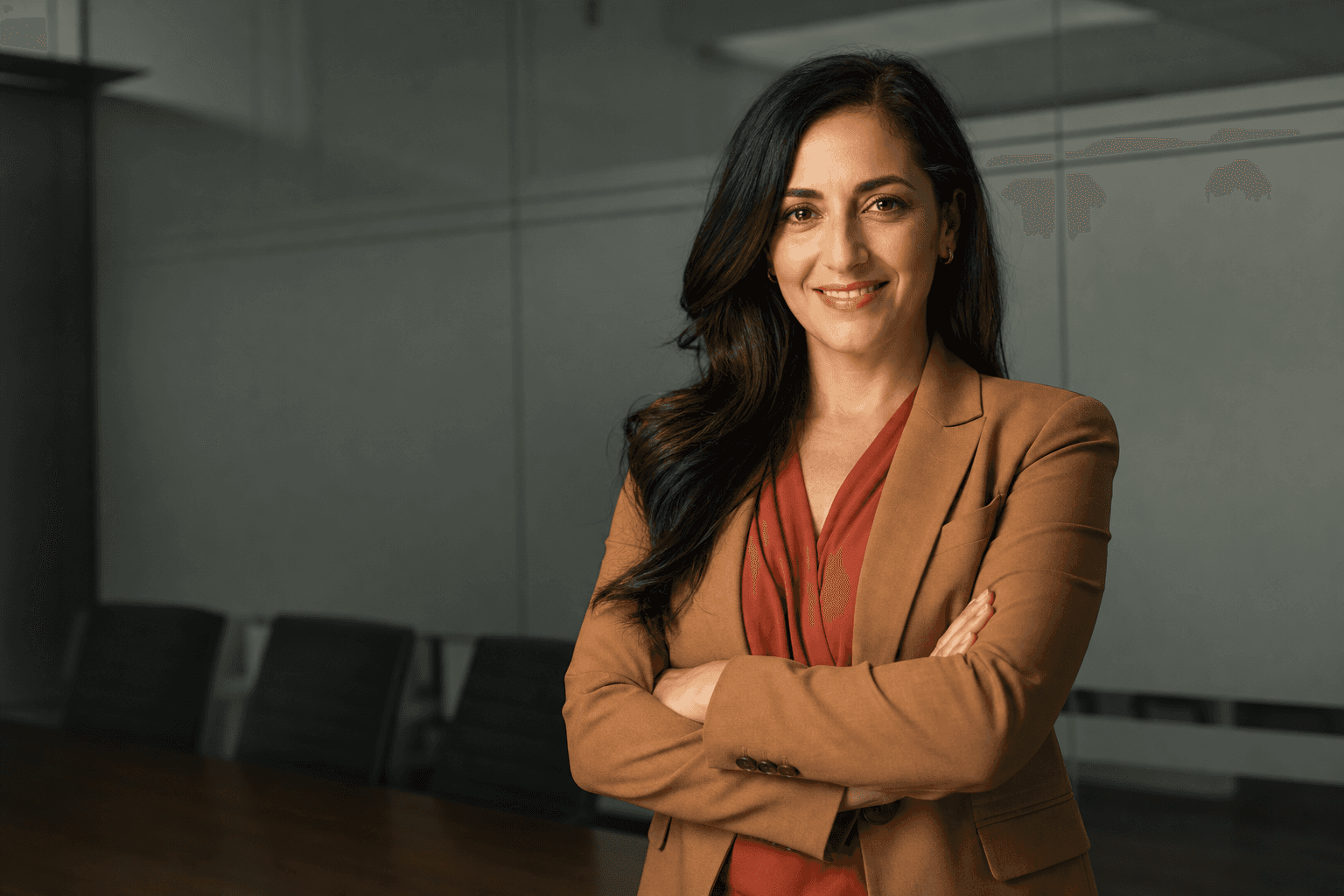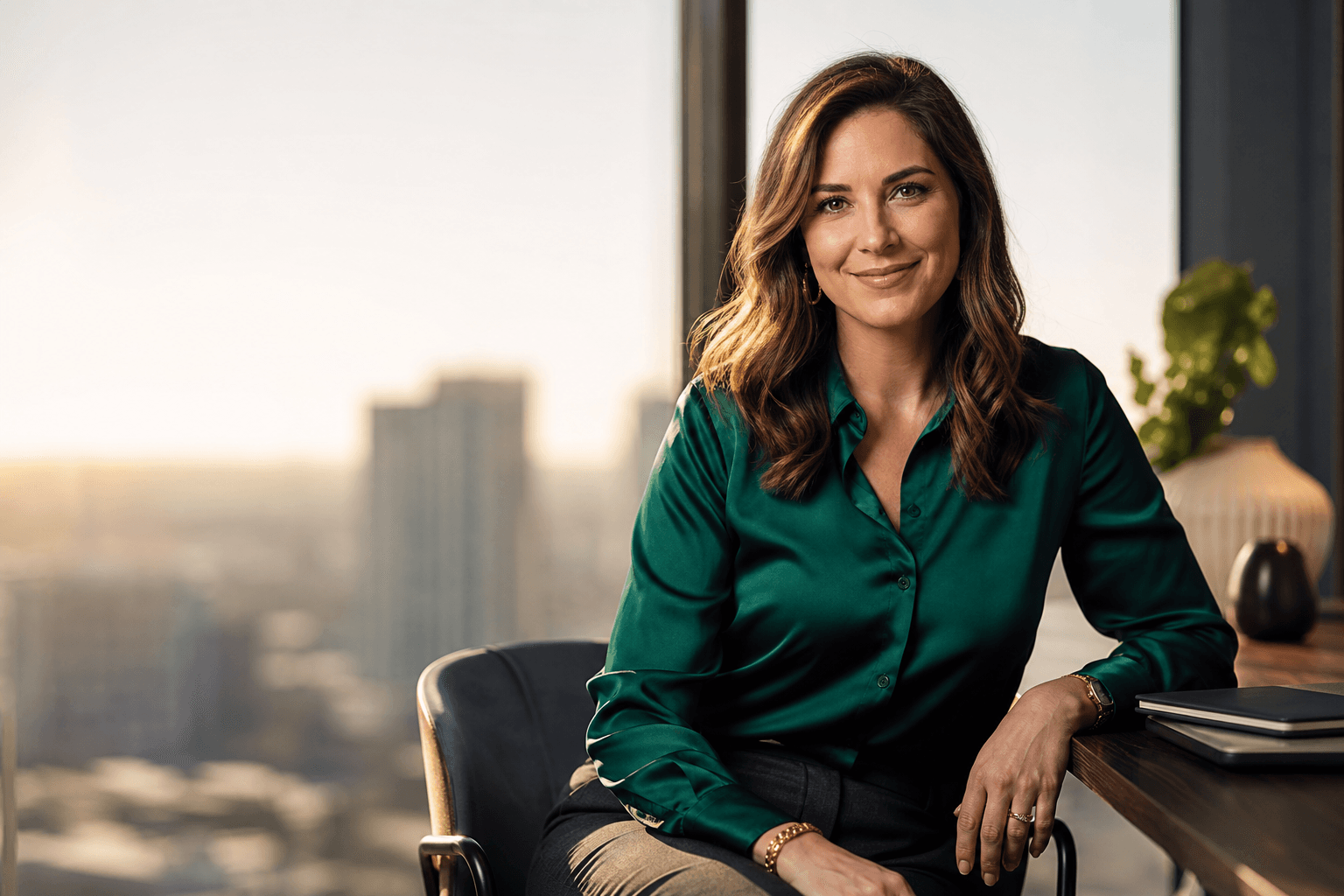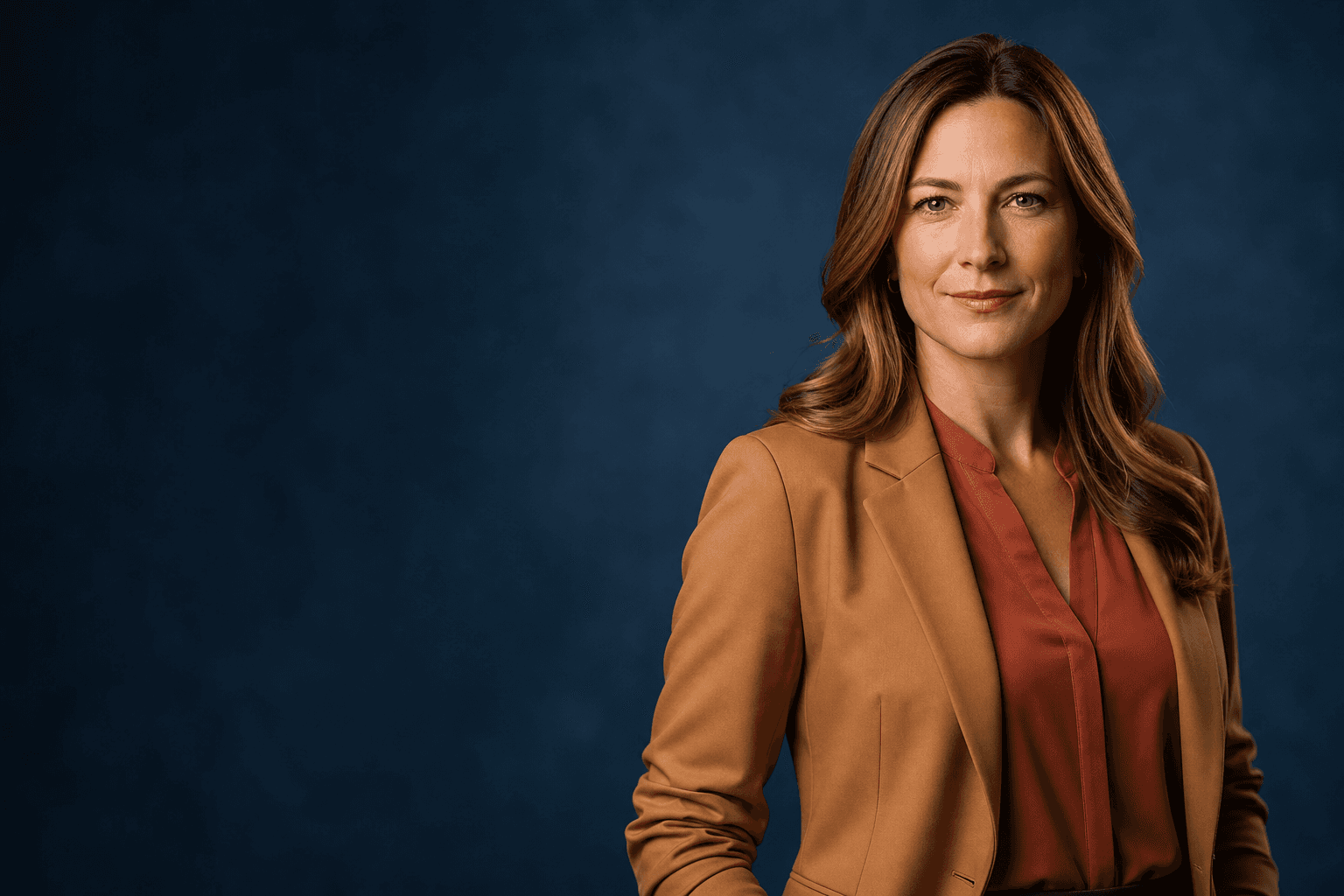
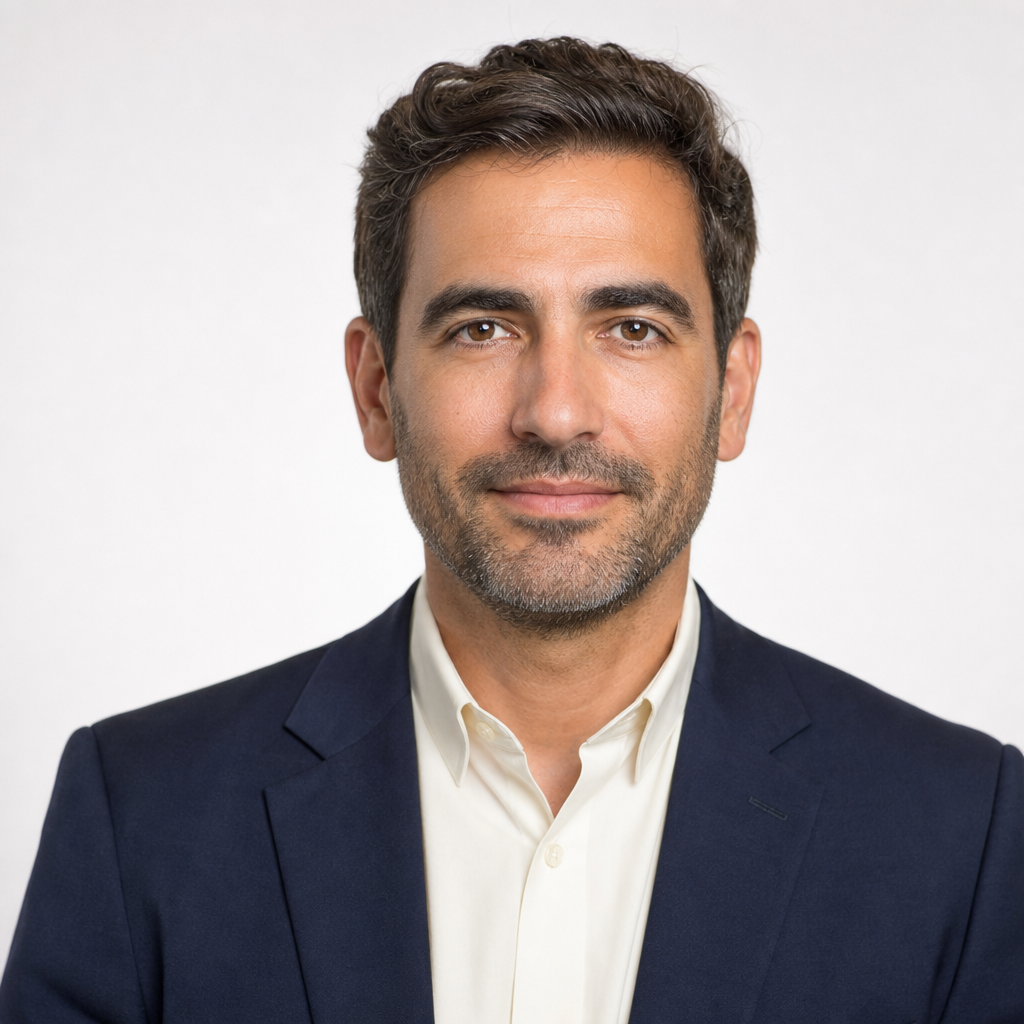
An executive headshot is more than a neat profile photo. It is often the first visual cue people see before a meeting, investor call, media interview, board review, or LinkedIn connection. The right image should feel current, credible, and aligned with the way you lead.
This guide covers planning, cost factors, portfolio choices, team needs, and how AI Headshots from QuickAI Headshots can help leaders create professional-looking images without booking a traditional studio session.
What Makes a Strong Executive Headshot?
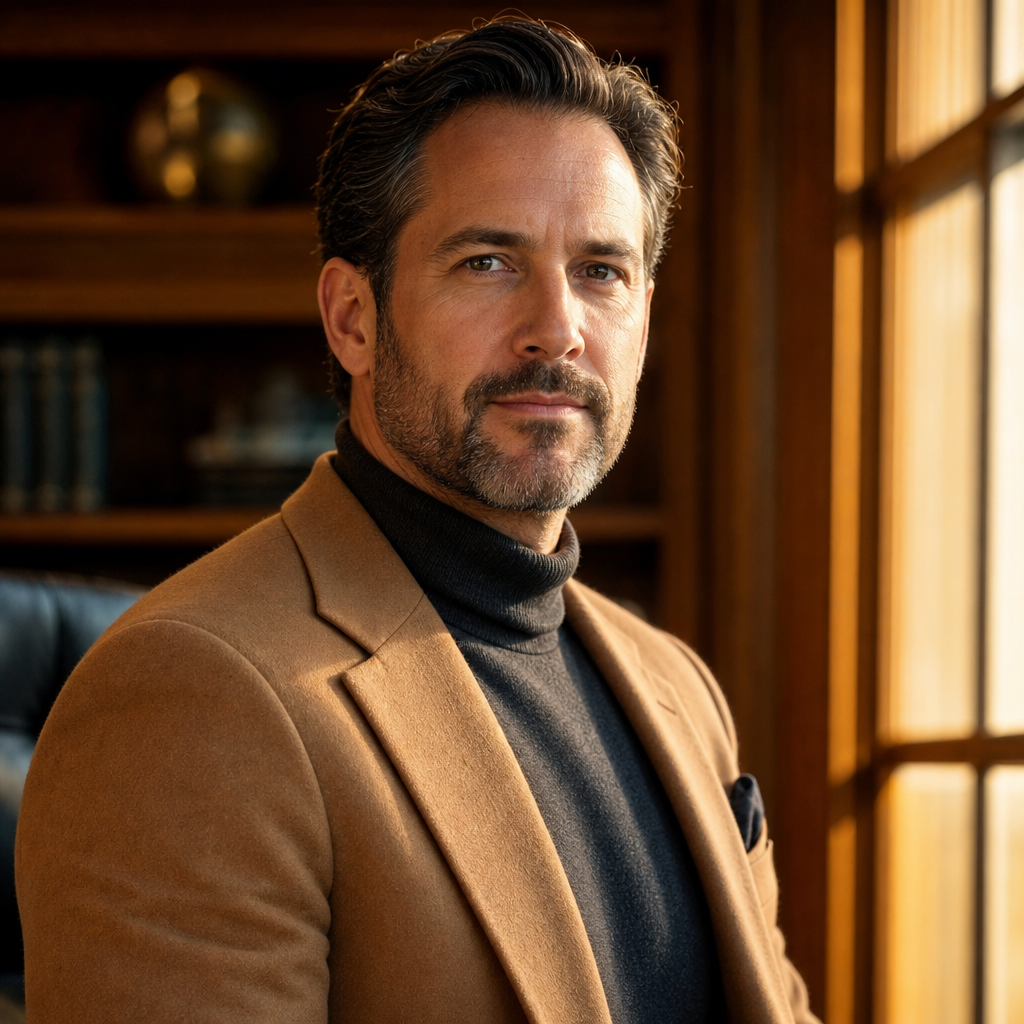
A strong executive headshot communicates confidence without looking stiff. The expression should be approachable, the clothing should match your role, and the background should support the message rather than compete with it. A finance leader may prefer a structured, understated look; a founder may choose something warmer and more modern. For LinkedIn, company bios, speaker pages, resumes, and business profiles, consistency matters. The image should look polished at small sizes and still feel authentic when viewed full size.
Headshot Portfolio
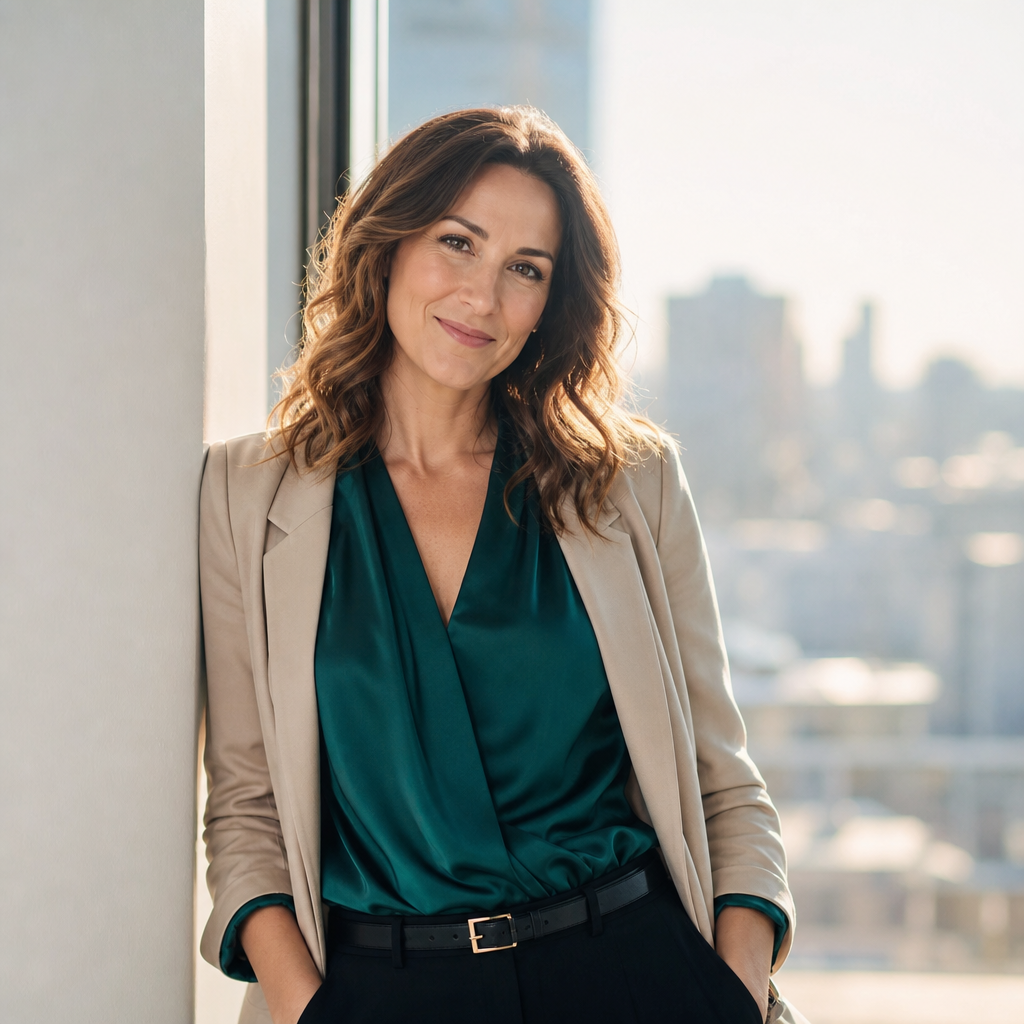
Your Headshot Portfolio should include more than one crop or outfit if you use your image across many places. Consider a primary executive portrait for LinkedIn and your company website, a slightly warmer option for speaking engagements, and a neutral version for press kits or proposals. Review the portfolio for expression, background, wardrobe, and how well each image supports your personal brand. With AI professional photos, you can explore several styles before choosing the most useful set.
Headshots for your company size
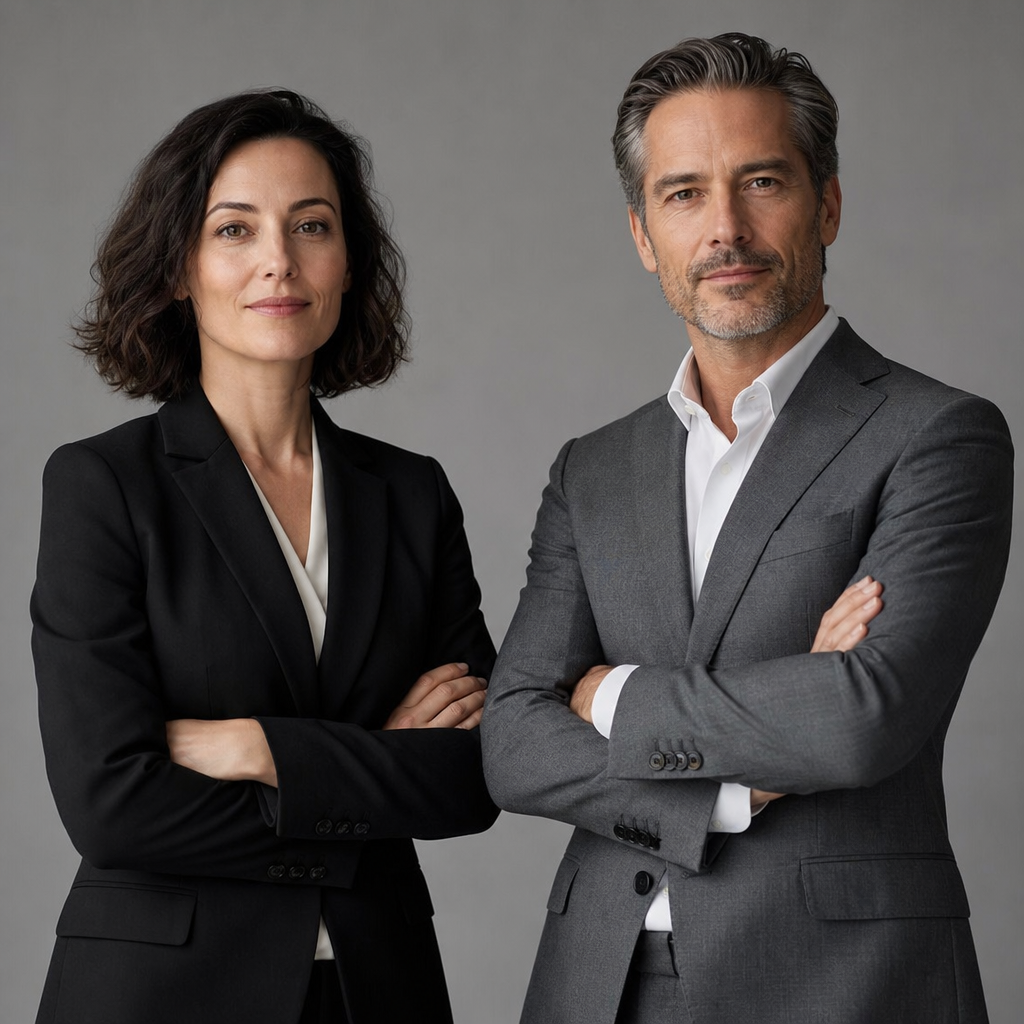
Headshots for your company size should be planned differently for a solo consultant, a founder team, a mid-sized leadership group, or a large organization. One person may need variety and speed. A team needs visual consistency: similar framing, background tone, lighting style, and wardrobe guidance. For distributed companies, an AI headshot generator can reduce scheduling friction because each leader can upload suitable source photos from anywhere, then select images that fit a shared brand direction.
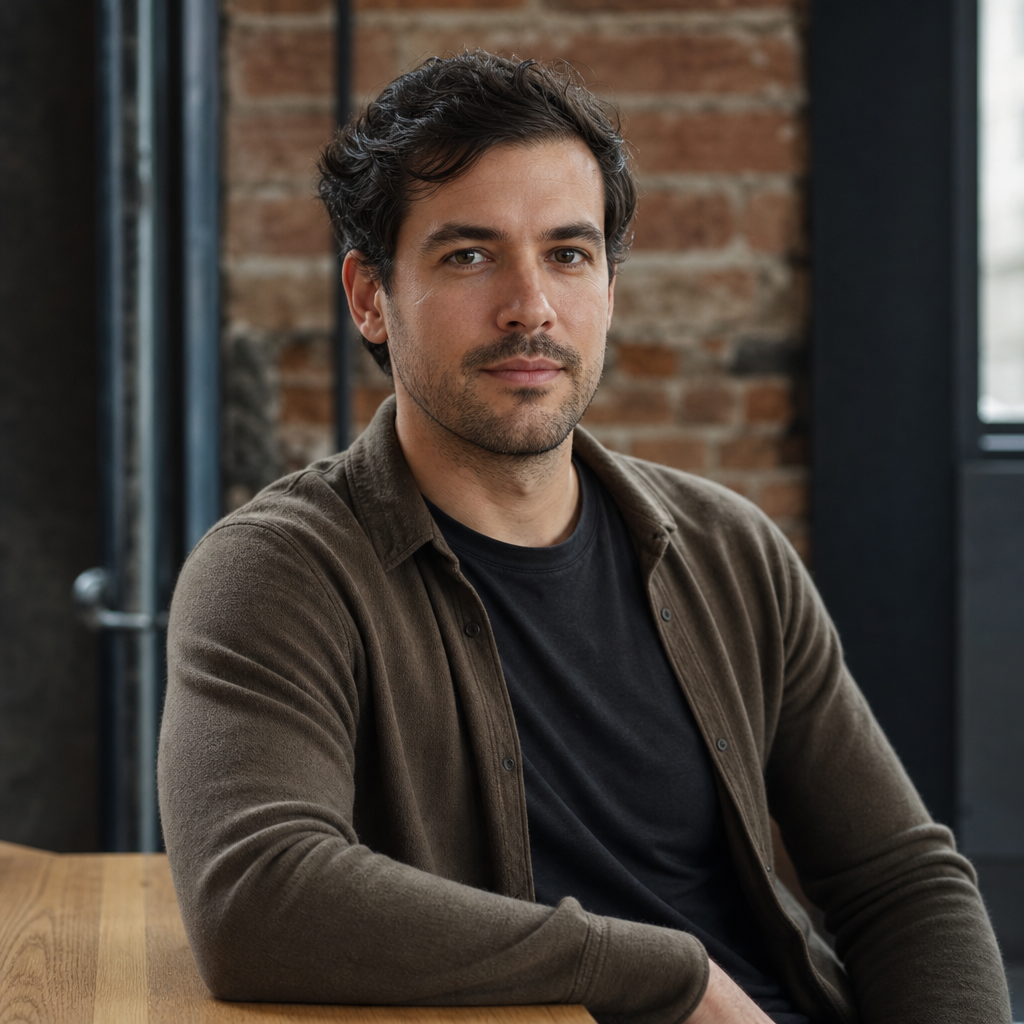
Small teams usually benefit from a tighter set of rules, such as neutral backgrounds and coordinated business attire. Larger teams may need a repeatable process for new hires, promotions, board members, and regional executives. The goal is not to make every person look identical; it is to make the leadership page feel unified and intentional.
Frequently asked questions
How Much Could Your Leadership Refresh Cost?
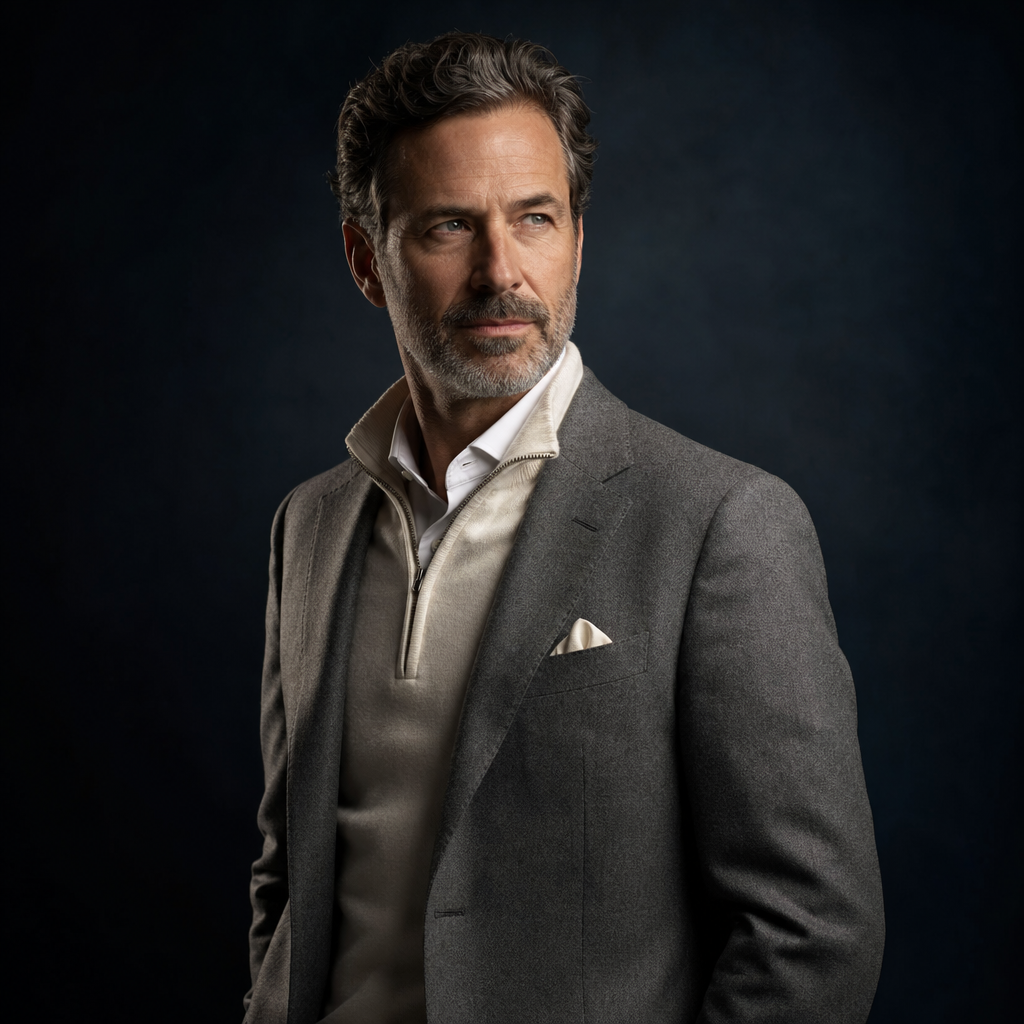
The cost of a leadership refresh depends on the route you choose, the number of people involved, location needs, retouching, usage requirements, and whether you need a photographer on-site. A traditional studio or on-location photographer may include session fees, coordination time, editing, and travel. AI options usually focus on convenience and scalable image creation, but you should still compare quality, turnaround, privacy practices, and how many final styles you need before choosing.
Do you photograph large teams?
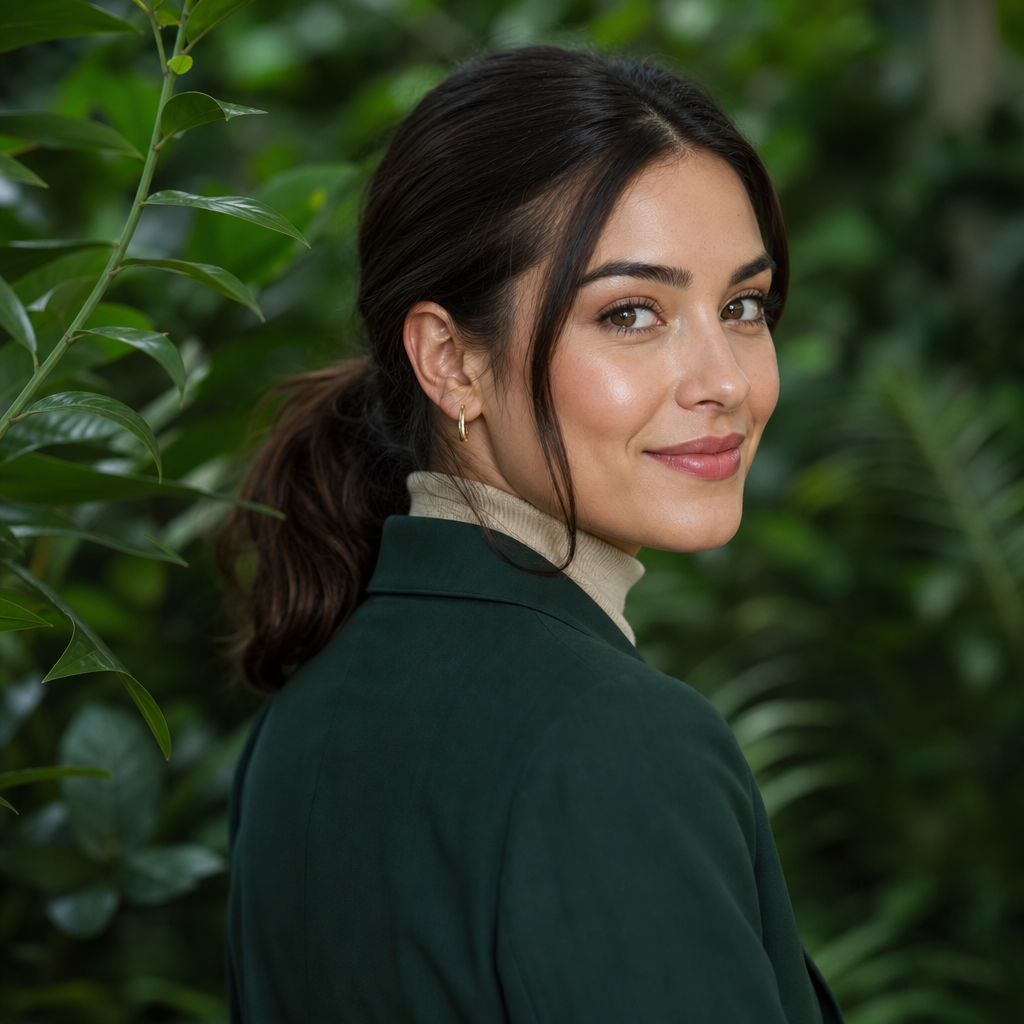
QuickAI Headshots is not a traditional photography studio that sends a photographer to your office. Instead, it helps individuals and teams create professional AI Headshots from uploaded photos. That can be useful for large teams because leaders in different cities do not need to gather on one photo day. For companies refreshing many profiles, provide clear wardrobe, background, and expression guidance so the final images feel consistent.
Ready to Refresh Your Leadership Headshots?
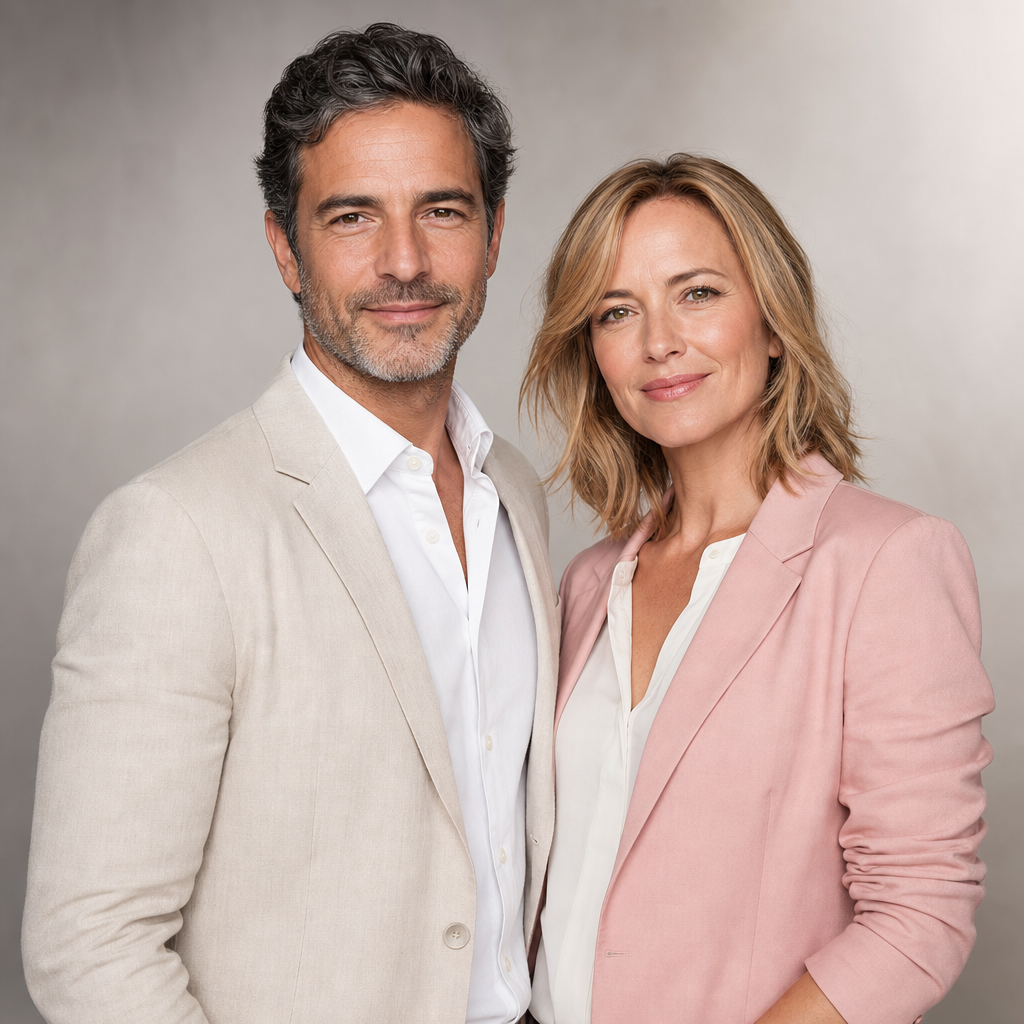
If you are Ready to refresh your leadership headshots, start by defining the message you want your images to send. Do you want formal, approachable, innovative, established, or editorial? Then decide where the photos will appear: LinkedIn, investor materials, conference pages, email profiles, company bios, and proposals. A clear plan helps you choose headshots that look professional and still feel like you.
The most common mistake is treating an executive portrait as a one-time task. Roles evolve, brands change, and older photos can quietly weaken trust if they no longer match your current appearance or position. Refreshing your images every so often keeps your public presence accurate and polished.
Executive Headshot Preparation Checklist
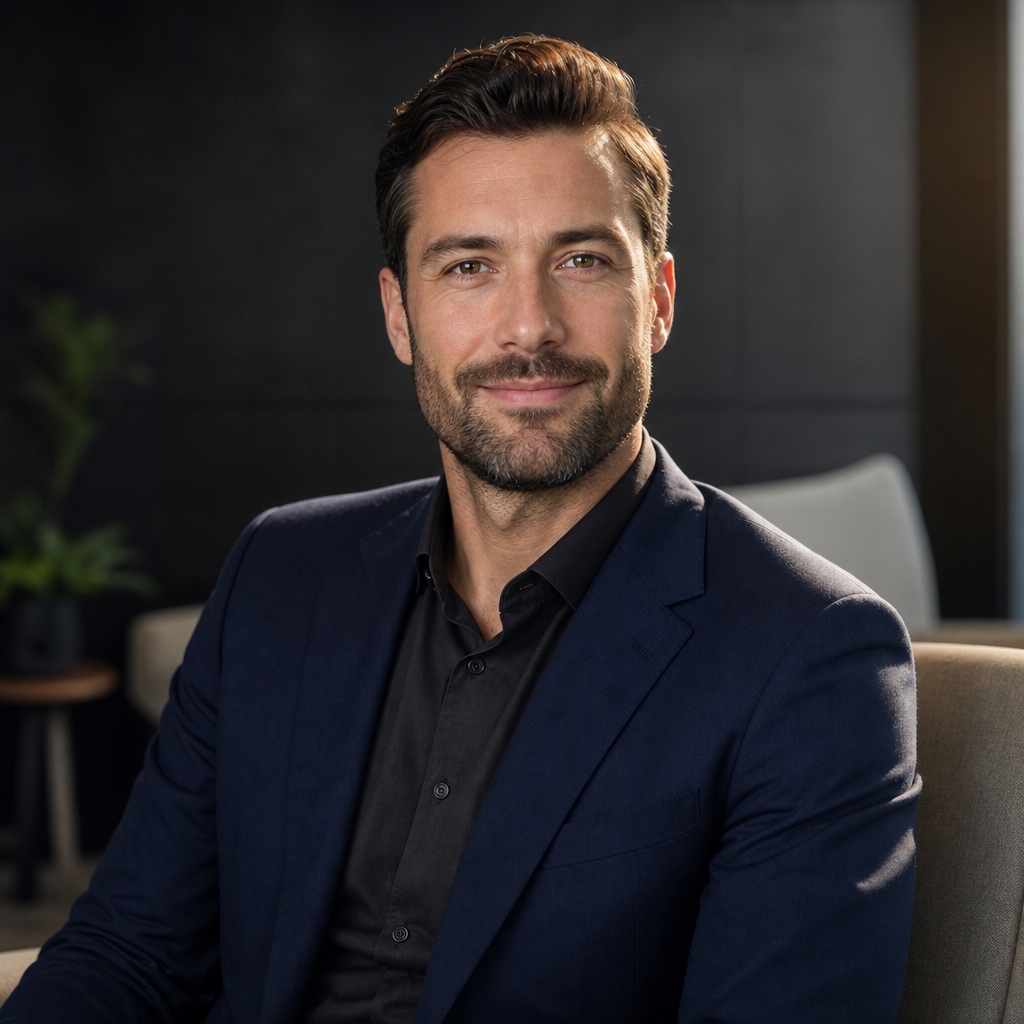
Before creating or selecting an executive headshot, use a simple checklist. Choose clothing that fits well and reflects your industry. Avoid distracting patterns, shiny fabrics, and overly casual items unless they are truly part of your brand. Use clear source photos with good lighting and natural expressions. Select backgrounds that support your use case. Compare final images at thumbnail size, because many people will first see your online profile photo in a small preview.
- Wardrobe: structured, clean, and platform-appropriate.
- Expression: confident, relaxed, and natural.
- Lighting: even and flattering, not harsh.
- Background: simple enough to keep attention on you.
- Usage: match the image to LinkedIn, resumes, websites, and business profiles.
Create a Professional Look with QuickAI Headshots

QuickAI Headshots offers a fast, convenient way to create professional-looking executive images for personal branding, LinkedIn, resumes, websites, and corporate profiles. It is especially helpful when you want polished options without coordinating a studio appointment. Visit QuickAIHeadshots.com if you need business headshots that feel modern, practical, and suitable for multiple professional platforms.
Conclusion
A great executive headshot should help people recognize your role, style, and credibility before they read a single line of your bio. Plan the look, consider your company size, review your portfolio carefully, and choose images that match your professional goals. QuickAI Headshots can make that refresh simpler and more accessible.