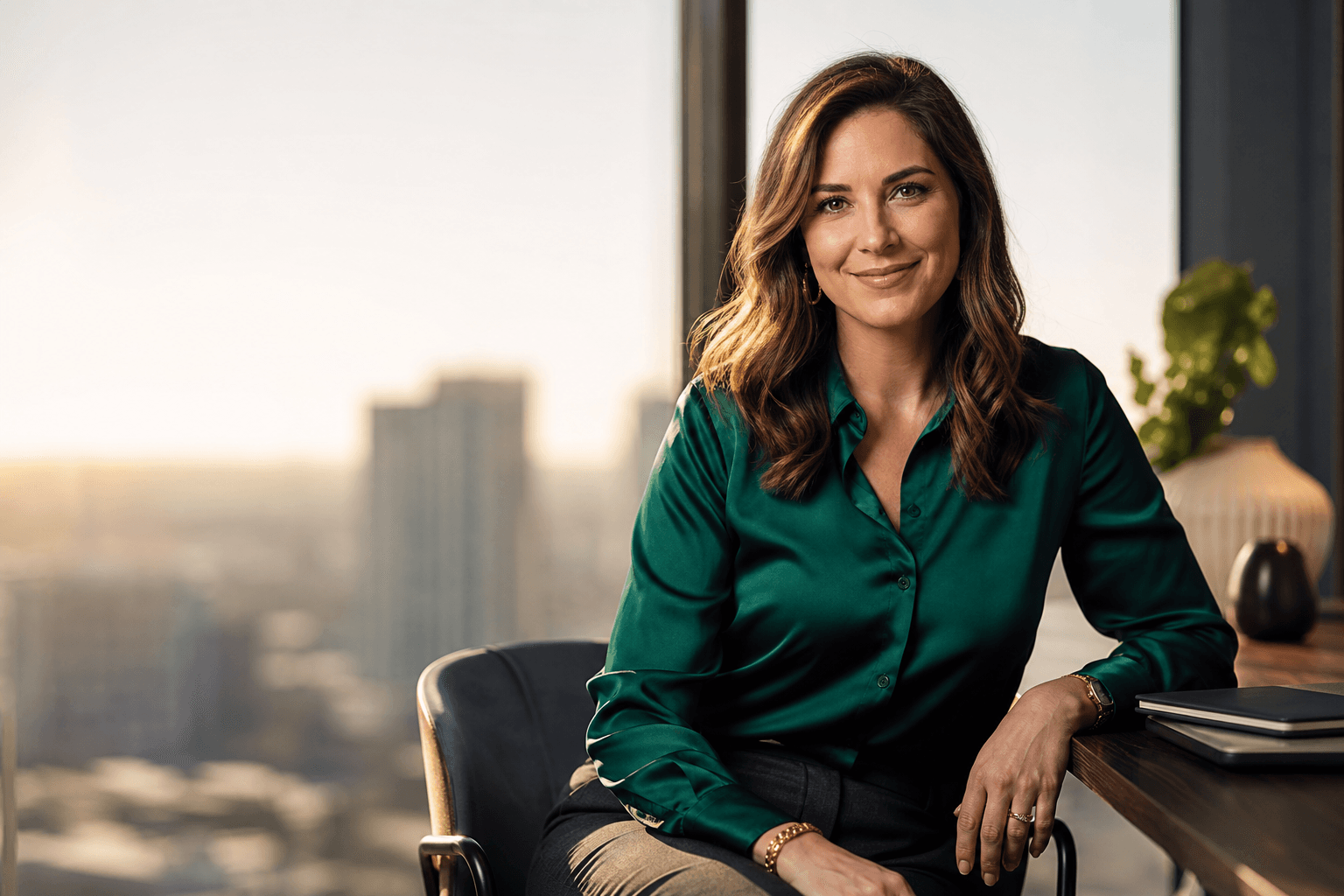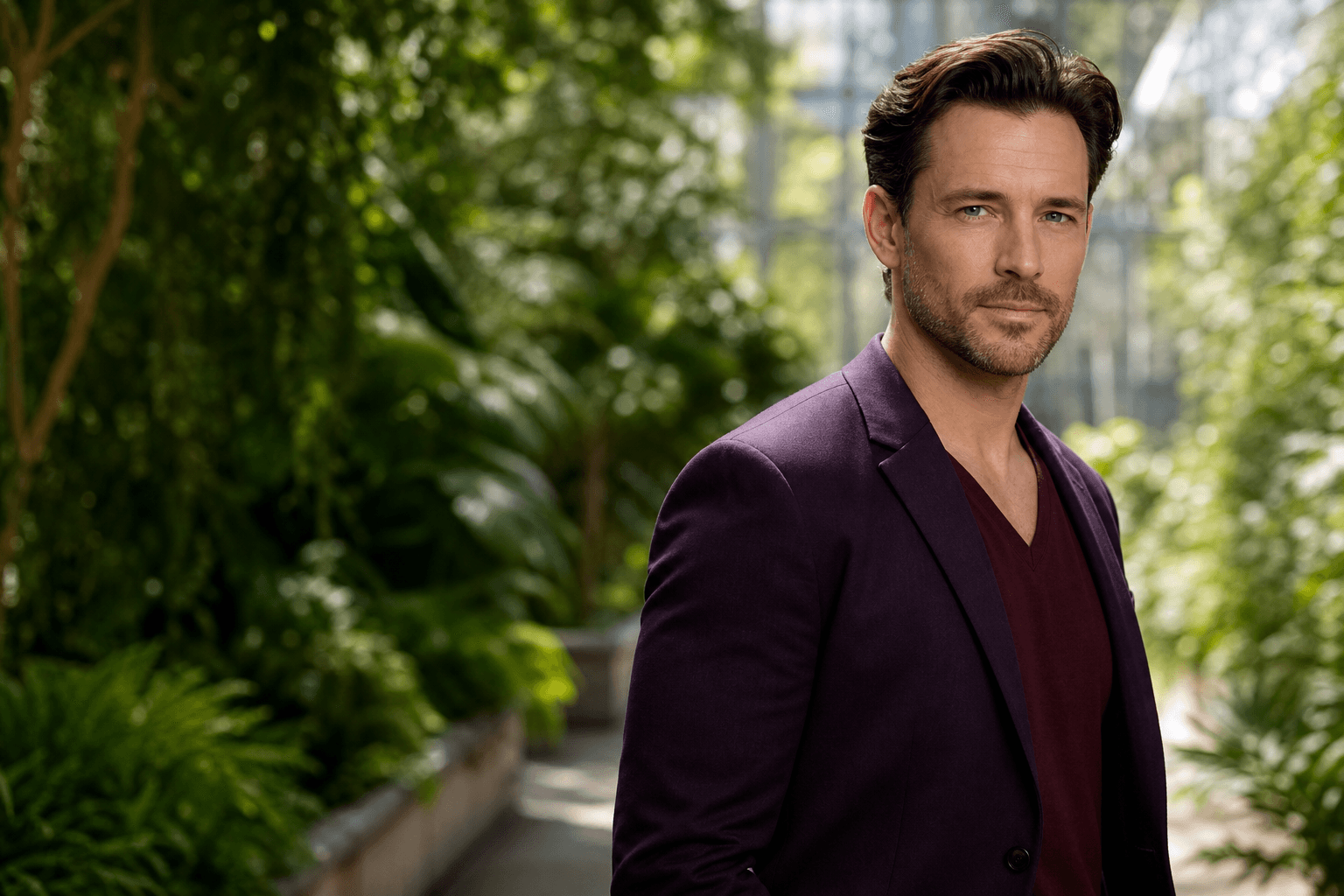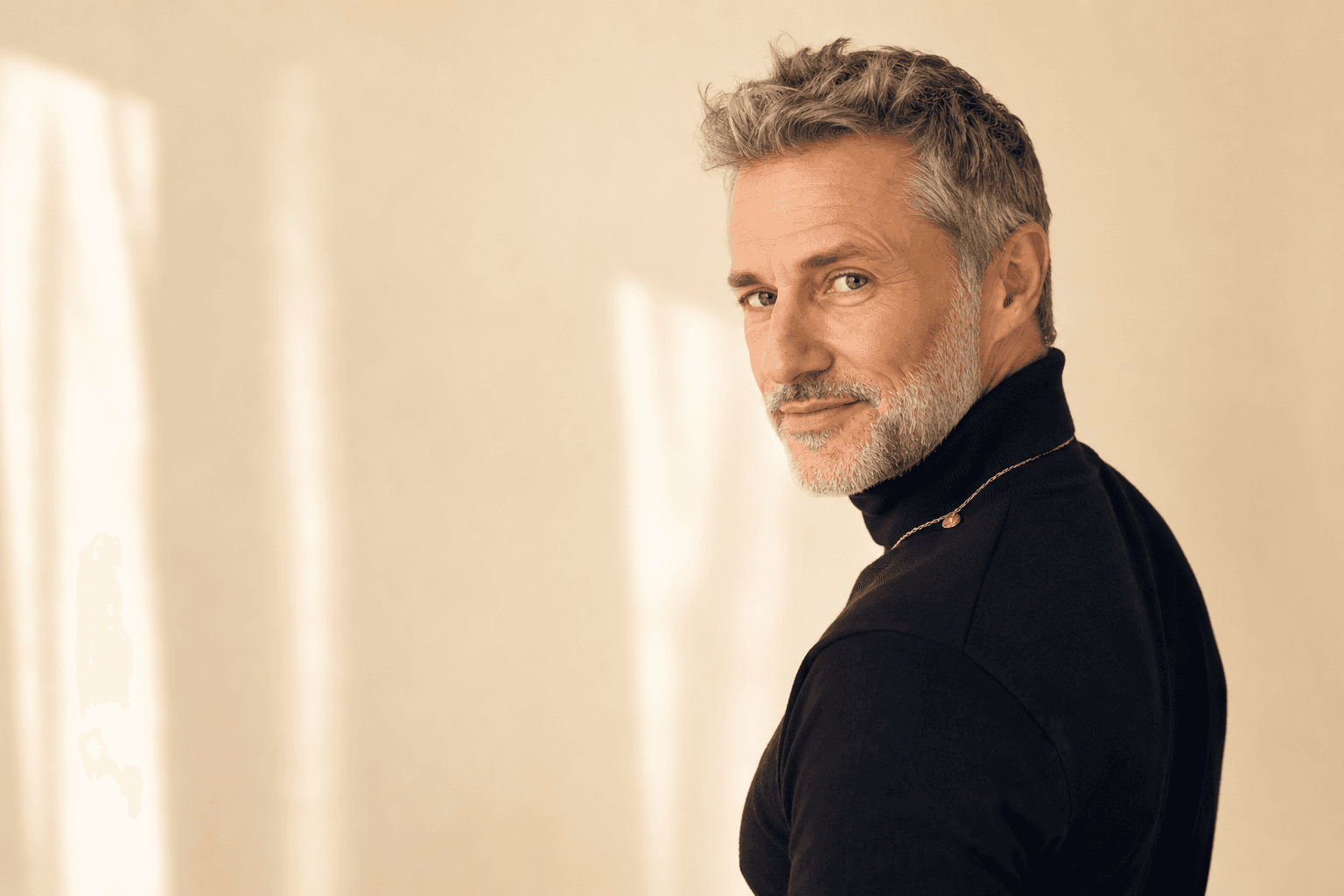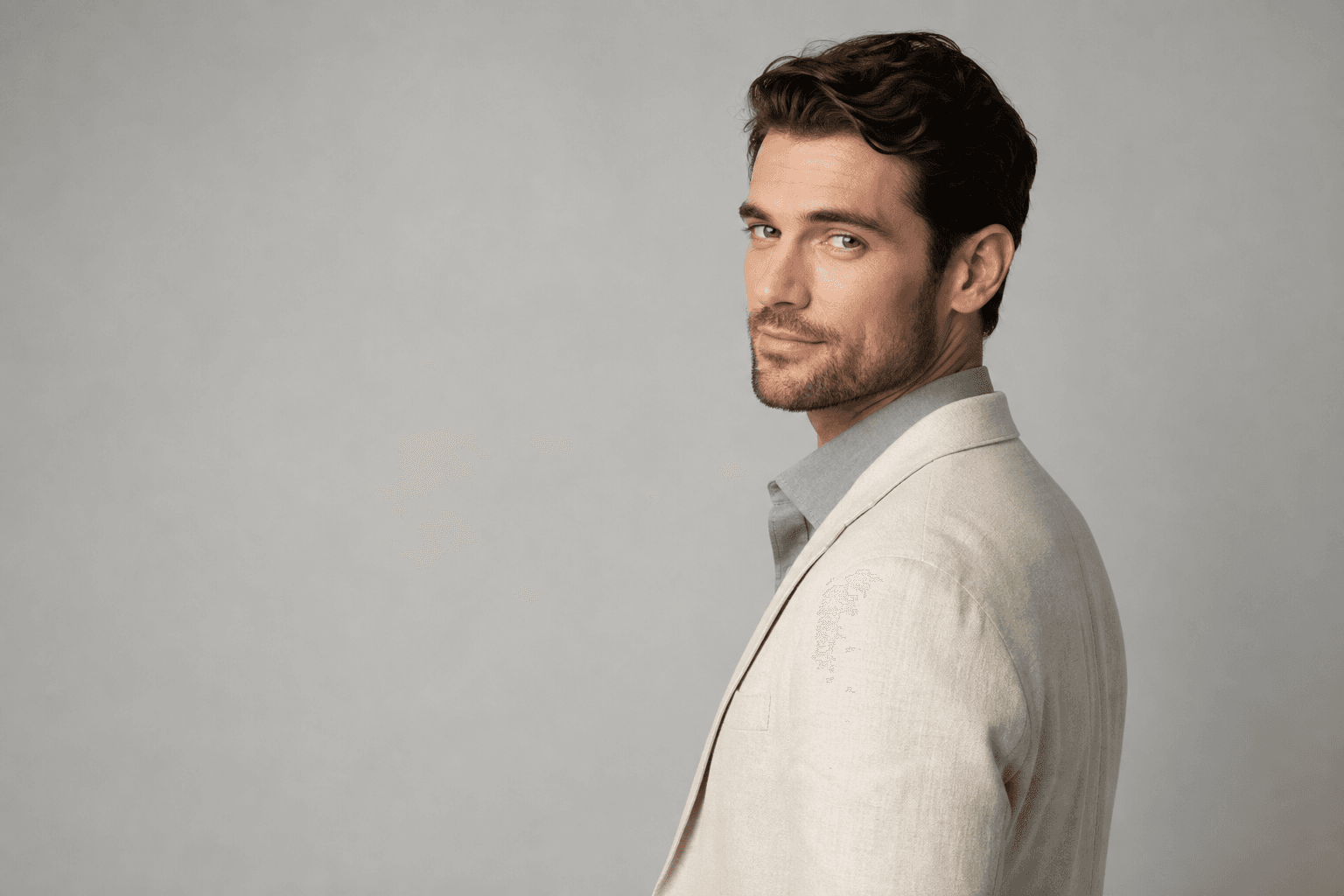
The best colors to wear for headshots are usually solid, flattering shades that support your face instead of competing with it. Navy, charcoal, deep green, burgundy, warm neutrals, and many mid-tone blues often photograph well, while the right choice depends on your skin tone, industry, background, and personal brand.
If you are preparing for professional Headshots, a LinkedIn update, a company bio, or AI headshots through QuickAIHeadshots.com, your clothing Color is not a small detail. It influences contrast, mood, perceived professionalism, and how naturally the final image fits the place where you plan to use it.
Why Color Matters in Headshots
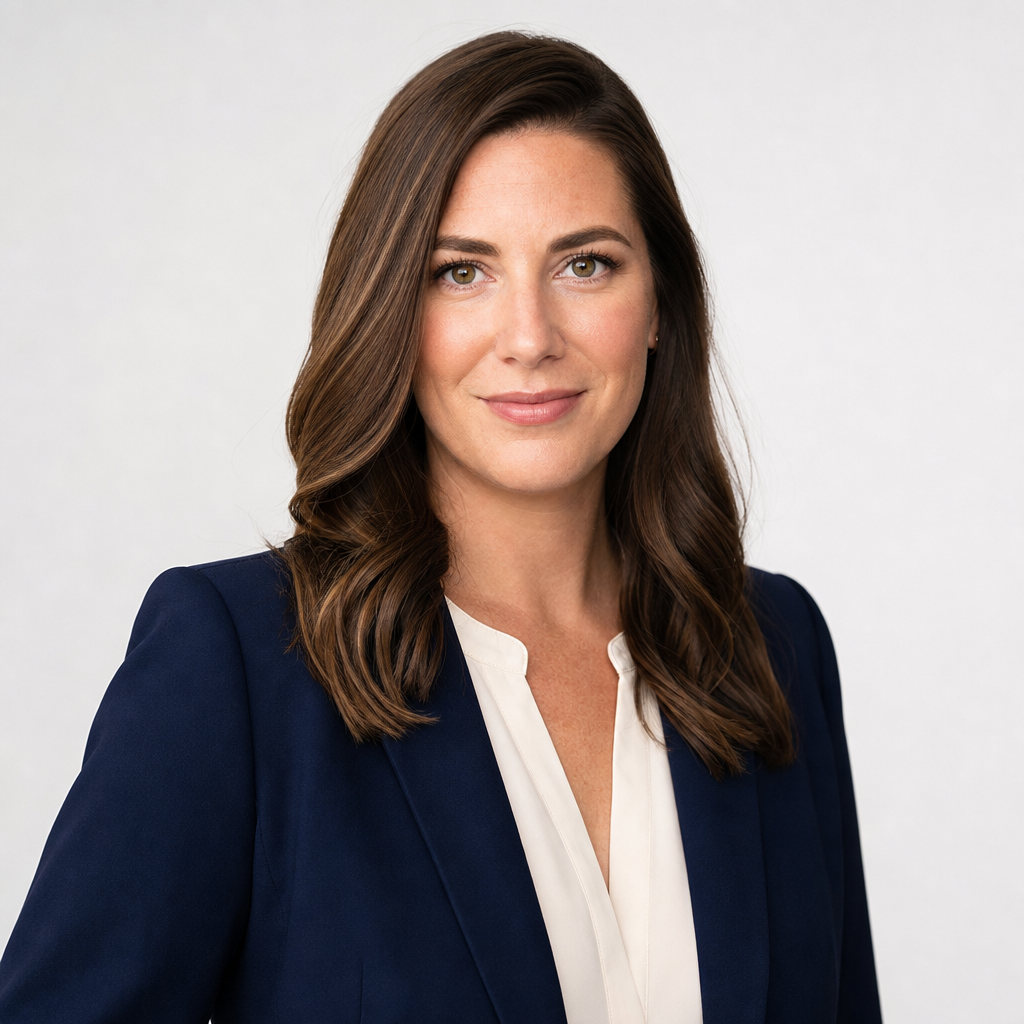
Color matters because a headshot is designed to draw attention to your face, expression, and credibility. Strong wardrobe choices create visual focus; weak ones can make the image feel flat, distracting, or disconnected from your professional role. The best colors to wear for headshots usually create enough contrast with your skin and background while still feeling authentic to you.
Darker neutrals such as navy, charcoal, espresso, and forest green tend to frame the face well without feeling harsh. Mid-tone colors can make a professional profile picture feel approachable, especially for coaches, consultants, educators, founders, and creative professionals. Very bright shades can work, but they need intention: a vivid red jacket communicates more energy than a muted blue shirt.
White can look clean and modern, but it is not always the easiest choice. Against a light background, White may blend in or pull attention away from your face. Pure black can be elegant, yet it may lose detail depending on lighting. For most people, textured off-white, cream, slate, navy, and jewel tones are safer than extremes.
Why Does What You Wear in a Headshot Matter? Your clothing is part of the message before anyone reads your title, resume, or bio. A polished outfit can help communicate competence, warmth, authority, creativity, or approachability. It does not guarantee business results, but it can support a more professional first impression across LinkedIn, websites, email profiles, and business directories.
How To Decide Which Colors To Wear

Start by choosing colors that work with your natural contrast level. If you have high contrast between your hair, skin, and eyes, deeper shades like navy, blackened teal, plum, or charcoal may look strong. If your features are softer, try medium blues, sage, camel, soft grey, ivory, dusty rose, or warm taupe so the outfit does not overpower your expression.
Next, consider your industry. Finance, law, real estate, and executive leadership often lean toward navy, charcoal, black, cream, and understated jewel tones. Creative fields can allow more personality through cobalt, rust, emerald, blush, or patterned texture. Healthcare, wellness, and education often benefit from calm, trustworthy colors such as soft blue, green, grey, and warm neutrals.
What Should I Wear for a Headshot? Wear clothing that fits well, feels like a slightly elevated version of your everyday professional style, and keeps attention on your face. Solid colors, clean necklines, structured layers, and simple textures usually work best. Avoid logos, tiny high-contrast patterns, wrinkled fabrics, and anything so trendy that it may look dated quickly.
Also think about where the image will appear. A LinkedIn headshot may need a more professional tone than a casual social profile, while an author bio or portfolio photo may allow more individuality. If you use QuickAI Headshots to create AI professional photos, upload source images that reflect the direction you want: business formal, modern casual, creative, or executive.
What to Wear for a Virtual Headshot Session

For a virtual headshot session or AI headshot workflow, the same wardrobe principles apply, but consistency matters even more. Choose outfits that are easy for the camera to read: solid colors, defined collars, smooth fabrics, and clean silhouettes. If your source photos vary wildly in style, lighting, and clothing, your final options may feel less cohesive.
For QuickAIHeadshots.com, you do not need to book a studio or coordinate a full photoshoot. Still, it helps to prepare as if you were stepping into one. Use recent photos where your face is clear, your clothing is not hidden by coats or busy accessories, and your overall appearance matches how you want to present yourself professionally.
How Many Outfits Should You Bring? For a traditional shoot, two to four outfits are usually enough: one classic professional option, one slightly more approachable option, and one that reflects your industry or personality. For a virtual or AI session, upload source images with a similar range so you can explore different headshot looks without confusing your personal brand.
- Wear a top that contrasts gently with your background.
- Avoid neon colors, large logos, and shiny fabrics that reflect light.
- Choose necklines you would confidently wear in a real meeting.
- Steam or iron clothing before taking any source photos.
Makeup for Headshots and Professional Photos
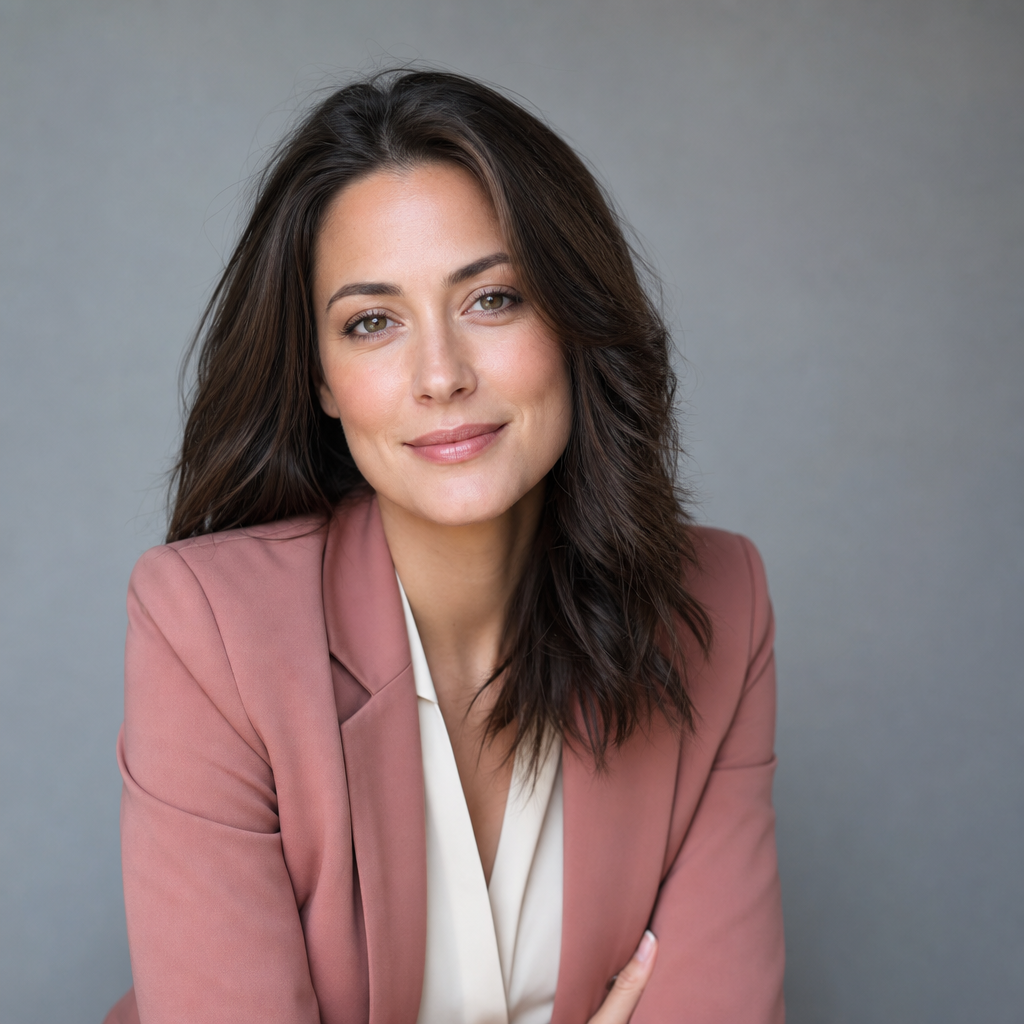
Makeup for headshots should look like you on a well-rested, polished day. The goal is not heavy transformation; it is to reduce distractions that cameras can exaggerate. Even if you do not normally wear much makeup, simple grooming, shine control, and balanced skin tone can help the final photo feel cleaner and more intentional.
For most professional photos, matte or natural-finish products photograph better than very glossy textures. A small amount of concealer, powder in shiny areas, groomed brows, and hydrated lips can make a noticeable difference. If you wear foundation, blend carefully at the jaw and neck so the face does not appear disconnected from the rest of the image.
Color choices matter here too. Neutral blush, soft rose, berry, bronze, or peach tones often look more professional than glittery or overly dramatic makeup. If you wear lipstick, choose a shade that defines the mouth without becoming the first thing people notice. For men and anyone who prefers no makeup, basic grooming and reducing shine can still be useful.
For AI headshots, avoid source photos with strong beauty filters or heavy editing. Over-smoothed skin and distorted facial features can make the final headshot look less natural. QuickAI Headshots is most useful when your input photos show your real features clearly, giving the system better material for professional-looking results.
Jewelry Should Be Tasteful and Minimal
Jewelry can add polish to a business headshot, but it should support your face rather than steal the frame. Small earrings, a simple necklace, a watch, or a subtle ring can look refined and personal. Large reflective pieces, noisy statement jewelry, and oversized necklaces may distract from your expression, especially in close head-and-shoulders crops.
Should I wear jewelry in my headshot? Yes, if the jewelry is consistent with your professional image and comfortable enough that you will not fuss with it. Choose pieces you might wear to an important client meeting, interview, board presentation, or industry event. If the item would be the first thing someone comments on, it may be too dominant for a headshot.
This is especially important when your headshot will be used in small formats, such as a LinkedIn thumbnail, email avatar, or team directory. Tiny details can become visual clutter, while shiny metal can catch light in unexpected ways. Glasses are fine if they are part of your everyday appearance, but clean the lenses and try to avoid glare or reflective coating that obscures your eyes.
For a personal branding photo, tasteful accessories can signal style, creativity, or approachability. The key is restraint. Your face, eyes, posture, and clothing color should carry the image. Jewelry should finish the look, not become the message.
General Headshot Tips for a More Polished Result
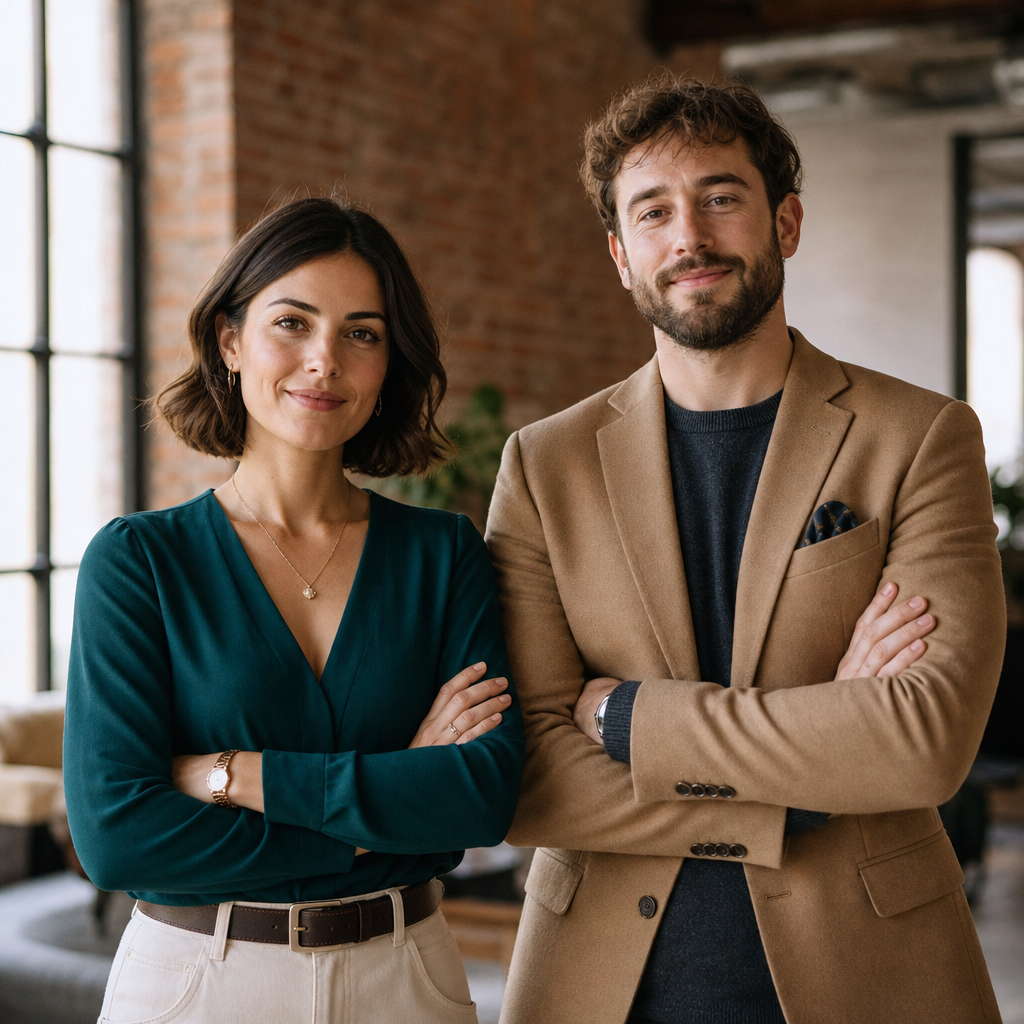
Good headshots come from a combination of wardrobe, expression, posture, background, and intended use. A flattering color helps, but it cannot compensate for poor lighting, an awkward crop, or a pose that feels tense. Before creating or selecting your final image, decide what you want the headshot to communicate: trustworthy expert, approachable teammate, confident founder, creative professional, or polished job seeker.
How do I pose for headshots? Keep your posture tall but relaxed, angle your body slightly away from the camera, and bring your face back toward the lens. Lower your shoulders, lengthen your neck, and use a calm, natural expression. A slight smile often works well for LinkedIn and business profiles, while a more neutral expression can suit executive or editorial uses.
Lighting should be soft and even enough to show your eyes clearly. Harsh overhead light can create shadows, while dim light may make your image look unprofessional. Backgrounds should be simple: clean studio tones, office environments, soft outdoor blur, or neutral interiors. If the background color is close to your clothing color, add contrast with a jacket, shirt, or layer.
Fit matters as much as color. Clothing that pulls, wrinkles, gaps, or bunches will draw the eye. Choose fabrics with enough structure to hold shape near the shoulders and neckline. For AI headshots, source images with clear facial visibility, natural expressions, and different angles can help create more useful options.
Do's and Don'ts
The easiest way to choose headshot clothing is to think in terms of clarity. Every choice should make the image easier to understand: who you are, how you show up professionally, and where the photo belongs. The following do's and don'ts apply to traditional studio sessions, remote headshot sessions, and AI-generated professional headshots.
- Do choose solid colors that flatter your complexion and contrast with the background.
- Do bring or prepare layers, such as a blazer, cardigan, jacket, or structured overshirt.
- Do match your outfit to your role, industry, and the platform where the image will appear.
- Do test your outfit while seated and standing, since headshots often crop at the shoulders or waist.
- Don't wear busy prints, tiny stripes, large logos, or novelty graphics.
- Don't rely on colors that wash you out, blend into the background, or create glare.
- Don't over-edit your face or choose a final image that no longer looks like you.
If you are unsure, prepare one safe classic option and one more personality-driven option. A charcoal blazer with a blue shirt may suit a conservative business profile, while an emerald blouse, rust jacket, or textured knit may be better for a creative consultant. Comparing options side by side often makes the right choice obvious.
A Convenient Way to Compare Professional Headshot Looks
Commercially, you have two main paths: book a traditional photographer or use an AI headshot generator. A photographer can offer in-person posing direction, lighting control, and a fully custom session. AI headshots are a convenient alternative when you want professional-looking options quickly, without scheduling a studio appointment or buying multiple outfits for one shoot.
QuickAI Headshots is designed for professionals who need polished images for LinkedIn, resumes, websites, business profiles, speaker bios, and personal branding. It can be especially useful if you want to compare different wardrobe moods, backgrounds, and business headshot styles before committing to a single look.
The best approach is not to treat AI as a shortcut around good taste. Instead, prepare with the same care you would bring to a professional photoshoot: choose flattering colors, use clear source photos, avoid heavy filters, and select final images that still look like you. QuickAI Headshots can help make that process faster and more accessible.
Frequently Asked Questions
What colors are safest for professional headshots?
Navy, charcoal, medium blue, deep green, burgundy, cream, taupe, and soft grey are safe choices for many people. They tend to photograph well, feel professional, and keep attention on the face. The best option still depends on your complexion, background, industry, and the tone you want your headshot to communicate.
What Should I Wear for a Headshot?
Wear something that fits well, looks intentional, and feels appropriate for the opportunities you want. A blazer, structured shirt, refined knit, blouse, or simple dress can all work. Prioritize solid colors, clean lines, and comfortable confidence over trends. If you would not wear it to meet an important contact, reconsider it.
Why Does What You Wear in a Headshot Matter?
Your outfit shapes the first impression created by the photo. Clothing can make you appear more polished, approachable, authoritative, creative, or casual. It also affects how your face stands out from the background. The right outfit will not do the work for you, but it supports a professional presentation.
Should I wear jewelry in my headshot?
Jewelry is fine when it is tasteful, minimal, and aligned with your professional image. Small earrings, subtle necklaces, simple watches, and understated rings usually photograph well. Avoid pieces that sparkle heavily, cover the neckline, make noise, or pull attention from your eyes, because the face should remain the focal point.
How Many Outfits Should You Bring?
For a studio session, bring two to four outfits so you have variety without overwhelming the shoot. For a virtual or AI headshot session, gather source photos that show a similar range: one formal, one approachable, and one personality-driven. Too many unrelated looks can make your final selection harder.
How do I pose for headshots?
Stand or sit tall, angle your shoulders slightly, and keep your chin level or gently forward. Relax your hands, release tension in your jaw, and look directly toward the camera with a natural expression. Small adjustments usually work better than dramatic posing, especially for professional and corporate headshots.
Conclusion: Choosing the Best Colors to Wear for Headshots
The best colors to wear for headshots are the colors that flatter your features, fit your profession, and help your face remain the focus. Solid neutrals, refined jewel tones, and thoughtful mid-tones are reliable starting points, while bright colors, White, black, and patterns require more care.
Whether you are refreshing LinkedIn, preparing a resume, updating a company website, or building a personal brand, your headshot should look polished and believable. QuickAI Headshots offers a fast, convenient way to create professional AI headshots without booking a traditional photoshoot, as long as you start with clear photos and intentional style choices.