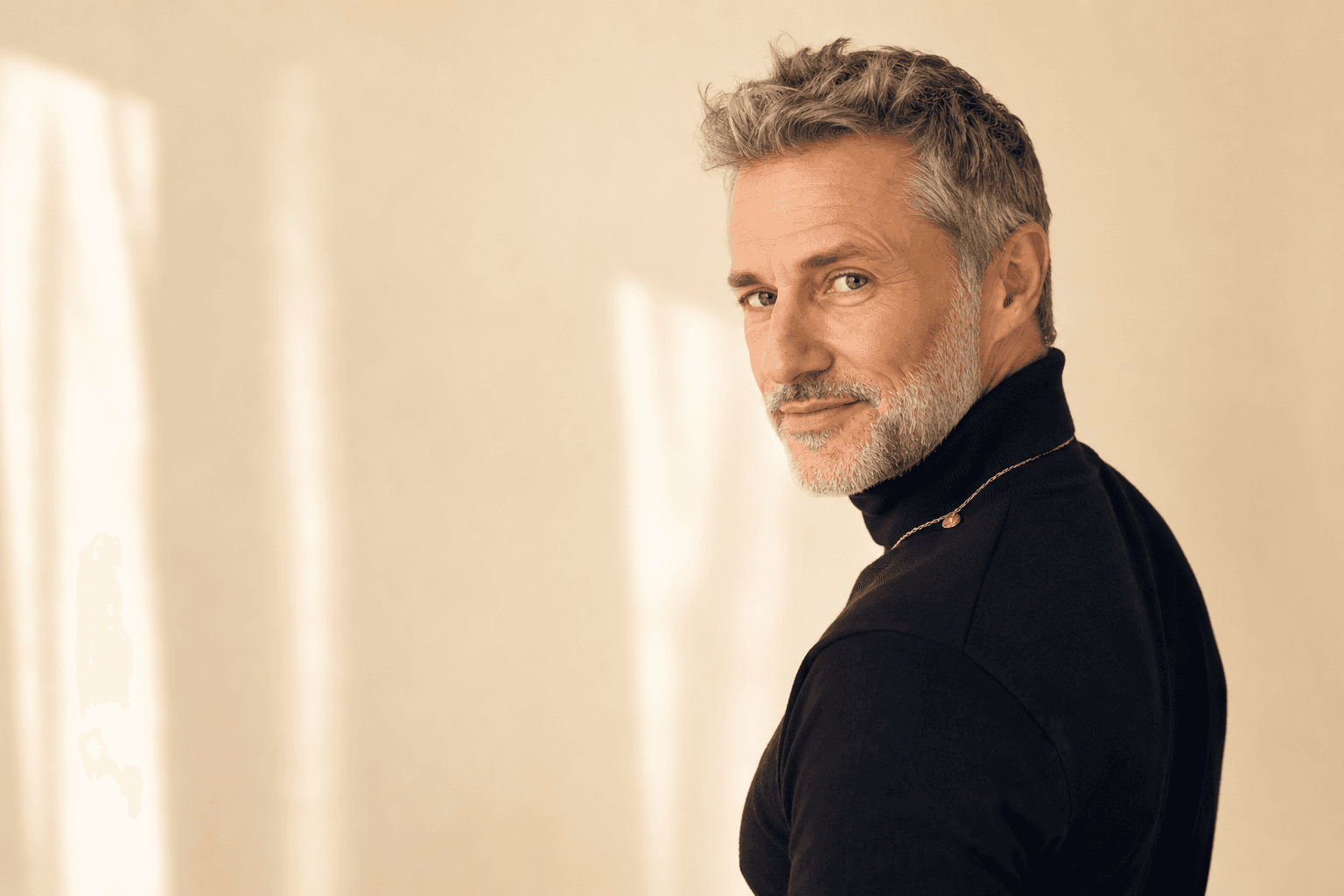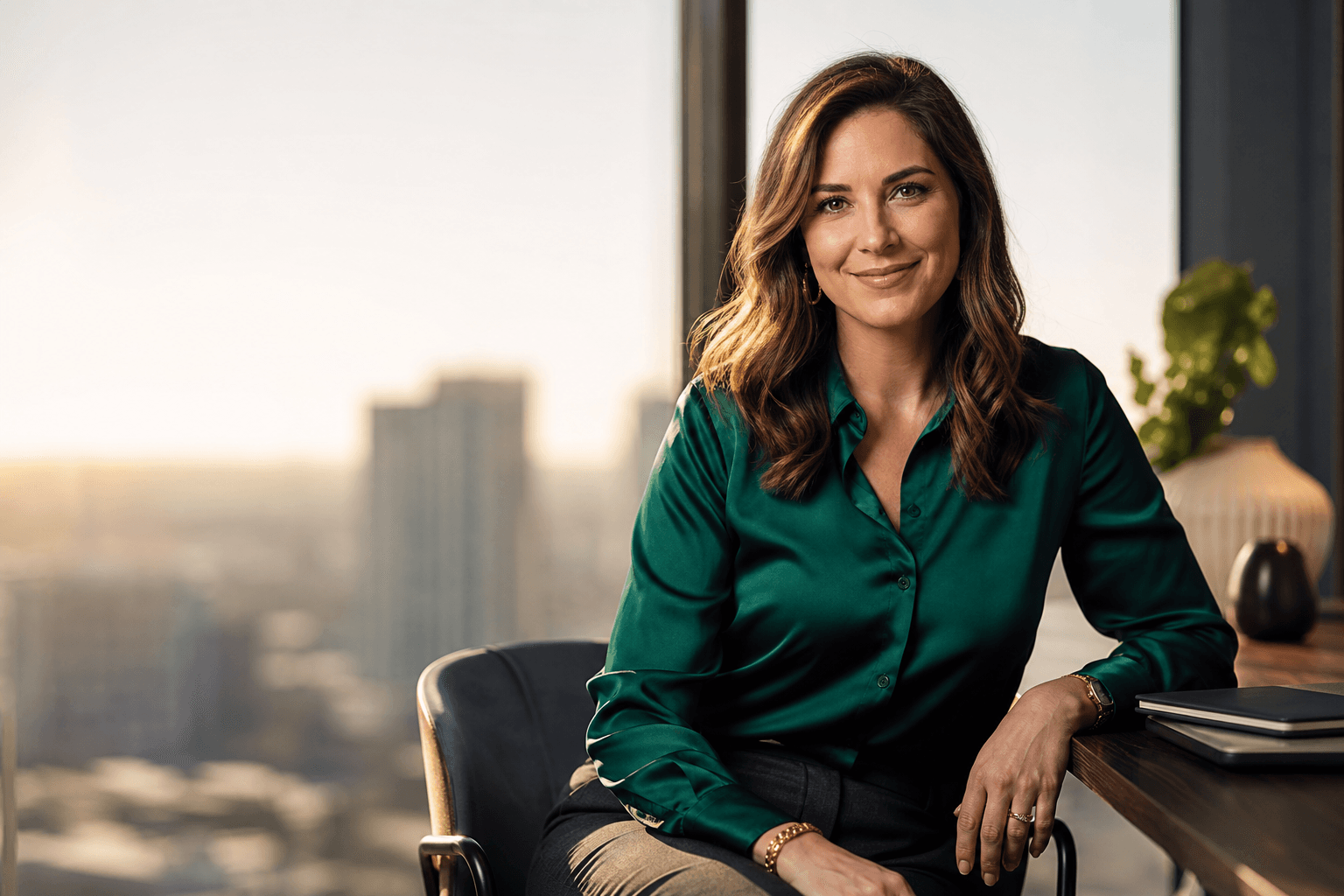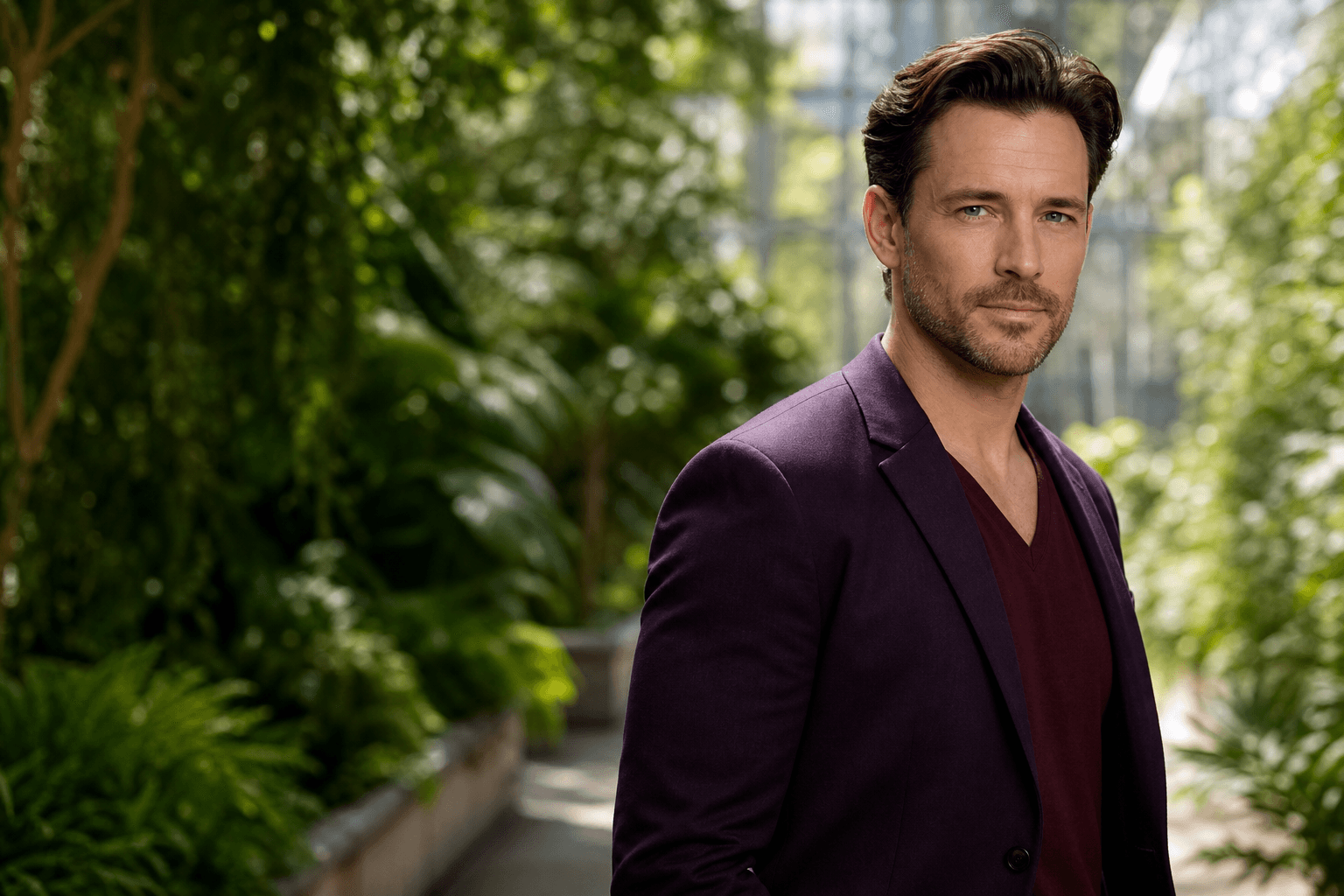
The best color to wear for headshots is usually a solid shade that flatters your skin tone, supports your profession, and keeps attention on your face. Navy, charcoal, deep green, burgundy, teal, and soft neutrals often photograph well, while very bright White, tiny patterns, and loud logos can distract.
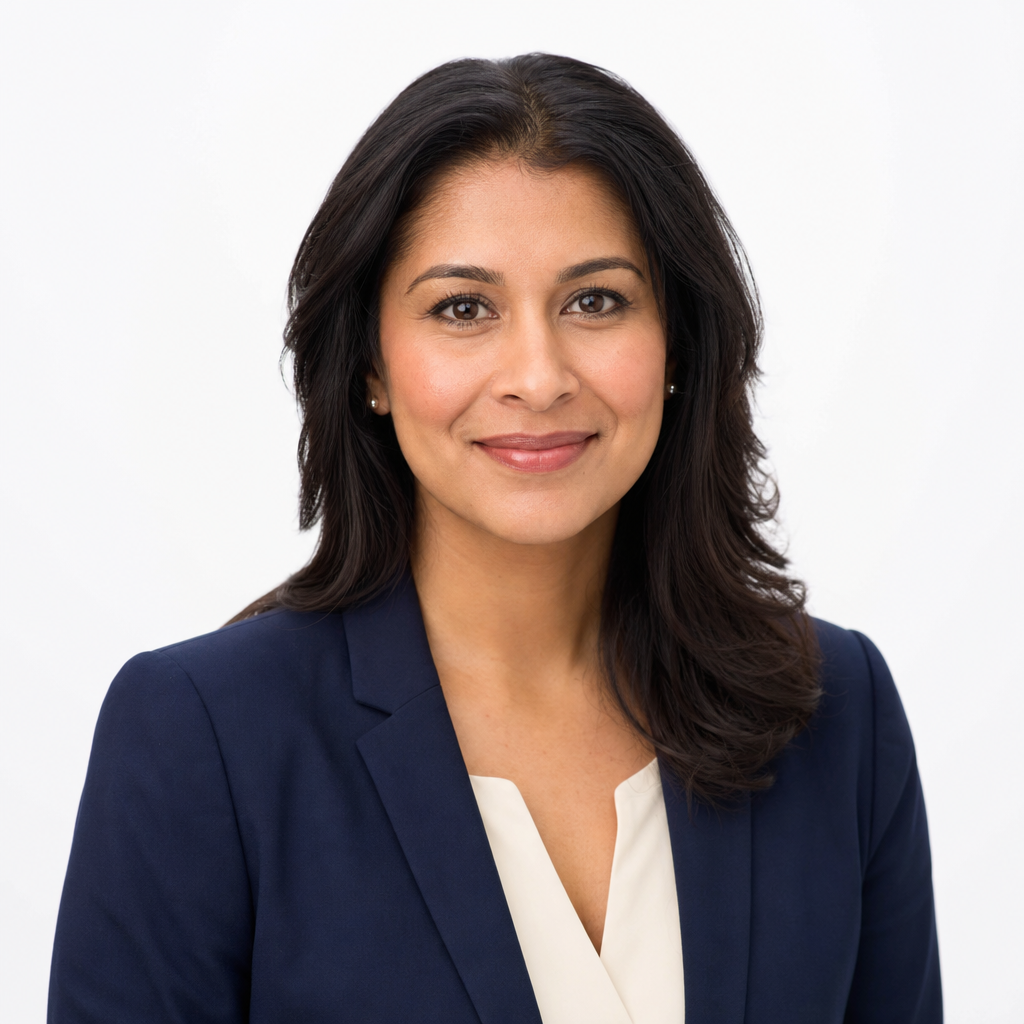
That said, there is no single perfect Color for everyone. Your industry, background, lighting, personal brand, and the platform where the image will appear all matter. This guide helps you choose colors for studio sessions, AI headshots, LinkedIn profiles, resumes, websites, and business bios without overthinking your wardrobe.
The Best Color to Wear for Headshots: A Practical Starting Point
If you want the safest answer, choose mid-to-dark solid colors with enough contrast from the background. Navy is polished without feeling severe. Charcoal looks professional in corporate settings. Jewel tones such as emerald, sapphire, plum, and burgundy add personality while still looking refined. Cream, beige, and soft blue can also work when the background is darker or warmer.
Avoid making your shirt the most noticeable part of the image. A professional headshot should make the viewer notice your expression first, then your overall presence. If you use QuickAI Headshots, select uploaded photos where your clothing is clear, simple, and consistent with the style you want in the final AI professional photos.
Why color matters in headshots
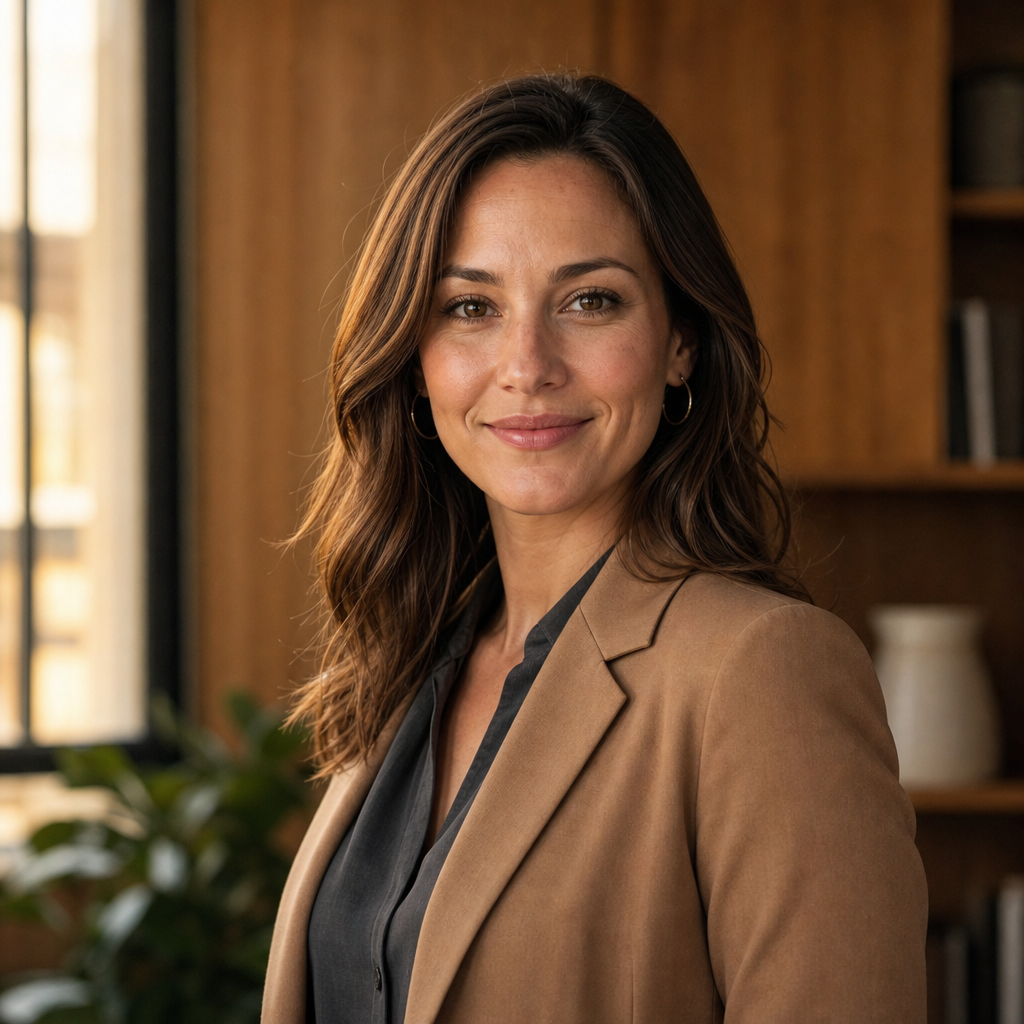
Color affects contrast, mood, and how polished you appear. In Headshots, clothing sits close to your face, so it can brighten your complexion, emphasize shadows, or compete with your eyes. A strong but tasteful shade frames the face and helps the image feel intentional rather than casual.
Color also sends subtle professional signals. A lawyer, consultant, or executive may prefer navy, charcoal, or black with a lighter shirt. A creative director, coach, or founder may choose teal, rust, forest green, or another distinctive shade. For LinkedIn, company websites, and speaker bios, the right color helps your professional profile picture feel both credible and human.
How To Decide Which Colors To Wear
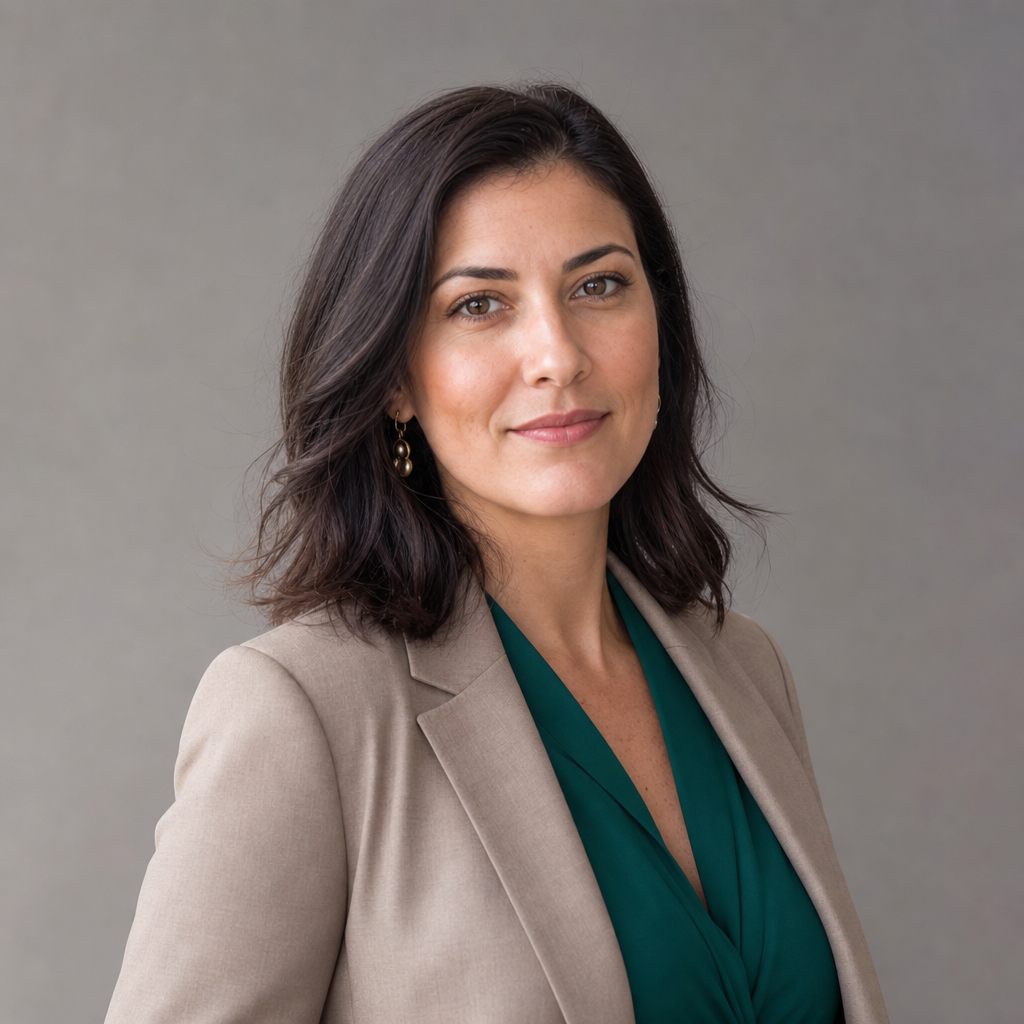
Start with your complexion. People with cooler undertones often look strong in navy, slate, blue, berry, and cool green. Warmer undertones may suit olive, camel, cream, chocolate, warm red, and golden beige. If you are unsure, hold the garment near your face in natural light and notice whether your skin looks even or tired.
Next, consider the background. Light clothing can disappear on a White or pale grey backdrop, while black can look heavy on a dark background. Finally, match your industry. Traditional fields benefit from quieter colors; creative and people-facing roles can handle richer shades. The goal is not to dress like someone else, but to Wear a version of yourself that looks prepared, current, and trustworthy.
Makeup for Headshots and Professional Photos
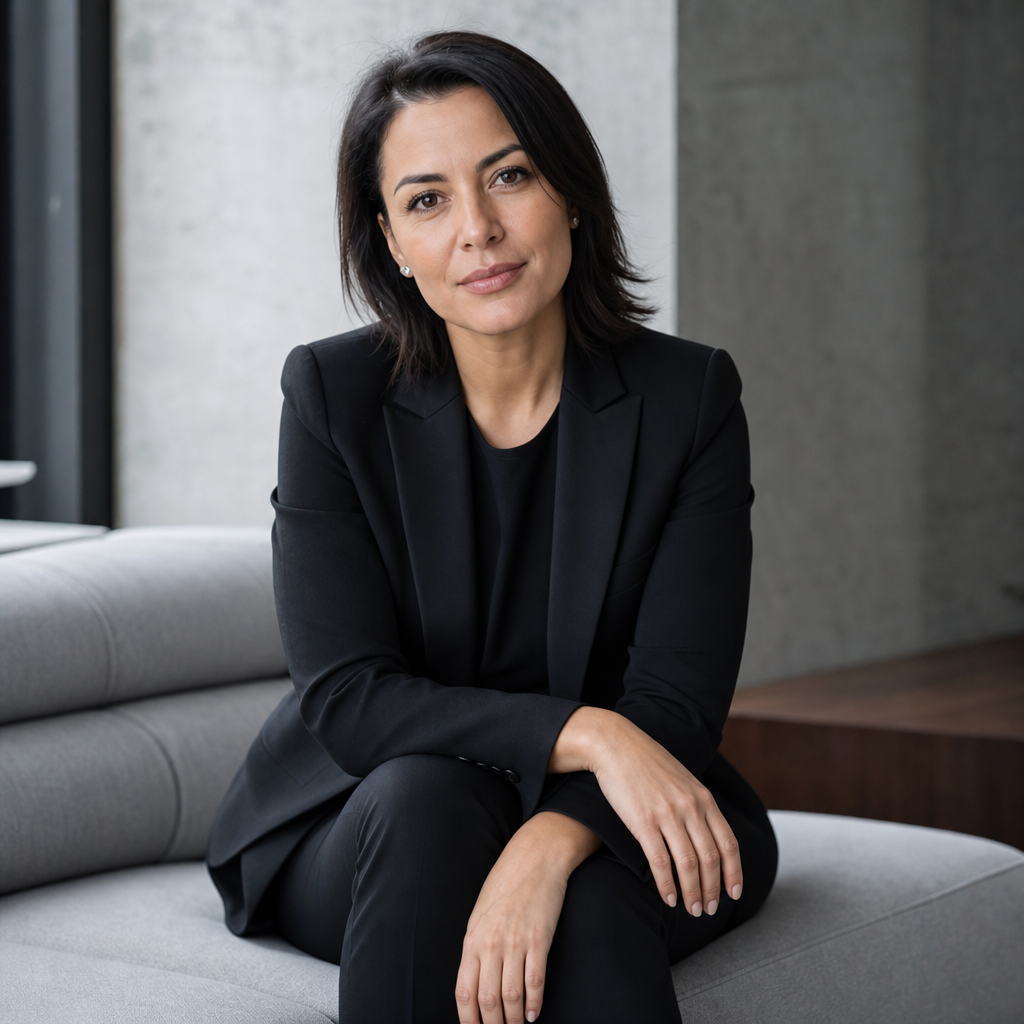
Makeup for headshots should reduce shine, define features, and still look like you. Camera lighting can flatten the face, so a little more definition than your daily routine may help: even skin tone, groomed brows, natural eye definition, and a lip color close to your usual shade. Matte or satin finishes tend to photograph more predictably than glitter or high shimmer.
For men and anyone who does not wear makeup, grooming still matters. Use moisturizer, manage shine if needed, trim facial hair neatly, and check hair around the neckline. If you are creating AI headshots from existing photos, upload images where your face is visible, your grooming is consistent, and heavy filters are Avoided.
What to Wear for a Virtual Headshot Session
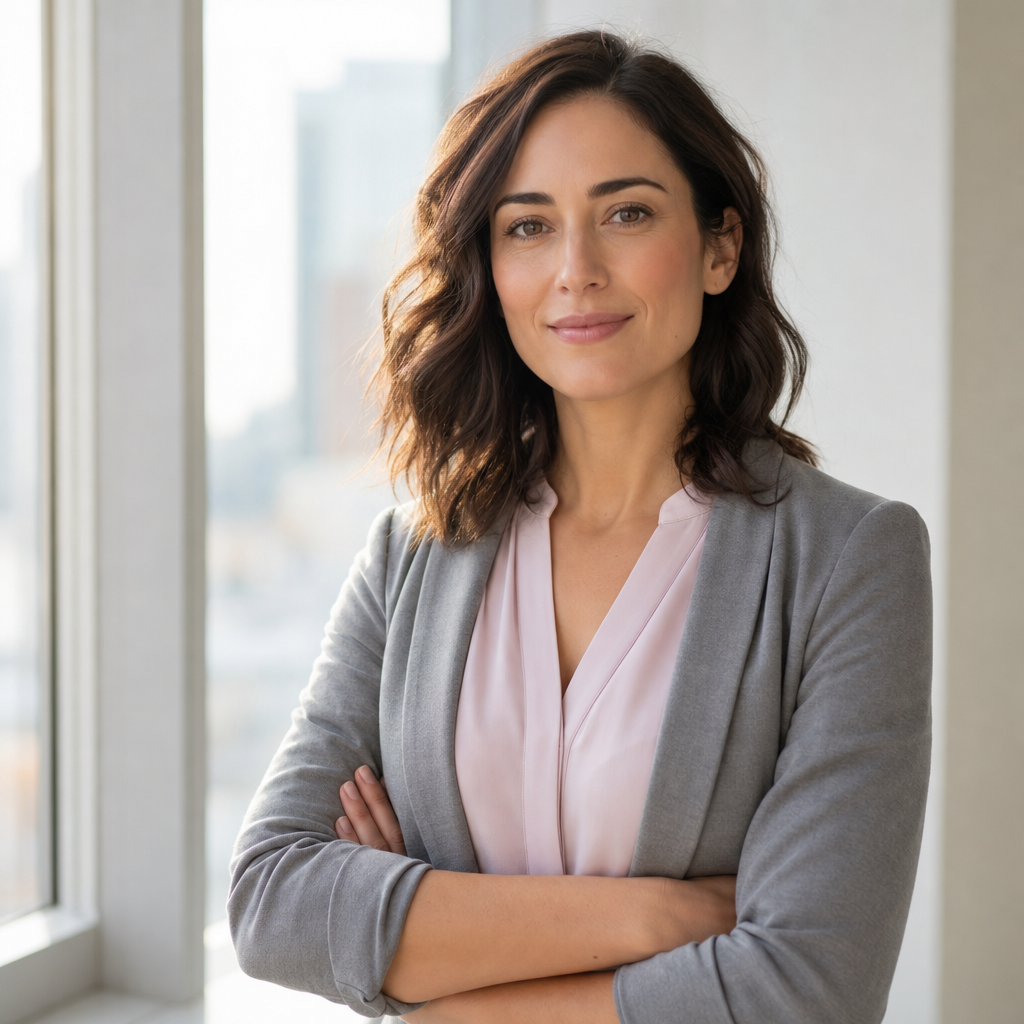
A virtual or AI headshot session depends on the quality of the source images you provide. Wear simple tops that show your neckline clearly, avoid bulky scarves, and choose colors that separate you from the background. Natural light near a window can help, but avoid harsh overhead shadows or strong color casts from nearby walls.
For QuickAIHeadshots.com, think of your uploaded photos as raw material. You do not need a studio wardrobe, but you should use images that represent how you want to appear professionally. Include a few outfit types if possible: a blazer look, a smart casual look, and a simple top. This gives the headshot generator better variety for business headshots, LinkedIn headshots, and personal branding photo options.
Do's and don'ts

Good wardrobe choices make the final headshot feel effortless. The best rule is to simplify everything that is not your face: color, pattern, accessories, and fit. If an outfit looks messy in a mirror, it will usually look more distracting in a cropped portrait.
- Do choose solid colors, clean necklines, and clothes that fit well through the shoulders.
- Do iron or steam garments so wrinkles do not draw attention.
- Do bring or upload options in different tones, especially if you are unsure about the background.
- Don't rely on neon colors, dense patterns, visible brand marks, or novelty graphics.
- Don't choose clothing that feels unlike your role or daily professional presence.
- Don't over-edit your image; skin texture and natural expression build trust.
General Headshot Tips
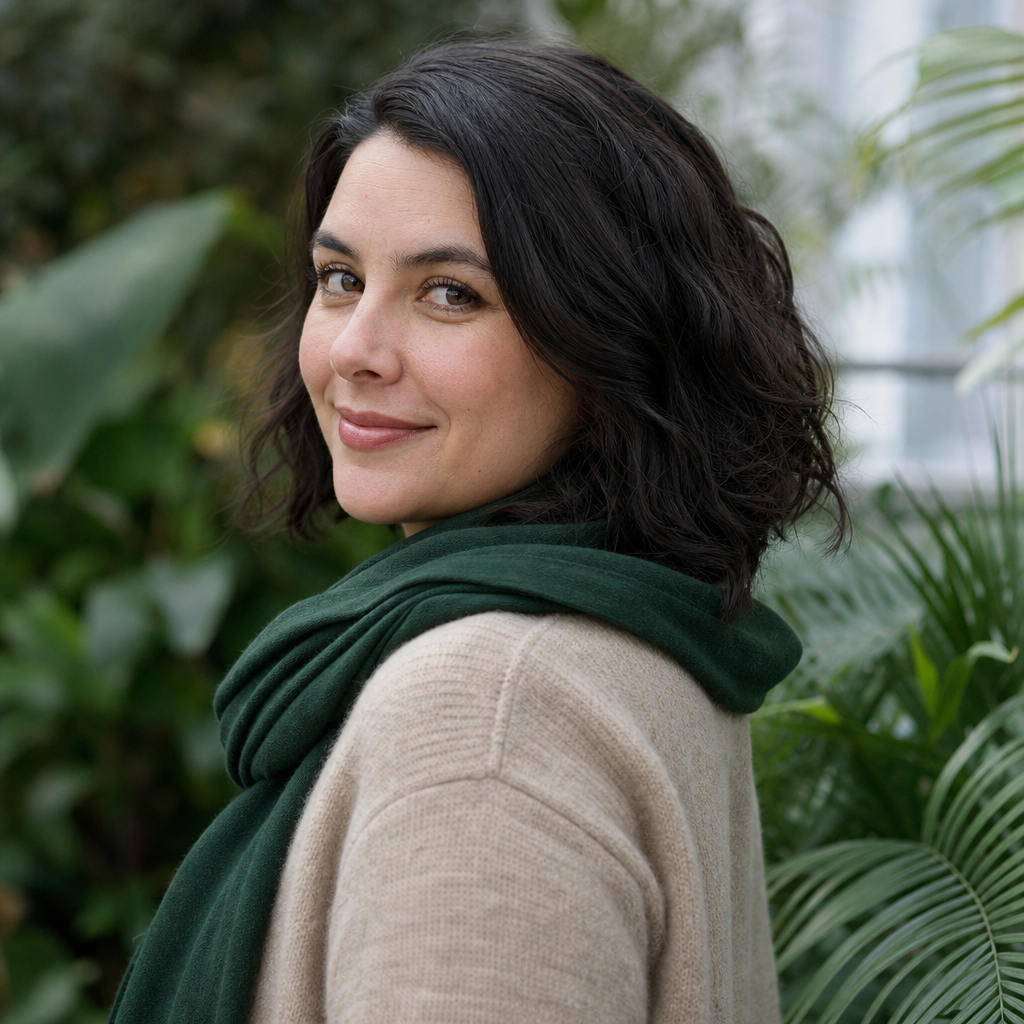
Color is important, but it works best with the rest of the headshot. Choose an expression that matches your goal: approachable for service businesses, confident for leadership roles, thoughtful for consultants, and warm for client-facing work. A slight smile is often safer than a dramatic expression because it reads well across many platforms.
Fit matters as much as shade. A great color in a stretched collar, wrinkled jacket, or too-loose shoulder line will not look polished. Sit or stand tall, relax your jaw, and angle your body slightly while keeping your eyes toward the camera. This creates shape without looking staged.
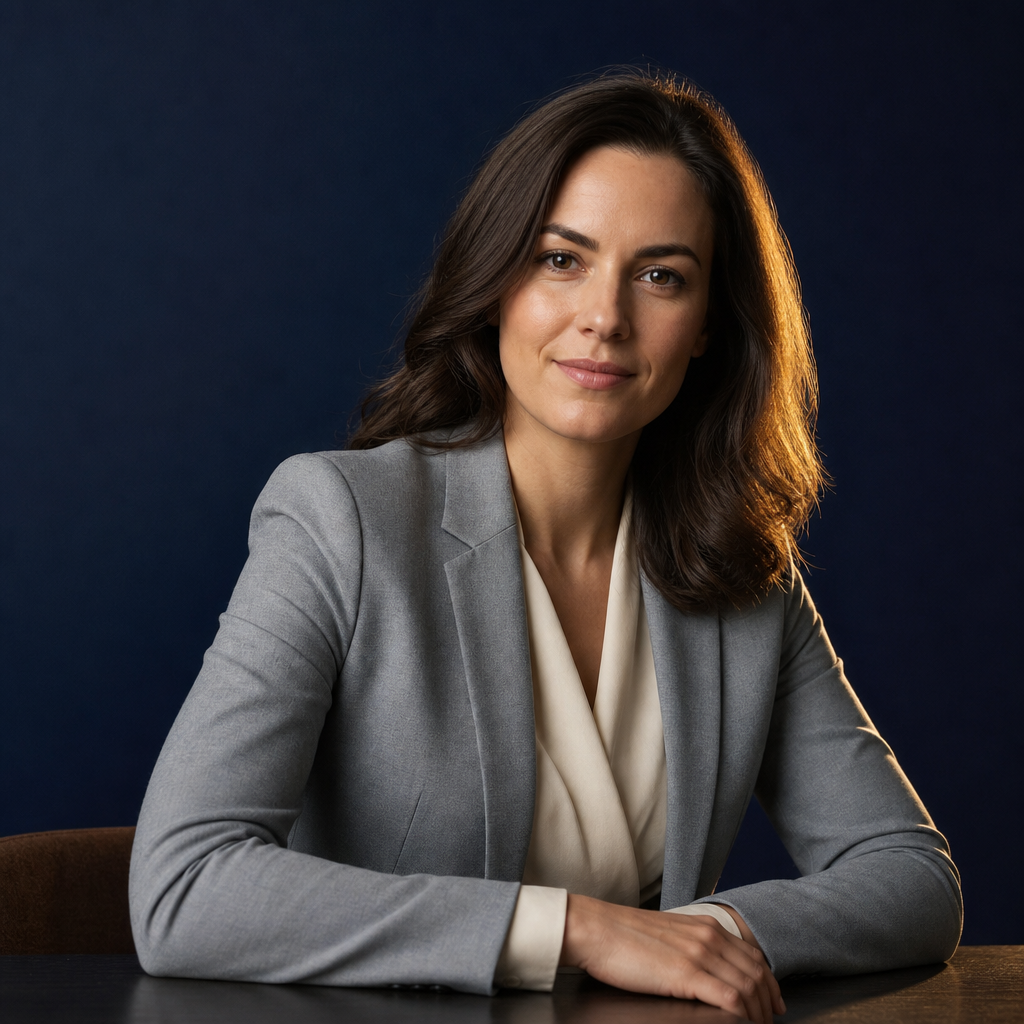
Think about where the image will live. A resume photo, if appropriate in your market, may need a conservative crop. A website bio can show more personality. LinkedIn usually benefits from a clean crop, visible eyes, and a background that does not fight the interface. With QuickAI Headshots, you can create professional-looking options without booking a traditional photoshoot, then choose the image that best fits each use case.
Also remember that exceptions exist. Black can look excellent with controlled lighting. White can work under a jacket or against a darker background. Bright colours can be effective for speakers, creatives, and founders when they support the brand instead of overwhelming the face. The best choice is the one that looks intentional and platform-ready.
Frequently Asked Questions
What Should I Wear for a Headshot?

Wear a well-fitting top, blouse, shirt, sweater, or blazer in a solid color that supports your professional role. Most people do well with navy, charcoal, teal, burgundy, olive, cream, or soft blue. Keep the neckline tidy, avoid distracting patterns, and choose clothing you would confidently wear to meet an important client, recruiter, or colleague.
Why Does What You Wear in a Headshot Matter?
What you wear matters because the crop is tight and every visible detail carries weight. Clothing color influences how your skin tone appears, while fit and style suggest professionalism. A thoughtful outfit helps viewers focus on your face and credibility rather than wondering why the clothing feels too casual, loud, or mismatched.
Should I wear jewelry in my headshot?
Jewelry can work well if it is simple and consistent with your everyday professional style. Small earrings, a subtle necklace, a watch, or a clean ring can add polish. Avoid pieces that shine too much, cover the neckline, or become the focal point. If people notice the accessory before your expression, scale it back.
How Many Outfits Should You Bring?
For a studio session, bring two to four outfits so you can compare tones and formality levels. For an AI headshot workflow, upload source photos with a similar range when available. Include at least one classic business option and one approachable smart casual option, so your final professional headshots are useful across multiple platforms.
How do I pose for headshots?
Pose with your shoulders relaxed, posture tall, and face angled slightly toward the camera. Turn your body a few degrees rather than standing square if you want a more natural shape. Keep your chin level or slightly down, breathe before the shot, and aim for an expression that feels alert, calm, and approachable.
Now Put It All in Action With QuickAI Headshots
Once you know your colors, the next step is choosing the easiest way to create a polished image. A traditional photographer is a strong option when you need full creative direction, custom lighting, or on-location branding. AI headshots are a convenient alternative when you want speed, variety, and professional-looking results for online use.
QuickAI Headshots is designed for people who need business headshots for LinkedIn, resumes, company pages, websites, email profiles, and personal branding without arranging a studio appointment. Use source images with clear lighting, simple clothing, and natural expressions. Then compare the final options for realism, brand fit, and platform use before choosing your main profile photo.
Conclusion: choosing the best color to wear for headshots
The best color to wear for headshots is the shade that flatters you, fits your field, and keeps attention on your face. Start with solid, professional colors, adjust for background and skin tone, and avoid anything distracting. When you are ready to create updated professional headshots, QuickAI Headshots can help you build a polished set for your online presence.