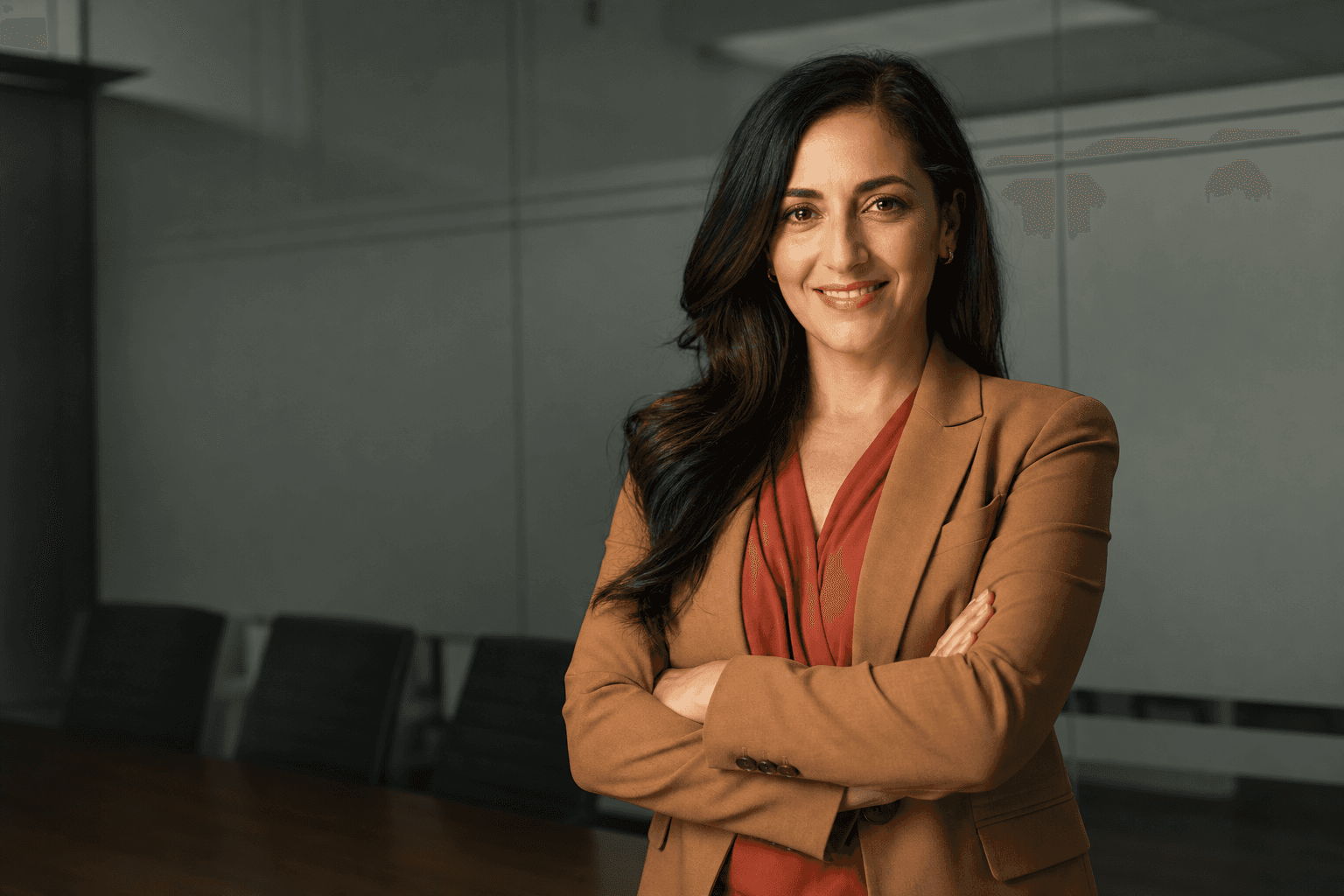
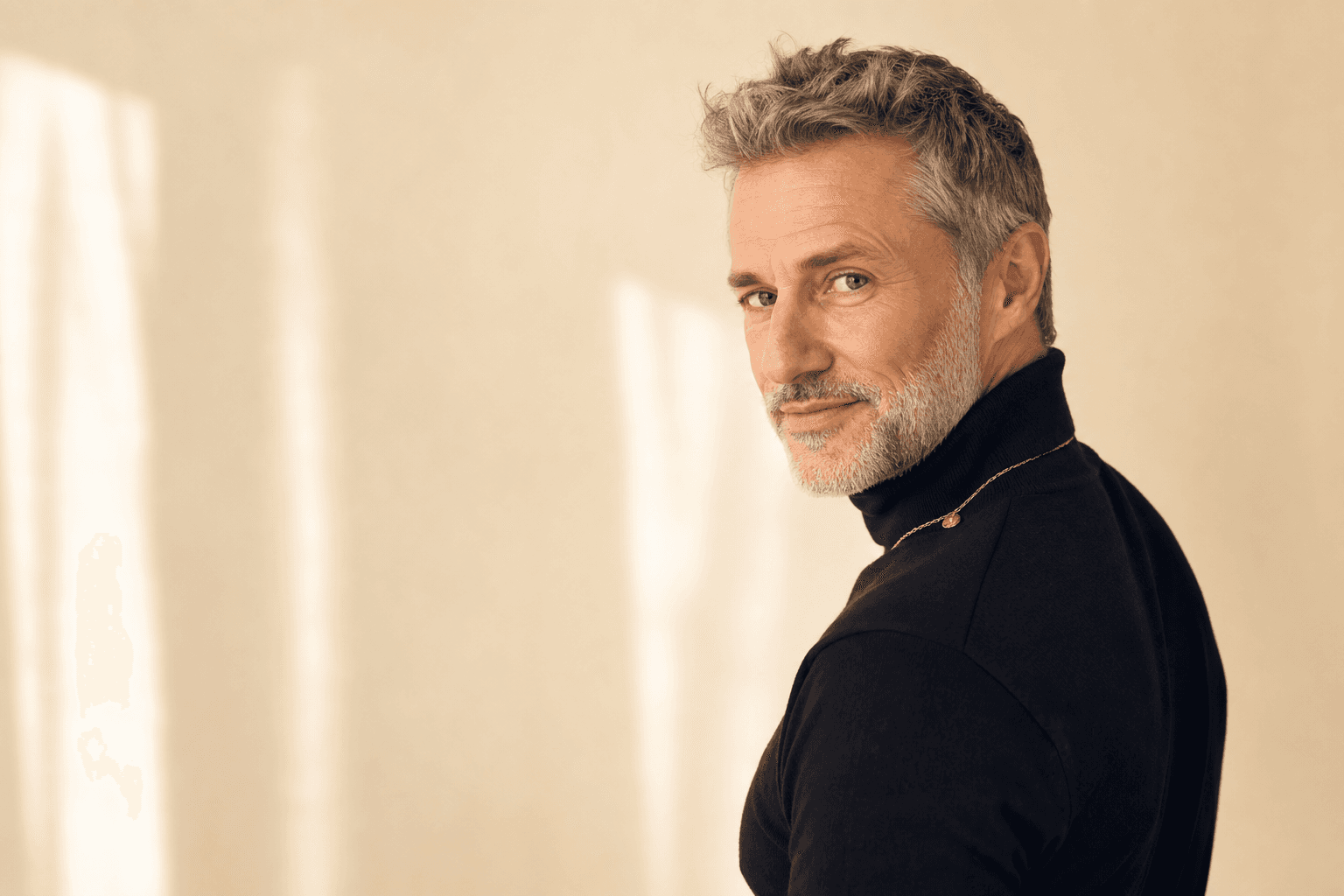
Why AI-generated headshots are replacing traditional photoshoots
The way professionals present themselves online is changing fast, and AI-generated headshots are rapidly becoming the smart alternative to traditional photoshoots. Instead of booking a photographer, travelling to a studio, and waiting days for edits, you can now create polished, on-brand portraits in minutes with tools like QuickAI Headshots and the service at QuickAI Headshots. For busy professionals, founders, jobseekers and creators, this shift is less about gimmicks and more about practicality, consistency and control.
Traditional photoshoots still have their place, but they come with significant friction: scheduling, cost, nerves in front of the camera, and the risk of ending up with a handful of usable images that go out of date quickly. AI headshots, by contrast, allow you to update your look across LinkedIn, portfolios and team pages whenever you like, without needing to rebook a photographer or commute to a studio. That flexibility alone makes AI-generated portraits a compelling option for anyone who relies on a strong digital presence.
The real-world advantages of AI headshots
1. Time savings and convenience
One of the biggest advantages of AI headshots over traditional photoshoots is sheer convenience: instead of planning outfits, travelling to a studio and spending an hour or more under lights, you simply upload everyday photos to QuickAIHeadshots.com and receive a full set of professional-looking portraits, ready to use, often in less time than a single commute to a photographer.
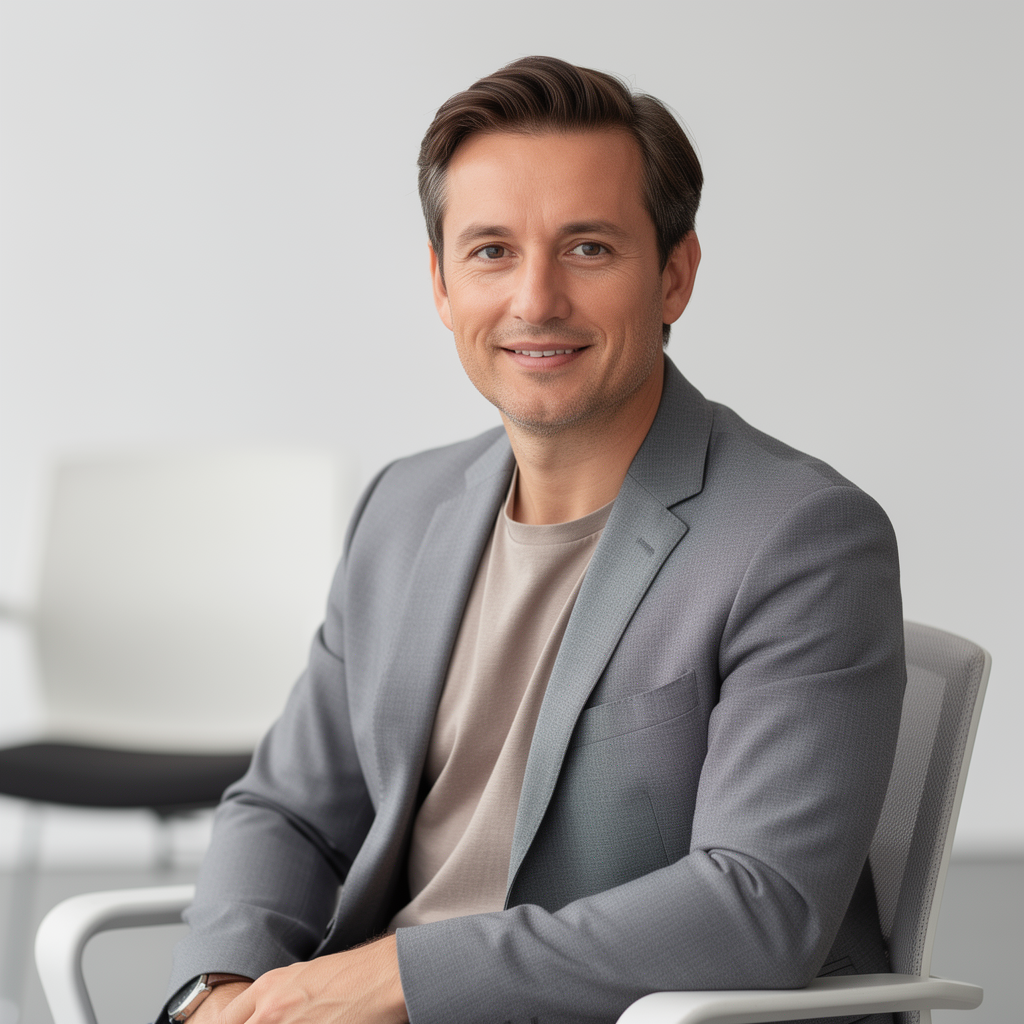
Because you are not tied to a photographer’s calendar, AI-generated headshots fit around your life and work, not the other way round. Need a new LinkedIn profile image before a big interview tomorrow? Want fresh personal branding portraits for a pitch deck or media feature this week? With QuickAI Headshots, you can generate multiple styles, choose your favourites and update all your platforms in a single sitting.
2. Cost-effective professional imagery
A traditional corporate photoshoot can easily run into hundreds of pounds once you factor in the photographer’s fee, studio hire, travel, and potential hair or make-up. For freelancers, early-stage founders, or jobseekers, that cost can be hard to justify. AI headshots dramatically lower the barrier: for a fraction of the price, you can create a library of high-quality images that look like they were shot in a professional studio.
This cost efficiency is particularly powerful for teams. Instead of arranging a full-day shoot and hoping everyone is available, you can ask colleagues to upload their own photos to QuickAIHeadshots.com and generate a consistent set of portraits in a shared style. As the team grows or changes, new members can be added without having to rebook a photographer or compromise on visual consistency.
3. Consistent branding across platforms
For modern professionals, personal branding is not just a buzzword; it is how you signal credibility, reliability and personality at a glance. AI-generated headshots make it easy to keep that branding consistent across LinkedIn, CVs, websites, speaking bios and press features. With QuickAI Headshots, you can choose cohesive backdrops, lighting styles and outfits so that every portrait feels like part of the same visual story.

Consistency also matters for companies. When your team page, sales decks and internal tools all show mismatched portraits from different photographers, taken in different eras, it subtly undermines the sense of a unified brand. AI headshots let you standardise the look and feel of every team member’s portrait, even if they are spread across different cities or countries, helping your organisation present a polished, coherent image.
4. Control, privacy and comfort
Not everyone enjoys standing in front of a camera. Traditional photoshoots can feel intimidating, especially if you are not used to being photographed or if you have had bad experiences in the past. AI-generated headshots give you more control over the process: you upload photos you are comfortable with, in your own time and space, and let the AI handle the rest. You can then review the results privately and only share the images you genuinely like.
Services like QuickAIHeadshots.com are designed to respect your privacy while still delivering strong, realistic portraits. Because you can experiment with different looks without a photographer watching, you are more likely to push past self-consciousness and end up with images that feel authentic, confident and aligned with how you want to be seen professionally.
How AI headshots actually work
AI headshot generators use advanced image models trained on large numbers of professional portraits to learn what flattering lighting, angles and compositions look like. When you upload your reference photos to QuickAI Headshots, the system builds a tailored model of your face, features and expressions. It then uses that model to create new images of you in different outfits, backgrounds and lighting setups, while still keeping your identity intact.
Because the system is trained on studio-style images, the results often look like they were shot with high-end cameras and lighting, even if your original photos were taken on a phone. The key is that the AI is not simply retouching your uploads; it is generating new images that borrow the realism and polish of professional photography but with far more flexibility and speed.
Preparing your photos for the best AI headshots
1. Choose the right source photos
The quality of your AI-generated headshots depends heavily on the quality and variety of the photos you upload. Aim for 10–20 clear images of your face from different angles, with a mix of expressions and settings. Avoid heavy filters, sunglasses, strong shadows or extreme crops that cut off parts of your head or face. Natural light, neutral expressions and everyday clothing tend to work best as training material.
Try to include a mix of close-up and mid-shot images, facing both left and right, and with your hair styled in the way you most often wear it professionally. If you have changed your hairstyle or facial hair recently, prioritise recent photos so that your AI headshots from QuickAIHeadshots.com match how you actually look today. The more representative your uploads, the more accurate and realistic your generated portraits will feel.
2. Dress with your goals in mind
Even though AI headshots can simulate clothing and backgrounds, it still helps to think about your professional goals when selecting styles. If you work in finance, law or consulting, you might want classic business attire and neutral backdrops. If you are in tech, design or the creative industries, a smart-casual look with softer colours may better reflect your personal brand. QuickAI Headshots makes it easy to experiment with multiple looks so you can see what resonates.
Consider where your images will appear: LinkedIn, your personal site, pitch decks, conference bios or press features. You may want a slightly different tone for each: one more formal, one more relaxed, one with a warmer, more approachable feel. Because AI-generated headshots are so quick to produce, you can maintain a small library of portraits tailored to different audiences without arranging multiple shoots.
3. Think about background and lighting
One of the biggest visual advantages of AI-generated portraits is the ability to control background and lighting without hiring a studio. You can opt for clean, neutral backdrops that keep the focus on your face, or subtle office-style environments that suggest professionalism without distracting details. Soft, even lighting tends to be most flattering, and AI tools like QuickAIHeadshots.com are particularly good at simulating this studio look.
If you are building a personal brand, consider choosing a signature style and repeating it across your platforms: for example, a light grey background, soft side lighting and a simple blazer. Over time, that visual consistency helps people recognise you instantly. AI headshots allow you to lock in that style and reproduce it reliably, even as you update your portraits to reflect a new role, promotion or career direction.
Practical tips for using AI headshots in your personal brand
1. Match your headshot to your message
Your AI-generated headshot should support the story you are trying to tell about your work. A founder raising investment might prefer a confident, direct gaze with a simple background and formal outfit. A coach or consultant might choose a warmer expression and softer colours to emphasise approachability. QuickAI Headshots lets you generate multiple variations, so you can align each image with the specific message or audience you have in mind.
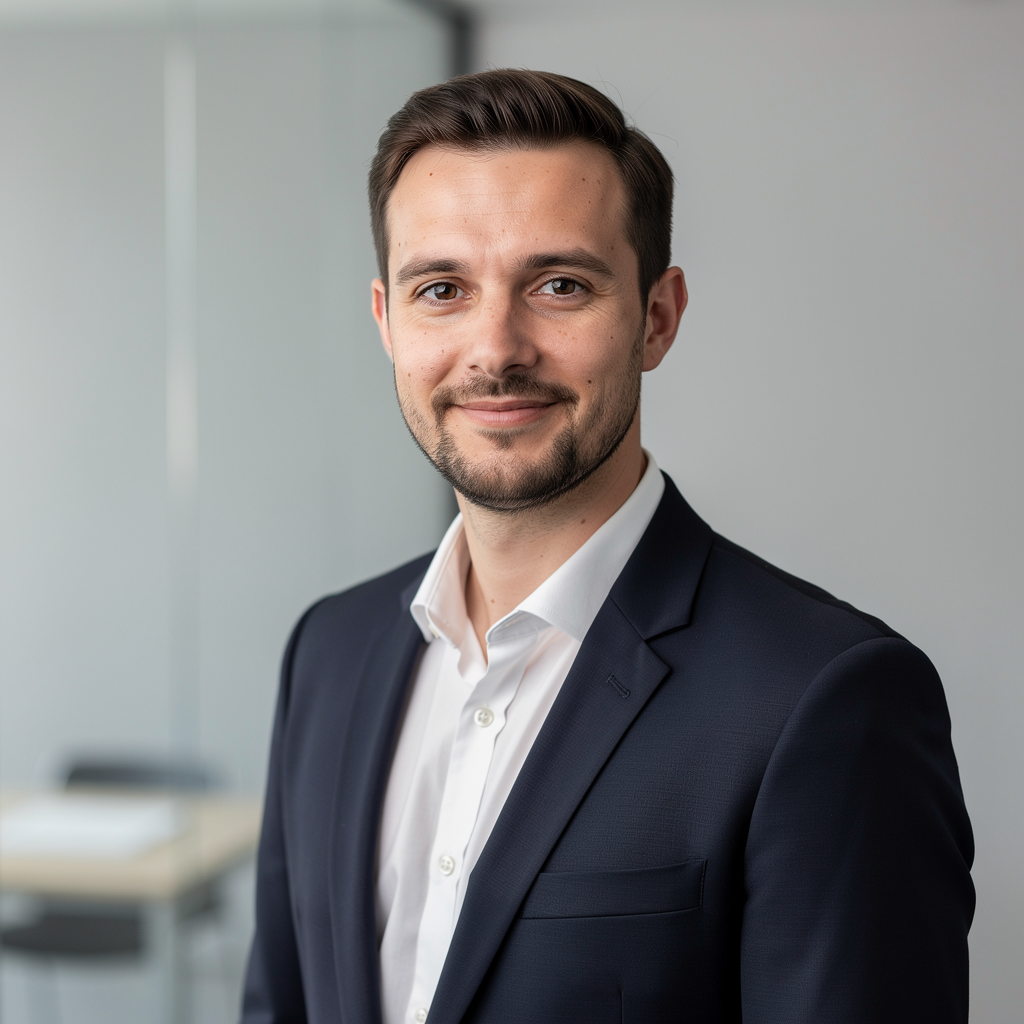
Think of your headshot as a visual headline: people will often see it before they read a single word of your profile or website. If your image feels outdated, inconsistent or off-brand, it creates friction. By contrast, a crisp, modern AI headshot that matches your tone of voice and messaging immediately builds trust and makes people more likely to engage with your content, CV or proposal.
2. Keep everything up to date
One of the most powerful aspects of AI headshots is how easy it is to refresh them. When you get a promotion, change industries, update your hairstyle, or shift your personal brand, you can simply return to QuickAIHeadshots.com and generate a new set of portraits that reflect the latest version of you. There is no need to wait for annual photoshoots or rely on that one decent photo from three years ago.
Make a habit of reviewing your online images every few months. Ask yourself whether your current headshot still feels accurate and aligned with your goals. If not, upload a few recent photos to QuickAI Headshots and create updated portraits that better match your current direction. This small habit can make a big difference to how recruiters, clients and collaborators perceive you.
3. Coordinate across all your platforms
Once you have AI-generated headshots you are happy with, roll them out consistently. Update LinkedIn, your CV, portfolio site, social media profiles, email signature and any professional communities you are active in. Using the same or closely related images across platforms reinforces recognition and makes you look more intentional and established.
For teams and organisations, create simple guidelines: for example, use a specific background colour, framing and dress code for all AI headshots. QuickAIHeadshots.com makes it straightforward to apply these standards, even if people are generating their portraits individually. Over time, this consistency strengthens your brand and makes your company look more cohesive and trustworthy.
When a traditional photoshoot still makes sense
AI-generated headshots are a smart alternative for most everyday professional uses, but there are still situations where a traditional photoshoot is valuable. If you need complex lifestyle imagery, group shots, or highly specific locations, a photographer’s creative direction and technical skills can be hard to replace. Similarly, if you are producing a full brand campaign or print materials with very particular requirements, a bespoke shoot may still be the best option.
In practice, many professionals now use a hybrid approach: AI headshots from QuickAI Headshots for day-to-day digital use, and occasional traditional photoshoots for major campaigns or events. This combination keeps costs and time commitments manageable while still giving you access to unique, high-end imagery when it really matters.
Making the smart switch to AI headshots
For most people, the question is no longer whether AI-generated headshots can match the quality of traditional photoshoots, but whether the extra time, cost and effort of a studio session are still justified. For LinkedIn, CVs, team pages, portfolios and everyday personal branding, AI portraits from QuickAIHeadshots.com offer more flexibility, faster turnaround and better control over your image than a one-off photoshoot ever could.
If you want to present yourself clearly, confidently and consistently online, AI headshots are the smart, modern alternative. By preparing good source photos, thinking strategically about your personal brand, and using tools like QuickAI Headshots to generate and refresh your portraits, you can maintain a professional presence that evolves with your career—without ever needing to book a traditional studio session again.