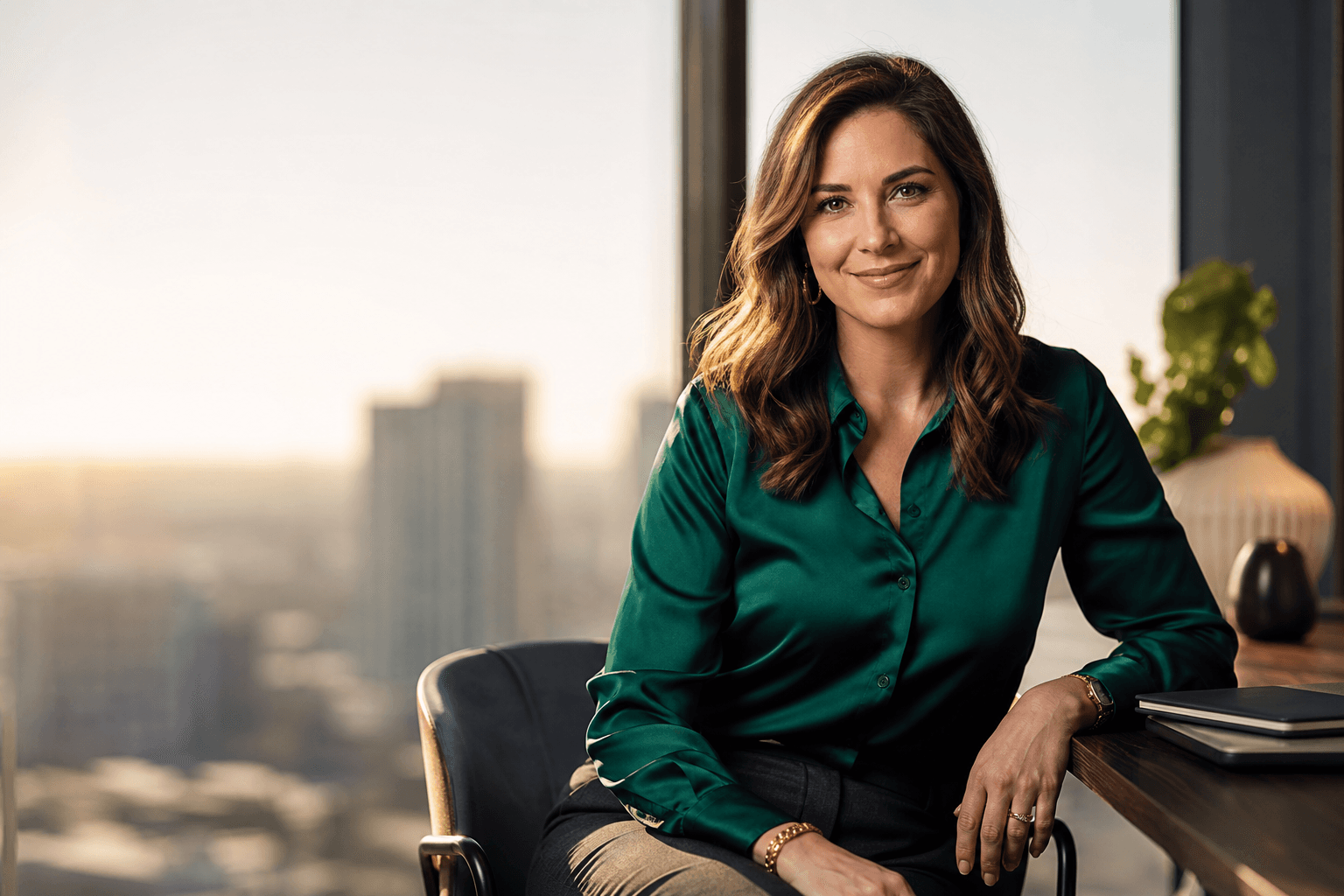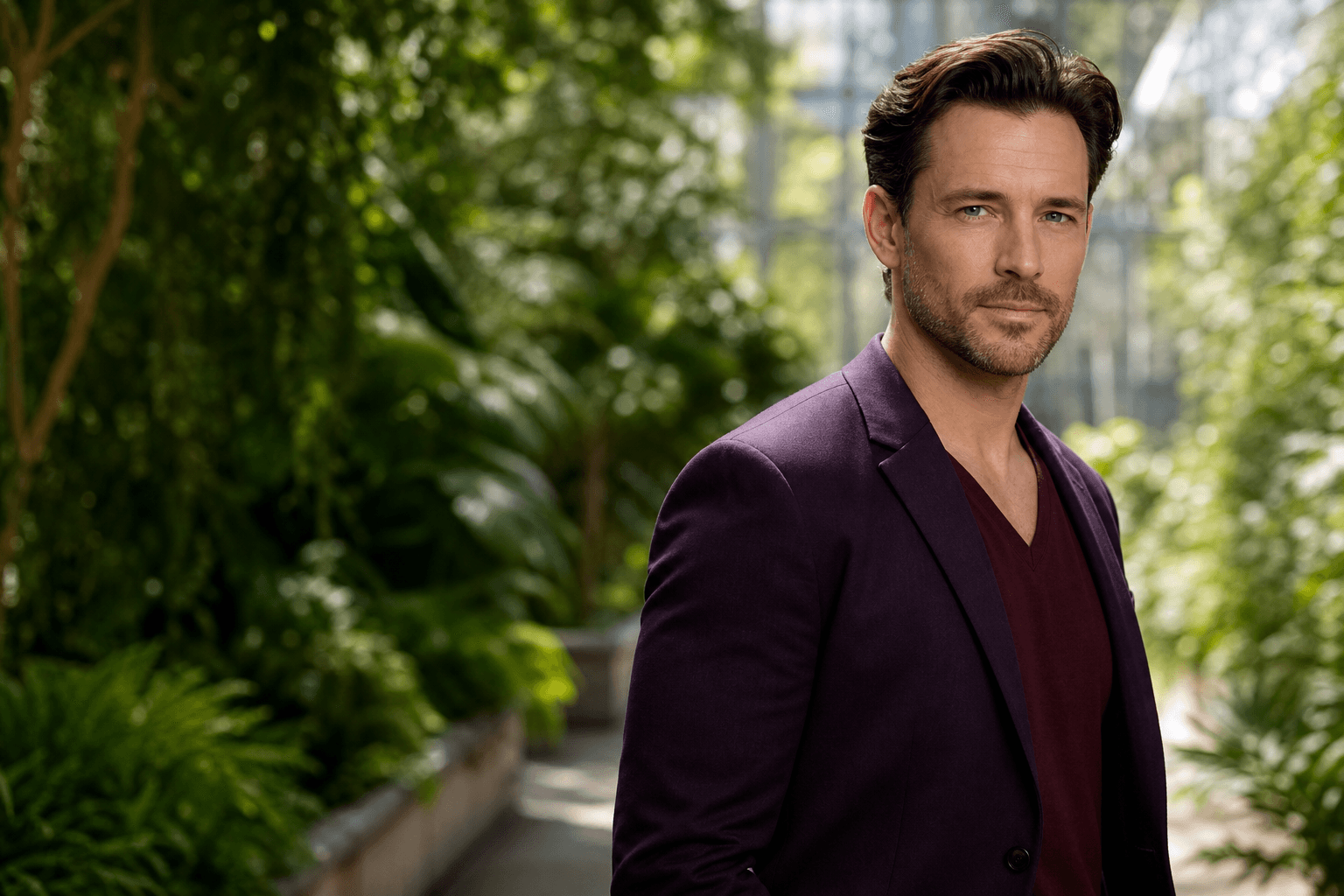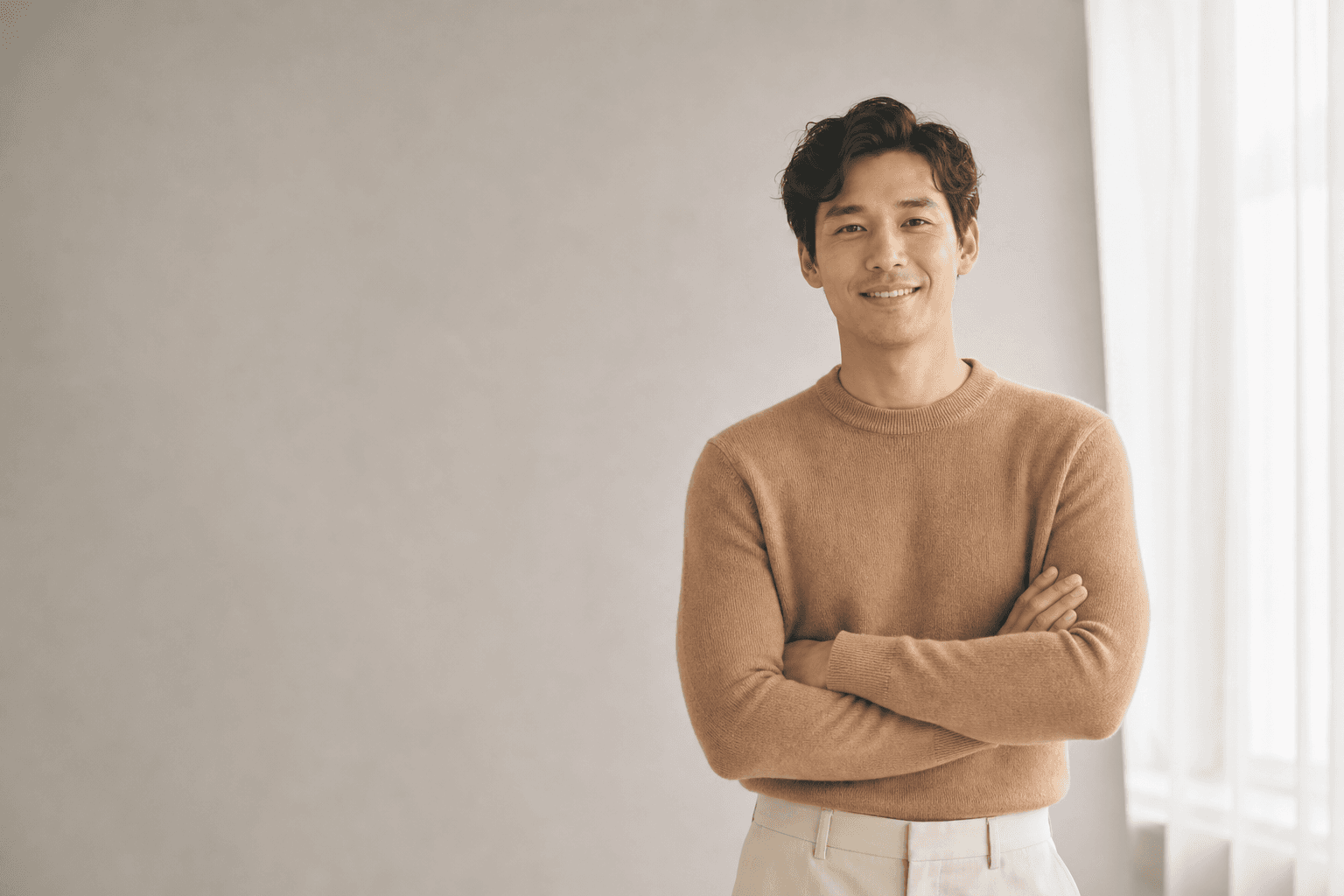
An 8x10 headshot is still the familiar standard for actors, models, performers, and many professionals who need a polished printed portrait. While digital profiles now matter just as much, the 8x10 format remains useful because it gives casting teams, agents, teachers, and hiring contacts a clean, consistent way to review your face, name, and presentation. The goal is not simply to fill a rectangle. It is to create a professional headshot that looks like you, fits the platform, and supports the impression you want to make.
This guide explains what belongs in an 8x10 headshot, how to think about templates, how to prepare your image, and when AI headshots can help you create a strong option without booking a full traditional photoshoot.
What Makes an 8x10 Headshot Different?
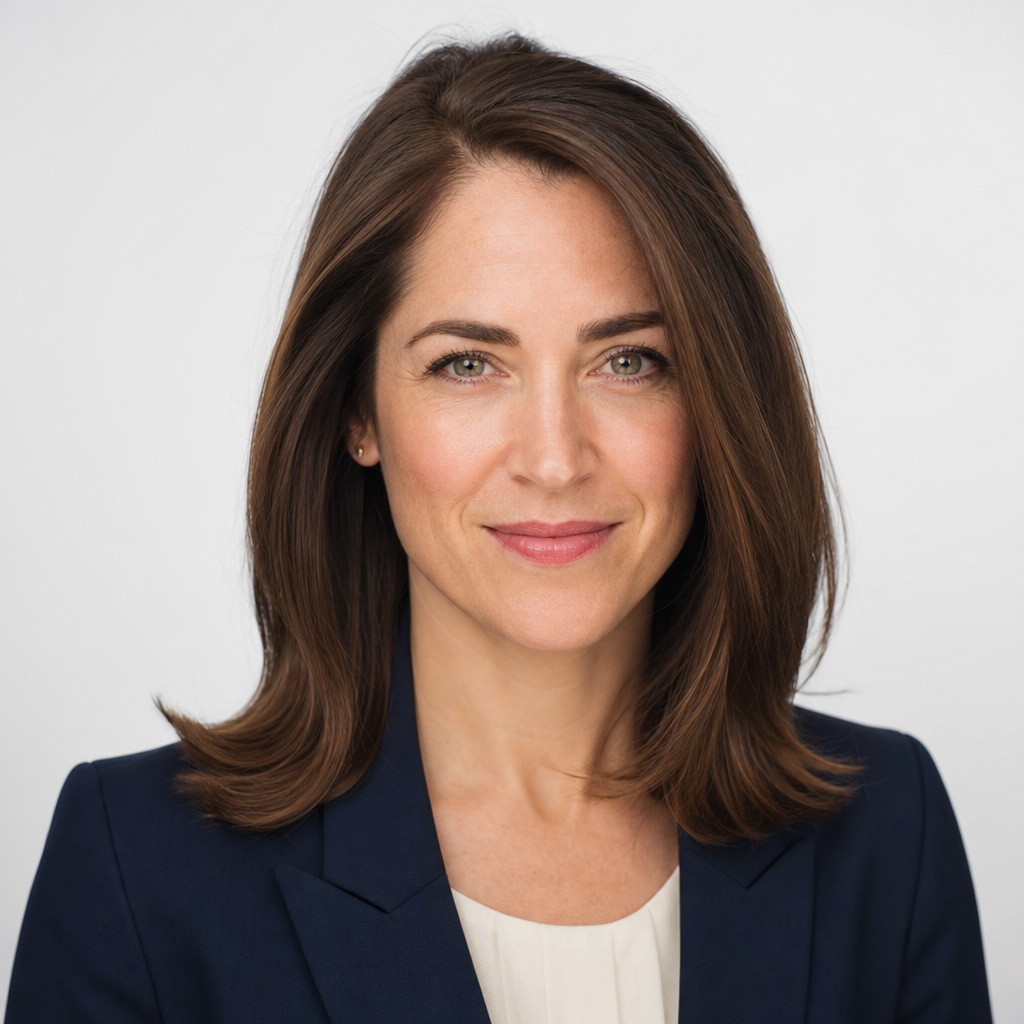
An 8x10 headshot is a portrait designed for an eight-by-ten-inch print, usually vertical, with the face clearly visible and enough space for a name or border if needed. In theatre and acting, it is often paired with a resume on the back or printed as a one-sided photo for auditions and submissions. For models and business professionals, it can also serve as a printed leave-behind or portfolio image.
The format works because it is large enough to show expression, eyes, grooming, and overall presence without becoming oversized or awkward. A strong 8x10 should have sharp focus, natural retouching, and a crop that leaves breathing room around the head and shoulders. It should not look like a casual selfie stretched into print size. The same image may also work as a LinkedIn headshot, company bio photo, resume profile image, or online profile photo if it is cropped correctly for each use.
8x10 Headshot Template #1
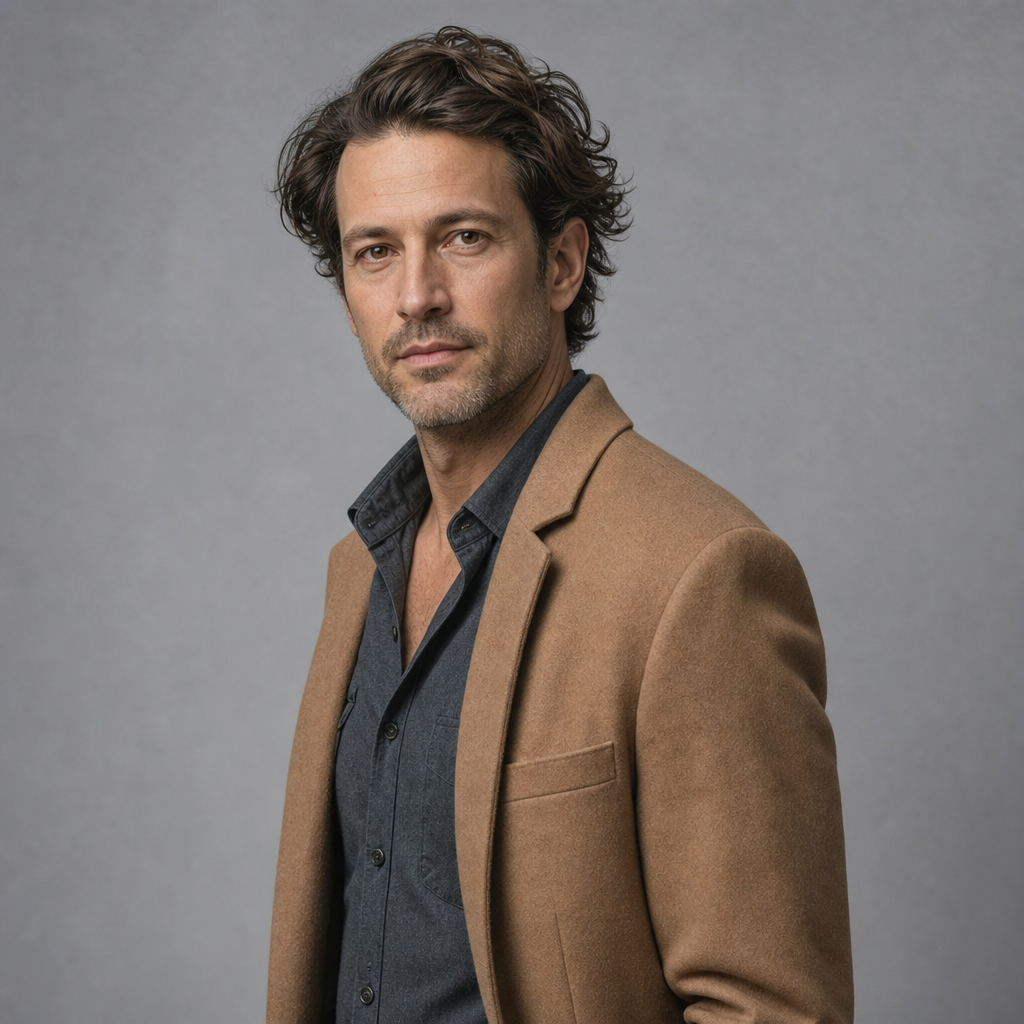
A practical 8x10 Headshot Template #1 is a clean vertical layout with your portrait as the main focus and minimal design around it. Keep the face in the upper half, leave a small margin near the edges, and use a simple background that does not compete with your expression. If you add your name, place it where it feels balanced, usually along the bottom or in a subtle border, using a readable style rather than decorative lettering.
For actors, the template should serve casting clarity. Your headshot needs to communicate type, energy, age range, and professionalism quickly. For business headshots, the same template can feel more corporate by using a neutral background, tailored wardrobe, and a confident but relaxed expression. The most flexible template is not the busiest one. It is the one that lets your face, posture, and personal brand do the work.
- Crop: head-and-shoulders or chest-up for strong facial recognition.
- Margins: avoid cutting too close to the hair, chin, or shoulders.
- Background: use white, grey, office, studio, or softly blurred environmental settings.
- Name area: add only if the intended print use requires it.
Start Here: Do the Homework Before You Print
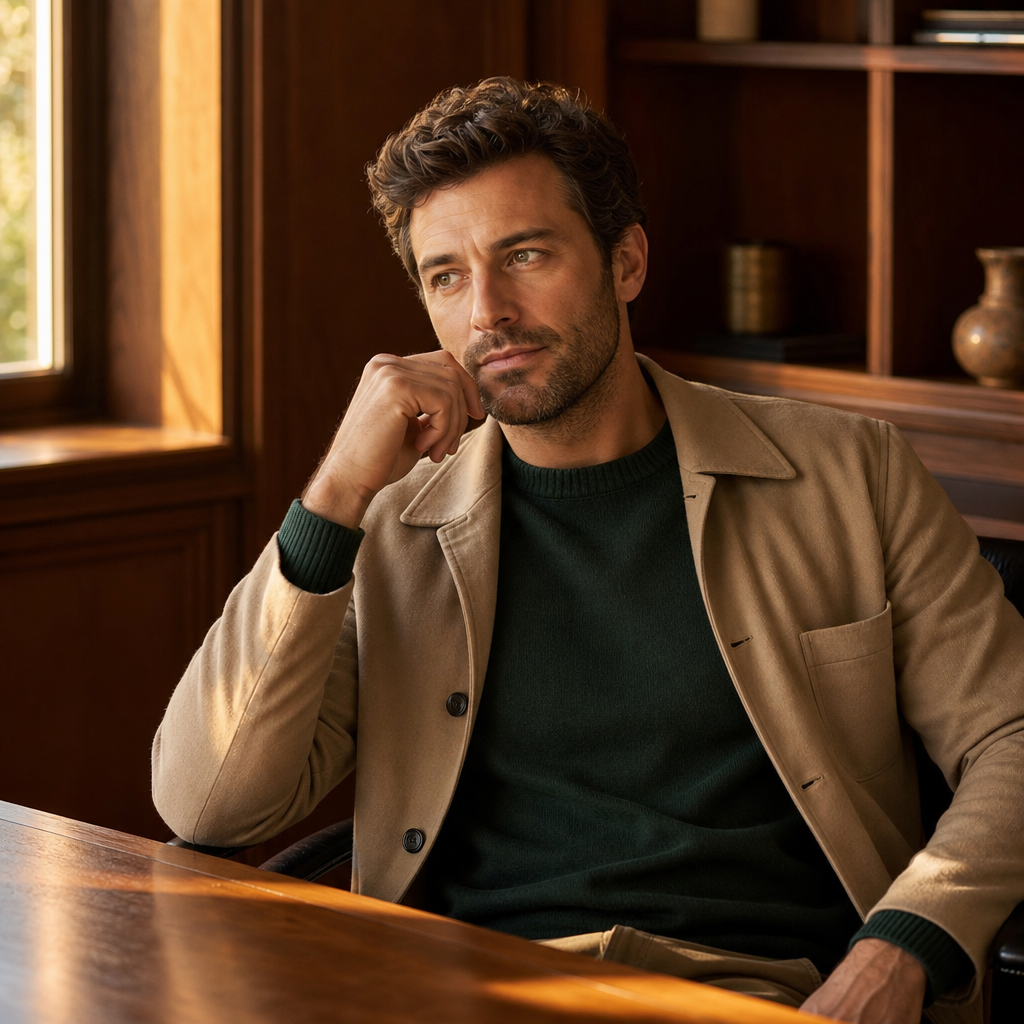
Start Here may sound simple, but it is the step many people skip. Before choosing an 8x10 template or ordering prints, decide what job the headshot needs to do. An actor submitting for stage roles may need a different tone than a software consultant updating a LinkedIn profile. A model comp-card image may need more fashion energy than a corporate headshot for a law firm website. If you begin with purpose, every later choice becomes easier.
Think through three questions. First, who will see this headshot? Casting directors, agents, recruiters, clients, conference organizers, and website visitors all read images differently. Second, what should they understand quickly? You may want approachable, authoritative, creative, grounded, energetic, or refined. Third, where will the image appear? An 8x10 print, LinkedIn headshot, resume, company directory, email profile, and personal website each benefit from slightly different cropping and styling.
This homework also protects you from over-designing. Many weak headshots fail because the person chooses a dramatic background, trendy outfit, or heavy edit that distracts from the face. A better approach is to match the photo to your real professional lane. For acting, that means a truthful expression and wardrobe that suggests castability without becoming a costume. For business, it means clothing and expression that align with the industry and the level of formality expected.
QuickAI Headshots can be useful at this stage because it helps you explore professional-looking directions quickly. You can compare styles, backgrounds, and wardrobe impressions before committing to a final image for print or digital profiles. That does not replace your judgment; it gives you more options so you can choose the headshot that feels credible and useful.
Checklist: Preparing a Professional 8x10 Headshot
Use this quick checklist before finalizing your 8x10 headshot. Small details matter because print makes soft focus, odd crops, and distracting wardrobe choices easier to notice.
- Choose the right outfit. Solid colors usually print better than busy patterns. Navy, charcoal, cream, forest green, black, and soft earth tones are versatile.
- Keep grooming natural. Hair, facial hair, and makeup should look like a polished version of your everyday self.
- Use a calm expression. Avoid forced smiles. Aim for alert, relaxed, and approachable eye contact.
- Check lighting. Good lighting should define the face without harsh shadows or blown-out highlights.
- Review the background. Nothing behind you should pull attention away from your face.
- Export for the intended use. A print file and a social profile crop are not always the same file.
If your headshot will be printed, confirm the lab requirements for file size, color, crop, and whether your resume or name will be added. If it will be used online, preview it as a small circular thumbnail too.
Printing, Resumes, and Digital Profile Use
The classic 8x10 print is closely tied to acting and theatre, where a resume may be attached or printed on the reverse side. In that context, consistency matters. Your printed headshot should look like the person who walks into the room, not a heavily altered version from years ago. Casting professionals need recognition and clarity more than stylized perfection.
For non-actors, an 8x10 headshot may still be useful for speaker packets, media kits, portfolios, office displays, real estate marketing, or networking materials. However, most professionals should also prepare digital versions for LinkedIn, resumes, company websites, email profiles, and business directories. A strong personal branding photo can be adapted across these locations, but each crop should be reviewed separately. LinkedIn often favors a tighter face crop, while a website bio may allow more shoulders and background context.
How AI Headshots Can Help With an 8x10 Headshot
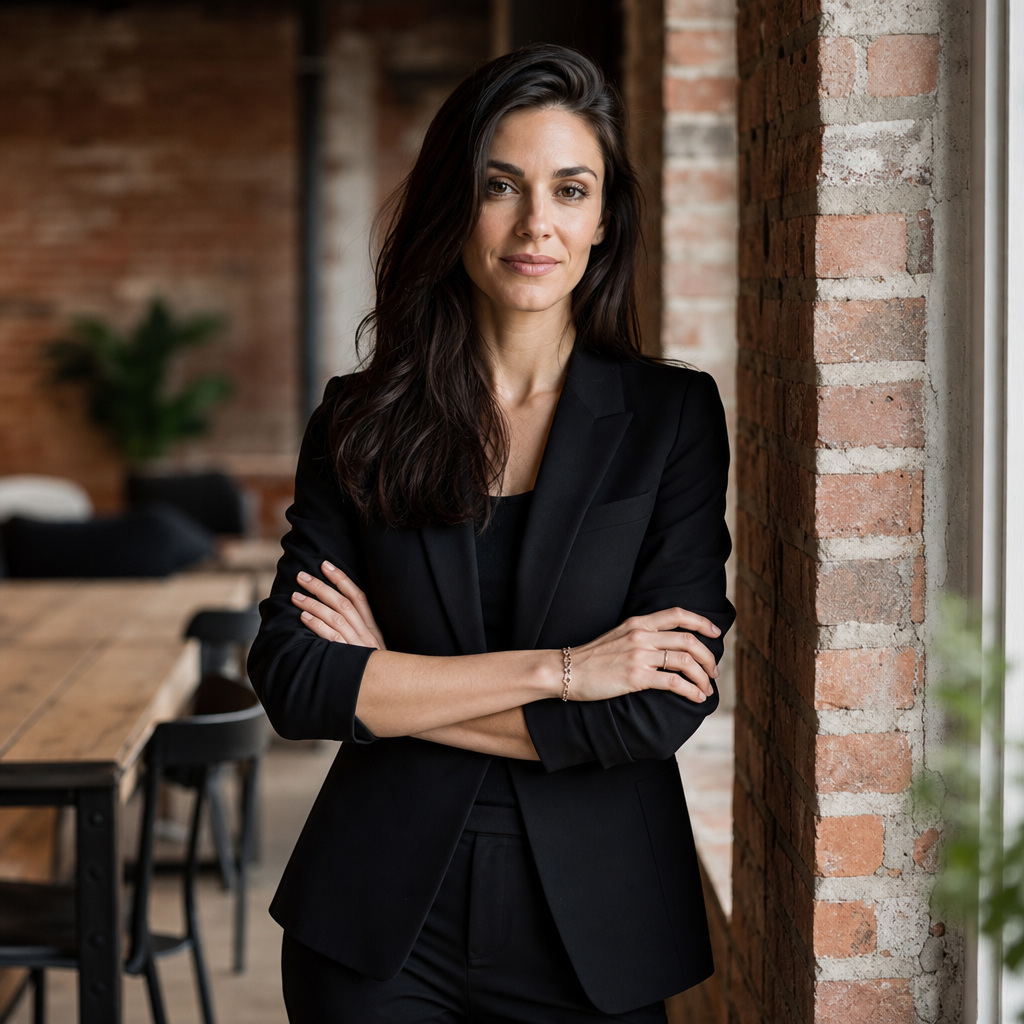
AI headshots can be a convenient option when you need professional photos quickly, want several style choices, or do not have time to schedule a studio session. Services like QuickAI Headshots can help create polished AI professional photos for LinkedIn, resumes, websites, business profiles, and personal branding. For an 8x10 headshot, the advantage is flexibility: you can evaluate different professional looks before deciding which image best matches your purpose.
That said, the same quality rules apply. Choose an image that looks realistic, age-accurate, and consistent with how you present yourself. Avoid options that look overly smoothed, too glamorous for your field, or unlike your current appearance. QuickAIHeadshots.com is most helpful when you treat it as a practical headshot generator for professional-looking results, not as a way to become someone unrecognizable. The best AI headshots still feel human, credible, and platform-appropriate.
Common 8x10 Headshot Mistakes to Avoid
The most common mistake is using a casual photo because it is available. A vacation crop, mirror selfie, or dimly lit snapshot rarely holds up as an 8x10 print. Another mistake is choosing a crop that cuts off the chin, hair, or shoulders awkwardly. Print gives the viewer more space to notice those problems.
Also avoid distracting backgrounds, loud patterns, excessive retouching, and expressions that do not match your professional goal. If you are an actor, do not choose a look that locks you into only one narrow type unless that is intentional. If you are a business professional, do not use a headshot that feels more like a social media photo than a client-facing profile picture. A good headshot should support trust without feeling stiff.
Create Your 8x10 Headshot With QuickAI Headshots
If you need a professional headshot for print and online use, QuickAI Headshots offers a fast, convenient way to create options without arranging a traditional photoshoot. You can use the results for LinkedIn headshots, resumes, websites, company bios, business profiles, and personal branding materials, then select the version that best fits your audience.
The smartest approach is to compare a few looks, choose the one that feels authentic, and prepare separate crops for print and digital platforms. QuickAI Headshots is especially useful if you want a polished starting point, need updates quickly, or want to test different professional styles before ordering prints.
Conclusion
An 8x10 headshot is more than a print size. It is a professional presentation tool that should make your face, expression, and personal brand easy to understand. Start with the purpose, choose a clean template, prepare details carefully, and avoid over-editing. Whether you are an actor, model, speaker, or business professional, QuickAI Headshots can help you create professional-looking headshot options that work for both printed 8x10 formats and online profiles.